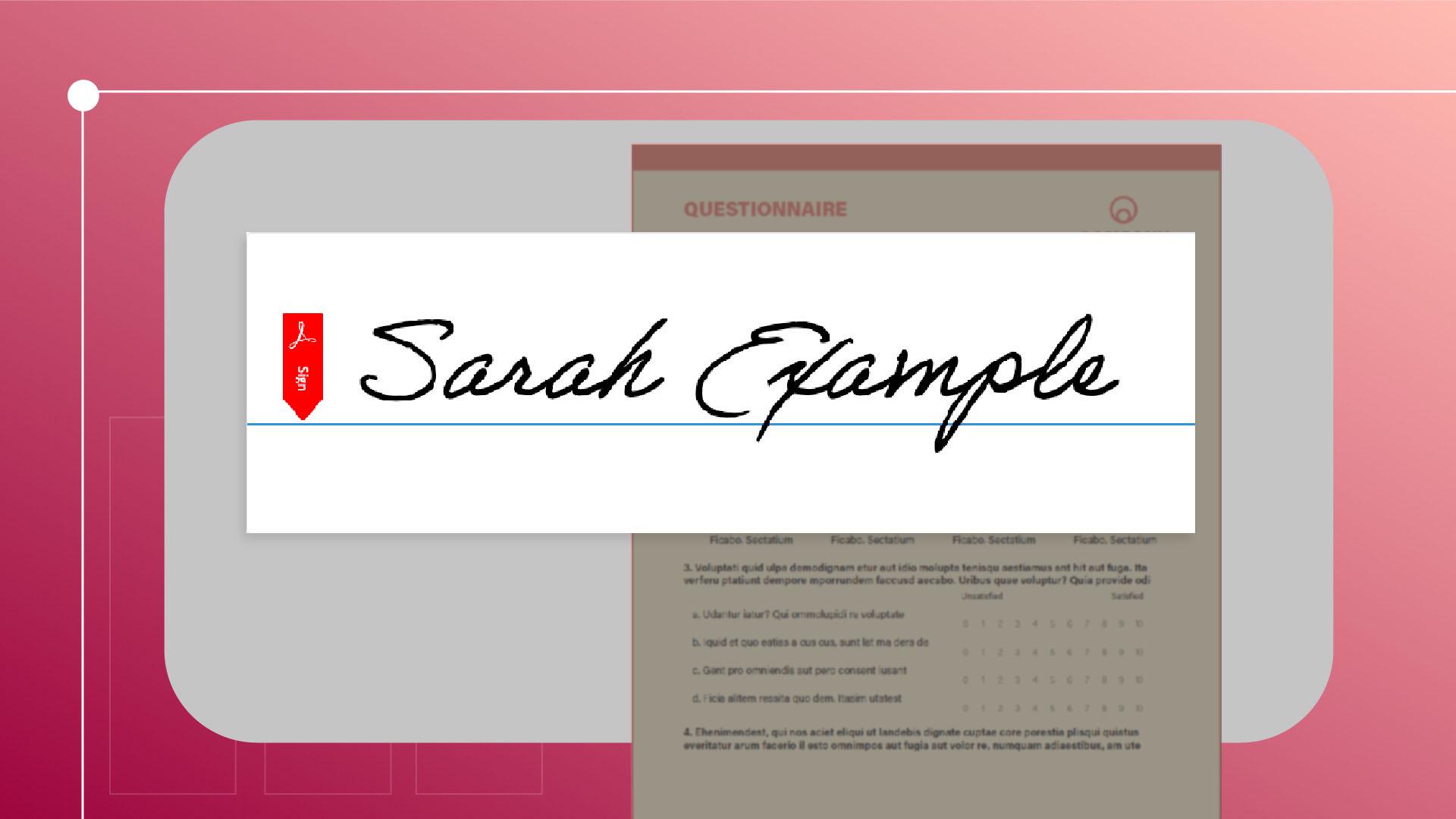
Fülle ein unformatiertes Dokument aus, unterzeichne es, oder hole eine elektronische Unterschrift von einer anderen Person ein.
Einführung
Adobe Acrobat bietet die unglaublich praktische Möglichkeit, PDF-Dateien elektronisch zu unterzeichnen sowie Unterschriften anzufordern, wenn Dateien an andere geschickt werden.
Ich bin Sarah.
Ich zeige dir heute, wie du das Tool „Ausfüllen und Signieren“ verwendest.
Eine Unterschrift oder Initialen hinzufügen
Bei geöffnetem Dokument findest du das Tool „Elektronische Signaturen“ (E-Sign) auf der Menüleiste oben.
Oder du wählst „Alle Tools“ (All tools), „Ausfüllen und Signieren“ (Fill & Sign).
Zum Unterzeichnen klicke ich auf „Signatur hinzufügen“ (Add signature).
Hier im Pop-up-Fenster kann ich meinen Namen eingeben und den Schriftstil ändern.
Ich kann auch handschriftlich unterzeichnen, einfach mit der Maus, oder ein Bild meiner Unterschrift hochladen.
Dann klicke ich auf „Anwenden“ (Apply).
Sind als Unterschrift nur Initialen erforderlich, führe ich dieselben Schritte unter „Initialen hinzufügen“ (Add initials) aus.
Nun kann ich auf die hinzugefügte Signatur klicken und sie im Dokument platzieren.
Zum Anpassen der Größe verwende ich die Buttons für die Schriftgröße oder ändere sie manuell.
Zum Löschen klicke ich auf den Papierkorb.
Formulare mit Markierungen versehen
Wird beim Ausfüllen eines Formulars mehr benötigt als nur eine Signatur, kann ich Kreuze, Häkchen, ausgefüllte Punkte sowie Markierungen zum Einkreisen oder Durchstreichen hinzufügen.
Mit dem Text-Werkzeug kann ich Text eingeben.
Nach dem Ausfüllen klicke ich auf diesen Button, um eine schreibgeschützte Kopie des Dokuments zu speichern, die das Signaturzertifikat von Adobe Acrobat aufweist.
Unterschriften einholen
Benötige ich die Unterschrift einer anderen Person, wähle ich den Button „E-Signaturen anfordern“ (Request e-signatures).
Im Pop-up-Fenster gebe ich die E-Mail-Adressen der Empfangenden an und lege dann den Bereich für die Signatur fest.
Ich klicke auf eine beliebige Stelle im Dokument, um ein Formularfeld zu platzieren.
Mit den Menüoptionen kann ich den Feldtyp festlegen.
Wenn ich fertig bin, klicke ich auf „Senden“ (Send).
Wenn die Empfangenden das Dokument öffnen, können sie es mit denselben Tools ausfüllen und signieren.
Diese Tools erleichtern elektronische Unterzeichnungsprozesse, insbesondere durch die effiziente Übermittlung wichtiger Dokumente.
Ich hoffe, das war hilfreich.
Hinweis: Die zur Verfügung gestellten Medien aus Adobe Stock dürfen nur zu Übungszwecken verwendet werden. Bedingungen beachten
Zusammenfassung.
Eine Unterschrift oder Initialen hinzufügen.
Du kannst deinen Namen eintippen, mit der Maus handschriftlich eingeben oder ein Bild deiner Unterschrift hochladen. Die Signatur lässt sich an jeder beliebigen Stelle auf der Seite platzieren. Du kannst ihre Größe anpassen oder sie bei Bedarf löschen.
Formulare mit Markierungen versehen.
Füge Häkchen, Kreuze und Kreise, ausgefüllte Punkte und Textfelder hinzu.
Unterschriften einholen
Sende PDF-Dateien mit „E-Signaturen anfordern“ an andere Personen, und lege fest, wo sie unterzeichnen sollen. Die Empfangenden können das Dokument mit dem Tool „Ausfüllen und Signieren“ fertigstellen.
You can control how Adobe websites use cookies and similar technologies by making choices below. But note that if you disable cookies and similar technologies entirely, Adobe websites may not function properly.
Cookies are small text files stored by your web browser when you use websites. There are also other technologies that can be used for similar purposes like HTML5 Local Storage and local shared objects, web beacons, and embedded scripts. These technologies help us do things like remembering you and your preferences when you return to our sites, measure how you use the website, conduct market research, and gather information about the ads you see and interact with.
You can make choices in the menu below about what cookies and other technologies you want us to use on Adobe sites when you visit them from this browser. You can always change those choices later by clicking on the Cookie Preferences link at the bottom of the page.
If enabled:
We can improve your experience by tailoring the site and the content to things we think might be of interest
We can better keep track of your preferences — like what language you prefer to use
We will better understand your likely interests so we can provide you more relevant Adobe ads and content on non-Adobe websites and in non-Adobe apps
It will help us improve the performance of our website and those of our partners who use the Adobe Experience Cloud
If disabled:
We won’t be able to remember you from session to session so the experience may not be tailored to your interests
You’ll still have access to the content of the site but certain features that depend on cookies may not function
You’ll still see ads, they just may not be as relevant to you
General information
You can control how Adobe websites use cookies and similar technologies by making choices below. But note that if you disable cookies and similar technologies entirely, Adobe websites may not function properly.
Cookies are small text files stored by your web browser when you use websites. There are also other technologies that can be used for similar purposes like HTML5 Local Storage, web beacons, and embedded scripts. These technologies help us do things like remembering you and your preferences when you return to our sites, measure how you use the website, conduct market research, and gather information about the ads you see and interact with.
You can make choices in the menu below about what cookies and other technologies you want us to use on Adobe sites when you visit them from this browser. You can always change those choices later by clicking on the Cookie Preferences link at the bottom of the page.
If enabled:
We can improve your experience by tailoring the site and the content to things we think might be of interest
We can better keep track of your preferences — like what language you prefer to use
We will better understand your likely interests so we can provide you more relevant Adobe ads and content on non-Adobe websites and in non-Adobe apps
It will help us improve the performance of our website and those of our partners who use the Adobe Experience Cloud
If disabled:
We won’t be able to remember you from session to session so the experience may not be tailored to your interests
We’ll still count your use of our site and services
You’ll still have access to the content of the site but certain features that depend on cookies may not function
You’ll still see ads, they just may not be as relevant to you
Operate the site and core servicesOperate site and measure engagement
Always active
These cookies are required, and they are used to enable the site and related services core functionality. Without them the site could not operate, so they cannot be disabled.
These cookies enable the site and related services’ core functionality and collect statistics about user engagement, such as counting active use to help us understand trends. These cookies cannot be disabled.
Measure performance
These cookies are used to analyze site usage to measure and improve performance. Without them Adobe cannot know what content is most valued and how often unique visitors return to the site, making it hard to improve information we offer to you.
These cookies are used to analyze site usage to measure and improve performance. Without them Adobe cannot know what content is most valued, making it hard to improve information we offer to you.
Extend functionality
These cookies are used to enhance the functionality of Adobe sites such as remembering your settings and preferences to deliver a personalized experience; for example, your username, your repeated visits, preferred language, your country, or any other saved preference.
Personalize advertising
These cookies are used to enable Adobe and our partners to serve ads more relevant to your interests. Without them you will still see ads, but they might not be as relevant to you.
Personalize advertising
These cookies are used to enable Adobe and our partners to serve ads more relevant to your interests. Without them you will still see ads, but they might not be as relevant to you.