Get your video clips exactly right with tools that trim and change scene length for an exceptional finished product.
What you’ll need
Practice in the app
Introduction
How to trim clips and scenes.
Make video clips just right for your project by trimming scene length or removing unwanted content from within scenes.
Trimming the length of video scenes
Let's start with how to trim the length of a scene within your video.
With your project in the Editor, select your video on the canvas.
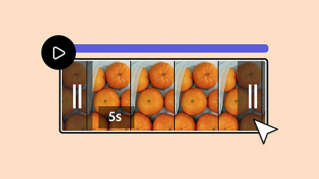
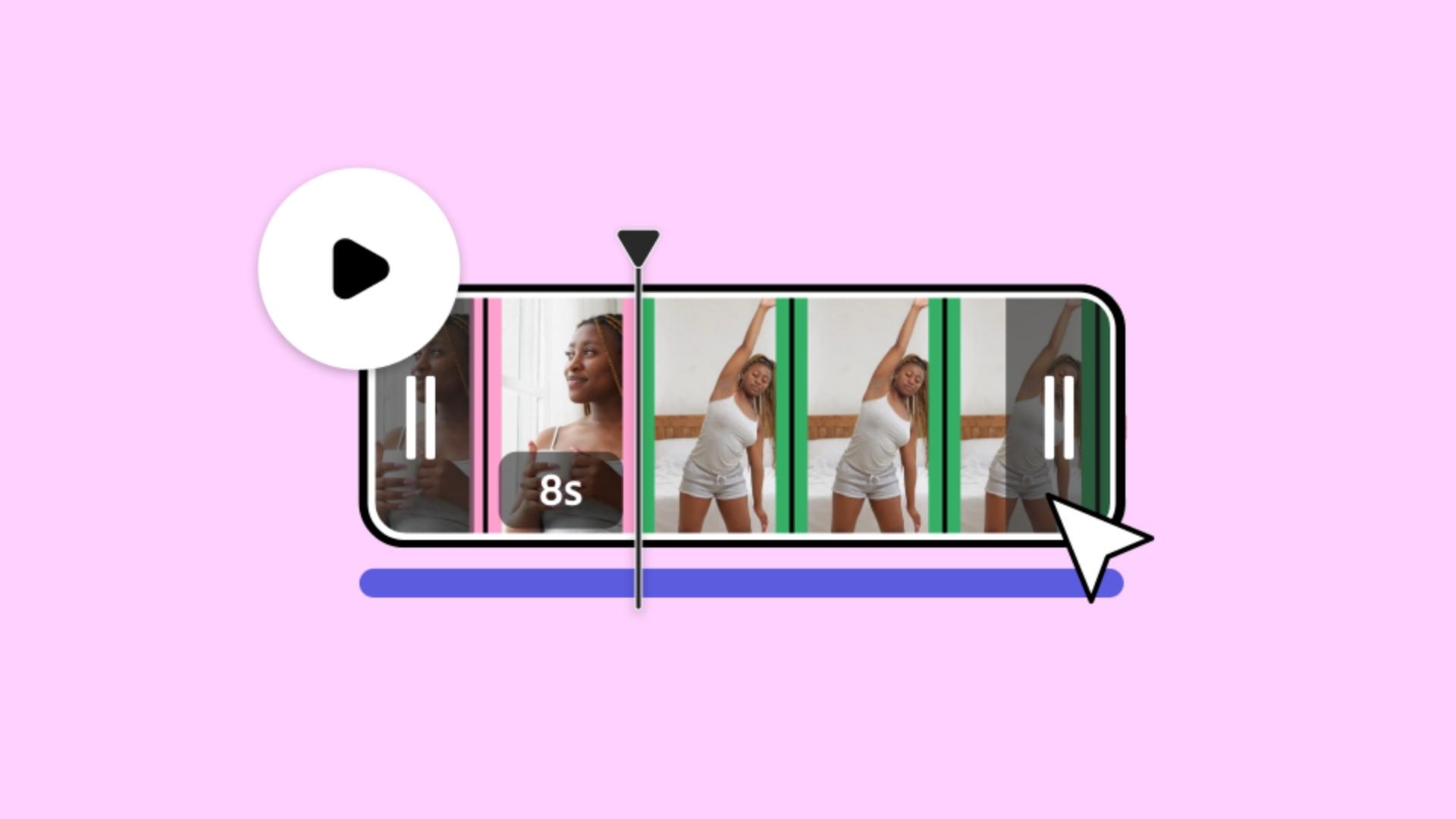
Hover over the scene you want to edit to see the trim handles appear and drag either handle to where you want the clip to start or stop.
Splitting clips to isolate unwanted content
You can also remove content from the middle of a video clip, such as an unwanted pause.
Here's how.
First, move the cursor to the beginning of the content you don't want, right click and select Split.
Do the same at the end of the unwanted content to fully isolate it from the scene.
Then right click the separated scene and select Delete scene.
Deleting sections to finalize edited scenes
And that's it.
Now you know how to trim the length of a scene and remove content from your video.
Adobe Express Keep creating.
Scene editing for the win
A little scene editing can make a big difference in videos. Easily remove footage and make your video the length you want in Adobe Express. You also can adjust individual scenes to refine the style and pacing of your complete video.
Think of two approaches to trimming your clips: trimming from the ends and cutting content from the middle.
Trim clips from the ends
The first approach is to trim the length of your clip. To do this, hover over the scene you want to edit to see the trim handles appear. Then drag either handle to where you want the clip to start or stop.
Cut content from the middle
The second approach is to cut specific content from within your clip, like a long pause or excess footage. To do this, move the cursor to the beginning of the content you don’t want, right-click, and select Split. Do the same at the end of the unwanted content to fully isolate it from the scene. Then right-click the separated scene and select
Delete.
Now you know how to trim scene length and remove footage from your video.