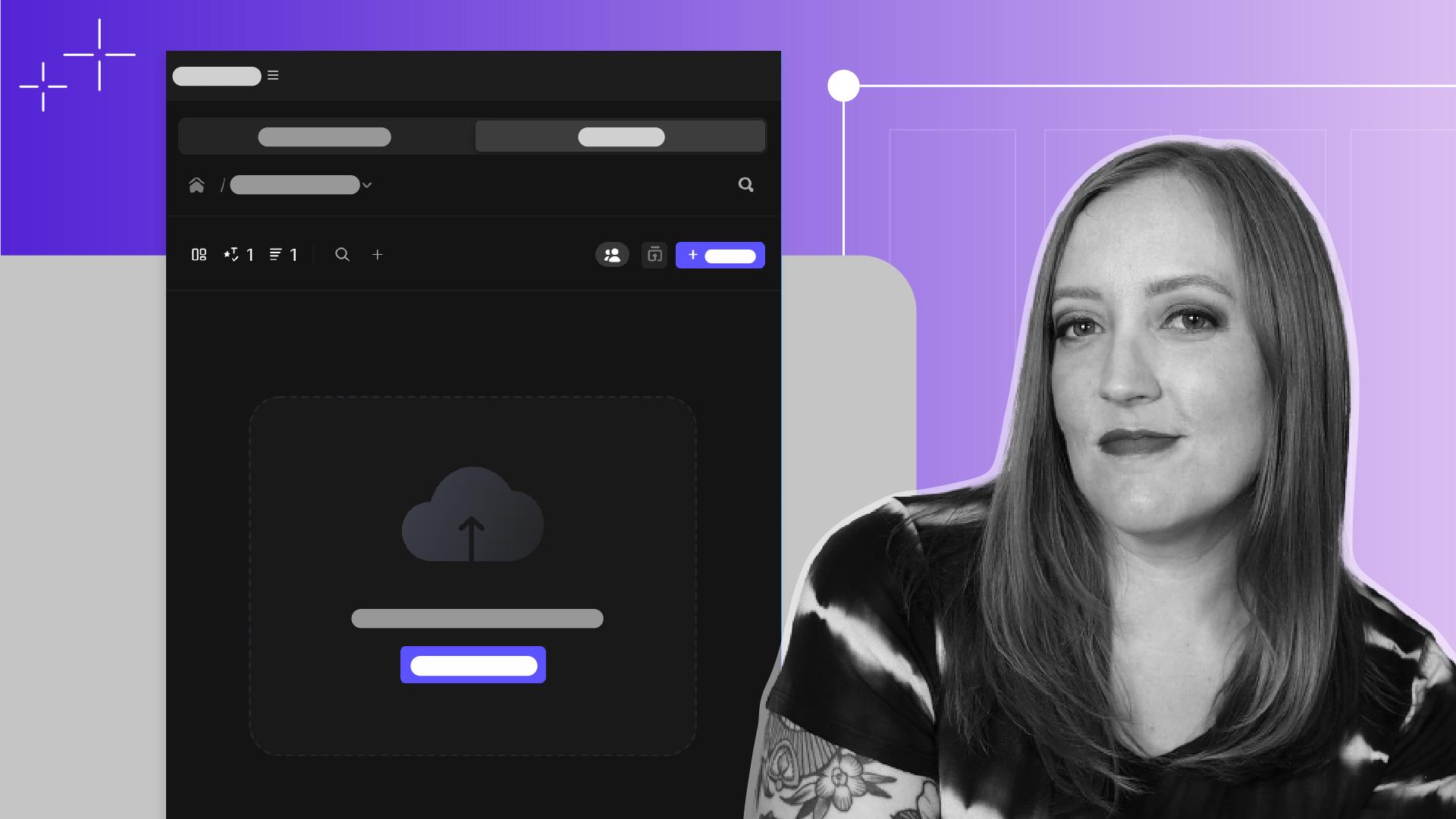
Frame.io in Premiere vereinfacht die Prüfung und gemeinsame Bearbeitung von Videos.
Veröffentlicht am
Einführung
Der Abstimmungsprozess ist ein wichtiger Teil jeder Videoproduktion.
[Sarah]: Ich bin Sarah.
Wenn du so arbeitest wie ich, bist du es gewohnt, deine Dateien mit _v1, _v12, _v30 und so weiter im Namen zu exportieren, sie für Feedback zu versenden und dann so oft wie nötig neue Versionen zu erstellen.
Die gute Nachricht ist, dass die Integration von Frame.io in Premiere diesen Prozess deutlich beschleunigt hat.
Jetzt können wir Sequenzen direkt in Frame.io hochladen, sie zur Überprüfung bereitstellen und Feedback erhalten und einarbeiten – alles direkt in Premiere.
Das Bedienfeld für Frame.io öffnest du am einfachsten
Sequenzen zur Prüfung hochladen
über den Arbeitsbereich „Überprüfung“.
Um ihn zu laden, wähle „Fenster“, „Arbeitsbereiche > Überprüfung“.
Standardmäßig befindet sich das Frame.io-Fenster hier seitlich.
Wenn du die bearbeitete Sequenz hochladen willst, klicke hier, um ein neues Projekt zu erstellen.
Nach dem Benennen des Ordners wird die aktive Sequenz automatisch für den Upload bestimmt.
Wenn du „Export“ auswählst, wird ein Menü angezeigt, in dem du verschiedene Änderungen an den Exporteinstellungen vornehmen kannst.
Besonders praktisch: die Option zum Hochladen von Marken als Kommentare.
Mit Marken und Kommentaren Kontext hinzufügen
Wenn du eine Frage zu einer bestimmten Stelle im Video hast, kannst du mit der M-Taste eine Marke zum Schnittfenster hinzufügen und die Frage in den Details der Marke eingeben.
Sobald die Sequenz in Frame.io hochgeladen wurde, wird die Frage als Kommentar angezeigt und kann im Rahmen der Abstimmung beantwortet werden.
Wähle jetzt „Export“.
Ein Klick auf „View Progress“ bringt dich zum Tab „Sequences“, wo du die verbleibende Zeit ablesen kannst.
Videos freigeben und Feedback einholen
Jetzt kann das Video zur Überprüfung gesendet werden.
Mache dazu unter „All Sequence Assets“ einen Rechtsklick auf das Video, und wähle „Add to Share Links“, „New Share Link“.
Hier kannst du Datenschutzeinstellungen vornehmen und den Freigabe-Link kopieren, um ihn per Chat oder E-Mail zu versenden.
Prüfende können das Video in Frame.io ansehen und kommentieren.
Die Kommentare erscheinen dann am jeweiligen Timecode im Video.
Wenn du das Video erneut im Schnittfenster ansiehst, wird dieser Kommentar als Marke geladen, über die du ihn aufrufen und bearbeiten kannst.
Wenn du Feedback einarbeiten und die aktualisierte Version zur Abstimmung senden musst, gehe zurück zum Tab „Sequences“, und wähle „Export New Version“.
Die neue Version der Sequenz überschreibt die alte, und im Menü wird eine Versionsnummer hinzugefügt, damit alle wissen, dass etwas geändert wurde.
Das Beste ist, dass kein neuer Freigabe-Link generiert werden muss.
Der ursprünglich verschickte Link führt jetzt zur aktualisierten Version.
Die Integration von Frame.io in Premiere macht die Arbeit leichter für alle – in jedem Schritt der Abstimmungsphase.
Ich hoffe, dass dieser optimierte Prozess dir hilft und du nie wieder mit endlosen Dateinamen wie _final_v3_finalfinal_v2_finales_Video hantieren musst.
Zusammenfassung.
Sequenzen zur Prüfung hochladen.
Passe im Arbeitsbereich „Überprüfung“ die Exportoptionen an und sende deine aktive Sequenz an Frame.io.
Mit Marken und Kommentaren Kontext hinzufügen.
Um bestimmte Momente hervorzuheben, kannst du Marken im Schnittfenster als Kommentare in Frame.io hochladen. Auf diese Weise lassen sich Fragen oder Feedback Timecode-genau platzieren.
Videos freigeben und Feedback einholen.
Erstelle einen Freigabe-Link, um ein Video zur Abstimmung zu senden. Kommentare der Prüfenden werden mit Timecode erfasst und zurück in Premiere automatisch als Marken im Schnittfenster angezeigt.
You can control how Adobe websites use cookies and similar technologies by making choices below. But note that if you disable cookies and similar technologies entirely, Adobe websites may not function properly.
Cookies are small text files stored by your web browser when you use websites. There are also other technologies that can be used for similar purposes like HTML5 Local Storage and local shared objects, web beacons, and embedded scripts. These technologies help us do things like remembering you and your preferences when you return to our sites, measure how you use the website, conduct market research, and gather information about the ads you see and interact with.
You can make choices in the menu below about what cookies and other technologies you want us to use on Adobe sites when you visit them from this browser. You can always change those choices later by clicking on the Cookie Preferences link at the bottom of the page.
If enabled:
We can improve your experience by tailoring the site and the content to things we think might be of interest
We can better keep track of your preferences — like what language you prefer to use
We will better understand your likely interests so we can provide you more relevant Adobe ads and content on non-Adobe websites and in non-Adobe apps
It will help us improve the performance of our website and those of our partners who use the Adobe Experience Cloud
If disabled:
We won’t be able to remember you from session to session so the experience may not be tailored to your interests
You’ll still have access to the content of the site but certain features that depend on cookies may not function
You’ll still see ads, they just may not be as relevant to you
General information
You can control how Adobe websites use cookies and similar technologies by making choices below. But note that if you disable cookies and similar technologies entirely, Adobe websites may not function properly.
Cookies are small text files stored by your web browser when you use websites. There are also other technologies that can be used for similar purposes like HTML5 Local Storage, web beacons, and embedded scripts. These technologies help us do things like remembering you and your preferences when you return to our sites, measure how you use the website, conduct market research, and gather information about the ads you see and interact with.
You can make choices in the menu below about what cookies and other technologies you want us to use on Adobe sites when you visit them from this browser. You can always change those choices later by clicking on the Cookie Preferences link at the bottom of the page.
If enabled:
We can improve your experience by tailoring the site and the content to things we think might be of interest
We can better keep track of your preferences — like what language you prefer to use
We will better understand your likely interests so we can provide you more relevant Adobe ads and content on non-Adobe websites and in non-Adobe apps
It will help us improve the performance of our website and those of our partners who use the Adobe Experience Cloud
If disabled:
We won’t be able to remember you from session to session so the experience may not be tailored to your interests
We’ll still count your use of our site and services
You’ll still have access to the content of the site but certain features that depend on cookies may not function
You’ll still see ads, they just may not be as relevant to you
Operate the site and core servicesOperate site and measure engagement
Always active
These cookies are required, and they are used to enable the site and related services core functionality. Without them the site could not operate, so they cannot be disabled.
These cookies enable the site and related services’ core functionality and collect statistics about user engagement, such as counting active use to help us understand trends. These cookies cannot be disabled.
Measure performance
These cookies are used to analyze site usage to measure and improve performance. Without them Adobe cannot know what content is most valued and how often unique visitors return to the site, making it hard to improve information we offer to you.
These cookies are used to analyze site usage to measure and improve performance. Without them Adobe cannot know what content is most valued, making it hard to improve information we offer to you.
Extend functionality
These cookies are used to enhance the functionality of Adobe sites such as remembering your settings and preferences to deliver a personalized experience; for example, your username, your repeated visits, preferred language, your country, or any other saved preference.
Personalize advertising
These cookies are used to enable Adobe and our partners to serve ads more relevant to your interests. Without them you will still see ads, but they might not be as relevant to you.
Personalize advertising
These cookies are used to enable Adobe and our partners to serve ads more relevant to your interests. Without them you will still see ads, but they might not be as relevant to you.