
Prøv disse selvstudier med Animate
Opret interaktive animationer til spil, apps og internettet.
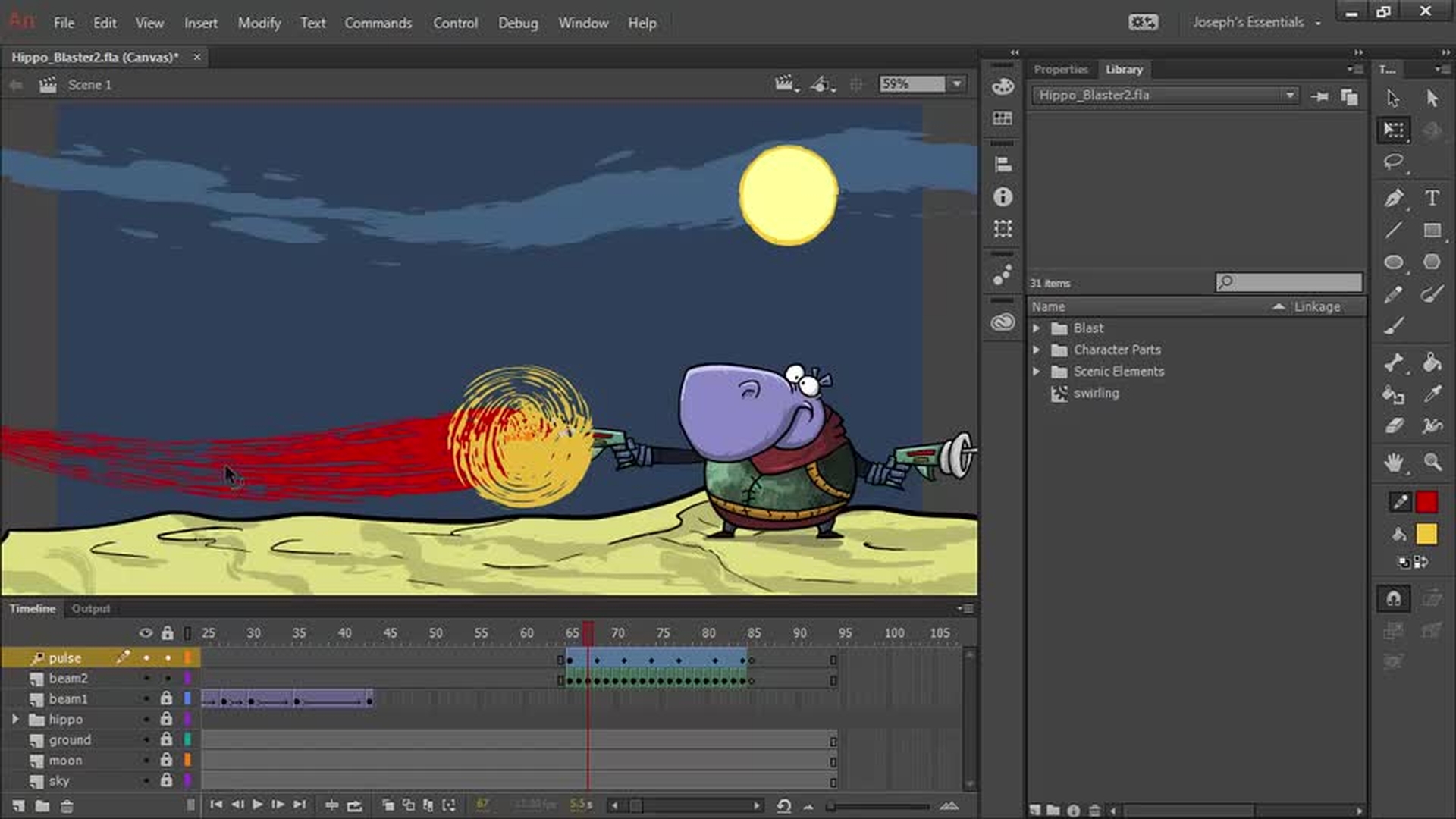
Create custom brushes with Capture and use them to create expressive animations in Animate.
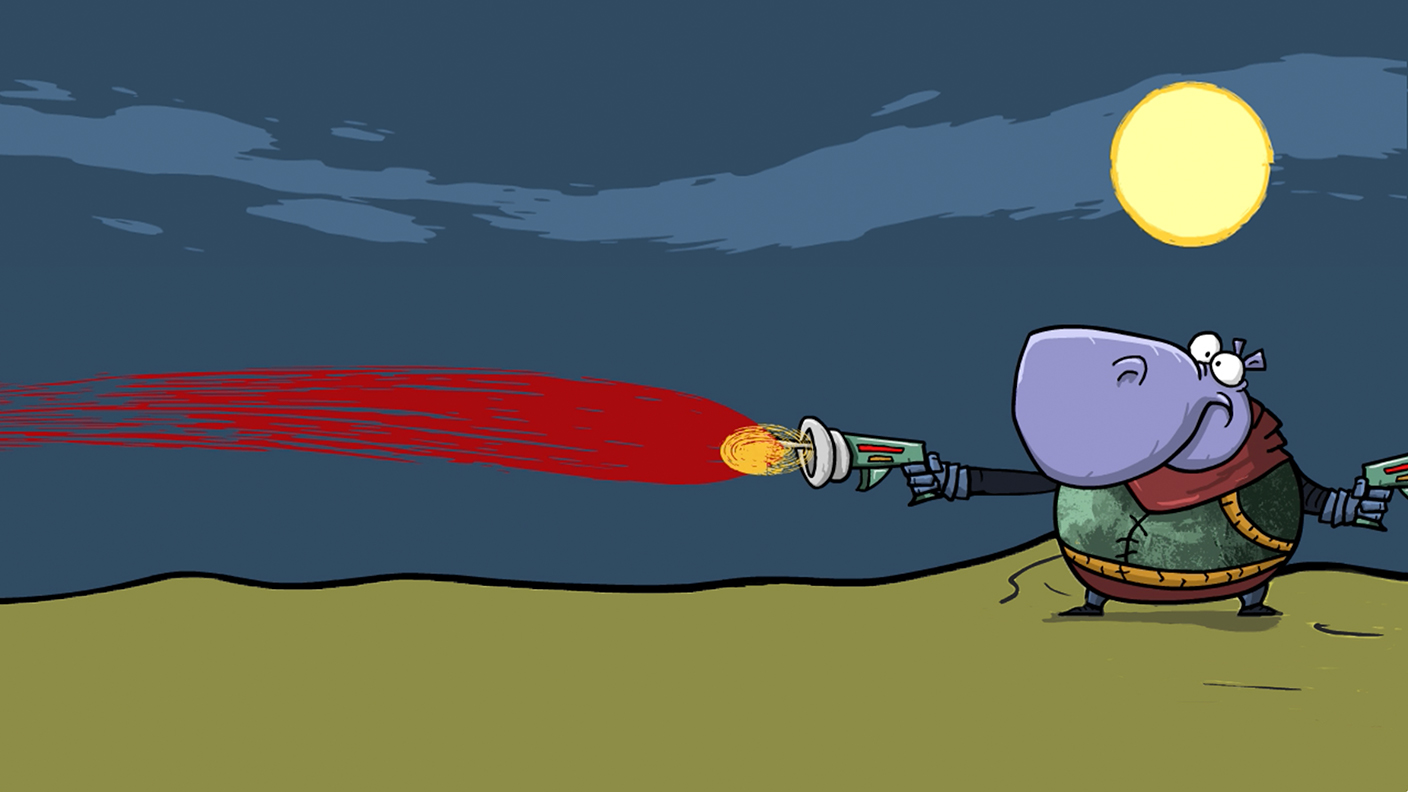
Save thebrush assets to your Creative Cloud Library. You need to be signed into your Creative Cloud account to save the library.
Because brushes in Animate are vector-based art, you can resize, move, color, and animate your brush strokes.
Smooth brush path (1:12); Create vector brush (2:15); Keyframes (2:30); Capture brushes (2:43); Draw the second blast (3:15); Animate in the keyframes (3:54); Pulse as movie clip symbol (4:54)
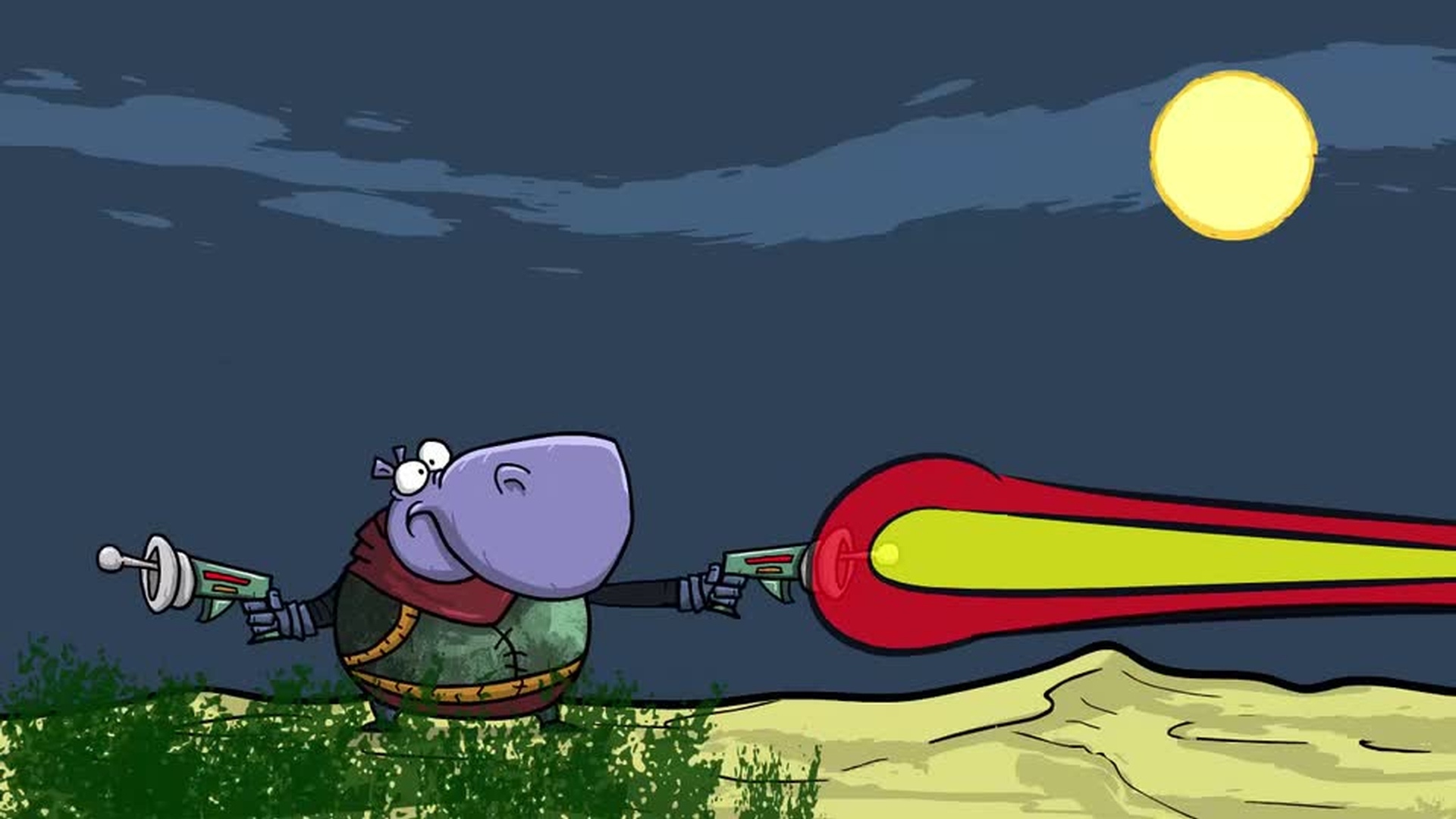
Edit an Art Brush created in Animate. Then, convert the Art Brush into a Pattern Brush.
Capture grass brush (0:34); Add brush to style window (0:52); Draw and modify grass (1:40); Edit an Art Brush (2:20); Convert an Art Brush to a Pattern Brush (3:15); Pattern Brush settings (3:33); Draw with Pattern Brushes (5:20)
Share your animation on social media by tagging it with #MadeWithAnimate


