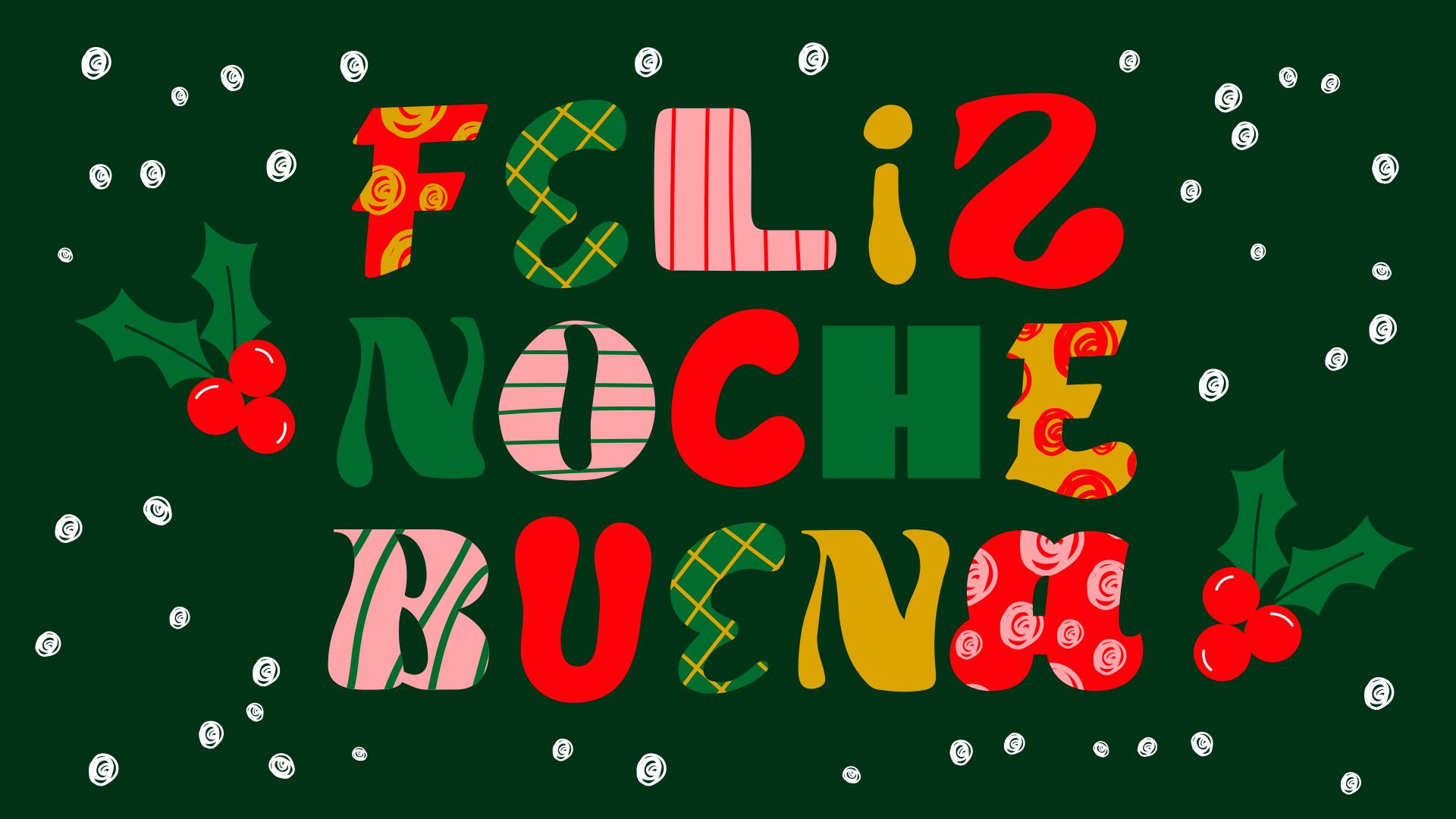
Cuando las fiestas se acercan traen consigo los colores, las luces y el espíritu creativo que tanto inspira al ser humano. Pensar en la Nochebuena suele traer también una conexión con imágenes alusivas y manualidades que los creativos disfrutamos hacer; copitos de nieve y chocolate caliente en el hemisferio norte, o reuniones familiares bajo las estrellas con el calor de diciembre en el hemisferio sur. A continuación, te invitamos a dibujar letras navideñas llenas de personalidad usando Adobe Illustrator. Descubrirás cómo darles forma con la Herramienta Lápiz, aplicar un efecto de nieve con un pincel de dispersión y crear un símbolo navideño para los detalles finales. Al resultado final podrás darle uso ¡sin restricciones! enviarla como tarjeta a tus amigos por e-mail o imprimirla y regalársela con mucho amor a tu abuelita. Prepárate para que cada palabra transmita el brillo y la calidez de la Nochebuena. ¡Pongamos los trazos en acción y comencemos este tutorial!
Elementos que necesitarás
Practicar en la aplicación
Dibuja tus propias letras navideñas
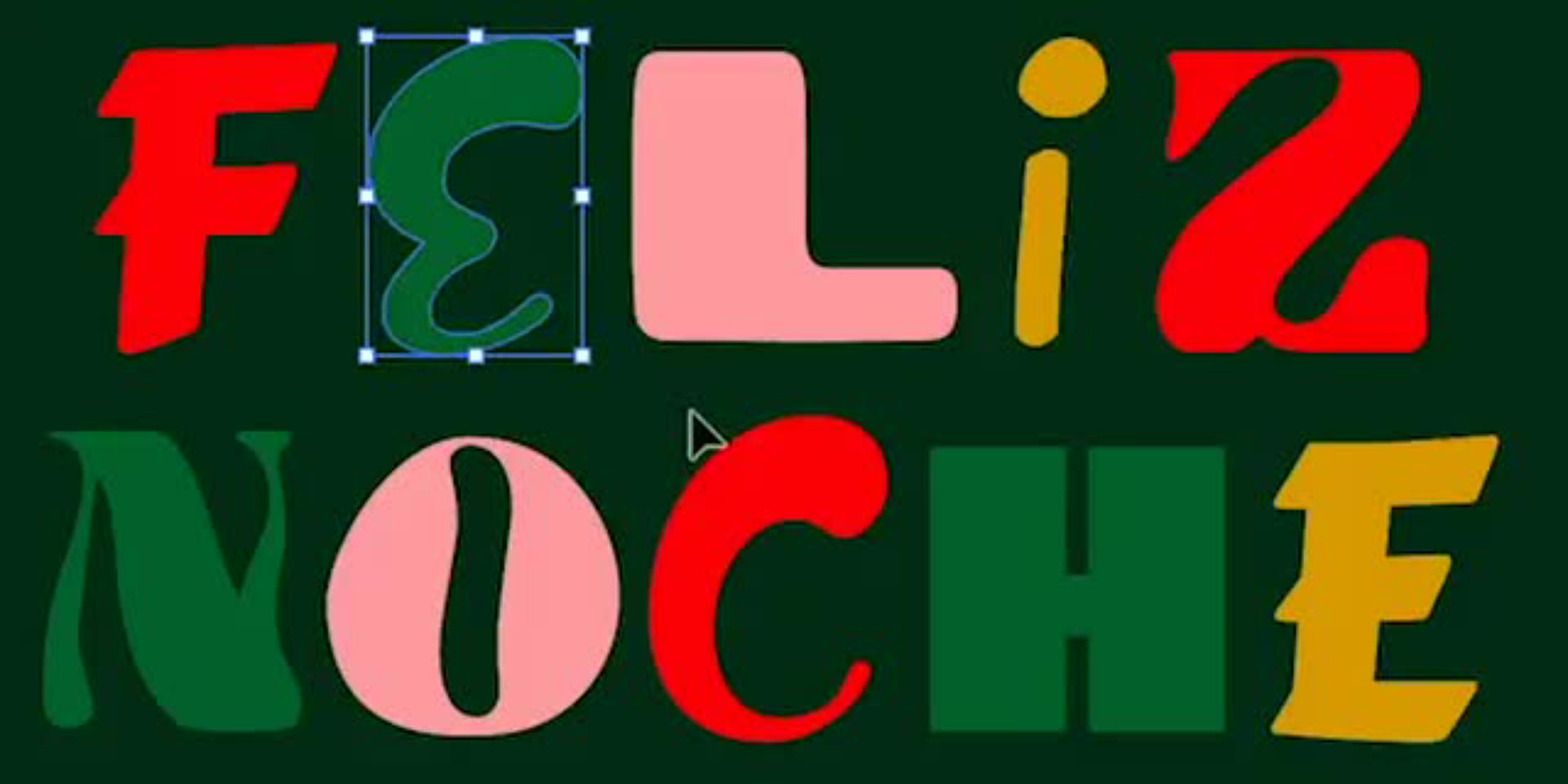
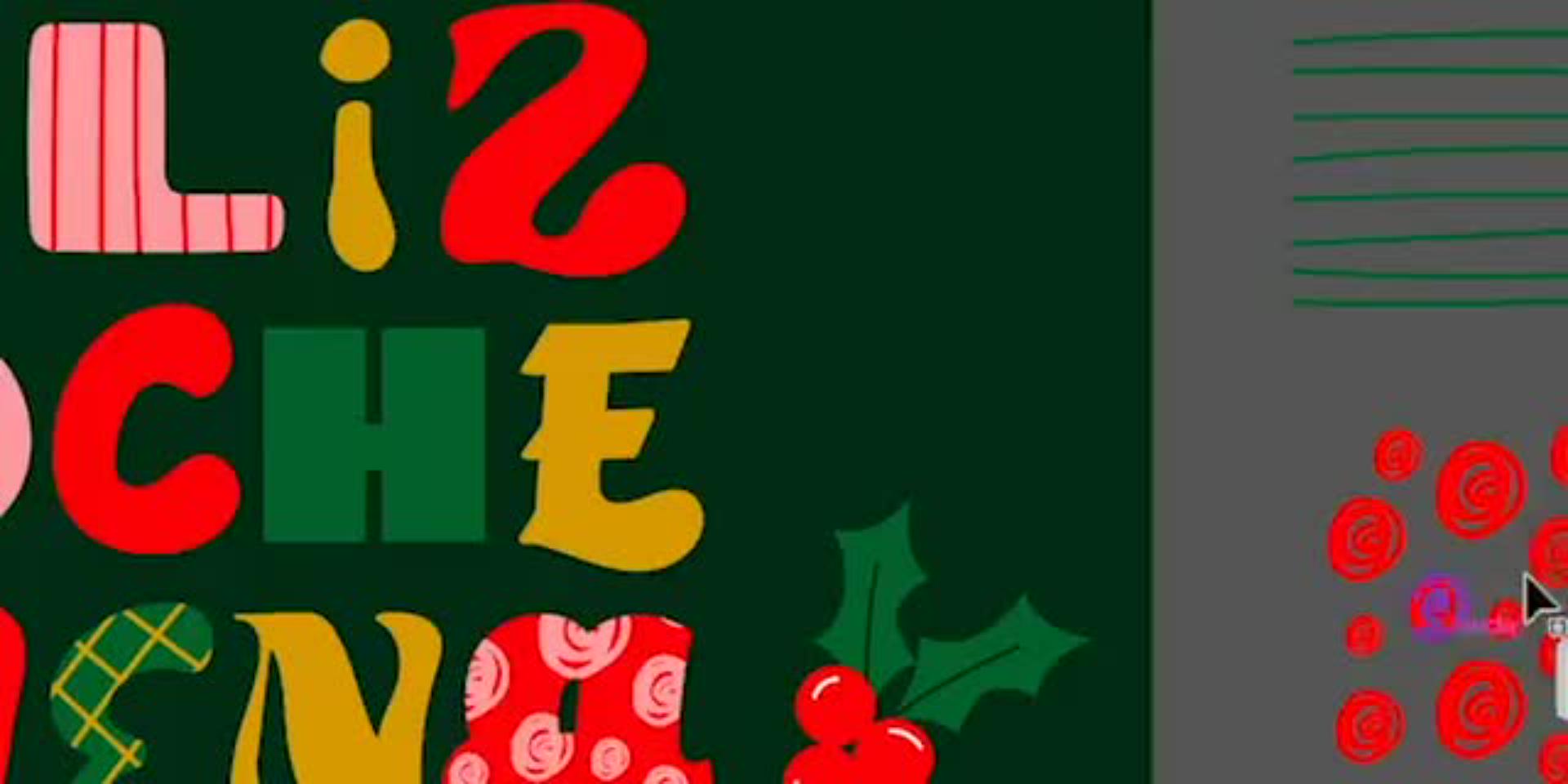
El tutorial creado por la ilustradora mexicana Yeti Iglesias, inicia dándole forma a las palabras e invitándote a explorar el mundo del lettering con Illustrator.
Spoiler alert: ten la seguridad de que aquí no encontrarás fuentes prediseñadas ni famosas tipografías sino algo mejor; las letras navideñas del tutorial a continuación son ilustraciones exclusivas que te regala la artista para editar mientras estimulas tu imaginación.
La Herramienta Lápiz es la primera que utilizarás. La misma, permite redibujar los contornos de cada letra de manera libre y expresiva, casi como si modelaras plastilina digital. Ajustando la suavidad y fidelidad del trazo, podrás extender curvas, redondear extremos o reinventar estructuras. Cada letra se convierte en un lienzo que refleja tu estilo, el punto de partida para una ilustración digital que respira el espíritu de la navidad. La artista te va a guiar para que al finalizar la primera sección de este tutorial domines la herramienta lapiz como profesional.
Agrega un toque navideño con máscaras creativas
Una vez que tus letras tengan carácter, es momento de adornarlas. Con la función Máscara de recorte en Adobe Illustrator, será momento de integrar elementos decorativos que evocan el brillo de las fiestas. Cada detalle aporta profundidad y convierte tus palabras en una composición de navidad, festiva y elegante.
Experimentarás con distintos recursos gráficos provistos por la artista hasta que cada letra se sienta única, como una pequeña obra de diseño navideño.
Simula nieve con un pincel de dispersión
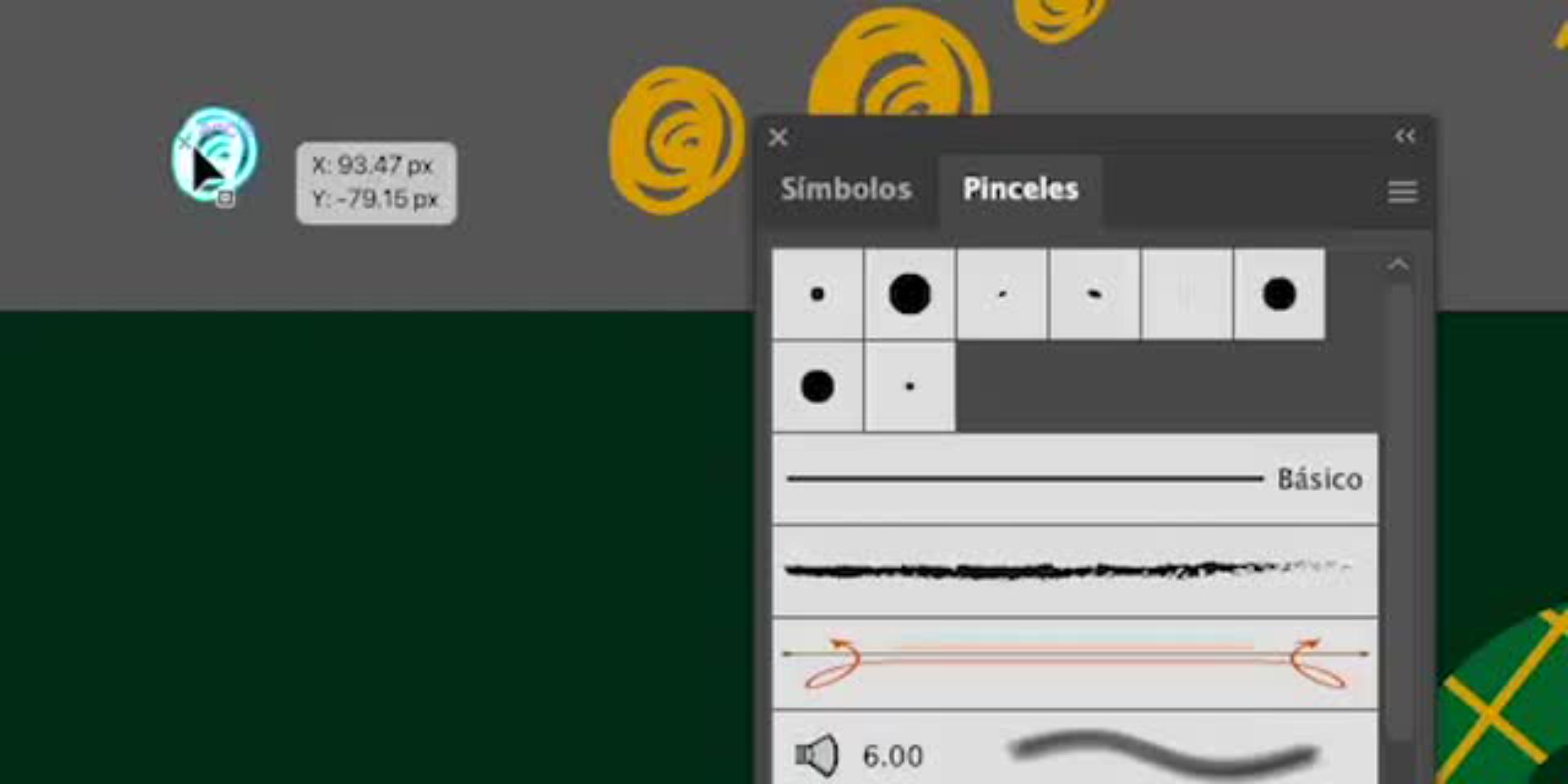
A continuación, para recrear la atmósfera invernal vas a aprender a crear un pincel de dispersión desde cero. A partir de un pequeño punto blanco (un "copito" de nieve), vas a generar un efecto de nieve que podrás dispersar de manera natural sobre tus letras. Ajustando variables a tu favor, como tamaño, espaciado y rotación, obtendrás una textura ligera y dinámica que hará que tu diseño cobre vida.
Cierra con detalles llenos de magia usando símbolos
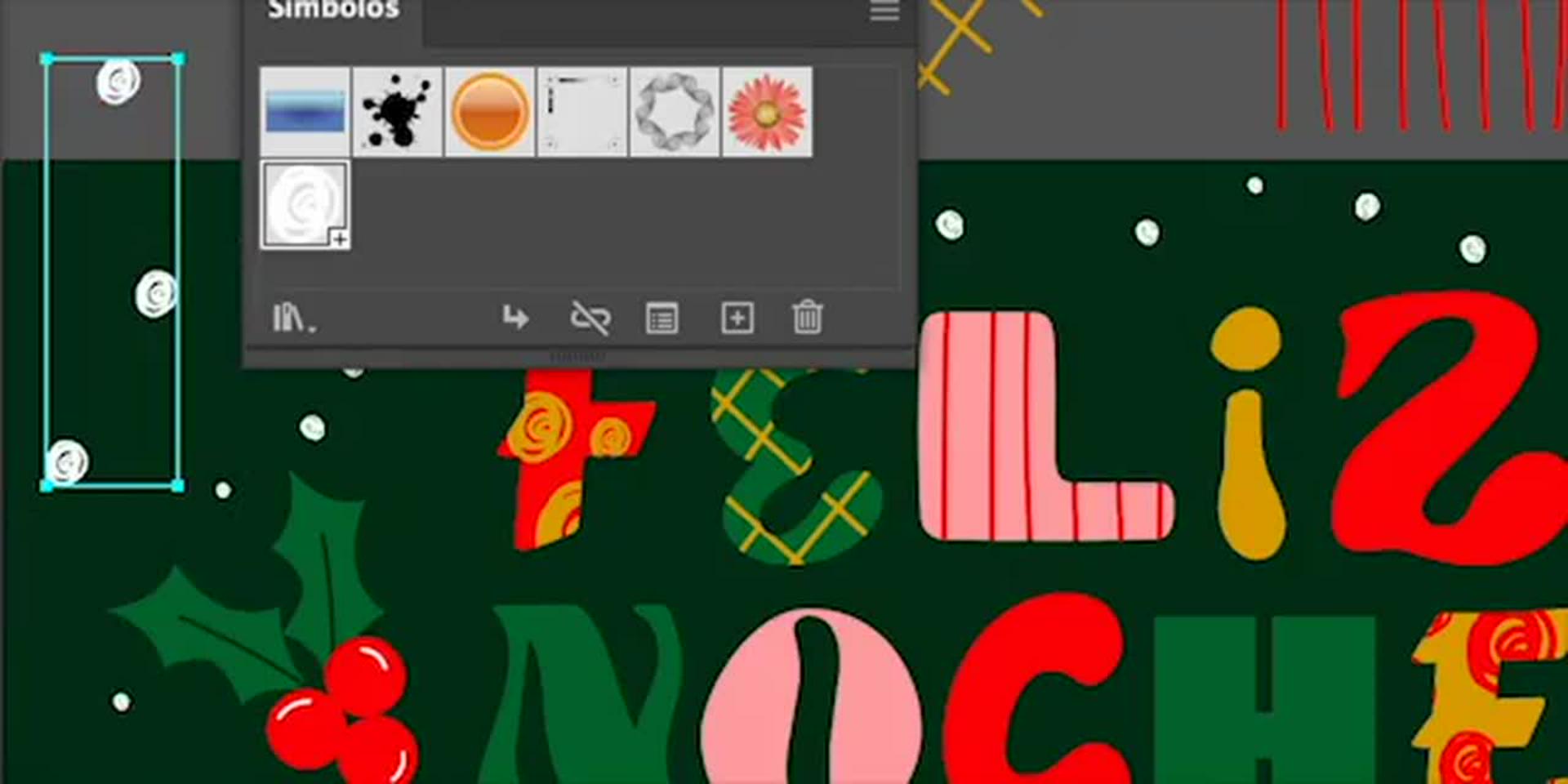
El toque final llega con la creación de símbolos en Illustrator. Poniendo en acción los copos de nieve que hiciste anteriormente, a continuación los convertirás en elementos reutilizables y los aprenderás a aplicar fácilmente con la Herramienta Pulverizador de Símbolos. Puedes distribuirlos libremente sobre tu tarjeta para lograr un efecto envolvente. Este recurso no solo te ahorra tiempo, sino que mantiene la consistencia visual en tu arte de navidad ¡Te va a encantar aprender a usarlo!
El arte como reflejo del ser humano
Los latinoamericanos tenemos una conexión especial con la nochebuena; detrás de cada proyecto de navidad hay una historia, un deseo de compartir algo genuino con los demás.
Este proyecto combina lo mejor del dibujo a mano con las posibilidades infinitas del diseño digital. Al finalizar el tutorial, tendrás unas letras vibrantes y una tarjeta de navidad lista para poner en acción y compartir en navidad.
¡Anímate a ilustrar con la tableta gráfica y comparte tu resultado con la comunidad creativa! Porque en esta temporada no hay mejor manera de celebrar que dejando que nuestro arte, como ser humano, transmita toda la calidez de la Nochebuena.
Sobre la artista
Yeti Iglesias es una ilustradora independiente mexicana cuya acción creativa parte siempre de la esencia del ser humano y su necesidad de conexión. Su estilo es vibrante, único, atrevido y está lleno de colores que transmiten seguridad y emoción. Las plantas, las formas orgánicas, las sombras, los degradados y las texturas son constantes en sus proyectos. Con una verificación constante del equilibrio visual y de las fuentes que inspiran su trabajo, logra imágenes llenas de armonía. Ha colaborado con grandes marcas alrededor del mundo, potenciando sus mensajes a través de ilustraciones que celebran la creatividad y el espíritu de las fiestas.
You can control how Adobe websites use cookies and similar technologies by making choices below. But note that if you disable cookies and similar technologies entirely, Adobe websites may not function properly.
Cookies are small text files stored by your web browser when you use websites. There are also other technologies that can be used for similar purposes like HTML5 Local Storage and local shared objects, web beacons, and embedded scripts. These technologies help us do things like remembering you and your preferences when you return to our sites, measure how you use the website, conduct market research, and gather information about the ads you see and interact with.
You can make choices in the menu below about what cookies and other technologies you want us to use on Adobe sites when you visit them from this browser. You can always change those choices later by clicking on the Cookie Preferences link at the bottom of the page.
If enabled:
We can improve your experience by tailoring the site and the content to things we think might be of interest
We can better keep track of your preferences — like what language you prefer to use
We will better understand your likely interests so we can provide you more relevant Adobe ads and content on non-Adobe websites and in non-Adobe apps
It will help us improve the performance of our website and those of our partners who use the Adobe Experience Cloud
If disabled:
We won’t be able to remember you from session to session so the experience may not be tailored to your interests
You’ll still have access to the content of the site but certain features that depend on cookies may not function
You’ll still see ads, they just may not be as relevant to you
General information
You can control how Adobe websites use cookies and similar technologies by making choices below. But note that if you disable cookies and similar technologies entirely, Adobe websites may not function properly.
Cookies are small text files stored by your web browser when you use websites. There are also other technologies that can be used for similar purposes like HTML5 Local Storage, web beacons, and embedded scripts. These technologies help us do things like remembering you and your preferences when you return to our sites, measure how you use the website, conduct market research, and gather information about the ads you see and interact with.
You can make choices in the menu below about what cookies and other technologies you want us to use on Adobe sites when you visit them from this browser. You can always change those choices later by clicking on the Cookie Preferences link at the bottom of the page.
If enabled:
We can improve your experience by tailoring the site and the content to things we think might be of interest
We can better keep track of your preferences — like what language you prefer to use
We will better understand your likely interests so we can provide you more relevant Adobe ads and content on non-Adobe websites and in non-Adobe apps
It will help us improve the performance of our website and those of our partners who use the Adobe Experience Cloud
If disabled:
We won’t be able to remember you from session to session so the experience may not be tailored to your interests
We’ll still count your use of our site and services
You’ll still have access to the content of the site but certain features that depend on cookies may not function
You’ll still see ads, they just may not be as relevant to you
Operate the site and core servicesOperate site and measure engagement
Always active
These cookies are required, and they are used to enable the site and related services core functionality. Without them the site could not operate, so they cannot be disabled.
These cookies enable the site and related services’ core functionality and collect statistics about user engagement, such as counting active use to help us understand trends. These cookies cannot be disabled.
Measure performance
These cookies are used to analyze site usage to measure and improve performance. Without them Adobe cannot know what content is most valued and how often unique visitors return to the site, making it hard to improve information we offer to you.
These cookies are used to analyze site usage to measure and improve performance. Without them Adobe cannot know what content is most valued, making it hard to improve information we offer to you.
Extend functionality
These cookies are used to enhance the functionality of Adobe sites such as remembering your settings and preferences to deliver a personalized experience; for example, your username, your repeated visits, preferred language, your country, or any other saved preference.
Personalize advertising
These cookies are used to enable Adobe and our partners to serve ads more relevant to your interests. Without them you will still see ads, but they might not be as relevant to you.
Personalize advertising
These cookies are used to enable Adobe and our partners to serve ads more relevant to your interests. Without them you will still see ads, but they might not be as relevant to you.