



Make custom banners for LinkedIn easily with Adobe Express.
With the quick and easy design tool from Adobe Express, you can create a professional-looking banner in minutes. Adobe Express includes all the tools you need to create and customize your project, from instant color palettes to professional-quality images from the web’s most popular photo sites. With Adobe Express, you can make a banner for LinkedIn that stands out from the crowd in minutes.


How to make a banner for LinkedIn.
Save and share your banner for LinkedIn.
Export your LinkedIn banner in a variety of formats and download it right to your device.
Resize in a snap.
Instantly resize your LinkedIn banner to fit for Instagram, YouTube, web banners, printed signs, and more. Your content will adjust instantly using our intuitive tools.
Create a captivating LinkedIn banner.
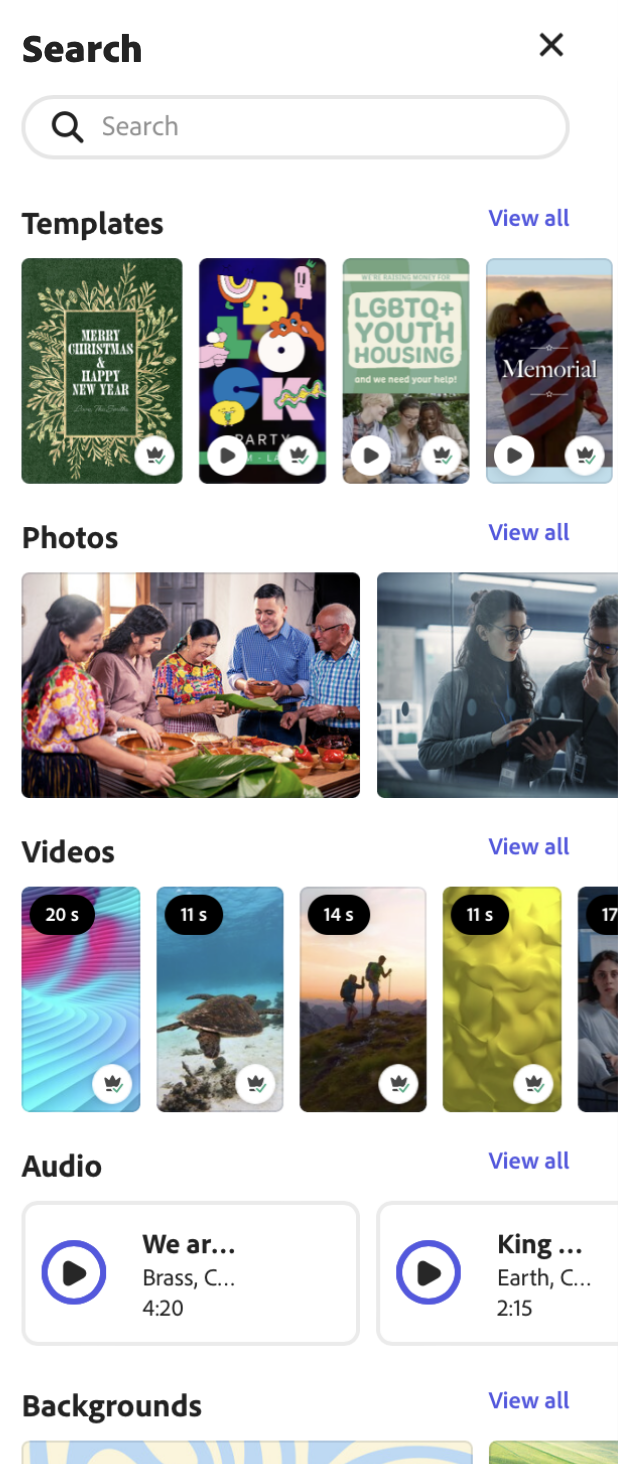
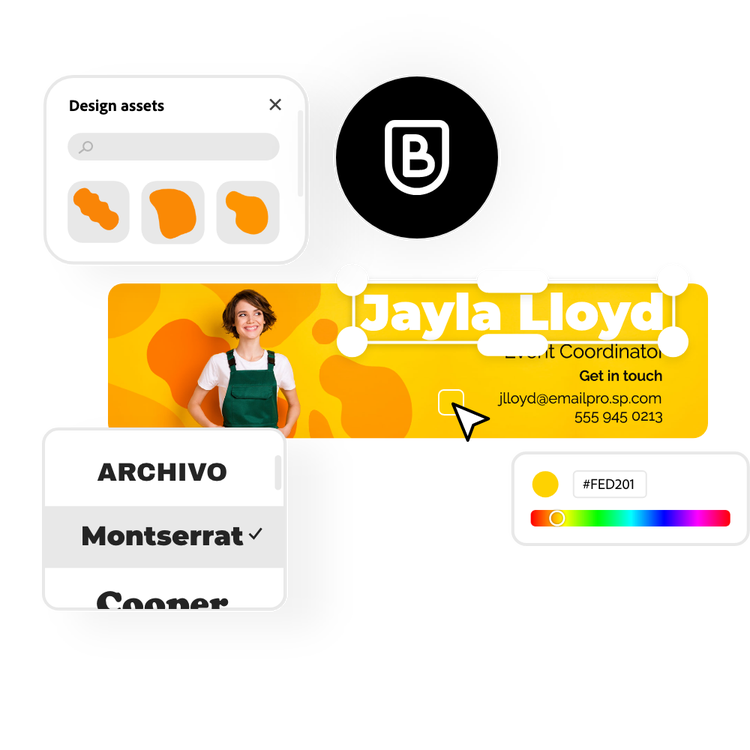
Upload your own photos, or browse through libraries of free stock images and designs to add to your LinkedIn banner. Handpick the fonts, add animation, and use Photoshop-worthy effects to enhance your banner for LinkedIn.
Explore eye-catching templates.
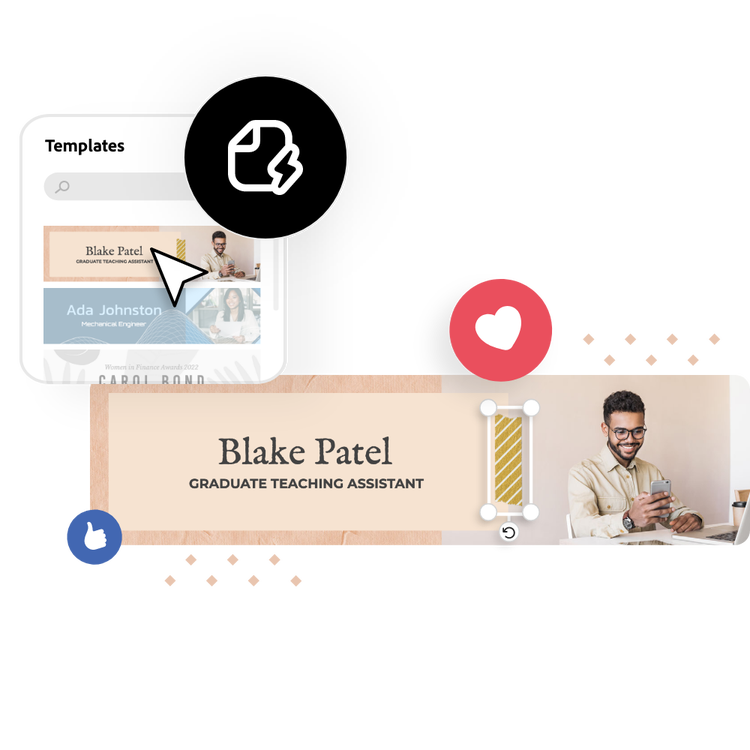
Choose from thousands of stunning LinkedIn banner templates to get started. Or, begin from a blank canvas.
Start creating for free.
Launch Adobe Express for free on your desktop or mobile device to make a banner.
Customize your banner design for LinkedIn.
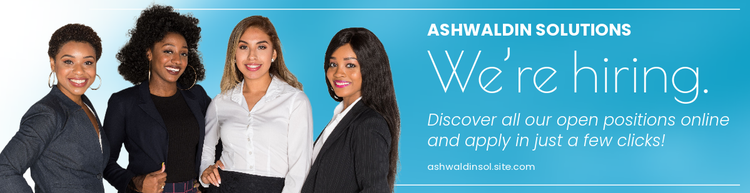
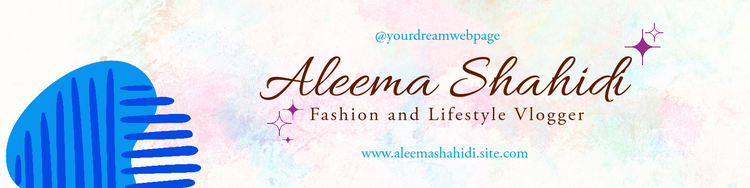
Whether you’re promoting yourself, a business, an upcoming event, or just need a new and professional banner, Adobe Express has you covered with thousands of templates. Get inspired by the ideas and add your style with photos, icons, logos, and fonts. Your LinkedIn page will stand out and be on-brand for your prospects. You can even share your banner design right from Adobe Express. It’s that easy.
Let Adobe Express be your LinkedIn banner design expert.
Explore professionally designed templates to get your wheels spinning or create your LinkedIn banner from scratch. Establish a theme for your designs using photos, icons, logos, personalized fonts, and other customizable elements to make them feel entirely authentic. With Adobe Express, it’s free and easy to make, save, and share your designs within minutes.
How do I make a professional banner for LinkedIn?
For a personal page, choose an image that represents you and your business ethos. Try a wallpaper-style photo, or an image relevant to your field. Or, take it up a notch with a custom graphic featuring a quote, slogan, or accolade that represents you. A business page, on the other hand, might want to use the cover photo real estate as a promotional opportunity.
What makes a good banner for LinkedIn?
A clean and easy-to-understand design is best. Visitors use your banner as a first impression, so let it speak something about you that you want people to know right off the bat.
What is the recommended size for a LinkedIn banner?
Personal LinkedIn page cover photos should be 1536 px by 396 px. Company pages should make their cover photos 1128 px by 191 px.
Can I get Adobe Express for free? If so, what’s included?
Yes, our free plan offers many core features including thousands of templates, photo editing and effects, animation, and 2GB of storage. See our pricing page for details and to compare plans.
Can I create my own LinkedIn banner template?
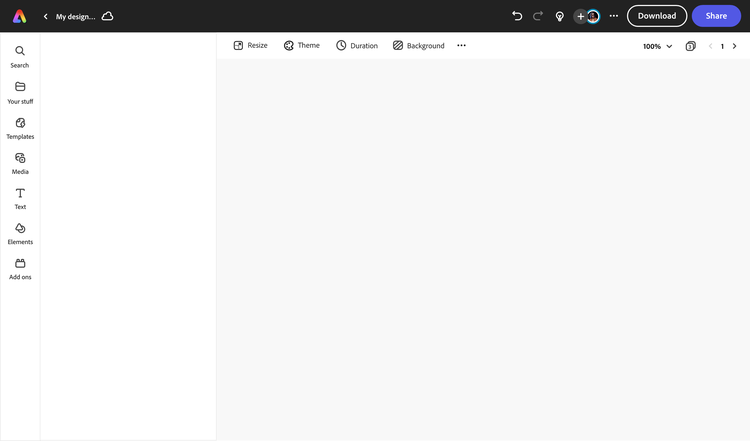
Any new or existing project can be turned into a shareable template. To turn your LinkedIn banner into a template, click on the three-dot menu at the left of the Download button and follow the steps to turn your design into a template.
illustrator

