



Free online planner maker.
Choose from stunning planner templates to design your own planners in minutes.



Easy all-in-one editor

One-click edits from any device

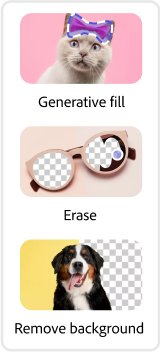
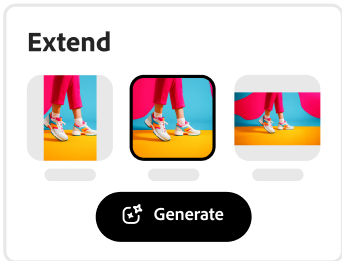
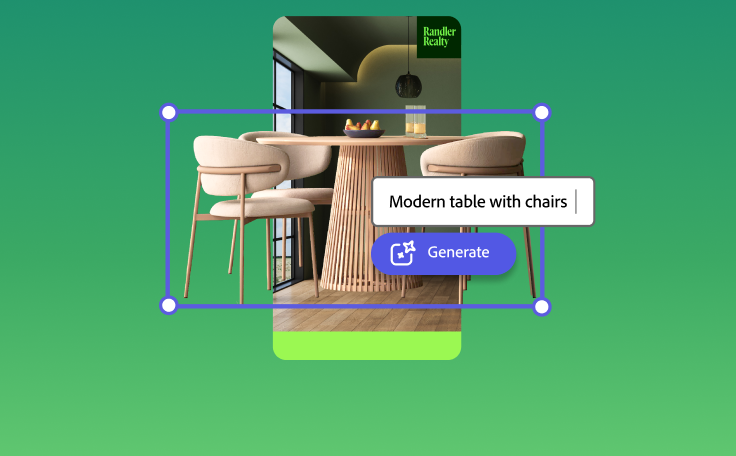
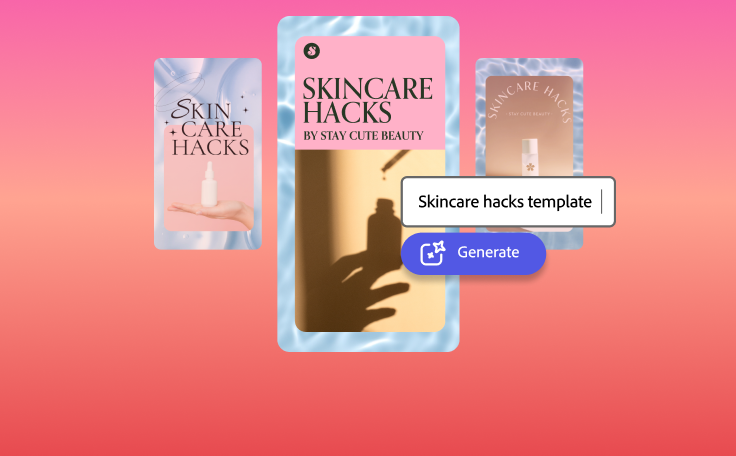
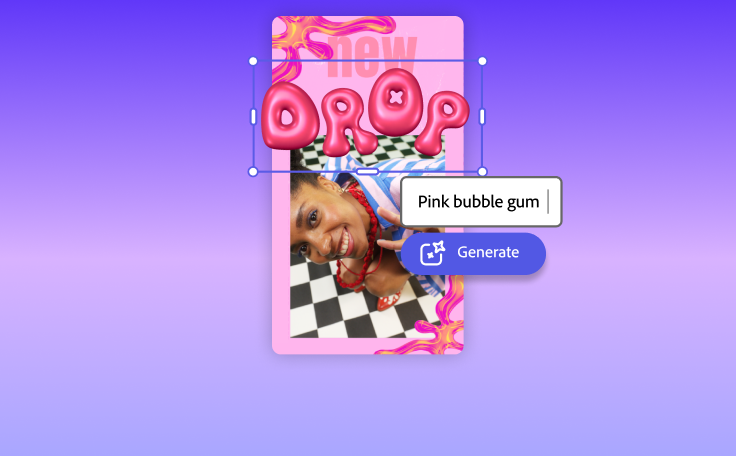
Fast creation with generative AI

Thousands of professionally-designed templates
Easily get started in Adobe Express.
Make custom planners with Adobe Express.
A planner keeps you — and your colleagues or employees — organized. And make no mistake, this is the best way to maximize productivity in any walk of life. Whether you run a business or a busy family home, a planner maker could be a powerful tool to have in the future. Explore professionally designed planner templates to get you inspired, then choose one to remix and customize. Lay it out logically in rows and columns, then add in all your custom details and branding to make your planner your very own. Print out your design at home, work, or with a professional printer. Share your design digitally via email, link sharing, or upload it to your social platforms and websites to keep your clients up to date on your plans. It’s as easy as choosing a template, customizing, and sharing.
 Popular
- Popular
- New templates






Design on the go.
Get started for free using Adobe Express on web or mobile so you can make a planner anytime, anywhere.Get inspired.
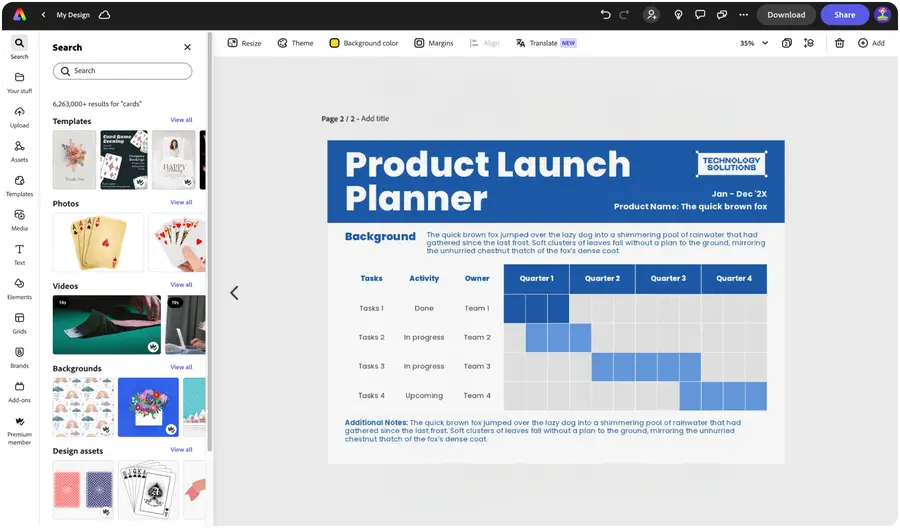
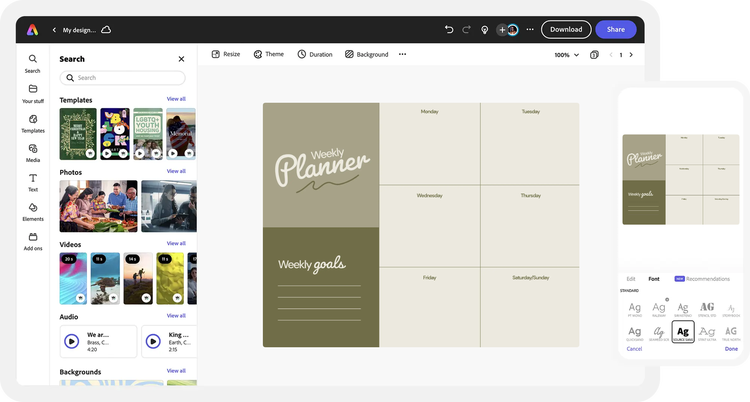
Browse through thousands of standout templates, and choose one to customize for your planner. Or, start from scratch by selecting charts and grids on the left menu and click the Tables tab.Add stunning visuals.
Upload photos from your device to drop right into your planner. Lay it out with as many cells as you need. Top it off with icons or graphics from our design asset libraries.Add messaging.
Enter any text you want to feature on your planner, including titles, dates, or categories. Personalize with dozens of text effects and adjustments.Download instantly.
Save your finished planner to your device to print out or share online. Revisit your project anytime to make updates or remix it in the future.
See what people are saying about Adobe Express.

Abs Ahlijah
Marketing & Content Coordinator @ Soul Session
"As a marketer who is always on the move. Adobe Express helps me to create fast, high quality content. Absolute endless features to enhance my creativity!"

Liz Mosley
Owner, Liz Mosley Design
"I use Adobe Express to create and schedule a lot of my own content, and by creating templates for my own brand I have saved my self hours marketing my business!”

Penuel Stanley-Zebulon
Student @ Pennsylvania State University
"The remove background image tool in Adobe Express saved me hours of tedious editing, effortlessly removing backgrounds and refining my images with just a few clicks."

Attabeira German de Turowski
Owner, Attabeira Oneline
"I use Express Premium for my social media efforts and Content Scheduler has helped me grow my following through consistent posting."

Mike Nappi
Owner, NappiMusic
"I'm all in on Adobe Express. Premium makes it easy for me to maintain a cohesive look and feel for my brand."
Discover even more features for easy content creation.
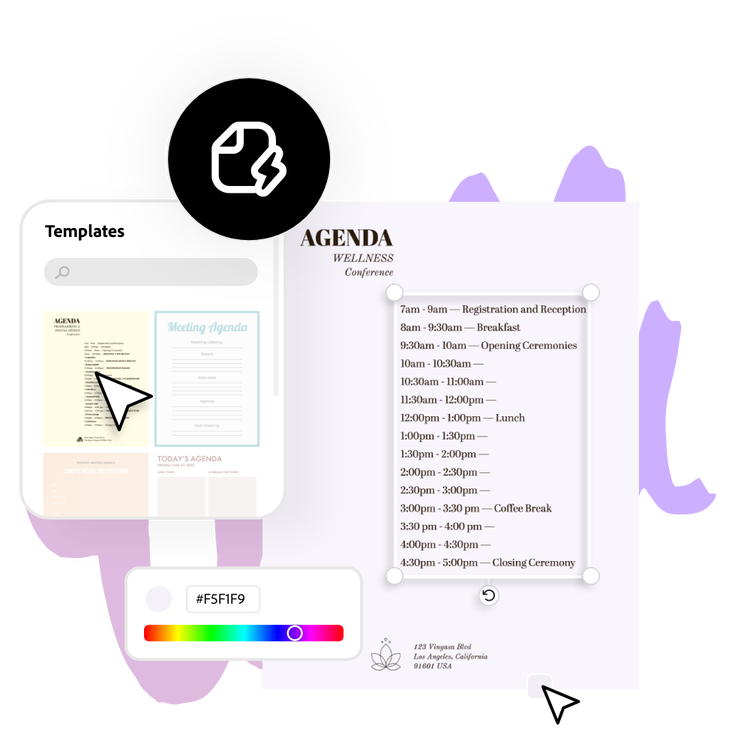
Make Adobe Express your go-to planner app.

Plan day-to-day or years in advance, and everything in between with this free planner design tool. Choose from templates to personalize based on your needs or design your own planner from the ground up. Lay it out as a grid to make information easy to digest. Adobe Express is available on web and mobile, so you can update your planner anytime, anywhere.

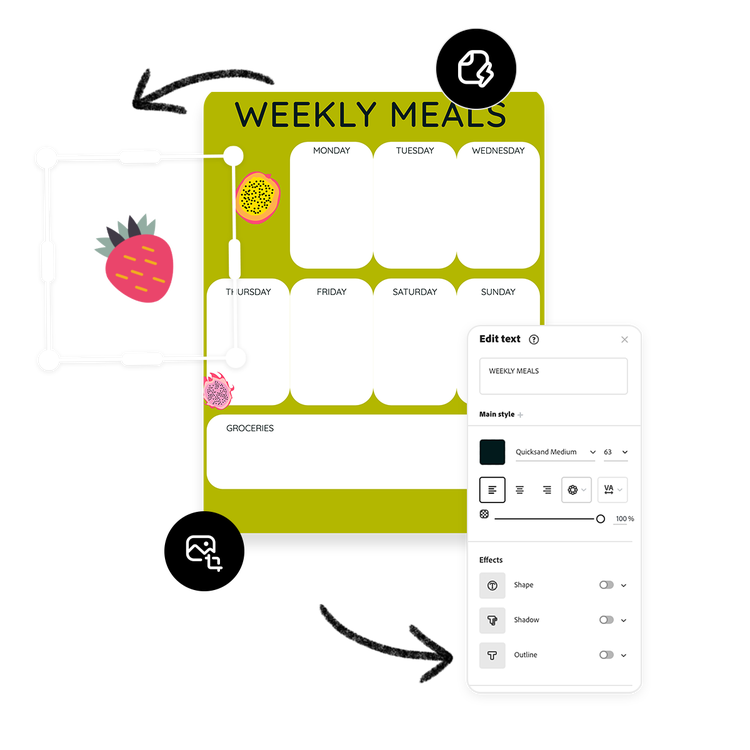
A planner maker app made easy.
Explore professionally designed templates to get your wheels spinning or create your planner from scratch. Establish a theme for your designs using free photos, icons, logos, personalized fonts, and other customizable elements to make them feel entirely authentic. With Adobe Express, it’s free and easy to make, save, and share your designs within minutes.
The world's leading businesses use Adobe Express.





Discover even more.

More reasons why Adobe Express is the right tool for your next project.
Get organized with the Adobe Express planner design app.

Good organization help tasks run more smoothly. Let Adobe Express make things easier with a free online planner design app to help you track and plan your goals. Create any kind of planner you can dream up, including to-do lists, weekly calendars, meal planners, years at a glance, lesson plans, and so much more. Do it all for free anytime, anywhere using the Adobe Express app on your desktop or mobile device.
Customize your planner design any way you’d like.

Download and share your planner with friends, teammates, and more.
Get organized with the Adobe Express planner design app. opened

Frequently asked questions.
What makes a planner design stand out?
Successful planner designs tend to be a mixture of keeping up with current trends, thinking outside the box, and letting your personal style shine. Use our trending templates to get started with a fresh design, and explore our libraries of free image and graphic assets. Lay it out clearly with rows and columns to present information that’s easily readable and searchable. Then, have fun customizing your planner with your own photos, messaging, and color scheme.
How do I add my brand to my planner design?
What file types can I download?
Can I get Adobe Express for free? If so, what’s included?
Can I create my own planner template?
What makes a planner design stand out? opened
illustrator

