
Free agenda creator.
Choose from our selection of templates to create your agenda online for free. All skill levels are welcome.
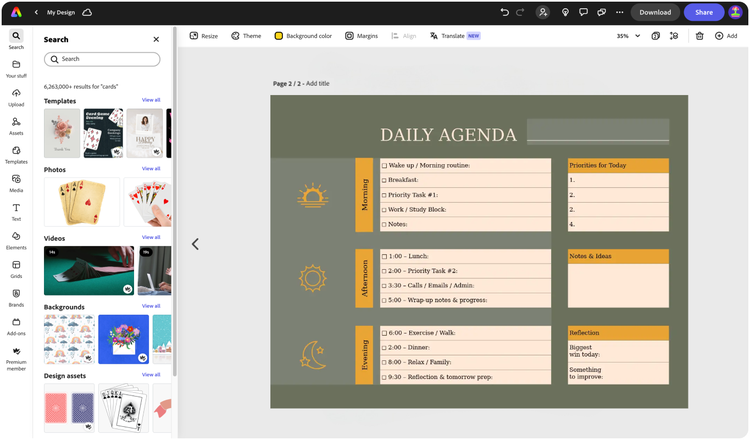

Easy all-in-one editor

One-click edits from any device

Fast creation with generative AI

Thousands of professionally-designed templates
Easily get started in Adobe Express.
- Templates
- Upload Content
- Stock Content
- AI
Explore more categories:
Upload or import your content.
Add your own photos or videos and start your creation from there. You can also import your PSD or Ai files and Adobe Express will recognize all of your layers.


Upload your photos or videos
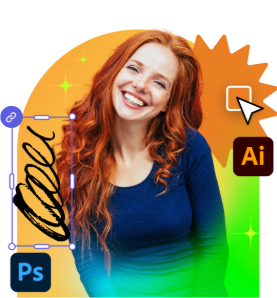
Upload your PSD or Ai files
Upload or import your content.
Add your own photos or videos and start your creation from there.
Upload your photos or videos
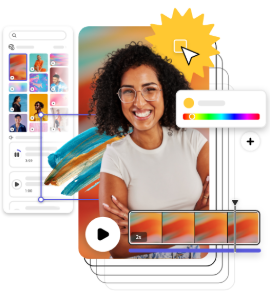
Start from our amazing collection of stock content.
You can start your project from the Adobe Stock royalty-free photo, video, or audio collection.

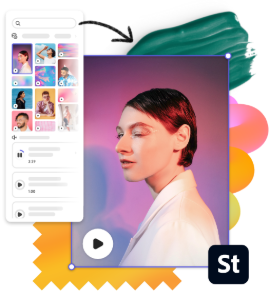
Start with video
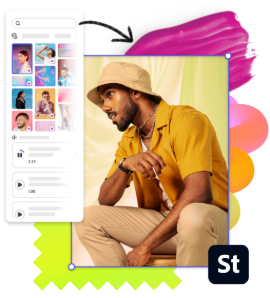
Start with photo
Start with audio
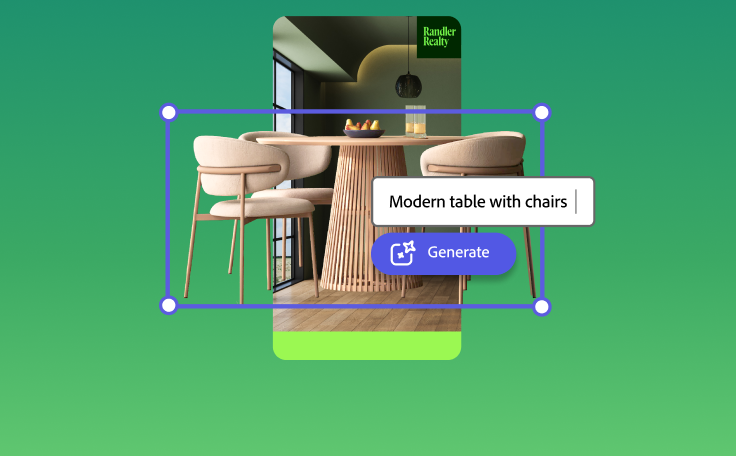
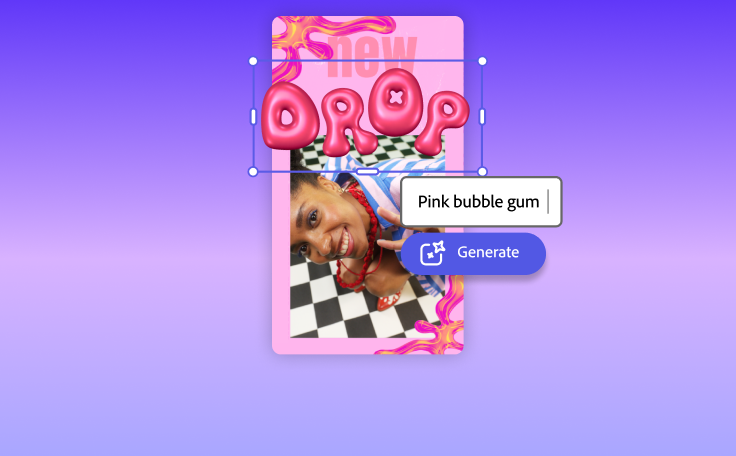
Imagine and create from a text prompt.
Your imagination is your only limitation. You type it. Adobe Express generates it.


How to create your agenda.

See what people are saying about Adobe Express.

Abs Ahlijah
Marketing & Content Coordinator @ Soul Session

Liz Mosley
Owner, Liz Mosley Design

Penuel Stanley-Zebulon
Student @ Pennsylvania State University

Attabeira German de Turowski
Owner, Attabeira Oneline

Mike Nappi
Owner, NappiMusic
Discover even more features for easy content creation.
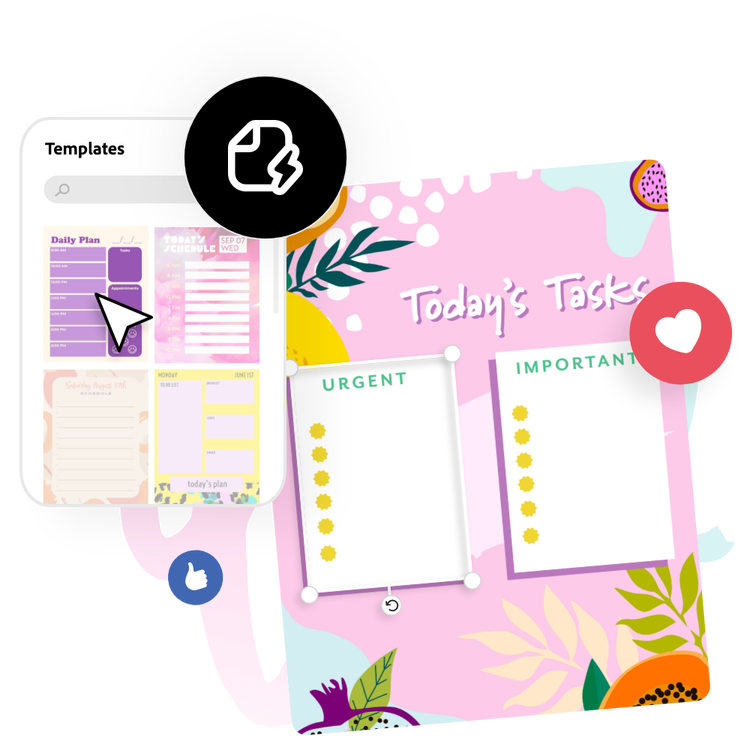
Make stunning agendas with creativity on your side.
With Adobe Express, you can get organized in a snap with the easy-to-use agenda design process. Choose from templates for business agendas, personal agendas, or sample meeting invitations with planners. Then, customize your design elements to match your company, organization, or personal brand. Organize it all into a clear and easy to read grid with as many rows and columns as you need. Share your agenda digitally or printed with your whole team.

Let Adobe Express be your go-to agenda design app.
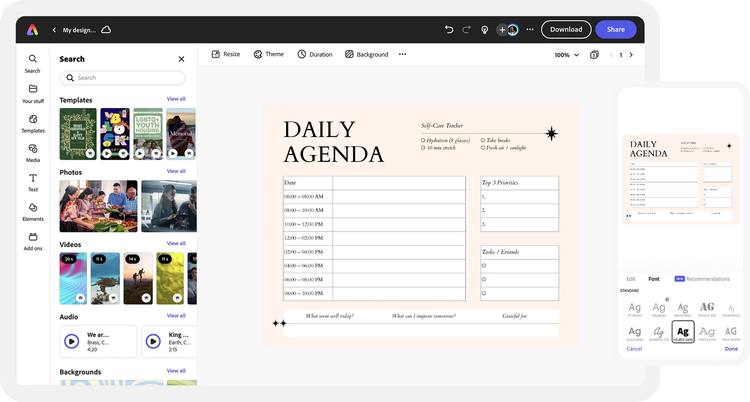
Get organized with professionally designed agenda templates from Adobe Express. They can help you prioritize upcoming deadlines, hold discussion points for the meeting, and include contact details to distribute with your team. Find an agenda template style you love or fit the brand by editing the design, changing the colors, switching layouts, adding your own text, adding or removing grid elements, and resizing to fit the paper size you need or save for your phone.