Compress a BMP for free online.
Turn a very large BMP file into a more manageable JPEG with the HARMAN Image Compressor add-on in Adobe Express. Now you can create, edit, and compress images all in one place.
How to compress a BMP.
1. Launch Adobe Express.
Open Adobe Express for free on your desktop. Select the add-ons panel in the left menu and install the HARMAN Image Compressor add-on.

2. Compress.
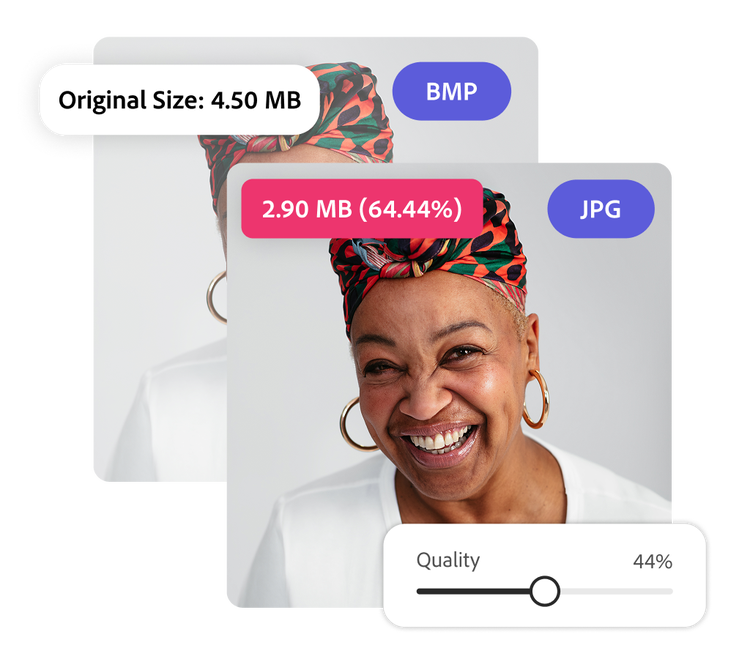
Either upload a BMP image from your desktop or access an image in Adobe Express. Use the slider to compress the BMP image down from 100 percent to 0 percent. The add-on will reflect the size of the compressed image in real time.

3. Continue editing.
Click Add to Page or Download when you’ve got a file size that works for your project. (Note: compressed BMPs are converted to JPEG.) Keep editing your image in Adobe Express by applying filters, cropping, and more.

Dial in your file size.
If you’re working with a BMP file to preserve high-quality graphics for a design project, but need a smaller version for easy sharing, you can quickly optimize it with the HARMAN Image Compressor add-on. Simply use the slider to adjust the resolution. Your optimized BMP will be ready to download as a JPEG quickly.
Do more with BMP files.
A feature of BMP images is their high-quality format, which preserves every detail. However, because BMP files are typically large, compressing them into JPEG files can significantly improve performance. With this compression add-on in Adobe Express, you have full control. Apply light compression to maintain quality or stronger compression to save digital space.
Streamline your workflow.
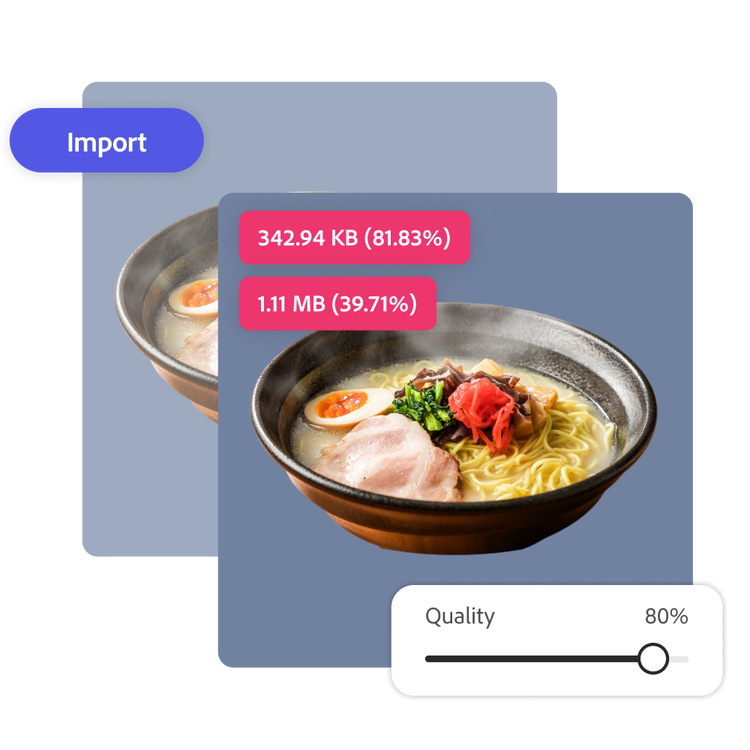
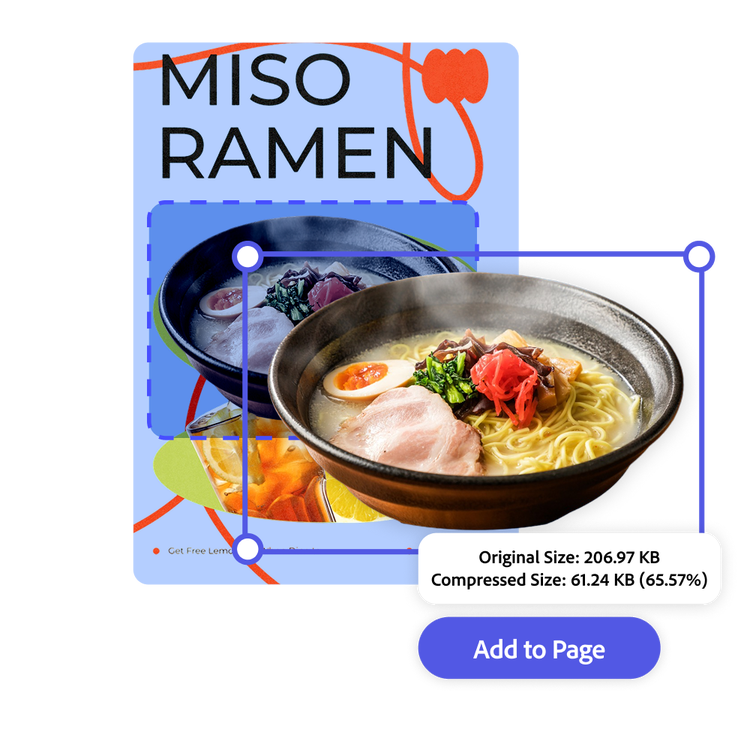
Compress your images in one place in Adobe Express. You can even use images you’re working within the Adobe Express editor without needing to download first. Finalize designs faster when you’re not switching between programs for different tasks. Click Add to page to keep editing or download the new JPEG.
Customize your BMP image online with the compression tool, templates, and more.
Adobe Express makes editing and using images easy. Take time to explore the image editing options among an array of others to develop your style. With Adobe Express on your side, all you need to do is open the app to create unique and standout designs that will captivate your audience.