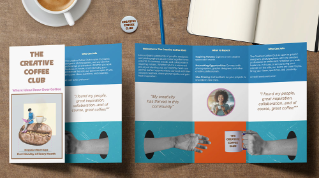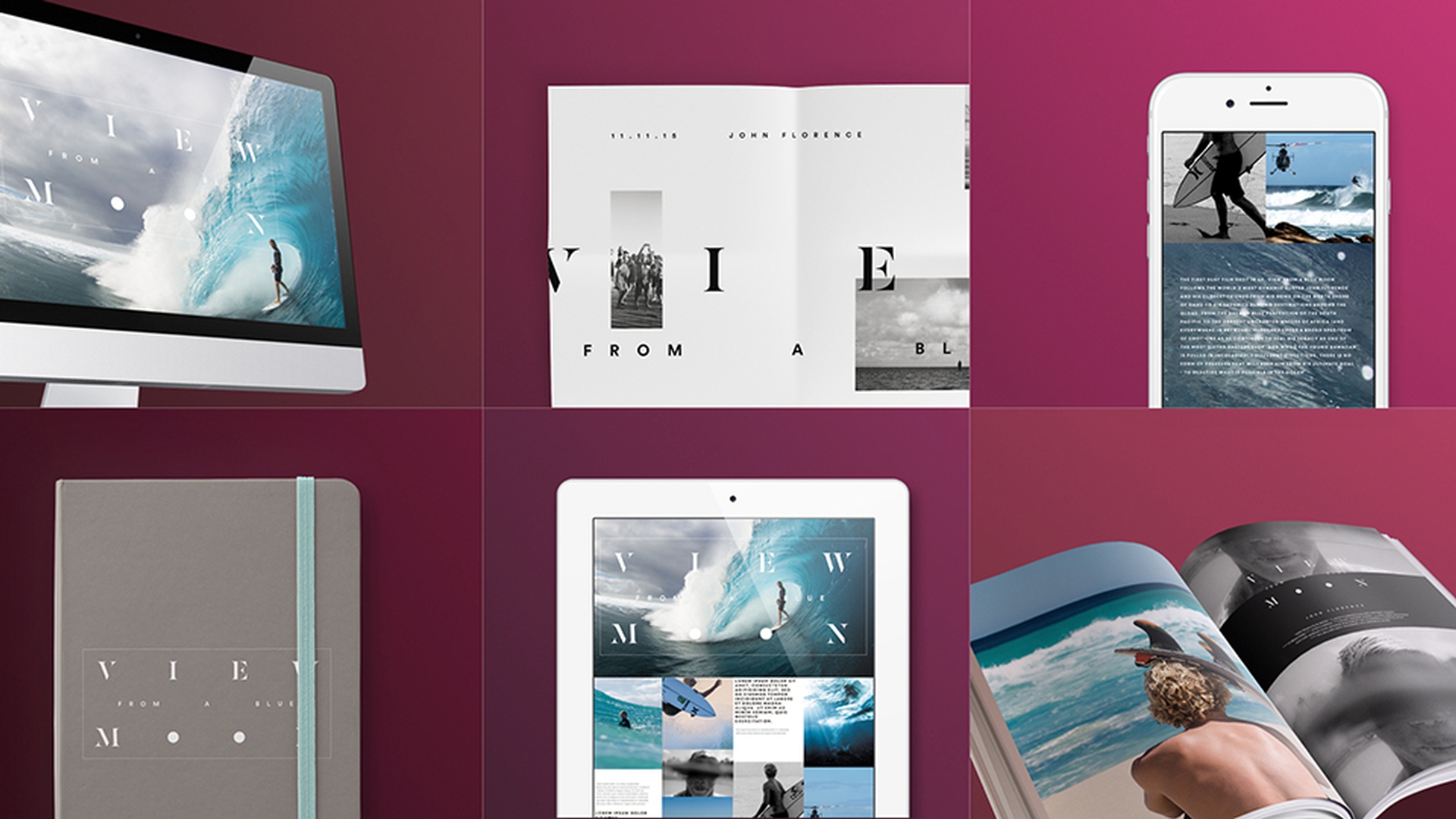
>> Adobe InDesign CC is the industry standard app for publishing projects ranging from all types of print projects to digital publications that you can view on any web browser, create print projects like stationery, printed books, brochures, annual reports, posters and more.
And now InDesign allows us to publish interactive publications such as digital magazines, iPad apps, interactive PDFs, ebooks, and interactive online documents.
InDesign's flexible workflow integrates with Adobe Suite of mobile applications which allows us for example, to start designing a layout on a mobile device using Adobe Comp CC and send it straight over to InDesign on our computer with just a couple taps.
InDesign now provides us with a host of tools for creating rich layouts.
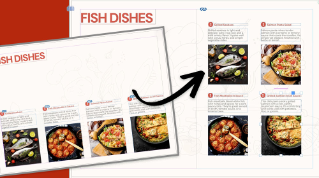
Create multi-column pages with text and graphics, include vector graphics from apps like Illustrator CC and Capture CC and place raster images from Photoshop CC and Adobe Stock.
Adobe Stock is a vast library of millions of world class royalty free images, searchable directly from within Creative Cloudapplications like InDesign.
It's never been easier to find, license, and place images in your document all the while keeping your assets organized and consolidated.
In addition to Adobe Stock, we can also save our own artwork in Creative Cloud Libraries.
So we can easily reuse graphics, text styles, and colors in any InDesign document as well as in other Adobe desktop and mobile apps.
Next, use professional typesetting tools to implement strong typographic consistently throughout your entire document.
Create and apply styles to instantly change the appearance of your document.
And wrap text around objects with just a click.
Then, easily create tables to keep tabular data organized and beautiful.
Also within InDesign we have access to thousands of additional fonts from the Typekit Library, all included as part of your Creative Cloud membership.
When you're ready to hand off your document for commercial printing, it takes just a few moments to pre-flight documents quickly and accurately.
We can package files with just a few clicks to easily gather all the document components required for handoff.
Or just export your file as a PDF for print.
Then, create interactive documents that include audio, video, slideshows, and HTML content.
Create digital publications to view on a wide variety of tablet mobile devices.
Save as EPUBs, fixed layout or reflowable, and distribute across many ebook marketplaces.
You can also convert any InDesign document into an online digital publication in just a couple of steps, which can be shared through a public link or embedded in your blog or website.
Whether you're a print, web, or interactive designer, InDesign has the tools you need to design and publish high quality documents across a full spectrum of both digital and print media.