Adobe Acrobat

Work smarter with a 7-day free trial.

With Adobe Acrobat Pro + AI Assistant Plus, you have trusted tools to edit and sign PDFs, generate presentations, and understand your docs faster.

US$19.99/mo for Acrobat Pro + US$4.99/mo for AI Assistant Plus. Both are annual, billed monthly plans. Monthly plans also available.

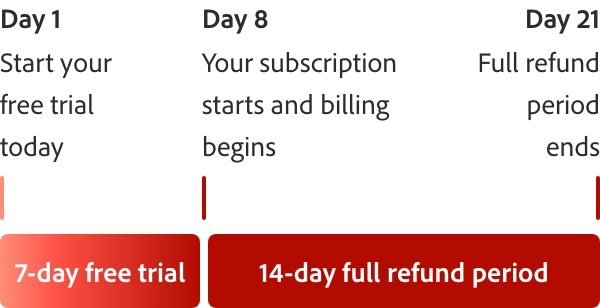
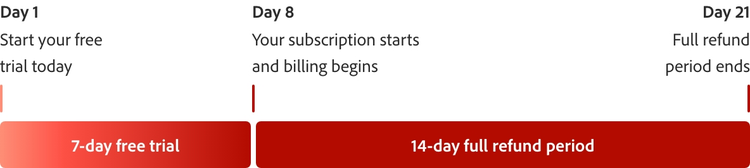
Fee applies up to half your remaining annual commitment if you cancel 14 days after your free trial ends.

Start free trial See plans and pricing

  • CheckmarkPremium features available on desktop, web, and mobile
  • CheckmarkYou won’t be charged until your free trial ends

How the 7-day free trial works.

Try Acrobat Pro with a 7-day free trial. If you need more time to try all the features, you’ll still have an extra 14 days to cancel and receive a full refund.
What can you do with your Acrobat Pro free trial?

Convert file types.

Convert file types.

Turn your PDF into a different file type and vice versa. Converting file types is simple and easy with Acrobat.
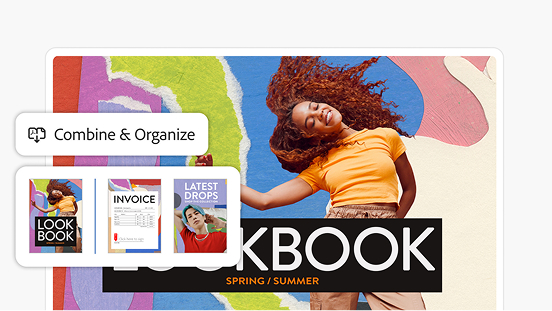
Organize and reorder pages.

Organize and reorder pages.

Add and reorder pages simply by dragging and dropping. Easily delete any you don’t need.
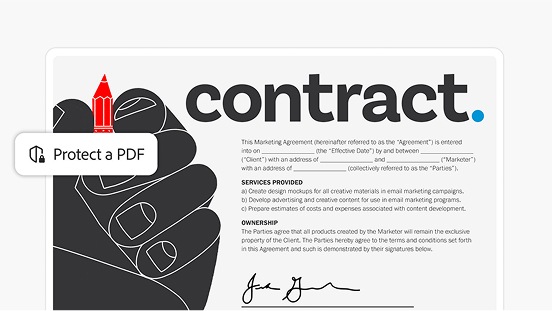
Keep documents safe.

Keep documents safe.

Protect sensitive documents with a password. Use other security features to restrict editing, printing, copying, and more.
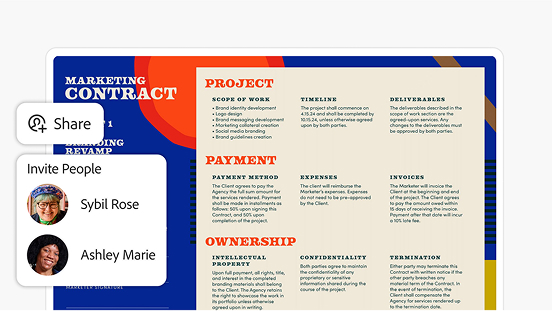
Share and get feedback.

Share and get feedback.

Send documents to anyone with a link. Reviewers can leave comments and make annotations without logging in.
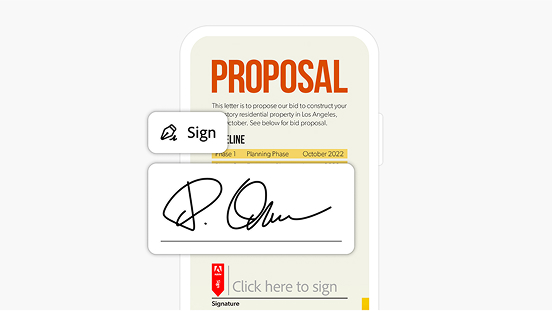
E-sign and request signatures.

E-sign and request signatures.

Fill and sign PDFs wherever you are. Send files out for signature — no login needed for recipients.

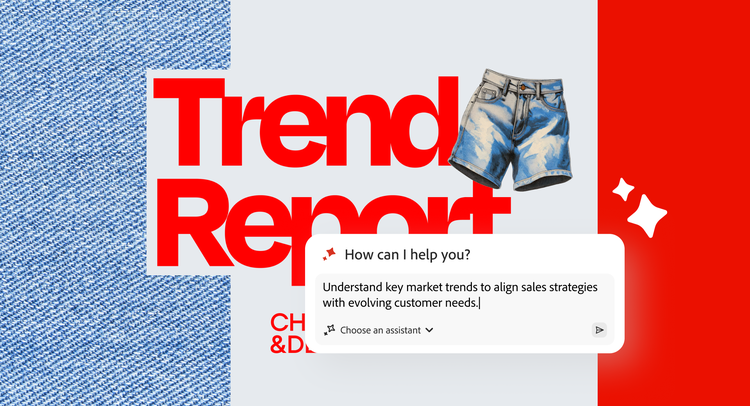
Unlock insights and next steps with PDF Spaces.

Bring all your project files into one workspace and ask AI Assistant questions to get deep insights with precise citations.
Learn More

Your Acrobat Pro free trial comes with more than great tools.

Desktop icon

Desktop apps for Mac and Windows

Browser icon

Available on web and mobile, plus browser extensions

Mobile icon

Adobe Scan and Acrobat Reader mobile apps

Integrate icon

Works with the apps you already use, like Microsoft 365 and Dropbox

Adobe icon

Integrates seamlessly with Adobe Creative Cloud and Adobe Express

Security icon

SSL security so you can work and share with confidence

E-signature icon

Binding, compliant, and secure e-signatures

https://main--dc--adobecom.aem.live/dc-shared/fragments/acrobat/discover-small-business-video-blade

Questions? We have answers.

What do I get with the Adobe Acrobat Pro free trial?
The Adobe Acrobat Pro free trial gives you 7 days of full access to Acrobat Pro features that allow you to edit PDFs, send unlimited e-signatures, compress files, convert files, and access cloud storage. The free trial gives you the complete Acrobat Pro experience, without restrictions. You will only be charged if you don't cancel before the 7-day trial ends.
How do I start my Adobe Acrobat Pro free trial?
To start your Adobe Acrobat free trial, click the 'Start free trial' button, sign in or create a free Adobe account, and choose your plan. Your access to Adobe Acrobat Pro will begin immediately, and you can download the desktop app or use it in your browser right away. No payment is required until the 7-day trial period ends.
Which Adobe Acrobat plan is right for me?
Adobe Acrobat offers plans for individuals, teams, and enterprises. The best plan for you depends on how often you work with PDFs and which features you need, such as the ability to edit, e-sign, share, or access AI-powered tools. A free trial is an easy way to explore the full feature set before choosing a paid plan.
Can I cancel my Adobe Acrobat free trial at any time?
Yes, you can cancel your Adobe Acrobat free trial at any time during the 7-day period without being charged. Adobe makes it easy to cancel from your Adobe account settings under “Manage plan.” If you cancel after the trial converts to a paid plan, standard cancellation terms apply based on your subscription type.
What happens after the Adobe Acrobat free trial ends?
After the 7-day free trial ends, your Adobe Acrobat subscription automatically converts to a paid plan at the rate shown at sign up. You'll receive an email reminder before the trial ends, so you can decide whether to continue or cancel. If you choose not to continue, you can still access PDFs using the free Adobe Acrobat Reader.
What file types can I work with during the Adobe Acrobat free trial?
During the Adobe Acrobat free trial, you can work with PDFs and convert to or from Word, Excel, PowerPoint, JPG, PNG, TIFF, and HTML files. You can access all format conversion tools throughout your trial period.

https://main--da-dc--adobecom.aem.page/dc-shared/fragments/acrobat/get-acrobat-support

mas-field: ACOM-DC / Product / Individual / com / Acrobat Pro Subs CC → jsonLdSchema

Acrobat Trefoil Mnemonic

Adobe Acrobat

Add Acrobat AI Assistant Plus to Acrobat Pro. US$4.99/mo for the annual, billed monthly plans.

Learn more Start free trial