
Try these tutorials with Photoshop
Edit photos to create new images and graphics.
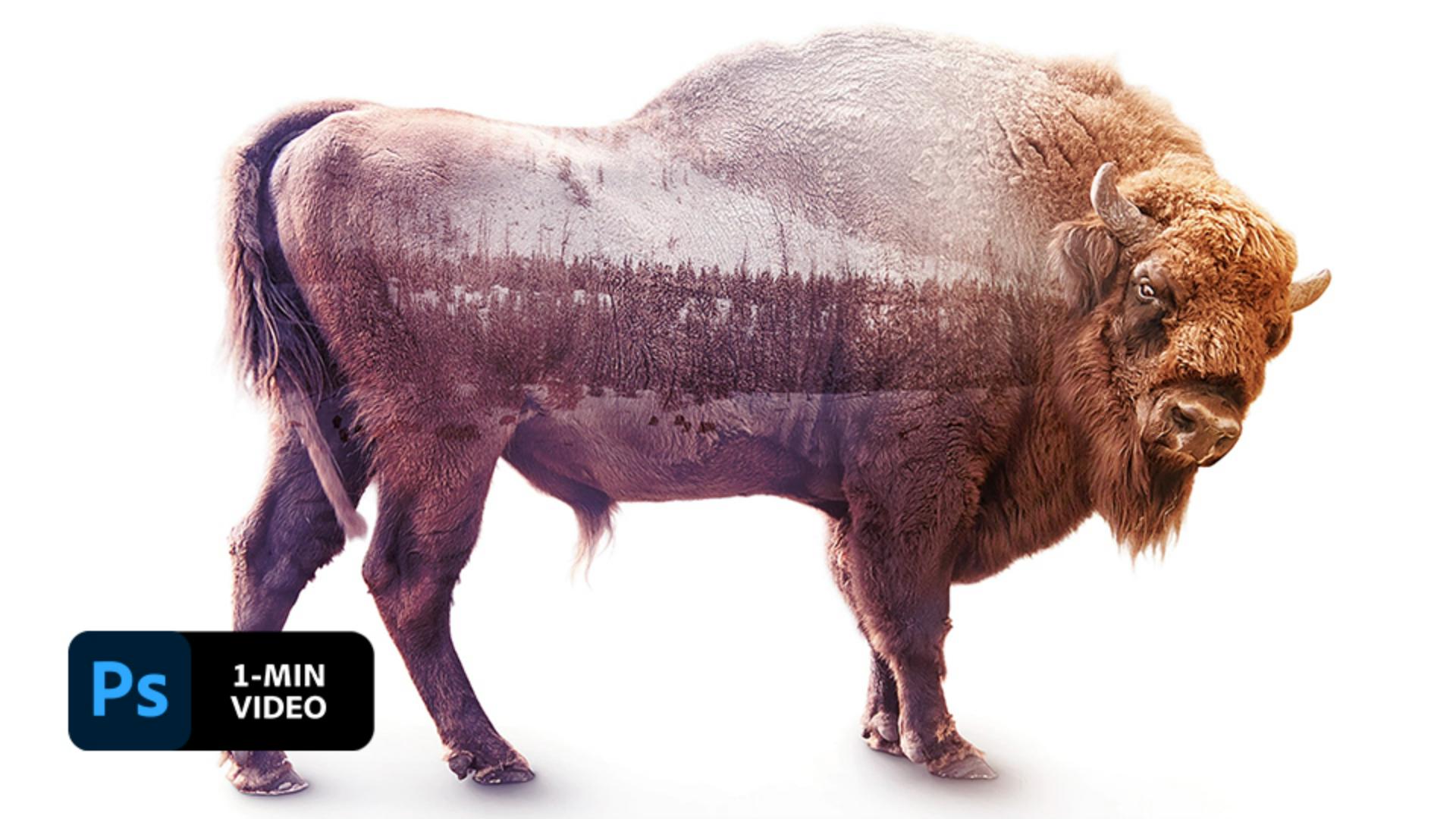
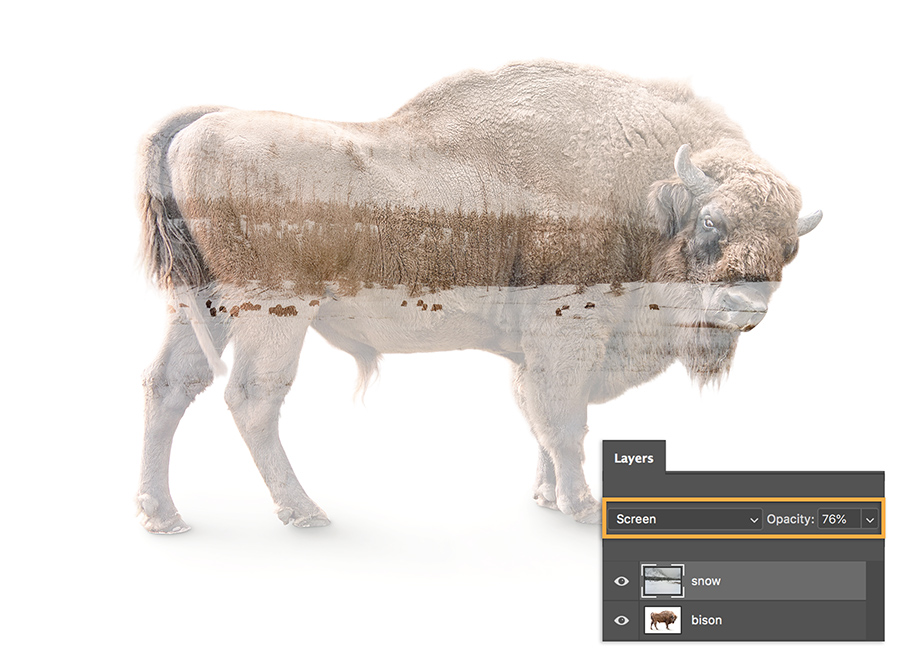
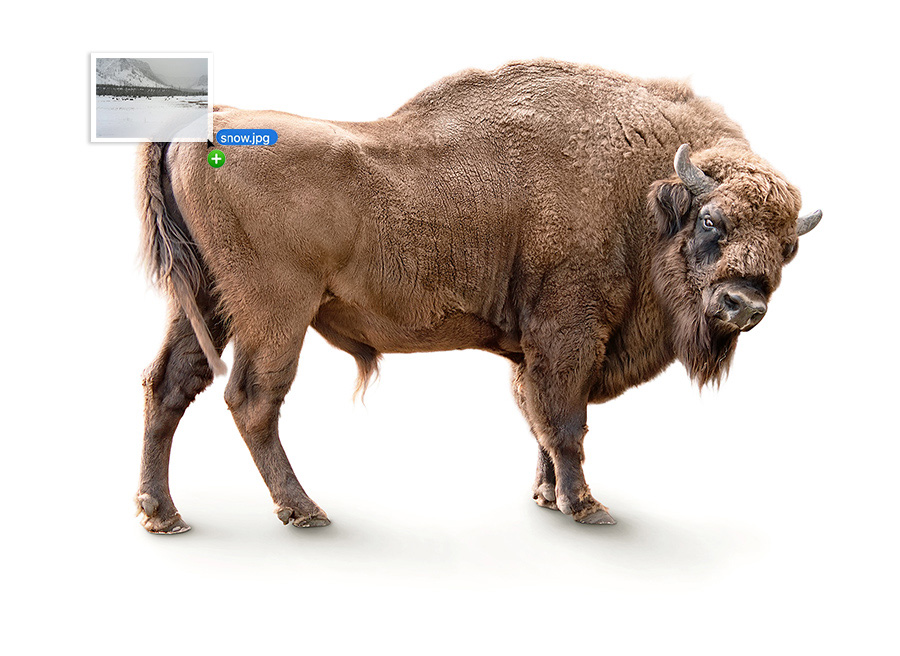
In film photography, a double exposure is a combination of two exposures in one image to produce evocative results. In this easy-to-follow tutorial, learn how graphic artist Erica Larson usesAdobe Photoshop to combine two photos, creating a seamless double exposure effect.
Graphic artist Erica Larson dreams up inspired designs every day as an associate creative director on the Adobe Studio team. In other words, she makes stuff that makes others want to make stuff.
This sample file has Adobe Stock images you can use to practice what you learn in this tutorial. If you want to use the sample file beyond this tutorial, you can purchase a license onAdobe Stock . Check out the ReadMe file in the folder for the terms that apply to your use of this sample file.
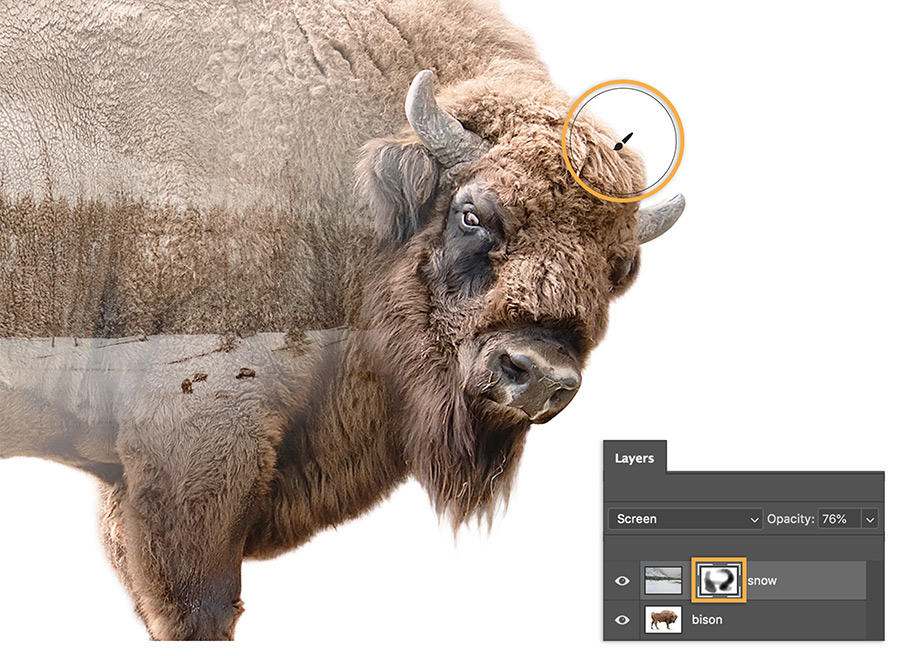
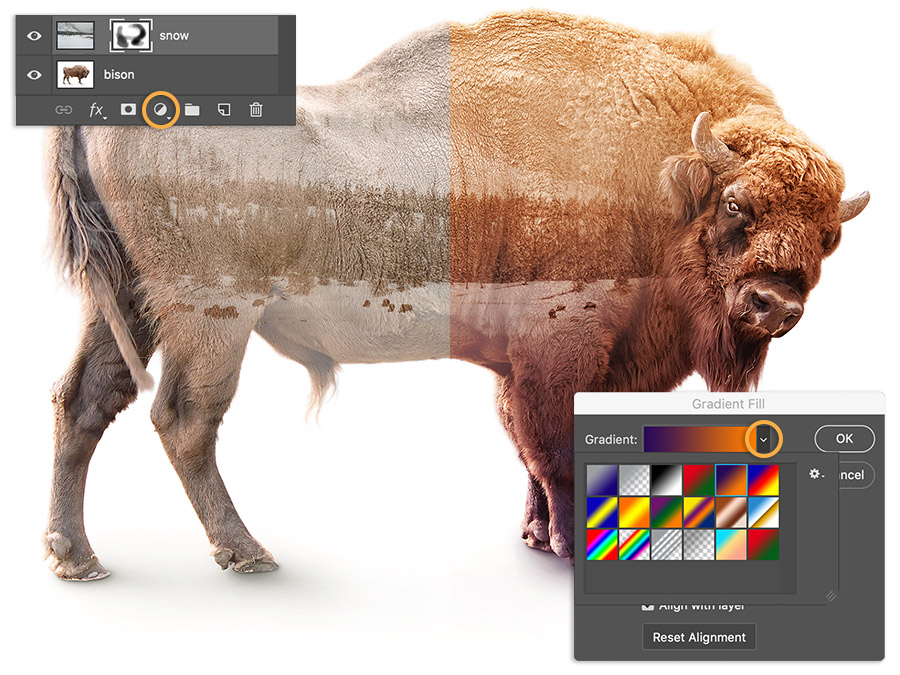
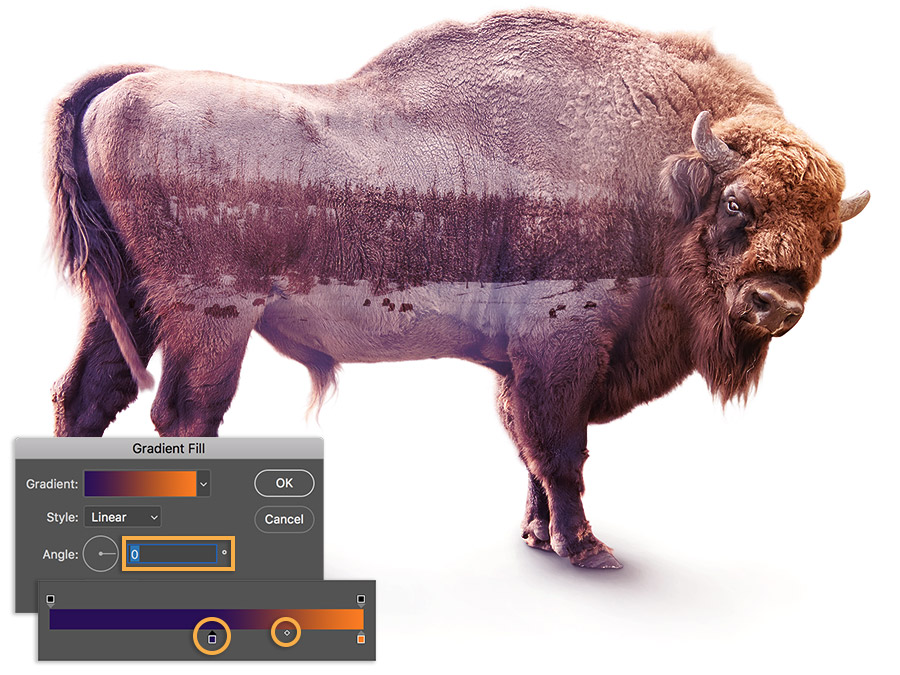
Find pairs of photos to combine in your photo gallery and have fun creating fresh takes.
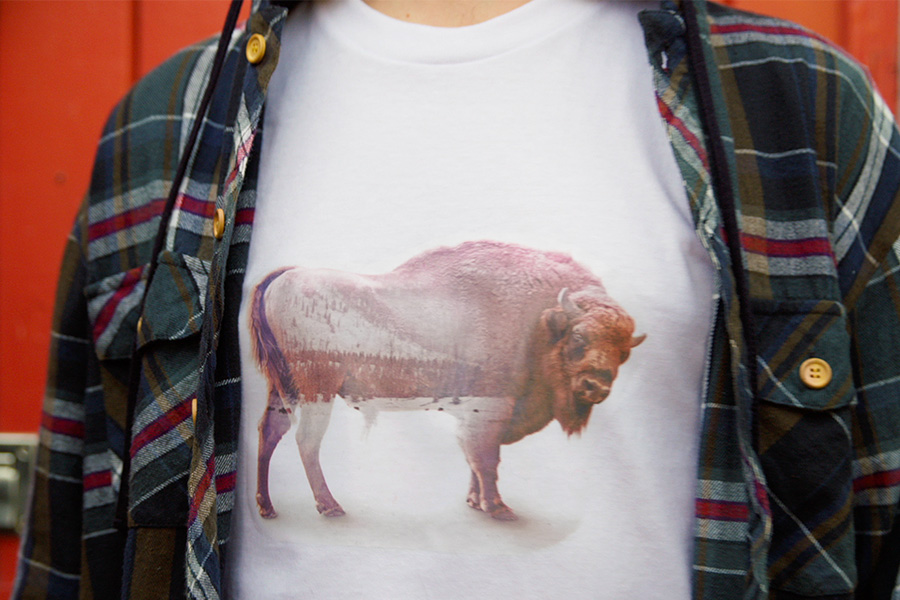
Note: Project files included with this tutorial are for practice purposes only.