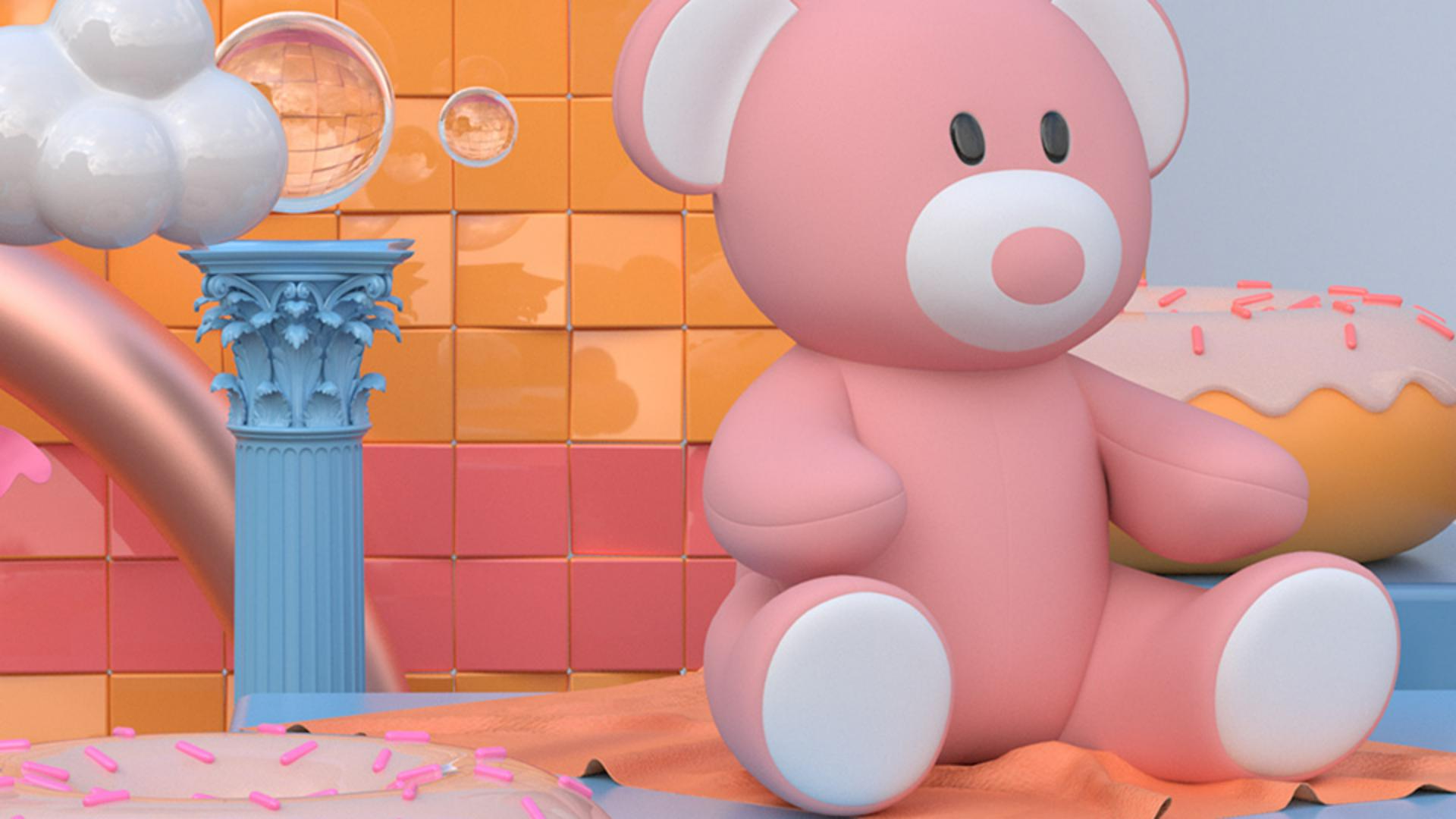
In this video, we'll get an overview of the different types of assets, Dimension can use and learn about different sources.
You can start experimenting with Dimension right away by using the free Starter Assets that ship with the application.
There are four asset types Dimension uses: Models, Materials, Lights, and Images.
Models represent 3D forms and shapes.
They have dimensionality and can be anything from a simple product like a bottle to a house.
Models can even be made of groups of items that form a unique asset.
Materials to find the look of a model by changing the way its surface appears and can be edited to create custom looks.
Images can be applied directly to the surface of a model.
The final content type for Dimension is Lights.
Lighting changes reflections, highlights, shadows, and the overall brightness, contrast and color of your scene.
In addition to the Starter Assets that Dimension ships with, you can import your own custom content in many formats.
You can jumpstart your project with Adobe Stock, which has 3D content that has been curated and optimized for use in Dimension.
You can search Adobe Stock directly in the app by switching from the Starter Assets panel to the CC Libraries panel.
Set the Search mode to search Adobe Stock, then enter a search term.
Adjust your filters for the type of asset you're looking for.
Click on an asset to license it and add it to your CC Library so you can access it at any time.
We hope this video has been helpful in getting a sense of what types of content you'll use in Dimension and where you can find content to get started.



