Modify your PDF now, not later.
Free trial | Free trial Adobe Acrobat See all plans | See all plans Adobe Acrobat
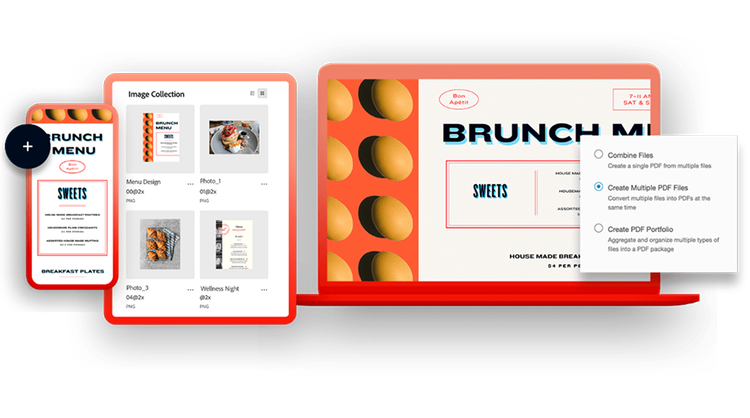
Convert Microsoft docs into PDF files.
As the most powerful PDF creator, Adobe Acrobat makes it easy to create high-quality, shareable PDFs out of your Microsoft Office documents and file formats — including Microsoft Word, PowerPoint and Excel. Formatting, fonts and page numbers will appear just as they did in your original document.
Free trial | Free trial Adobe Acrobat Buy now | Buy now Acrobat
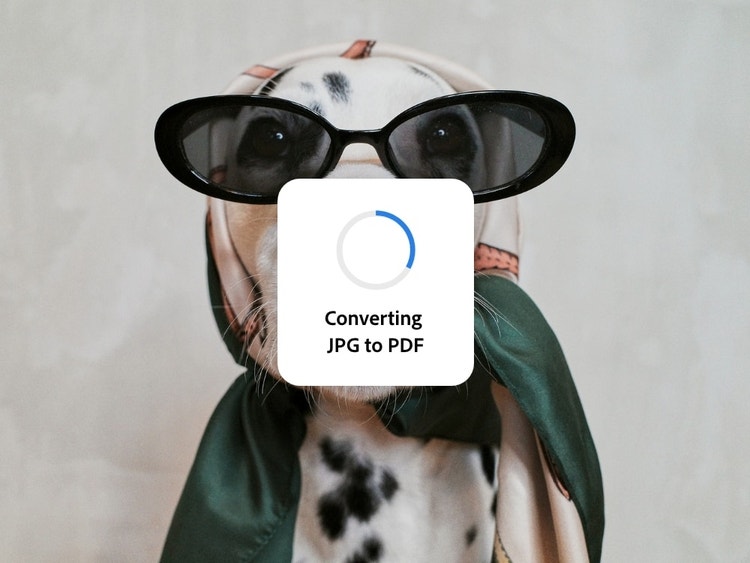
Turn an image into a PDF.
In just a couple taps, you can convert different types of pictures, including JPG, PNG, BMP, GIF and TIFF, into PDFs that can be reliably viewed across devices and desktops. Adobe PDF creator makes it simple to create a PDF from pictures while keeping the original quality intact.
Free trial | Free trial Adobe Acrobat Buy now | Buy now Acrobat
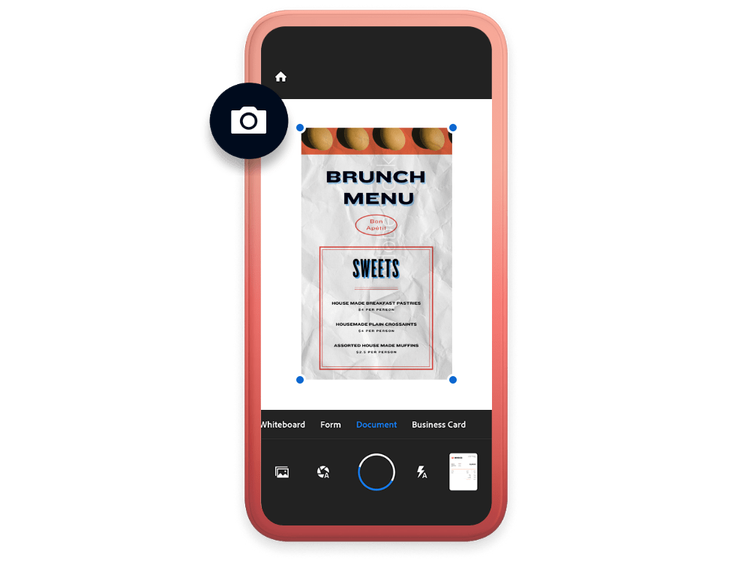
Create an editable PDF from a scan.
With the Adobe Scan mobile app, you can scan any document or image and save as a PDF. Using Adobe Acrobat and Acrobat Reader, the best PDF editor and viewer apps around, you can turn it into a PDF file with text that can be searched and edited on the fly. This PDF maker feature ensures accurate text recognition and allows you to create a PDF file that remains secure and editable.
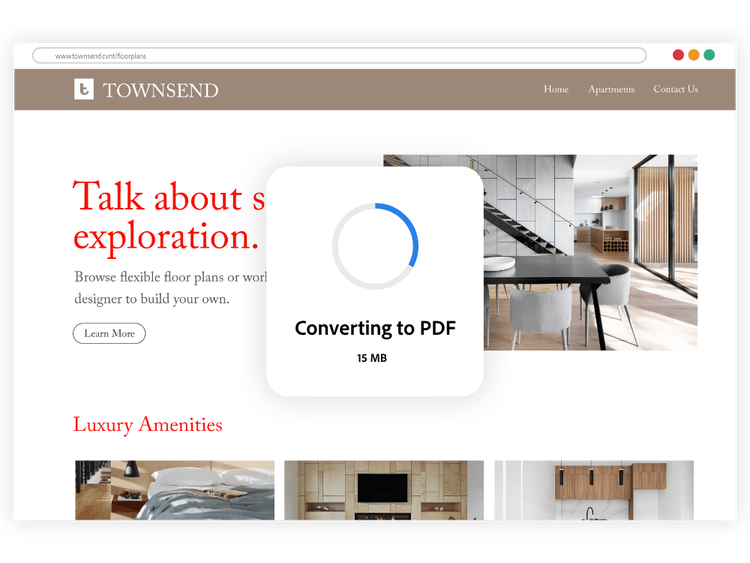
From HTML to PDF. In a click.
Convert any HTML webpage into a PDF document that functions and acts like the webpage — with clickable links, images and formatting intact. Adobe PDF creator helps you create a PDF from text and web pages while preserving design and layout.
Free trial | Free trial Adobe Acrobat Buy now | Buy now Acrobat
Supported file types you can convert to PDF.
Adobe Acrobat makes it easy to convert the most common file types into reliable, high-quality PDFs. You can create PDFs from:
- Microsoft Word (.doc, .docx)
- Microsoft Excel (.xls, .xlsx)
- Microsoft PowerPoint (.ppt, .pptx)
- Images including JPG, PNG, BMP, GIF and TIFF
- HTML webpages
- Scanned documents and plain text files (.txt)
With Acrobat, formatting, fonts and layouts are preserved, so your PDF looks the same on any device or screen.
With Acrobat, you really can work from anywhere.
Adobe Acrobat is the essential PDF solution to help you to create PDFs quickly and stay productive — wherever, whenever. More than a PDF converter, Acrobat speeds workflows by making it easy to create, edit, share and e-sign PDFs on the go across desktop, mobile and web. With Adobe PDF creator, you can create a PDF from text, spreadsheets, images or presentations, while reducing file size to share high-quality PDFs that are simple to view on any screen.

Try our online tools for on-the-spot PDF power.
Easily convert Word files to PDF.
--- #b6b6b6
Turn an image file, including JPG, PNG, BMP, GIF and TIFF, into a PDF.
--- #b6b6b6
Convert your PowerPoint file to PDF.
--- #b6b6b6
Turn an Excel document into a PDF.
--- #b6b6b6

Acrobat is the key to faster business.
Accelerate crucial workflows with our solutions for businesses and teams.


