
Creativity for all
Photography, video, graphic design, illustration and so much more. Everything you need, wherever your imagination takes you.
GRAPHIC DESIGN
Standing out as a graphic designer requires more than artistic talent. Graphic design skills include the technical and creative abilities used to create visual content, such as typography, layout, colour, branding and digital design. Discover how to present the skills that employers are looking for on your resume in the best way possible.
JUMP TO SECTION
What skills do employers look for in a graphic designer?
Core technical skills of a graphic designer to include on your resume
Essential soft skills every graphic designer needs
Tips to effectively showcaseyour graphic designer skills on your resume
Build, practise, and showcaseyour graphic design skills with Adobe Creative Cloud
While a strong portfolio remains critical, most hiring managers and recruiters first evaluate candidates through their resumes. This means your listed skills need to align closely with the role you’re applying for. Graphic designer requirements skills typically fall into two broad categories:
Technical skills form the foundation of any graphic design role. These skills show employers that you can turn ideas into polished visual outputs across different formats and platforms. Here are some of the hard skills that you should include on your resume:
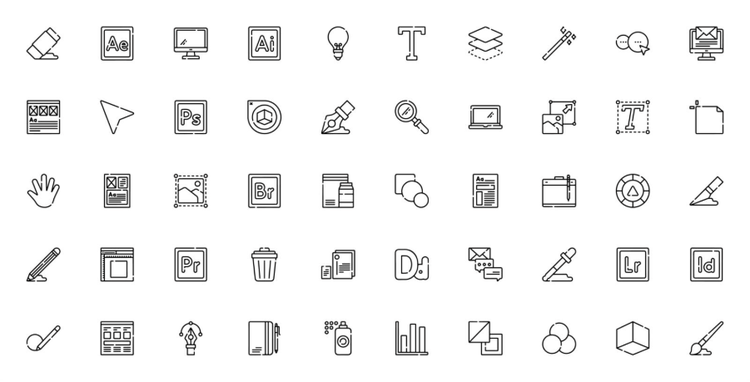
Most graphic design roles require familiarity with and mastery of professional design tools, such as Adobe Creative Cloud apps.
When including these software skills on your resume, focus on tools that are most relevant to the role you’re applying for. Employers want to see that your technical abilities align with the responsibilities of the position. For example, proficiency in Adobe Photoshop and Illustrator may be essential for a digital design role, while InDesign might be more relevant for a publishing-focused position.
It’s equally important to be honest about your proficiency level. Many graphic design roles now include hands-on tests or practical assignments as part of the hiring process. If your resume lists advanced skills that you’re not confident using, you may struggle during these exercises and harm your chances of getting the job.
In India’s fast-growing digital economy, skills with professional design tools are particularly valuable for digital agencies, startups, and tech companies where high-volume, fast-paced projects are common. Many of these employers also integrate AI-assisted workflows into their design processes to generate variations, automate repetitive tasks, and explore creative solutions efficiently. Showing familiarity with both traditional and AI-enhanced tools signals that you can deliver professional-quality work while keeping pace with evolving industry practices.

Strong typography and layout skills go beyond selecting fonts. They demonstrate a designer’s in-depth understanding of hierarchy, spacing, alignment, and overall visual composition, which translates to an ability to communicate clearly and create visually balanced, readable content. These skills are essential across formats, from digital graphics and social media posts to brochures, presentations, and multi-page publications.
When highlighting this skill on your resume, tie it to specific examples that demonstrate your expertise, such as:
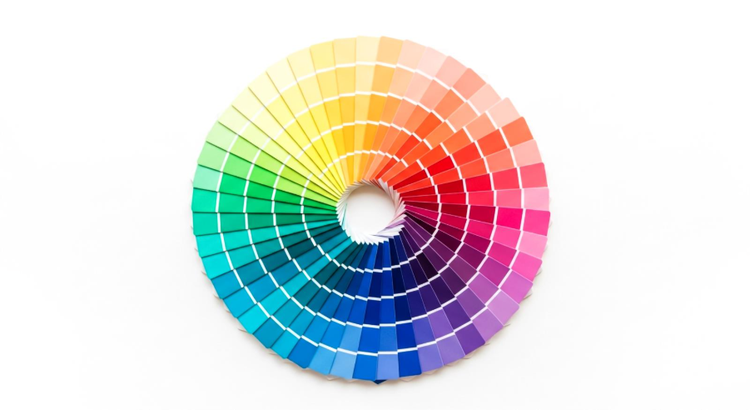
Colour theory plays a major role in branding, marketing, and user engagement. Designers who understand how to use colour effectively can create visuals that establish hierarchy, highlight key information, evoke emotion, and maintain clarity across digital and print formats.
When presenting this skill on your resume, focus on real outcomes rather than just listing “colour theory” or “visual composition” as strengths. Link these experiences to portfolio work. Showing tangible results demonstrates that your understanding of colour theory and composition translates directly into measurable design impact. For instance, you can showcase a campaign where your colour choices increased engagement or reinforced brand identity or something similar.
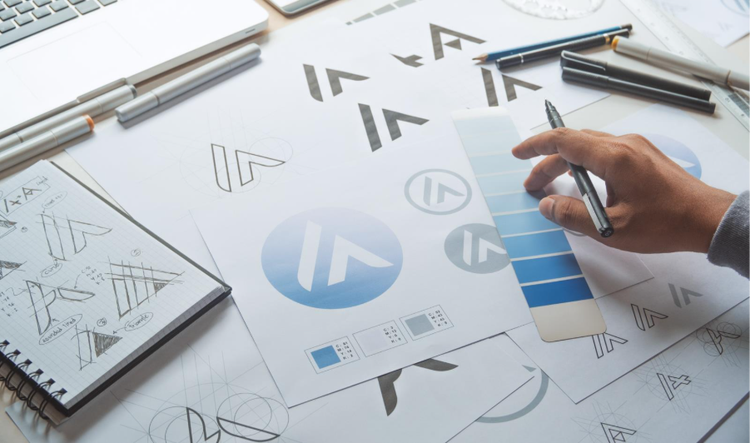
Branding skills are highly sought after, especially by startups and growing businesses in India. This includes logo design, brand systems, and maintaining visual consistency across channels. When highlighting branding skills on your resume, focus on specific and applied experience, such as:
Nowadays, most design work includes digital-first responsibilities. This means that a deep understanding of the principles of digital design, including layout for screens, responsive design, and platform-specific constraints, are a crucial skill for any graphic designer. Employers value designers who can adapt traditional design skills to digital contexts while ensuring clarity, usability, and visual appeal. In this section, you can highlight work involving:
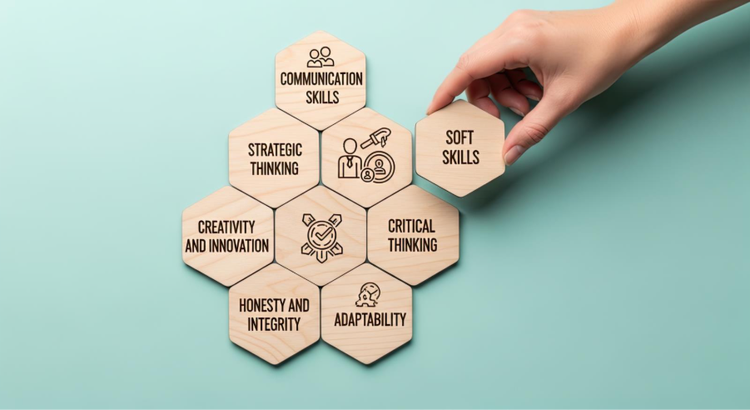
While technical skills demonstrate what you can create, soft skills reveal how you work: how you approach projects, collaborate with others, and adapt to challenges. Employers often place just as much emphasis on soft skills as on technical ability, because design rarely happens in isolation.
By presenting soft skills alongside technical expertise, your resume paints a more complete picture of you as a professional, showing not just what you can create, but how you operate effectively in real-world design environments.
Designers often work with marketers, developers, clients, and stakeholders, and communication and collaboration skills allow designers to translate ideas into visuals that meet client or team expectations. When highlighting this skill on your resume, include examples like coordinating with cross-functional teams to deliver a campaign on time, integrating client or stakeholder feedback into designs without compromising quality, and leveraging shared Creative Cloud Libraries to ensure consistency across projects.
Employers value designers who can think critically and propose design solutions that meet business or user needs. To showcase your creativity and problem-solving abilities, highlight projects where your design decisions addressed a specific challenge or objective. These can include:
Designers often juggle multiple projects, deadlines, and shifting priorities. Strong time management and adaptability show that you can deliver high-quality work consistently, even under pressure. Many designers find that using a solution where apps are available in one platform (like Adobe Creative Cloud), reduces the time spent switching between multiple external tools. This allows for smoother workflows, quicker project iteration, and better focus on creative problem-solving. Examples to help you illustrate these skills can include instances where you were able to complete multiple client projects simultaneously while maintaining design quality or where you were successful in adjusting layouts or concepts quickly in response to changing briefs.
A generic resume rarely performs well. This is why you need to make the extra effort to tailor your skills section for each role you apply for. Here are some tips on how to effectively showcase your skills on your resume:
Review job listings carefully and note recurring keywords. These often reflect the graphic designer skills required for that role. Align your resume language with these terms to improve ATS compatibility.
When listing technical skills on your resume, focus on what you’ve created rather than just the tools you’ve used. Doing so can help illustrate how your design skills were applied to real briefs, deadlines, and business objectives. Where possible, include measurable outcomes such as engagement improvements, campaign reach, or client deliverables.
There are many options where you can highlight your graphic design skills. You can choose to have a dedicated skills section for quick scanning, incorporate them within work experience descriptions, or include them alongside certifications or training.
Using a clean, well-structured template can help organize your skills, experience, and portfolio links clearly. For instance, Adobe Express offers a wide selection of graphic design resume templates that can ensure that your resume is easy to read for both hiring managers and applicant tracking systems (ATS).
Graphic design skills develop through consistent practice, real-world projects, and continuous learning. Adobe Creative Cloud provides a flexible, professional-grade environment that supports designers at every stage, from beginners building foundations to experienced designers expanding their skill sets.
Beginners can use Adobe Creative Cloud as a structured learning platform to explore the fundamentals of graphic design.
For instance, beginners can try and learn how to use Adobe Photoshop for image editing, photo retouching, and basic compositing. Adobe Illustrator to practice creating vector graphics, logos, and illustrations, or Adobe InDesign to gain a better understanding of layout, typography, and multi-page document design.
Through tutorials and exercises, new designers can gain hands-on experience that bridges the gap between theory and real-world application. Practising on these tools helps beginners build portfolio-ready work and demonstrates their abilities clearly on a resume.
Learning never really stops when you’re in the creative field. Experienced designers can use Creative Cloud to refine existing skills, explore advanced features, and experiment with new creative workflows.
Here are some of Adobe’s key apps and what they can be used for:
Explore our collection of Creative Cloud video tutorials from Adobe experts and our learning partners. Learn core skills, stay current with new features and discover advanced techniques.

Photography, video, graphic design, illustration and so much more. Everything you need, wherever your imagination takes you.
caas:product-categories/graphic-design
caas:topic/creativity-design
caas:topic/process-and-scale
caas:topic/digital-workflows-and-enrollment
Based on your location, we think you may prefer the United States website, where you'll get regional content, offerings, and pricing.


