
Creativity for all
Photography, video, graphic design, illustration and so much more. Everything you need, wherever your imagination takes you.


GRAPHIC DESIGN
A graphic design portfolio is a curated collection of your best design work that showcases your skills, design thinking, and creative problem‑solving abilities. Learn what to include and how to create a professional portfolio that helps you stand out using Adobe Creative Cloud.
JUMP TO SECTION
How to make a portfolio for graphic design
Why every graphic designer needs a professional portfolio
What to include in a graphic design portfolio
How Adobe Creative Cloud helps you build a graphic design portfolio
Portfolio tips for graphic designers
A design portfolio is more than a collection of images. It’s a clear snapshot of your skills, creativity, and design thinking. For students, freelancers, and professionals alike, it often shapes first impressions and influences hiring decisions.
This guide explains what a design portfolio is, what to include, and how to create a professional digital portfolio that showcases your work and supports your career goals.
A graphic designer is a creative professional who designs and produces visual content to communicate messages or meet specific commercial, promotional, or informational needs. This can include creating logos, packaging, advertisements, displays, social media graphics, and other branded materials. Designers may work across digital and print mediums, using visuals to achieve artistic, functional, or decorative effects that engage audiences effectively.
A graphic designer can hold other job titles that carry similar roles or require parallel skills. On LinkedIn or Naukri, you can find job listings looking for Artist, Brand Designer, Designer, Graphic Artist, Graphic Design Coordinator, Online Producer, Production Artist, Publications Designer, Technical Illustrator, and other similar roles.
In recent years, the role in India has increasingly shifted toward digital-first work, social media content, and supporting the fast-growing startup ecosystem. This means graphic designers work across industries, including advertising, technology, education, retail, entertainment, and e-commerce. They may be employed full-time, work as freelancers, or collaborate remotely with clients and teams across India and globally.
A design portfolio is a curated collection of a creative’s best work, created to showcase skills, experience, and creative approach. For graphic designers, it serves as proof of ability and demonstrates not only visual outcomes, but also how design problems are solved. Rather than listing qualifications, a portfolio shows real examples of what you can do. It often highlights client work, campaigns, and measurable outcomes.
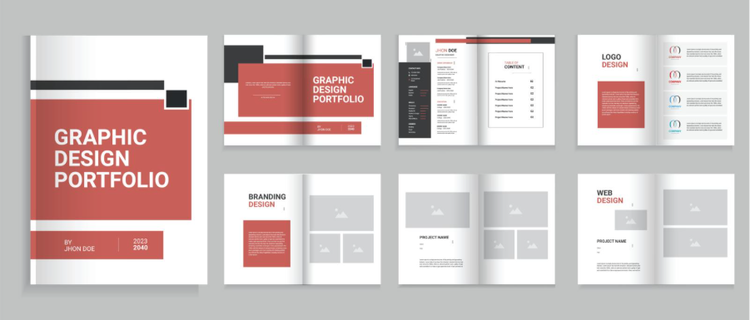
A graphic design portfolio can take many forms, including:
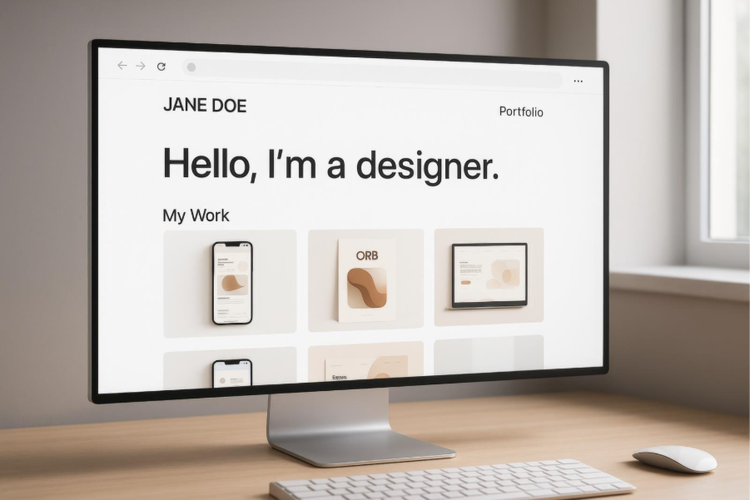
Want to create a portfolio for a project but unsure how to start? With a well-structured approach, you can create a portfolio that is intentional, professional, and aligned with your goals. Here’s how:
Start by answering this question: what are you going to use your portfolio for? Your goal will influence which projects you include and how you present them. This can be for:
A portfolio can take many forms depending on your goals and audience. You can choose between:
Your portfolio is a design project in itself. Choose a suitable portfolio template, clear typography, consistent colours, and ample spacing, ensure an easy-to-follow structure that showcases your style and process, and avoid visual clutter that pulls attention away from your work.
Take the time to select your best work, and when doing so, try to remember that it’s “quality over quantity”. Arrange projects in a logical order, group similar projects together, and keep descriptions concise but informative. This step is critical in learning how to make a design portfolio that feels professional and easy to review.
Design is a skill best evaluated visually. This is precisely why a professional portfolio is important. In India’s growing creative and digital economy, having a polished portfolio is no longer optional—it’s expected.
A strong graphic design portfolio helps you:
These days, a portfolio often replaces traditional interviews. Clients want to see proof of quality before committing to a project, and recruiters may review dozens of portfolios in a short time. This highlights the importance of clarity, structure, and relevance when creating a portfolio.
Moreover, a professional portfolio also supports long-term career growth. As your graphic design skills evolve, your portfolio becomes a living document that reflects your progress. By regularly updating it with better work and clearer case studies, you ensure your portfolio continues to represent your best abilities and current expertise.
Knowing what to include is one of the most important steps in building an effective portfolio design for graphic designers. The goal is not to impress with volume, but to communicate skill, thinking, and relevance.
Your portfolio should include a selection of your strongest work that covers different art style, media, and applications. Choose projects that reflect the type of work you want more of, and don’t be afraid to talk about them. You can include short paragraphs for each piece to give viewers context about the project, your design thinking process, and what you did to make it successful. Testimonials from clients can also be included here. You can insert:
Including brief case studies adds depth to your portfolio. This helps viewers understand how you think and not just what you design. Each project can explain the design problem or brief, your approach and creative decisions, and the final results.
Whether it’s for a team or solo project, be sure to clearly state your contributions. Mention tools and software you used to create the work, such as apps from the Adobe Creative Cloud suite (Photoshop, Illustrator, After Effects, and more). These reinforce your technical abilities and show that you’re comfortable with industry-standard design tools and workflows.
The “About” section is where your portfolio becomes personal. It gives viewers a sense of who you are beyond your designs and helps them decide whether they want to work with you. This can include:
Equally important is clear and visible contact information. Even the most impressive portfolio can fail to generate opportunities if viewers don’t know how to reach you.
Nisha Droch & Shallu Narula, co-founders of Creative Hatti, shares “Adobe tools have helped us grow as designers, and their AI features are game-changing. Investing in our craft has really paid off."
At the foundation of any strong portfolio design for graphic designers is the work itself. Creative Cloud apps help you produce polished, industry-standard designs across different mediums.
For instance, you can use Adobe Illustrator to create logos, icons, vector illustrations, and branding assets that scale cleanly across formats, Adobe Photoshop to edit images, create composites, and design social media graphics or visual concepts, or Adobe InDesign to design multi-page layouts like brand guidelines, brochures, or case study PDFs.
Logos. Graphics. Posters. Social content. You name it, you can create it with Adobe design apps.
Beyond individual projects, the presentation of your portfolio matters just as much. Creative Cloud tools help you design layouts that are clean, organised, and easy to navigate.
For instance, Adobe Express can help you quickly design simple portfolio pages, cover visuals, or social-ready previews of your work. With a wide range of customisable templates and professionally designed themes, you can quickly create a polished digital portfolio—no advanced design skills required.
Adobe Portfolio offers a straightforward way to publish a professional digital portfolio. It allows you to showcase selected projects in a clean, responsive layout, organise work into categories or collections, and update and swap projects as your skills evolve.
Because Adobe Portfolio integrates with Creative Cloud, you can easily pull in assets and keep your work consistent across platforms. This is especially useful when learning how to make a digital portfolio that looks polished without needing advanced web development skills.
Even well-designed portfolios can fall short if they’re not maintained or presented thoughtfully. These practical tips can help improve the effectiveness of your portfolio and make it more appealing to recruiters and clients.
Avoid common mistakes such as overcrowding pages, using inconsistent styles, or leaving out context for your work. A focused, easy-to-navigate portfolio creates a better viewing experience and reflects your professionalism.
Remember, your portfolio is not static. It is a glimpse of your life as graphic designer. Treat it as an evolving asset that grows alongside your skills and career goals.
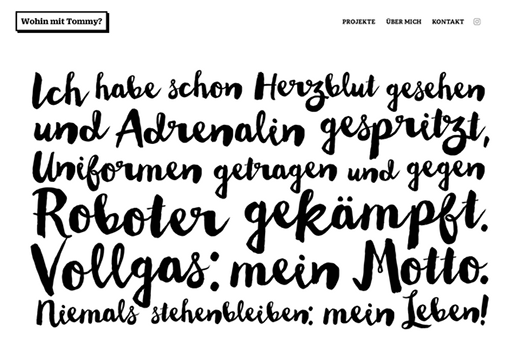
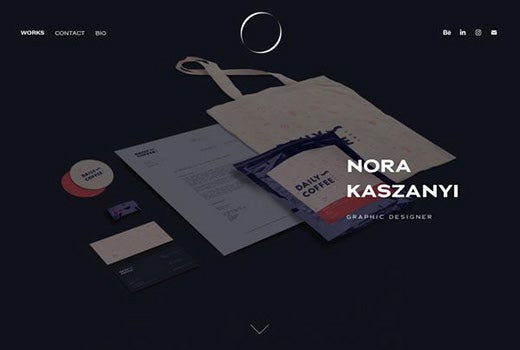
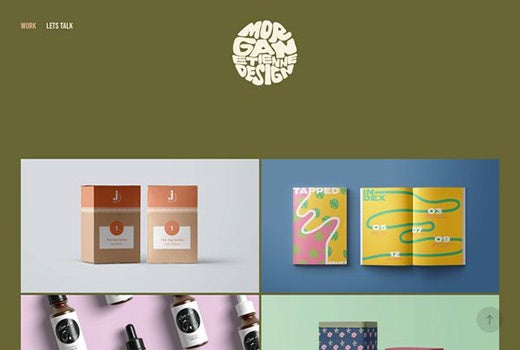
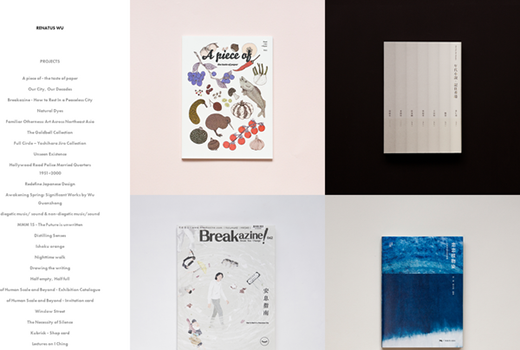
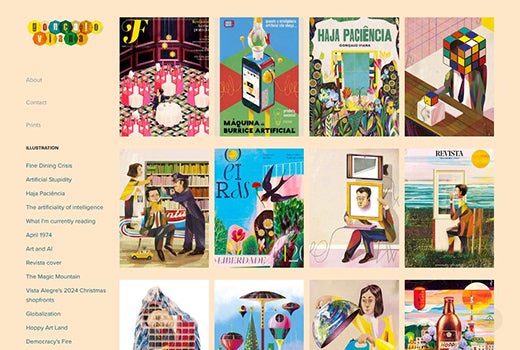
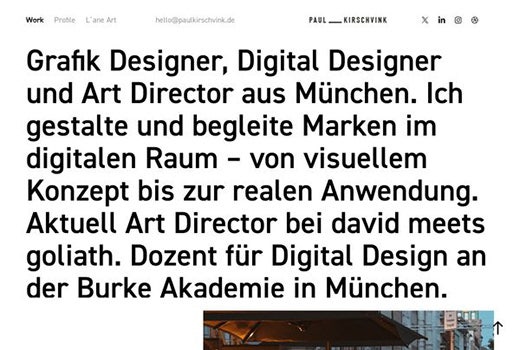
Looking at portfolio examples can help you understand how different designers present their work and structure their projects. Inspiration doesn’t mean copying layouts; it means learning what works and adapting it to your own style. Here are some examples of amazing graphic design portfolios made using Adobe Portfolio that you can view to gain portfolio design ideas for students, freshers, and aspiring creatives:
Photography, video, graphic design, illustration and so much more. Everything you need, wherever your imagination takes you.
caas:product-categories/graphic-design
caas:topic/creativity-design
caas:topic/process-and-scale
caas:topic/digital-workflows-and-enrollment
caas:topic/branding
Based on your location, we think you may prefer the United States website, where you'll get regional content, offerings, and pricing.


