Crop your video for free.
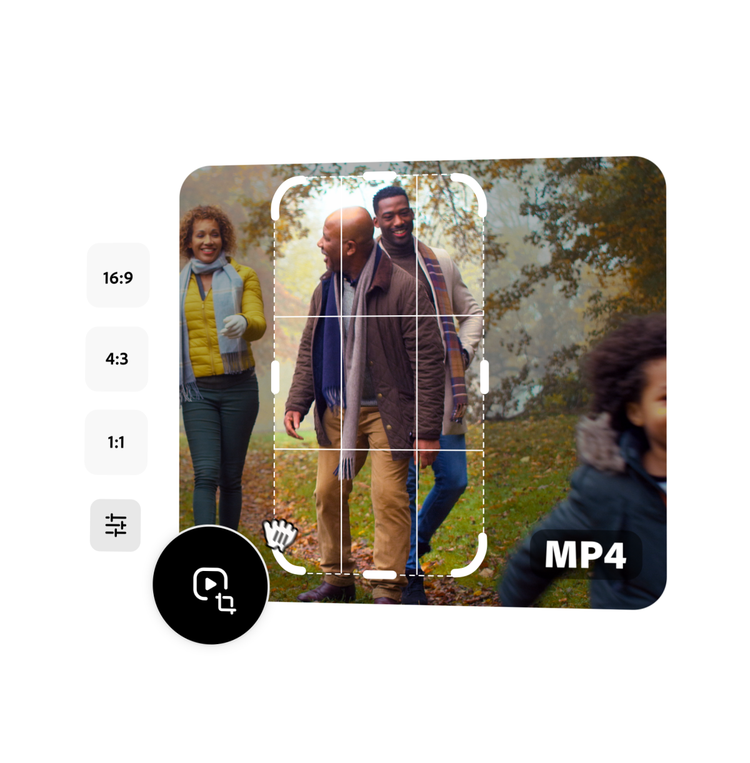
Easily crop your video in seconds. Select from a handful of preset sizes or use your own custom dimensions to crop your video and download instantly.
Free video cropper.
Easily crop your video in seconds. Select from a handful of preset sizes or use your own custom dimensions to crop your video and download instantly.
Drag and drop a video
or browse to upload.
File size can be up to 1GB
By uploading your image or video, you agree to the Adobe Terms of use and Privacy Policy
Free video cropper.
File size can be up to 1GB
By uploading your image or video, you agree to the Adobe Terms of use and Privacy Policy
How to crop a video.

1. Select.
Upload a video from your device. Videos can be up to 1 hour long.

2. Crop.
Choose an aspect ratio or select freeform for a custom size. Use the crop handles to adjust.

3. Continue editing.
Instantly download your newly cropped video or keep editing.
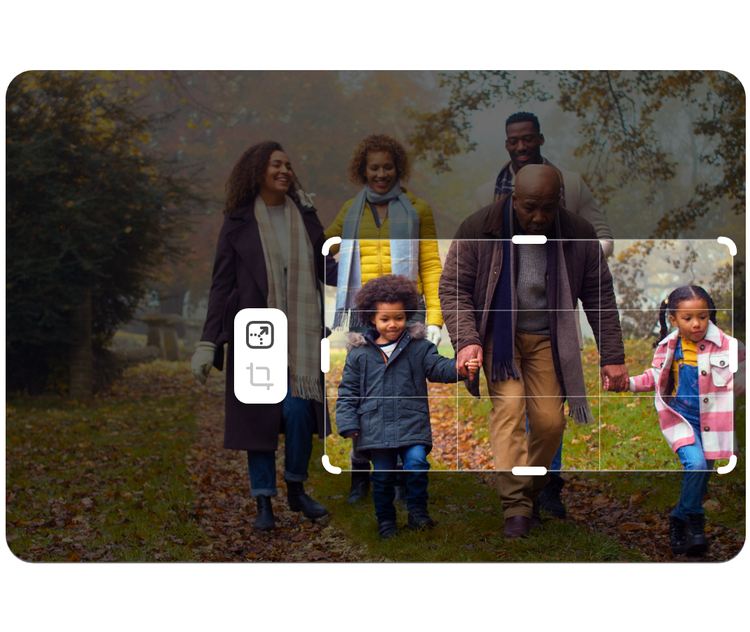
Crop your video to change the aspect ratio.
Quickly change your video aspect ratio so you can share your video clip to any social destination. Select from a square, landscape, or portrait size, then drag your video to fit the new format. Use our cropping tool on your iPhone, Android, or other smart phone, as well as your desktop including Windows and Macs.
Trim your video to just the right length.
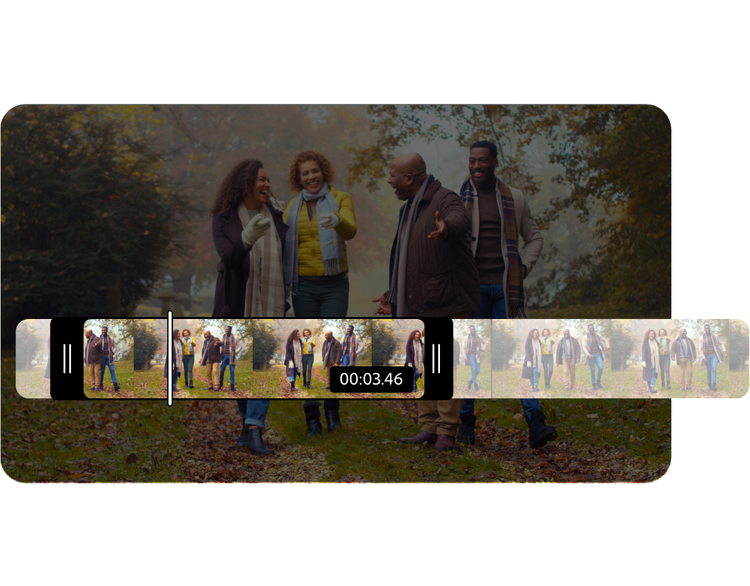
Get right to the good stuff with the video trimming tool. Use the handlebars to set your parameters or enter the exact time in the start and end time fields so you can get exactly the moment you are looking to trim.
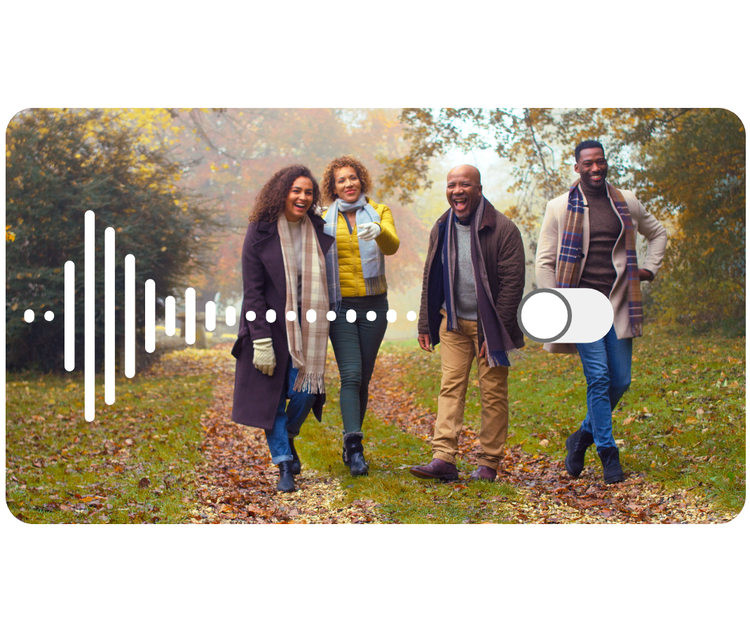
Mute the audio in your video clip.
Select the Mute option if you wish to remove the audio from your newly trimmed clip.
Share high quality video clips with your audience.
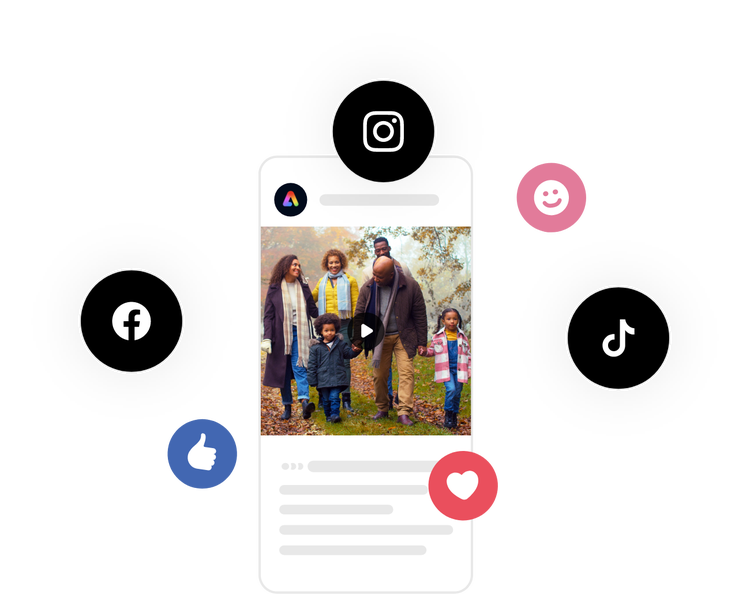
Publish video content to all your digital platforms with this quick and easy video cropping tool. Select from preset sizes based on the most popular destinations, get creative with the freeform option, and create your crop. Then, instantly download your video to share with your audiences across the web.
Do more with your videos on the go.
Adobe Express lets you make professional quality edits to your videos for free in seconds. Shoot, edit, and share videos from your device to share across all your channels. Confidently create with the power of Adobe at your fingertips.