

Free logo maker.
Easily make a logo with Adobe Express, the quick and easy create-anything app for stand out content. Simply type your brand name, select your industry, and choose from a range of styles and our logo maker will generate designs for you to choose from.
Create now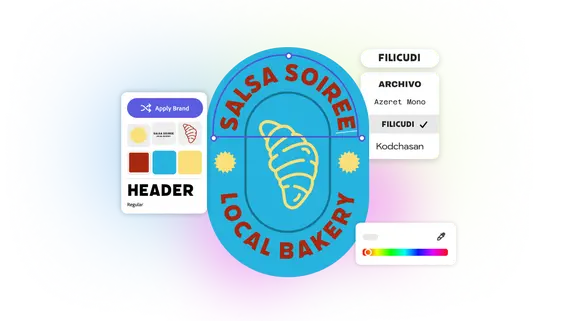
The design and editing tools in Adobe Express have made it so much easier for me to create professional-looking content for my business, saving me valuable time.”

Miranda Wong
Owner at Mando’s Bake Shop
As a marketer who is always on the move. Adobe Express helps me to create fast, high quality content. Absolute endless features to enhance my creativity!"

Abs Ahlijah
Marketing & Content Coordinator @ Soul Session
Adobe Express is the tool I use on a daily basis to create captivating, on-brand content for my online businesses."

Nikki Williams
Owner at Nikki's Supply Store
How to make a logo.
1. Tell us about your idea.
Enter the name of your brand or business and share your slogan if you have one. Then choose a style that resonates with your vision.
2. Pick an icon and generate a logo.
Pick a free icon to add to your logo, then generate tons of logo designs made just for your brand or business. Play around with your choices to see new results.
3. Customize or download your logo.
Customize your logo even further in the online editor or download your new logo for free.
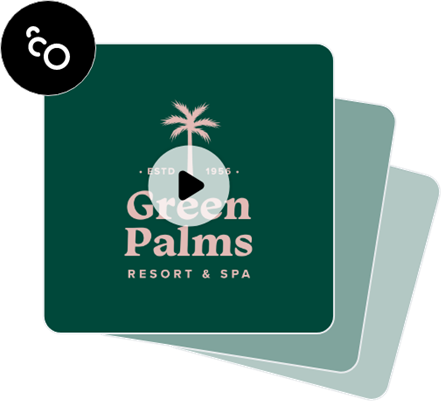
Use it as a business logo maker, then add animation.
Further personalize your logo within the Adobe Express editor. Select from dozens animation styles to apply to the text or images in your logo. Then, download your animated logo as an MP4 file to share in video intros, social media clips, and even on your blog or website.
The quick and easy business logo maker from Adobe Express.
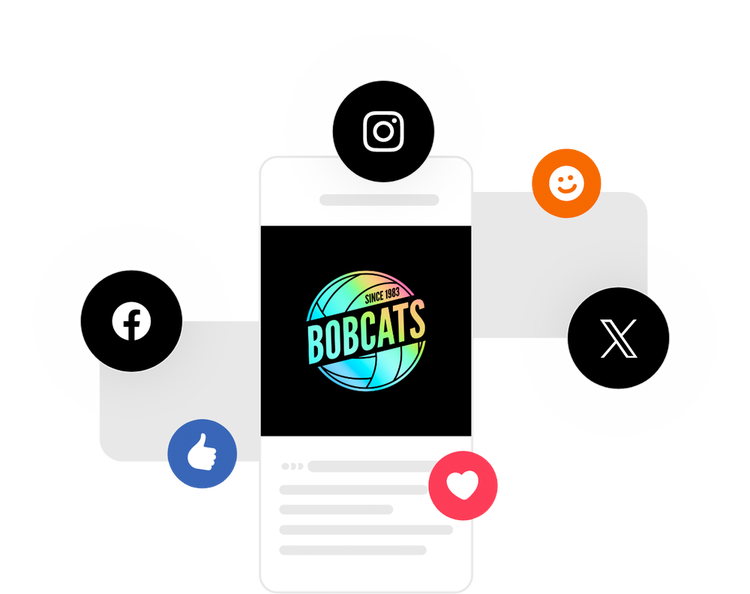
When your new logo is complete, download it as high-quality PNG and JPG files to share anywhere. Upload your logo to the Brand Kit in Adobe Express to instantly apply it to future designs. Feature your logo on flyers, business cards, merchandise, marketing materials, social media, and anything else you can dream of.
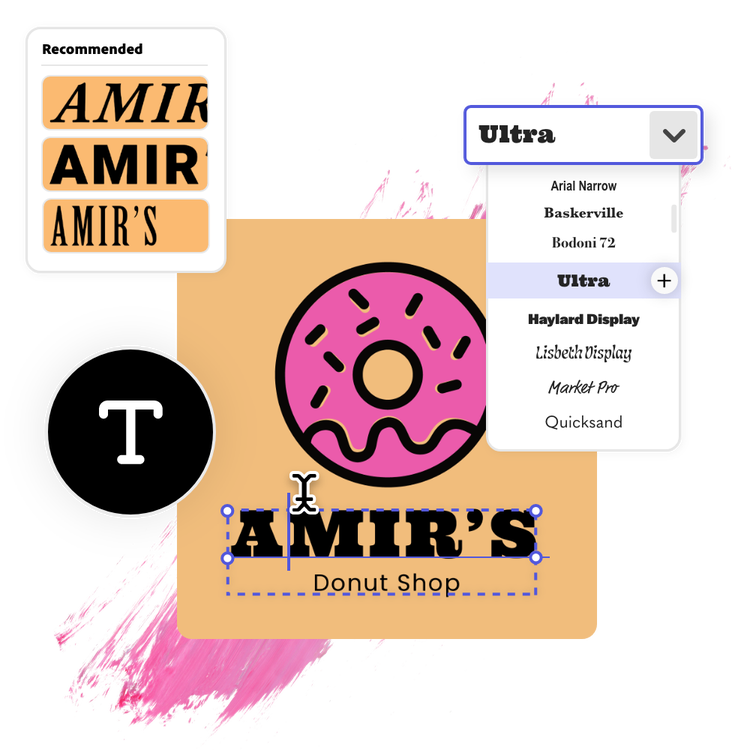
Get font recommendations using the logo maker.
Not sure how to find a font that best suits your logo design? With the Adobe Express logo maker at your side, you’ll have thousands of free Adobe Fonts right at your fingertips to try out, along with font recommendations curated just for your project. Make a loud and proud logo with bold style fonts or go for something more modern like Helvetica for a slick look. Whether it’s for your website or company, the business logo maker can create a logo for all your needs.
Stand out with Adobe Express.
Make social posts, videos, images, flyers, presentations, documents, and more with Adobe Express, the quick and easy create-anything app. With customizable templates, Adobe Stock design assets, and generative AI at your fingertips, it's fast and easy to craft visually impactful content that captures attention.

Browse templates and customize with free images, icons, and more in the logo maker.
If you find yourself short on logo ideas, explore our logo template library to kickstart your logo-making process. The Adobe Express free logo design tool comes loaded with thousands of professionally designed logo templates like the examples below, along with free images, icons, and design assets you can instantly add to liven up your original logo design.


Use this as a website logo maker, company logo maker, and more.
Whatever your logo needs are, Adobe Express helps you bring it to life whether you’re looking to create one for your company’s website or your business. No experience needed. Make waves in whatever industry you’re in with a logo that effectively conveys what your brand is all about. A captivating brand logo is one that’s simple, easily memorable, and conveys your brand’s story. Adobe Express can help you do all that and more.
Effortlessly make your own logo with the company logo maker.
Can’t decide on what your logo should look like? Adobe Express free logo maker lets you experiment with dozens of variations of your logo using different styles, color schemes, and so much more. Choose a logo template design that best aligns with your brand identity or personal aesthetic to start with. All you need is your brand or business’s name to get started with the logo design process.
Create easier with the Adobe Express logo maker.
Not only is it fast and easy, but the logo maker is free for everyone. Whatever vision, style, or aesthetic you imagine, you can easily bring it to life with tons of free logo templates by your side. Use our drag and drop editing features to add icons, graphics, shapes, to showcase your personality and liven up the details of your custom logo. To make your personal or business brand shine, upload your own branded assets and fonts, add a unique color scheme, and so much more. Making a logo from start to finish couldn't get easier with Adobe Express. All you need is an idea to get started.
Frequently asked questions.
Can I add a slogan to my logo?
Absolutely. You can enter in your slogan from the starting page of our logo maker. Then, we generate dozens of different logo ideas for you, both with and without your slogan. Download versions of each so you can have a variety to choose from based on where you publish your logo.
Can I use my own image in my logo design?
Our logo maker uses images from our library of free icons. If you want to further personalize your logo using your own images, you have the option to sign in and open your logo in Adobe Express. From there you can add your own images, or use icons, photos, and graphics from any of our collections.
What is the standard size for a logo?
Our logo downloads as a square 500px by 500px file. The square format makes it easy to upload as a profile image to any of your social or digital platforms. Open your logo in Adobe Express to crop or resize as you like.
Can I get Adobe Express for free? If so, what’s included?
Yes, our free plan offers many core features including thousands of templates, photo editing and effects, animation, and 2GB of storage. See our pricing page for details and to compare plans.
Can I create my own logo template?
Any new or existing project can be turned into a shareable template. To turn your logo into a template, click on the three-dot menu at the left of the Download button and follow the steps to turn your design into a template.
Does Adobe Express logo maker offer AI tools?
Yes. Adobe Express includes AI-powered features that can help you create a unique logo faster and easier. You can start with customizable logo templates, then use AI-assisted design tools powered by Adobe Firefly in some regions to generate graphics, text effects, and color variations. Every design is editable, so you can fine-tune your logo to match your brand’s look and feel.
What resolution options will my logo have?
Adobe Express lets you download your logo in high-quality file formats, including PNG, JPG, and PDF. Logos are automatically optimized for clarity across both digital and print use, ensuring sharp, professional results. For transparent backgrounds or scalable resolution, choose the PNG or PDF download option.


