PHOTOGRAPHY
How to make and sell Lightroom presets: A step-by-step guide.
Lightroom presets are a powerful way to save time, create consistent photo styles, and even earn income. Discover how to capitalise on your creative and commercial potential.


PHOTOGRAPHY
Lightroom presets are a powerful way to save time, create consistent photo styles, and even earn income. Discover how to capitalise on your creative and commercial potential.
JUMP TO SECTION
Why Lightroom presets are popular with creators
How to create presets in Lightroom
Testing your presets for commercial use
How to sell Lightroom presets successfully
Where to sell Lightroom presets
How to install Lightroom presets
Create more art with Adobe Lightroom and the full Creative Cloud suite
Lightroom presets have become one of the most popular digital products for photographers, students, and content creators. They save time, create consistency, and help photographers develop a signature look. Beyond personal use, presets also offer a practical way to monetise your photo-editing skills.
This guide shows how to create, test, package, and sell presets, plus tips on pricing, promotion, and where to sell.
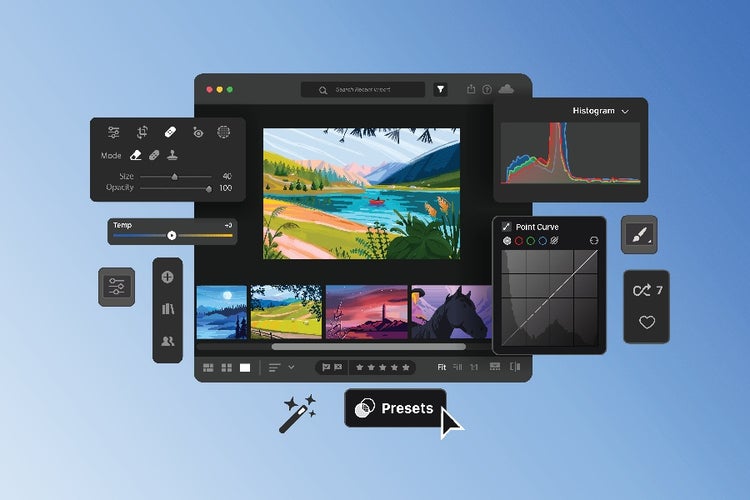
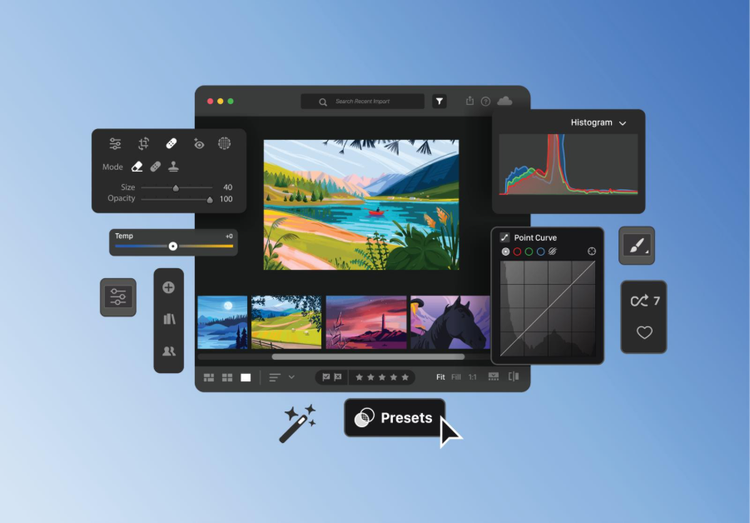
A Lightroom preset is a saved combination of editing settings that can be applied to any photo with a single click. The customisation can include changes in exposure, colour temperature, saturation, contrast, tone, lighting, and more. Presets are commonly used to maintain visual consistency and develop a recognisable editing style.
Adobe Lightroom includes built-in presets, but you can also import presets from other creators or create your own custom presets from scratch.
Presets play a major role in many photo editing workflows. By saving different adjustments as a preset, creatives, photographers, content creators are able to edit faster, maintain a signature look, and focus more on creativity than repetitive adjustments.
Moreover, ever since Adobe introduced preset creation and sharing across mobile devices, the preset market has grown rapidly. Many photographers and influencers now sell preset bundles as digital products, generating income from their editing expertise. Presets have been a great side hustle for students, too.
Here are other key reasons why Lightroom presets are popular:

Creating a preset in Lightroom is simple. Here’s what you need to do:
Custom presets you create in Lightroom are automatically synced to the cloud. This means any preset you make on desktop, mobile, or another computer will be available across all your devices—making it easy to edit consistently wherever you work.
Not all presets are suited for sale. Some are meant for personal use or for sharing with friends and family. To test whether your preset has commercial potential, apply it to a wide range of images with different lighting conditions and exposures.
A good preset should be versatile. If your preset performs well across diverse photos, it’s more likely to succeed in the marketplace. It should also be usable by photographers at different skill levels, professionals and amateurs alike. Typically, many sellers include multiple variations of a preset within one pack to allow buyers to choose the version that best suits their image.
Selling Lightroom presets is not just about creating beautiful edits—it’s also about packaging, presenting, and promoting your work in a way that attracts buyers. A well-thought-out strategy can help your presets stand out in a crowded market and turn your creative skills into a reliable source of income.
Here are practical tips to sell your Lightroom presets with great success:
Find a signature aesthetic that sets your presets apart. Whether it’s vintage, black and white, minimalist, or something completely out-of-this-world, a unique style helps your preset appeal to a specific audience.
Use descriptive, memorable names that convey the mood or effect of the preset. Avoid generic titles like “Preset 01” and consider tying the name to your brand, inspiration, or target market.
Clearly explain what your preset does, which types of photos it works best on, and the editing style it represents. Include installation instructions to make it easy for buyers to use your presets immediately.
Research similar preset packs to understand market standards, then set a price that reflects the value of your work. Consider offering different tiers: a free sample pack to attract buyers, and premium packs for those willing to pay for a full collection.
Show before-and-after examples of your presets in action. High-quality previews help potential buyers visualise the impact of your presets and build trust in your product.
Include multiple versions of a preset (slightly adjusted exposure, tones, or effects) so buyers have options. This increases the perceived value and usability of your preset pack.
Share your presets on Instagram, Pinterest, or photography communities. Post before-and-after images, reels, or tutorials to showcase how your presets work in real situations.
Tailor your preset launches to holidays, seasons, or current photography trends. For example, summery presets perform best during warmer months, while cozy edits may sell better around winter or holiday seasons.
Encourage buyers to share their photos using your presets via a branded hashtag or social media challenges. Collect feedback to improve future packs and foster a loyal community.

Alternatively, you can sell through established marketplaces such as Etsy, Shopify, ArtStation, Gumroad, and Creative Market. These platforms provide built-in audiences but may charge listing or transaction fees.
It’s best to try different platforms to help you determine which works best for your audience and long-term goals.
This is basic, but understanding how to install Lightroom presets is important, especially if you plan to sell them. Learning how to properly export, download, and install Lightroom presets can give you a sense of what the process would be like for potential customers.
To import presets into Lightroom on your computer, here’s what you need to do:
Adobe Lightroom is more than a photo-editing tool. It’s a powerful creative platform for building, refining, and monetising your visual style. From developing signature presets to managing large photo libraries, Lightroom gives creators the flexibility to work efficiently across desktop and mobile, wherever inspiration strikes.
When used alongside other Adobe Creative Cloud apps, Lightroom becomes part of a complete creative workflow for producing art that can be shared or sold online.
For example, photographers often pair Lightroom with Adobe Photoshop for detailed retouching, compositing, or advanced colour grading. Adobe Illustrator can be used to design logos, branding assets, or preset cover artwork, while Adobe InDesign helps package guides, lookbooks, or digital manuals to accompany preset sales.
Creative Cloud gives you everything they need to create, package, and promote digital products of all kinds: sketches, snapshots, branded assets, graphic designs, and more. Whether you’re a student, photographer, or aspiring entrepreneur, these tools help you turn creative skills into work that can be shared, sold, and scaled online.

Explore our collection of Creative Cloud video tutorials from Adobe experts and our learning partners. Learn core skills, stay current with new features and discover advanced techniques.

caas:product-categories/photo
caas:topic/creativity-design
caas:topic/business-impact
caas:topic/digital-transformation
caas:topic/process-and-scale