
Creativity for all
Photography, video, graphic design, illustration and so much more. Everything you need, wherever your imagination takes you.
CREATIVE CLOUD
With many new, affordable, and even free design tools available, freelancers and small businesses are left to consider a central question: does Photoshop offer enough unique benefits to justify its cost?
This article helps you make that decision by breaking down the real-world advantages of Photoshop, current subscription costs in India, and what you get when it’s part of the Adobe Creative Cloud.
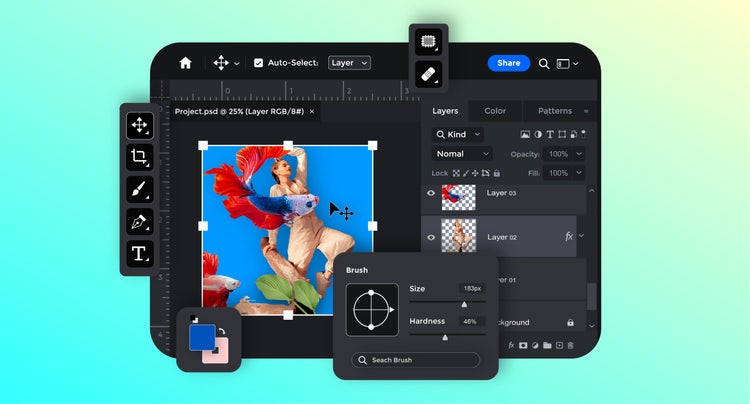
Despite increasing competition, Photoshop’s reputation as a leading image editing tool by creative professionals, students, and hobbyists remain unmatched. Its blend of flexibility, precision, and professional-grade quality allows users to produce stunning visuals across multiple use cases.
One of the biggest advantages of Photoshop lies in its versatility. It’s not limited to photography. You can create composite graphics, manipulate layers, design marketing visuals, and even prototype digital layouts. It also combines manual controls with AI automation to provide you with full creative freedom.
For professionals and businesses that balance creativity with deadlines, this combination of power and efficiency makes Photoshop a dependable long-term investment, promising cost efficiency over time.
When evaluating if Photoshop is worth buying, it helps to weigh both its strengths and limitations. This table breaks it down, so you can decide if Photoshop fits your creative workflow.
While Photoshop is an industry standard for professional design, it does come with a few challenges to consider. The subscription model can feel costly for freelancers or small teams just starting out, and its vast feature set means beginners may face a learning curve before feeling fully confident. Because it’s a powerful application, Photoshop also performs best on higher-end hardware and benefits from regular updates, which can occasionally interrupt workflow or require adjustment to new tools. Some features rely on an internet connection, limiting offline use.
Photoshop continues to be the go-to creative tool for a wide range of professionals and creators because of its power, flexibility, and deep integration with Creative Cloud.
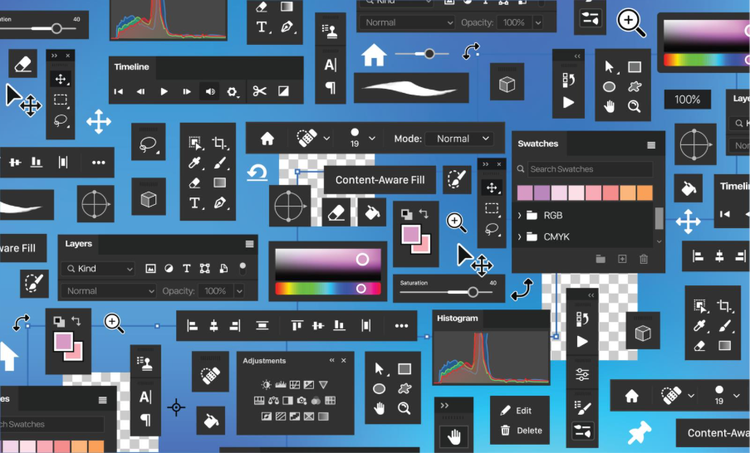
Photoshop’s reputation as a professional design tool comes from its depth of features that are highly useful when editing photos, creating marketing visuals, or building brand assets. Here’s a closer look at what Photoshop has to offer that makes it a valuable investment for freelancers and small businesses:
Features like Generative Fill allow you to remove, replace, or expand objects in seconds using text prompts, while Generative Expand automatically fills in cropped areas with realistic background details. Beta features are also available, such as the Harmonize tool that blends objects into any background and automatically adjusts the lighting, colours, shadows, and details for realistic results or the Generative Upscale that can turn low-resolution images into high-quality ones.
Photoshop has tools that allow you to correct, enhance, or completely transform an image. You can crop, resize, and scale visuals without losing quality to get consistent image dimensions for social media or print. You can feather and smooth edges for better blending, erase backgrounds, and fine-tune colours and hues. You can also clean up noise, rotate and flip images, or apply gradient maps to achieve cohesive brand colour schemes.
Photoshop has a vast library of effects. You can experiment with artistic filters, creative blurs, and texture overlays to give your visuals a unique look. You can explore custom brushes (such as watercolour, floral, smoke, and sparkle brushes) to simulate natural elements, add realism or whimsy, and achieve your unique artistic style. Perspective, distort, and puppet warp features are also helpful in manipulating your photos.
Tools like the Spot Healing Brush, Clone Stamp, and Patch Tool can remove imperfections quickly. The Dodge and Burn tools enhance lighting and shadows to add depth, while glare and shadow removal tools make photos look polished and commercial-ready. More advanced editing using frequency separation can also be used to achieve natural skin texture while correcting blemishes.
Photoshop is also a capable design tool for text-based graphics. You can easily add text, adjust alignment, or import custom fonts from Adobe Fonts to match your brand identity. The Warp, Curve, and Distort options let you reshape text for dynamic layouts like posters or social media headers. You can also outline, emboss, or apply 3D text effects to make typography stand out. For multilingual users or brands targeting varied audiences, Photoshop even supports direction changes (horizontal or vertical) and advanced font customization.
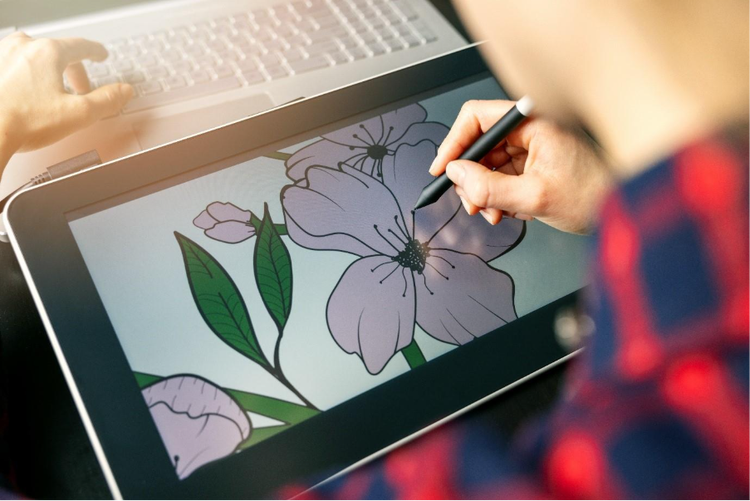
A Photoshop subscription in India is priced at ₹733.96/moincl. GST. For a limited time, you can get it on discount for ₹599.00/moincl. GST (), making it even more affordable to access industry-leading creative tools. This includes 25 monthly generative credits, 100GB cloud storage, and access to Photoshop Express, Adobe Fresco, Adobe Express, and Adobe Firefly. This offer is recommended for all areas of photo editing, compositing, drawing and painting, and graphic design.
You can check out more detailed plans here.
Adobe Creative Cloud is more than just a bundle of apps. It is a full-service ecosystem that powers Photoshop and gives you access to a suite of additional creative applications, cloud services, AI capabilities, and collaborative tools. Here are the key inclusions in the Creative Cloud Pro suite:
Choosing between Photoshop-only and the all-apps plan depends on the scope of your work. If your main tasks revolve around photo editing, digital art, or marketing design, having only Photoshop may be sufficient. It keeps costs predictable while giving access to top-tier editing tools.
However, freelancers or agencies managing a range of creative tasks (such as video production, layout design, or brand identity work) might benefit more from the all-apps Creative Cloud. It offers value for money, scalability, and an opportunity for a more streamlined, integrated workflow for better, faster outputs.
In fact, you get access to 20+ creative apps for less than the price of three individual app subscriptions. This is one of the most cost-effective options for growing creative teams available on the market.
Membership plans
Start with just Photoshop or get Photoshop and 20+ other apps with the Creative Cloud Pro plan.
Save over 15% on Photoshop plus generative AI features. Pay ₹599.00/moincl. GST for the first year, and ₹733.96/moincl. GST after that. New subscribers only. See terms.
Annual, billed monthly

Save 55% for the first year on the full version of Photoshop and more than 20 apps. Pay ₹1,199.00/moincl. GST for the first 3 months and ₹2,714.00/moincl. GST after that. New subscribers only.
See terms | See what's included.
Annual, billed monthly
Get 20+ apps, plus creative AI. Pay ₹398.99/moincl. GST the first year, and ₹699.01/moincl. GST after that. New subscribers only.
See terms | Check eligibility
Annual, billed monthly
₹398.99/moincl. GST
Photoshop on desktop, web and mobile, Adobe Express Premium plan, plus exclusive business features.
Annual, billed monthly
₹3,019.00/moper licenseexcl. GST
Access 20+ flagship apps on desktop, web, mobile, plus Firefly creative AI and essential admin features. Valid for 2 to 9 licences. New subscribers only.
Annual, billed monthly
₹3,187.00/moper licenseexcl. GST
Save 47% for the first year on the full version of Photoshop on desktop, web, iPhone and iPad plus more than 20 apps for design, video and exclusive business features. Valid for up to 9 licences. Pay ₹4,405.00/moper licenseexcl. GST for the first year and ₹8,389.00/moper licenseexcl. GST after that. New subscribers only. See terms
Annual, billed monthly
Yes, Photoshop is worth it. Photoshop continues to be the creative industry’s benchmark, not because it’s trendy, but because it delivers results. It is a worthwhile expense if you rely heavily on visuals to communicate your brand, market products, or build client deliverables. It is also a good gateway to exploring the full potential of the Creative Cloud suite and how it expands across photo, video, design, document, and AI capabilities. Regardless of what plan you choose, you can expect performance, reliability, and full creative control every time you launch an Adobe app. If you are still not convinced, try Photoshop out for yourself with 7-day free trial.
No, you can’t have indefinite access to the full version of Photoshop permanently without a subscription. You can try it for free for 7 days to check out the features and determine if the platform is suitable for your needs.
You can also check out Photoshop on the web to access a limited set of free tools, such as background removal, basic photo editing, retouch, and typography. It’s a convenient way to experiment with Photoshop’s core capabilities before deciding to subscribe.
Photoshop is currently available in India at a special price of ₹599.00/moincl. GST (). for a limited time. This plan includes 25 monthly generative credits, 100GB of cloud storage, and access to Photoshop Express, Adobe Fresco, Adobe Express, and Adobe Firefly, and more.
Adobe also offers plans for students. They can get Photoshop access through a Creative Cloud Pro subscription at 70% off or
Photoshop offers advanced features and AI capabilities for complex and creative image manipulation, modification, and editing. It is available on a subscription-only basis.
Photoshop Express is a free, simplified version of Photoshop made for quick photo edits on mobile or web. It’s great for basic cropping, filters, and retouching. You can download Photoshop Express from the Mac Store, PlayStore, and Windows Store, and then you will need to log in using email, Google, Apple, Facebook, or Adobe ID.
Photography, video, graphic design, illustration and so much more. Everything you need, wherever your imagination takes you.
caas:business-unit/creative-cloud,
caas:products/photoshop,
caas:content-type/article,
caas:product-categories/photo,
caas:product-categories/graphic-design,
caas:topic/creativity-design caas:topic/branding,
caas:topic/artificial-intelligence,
caas:topic/compare
Based on your location, we think you may prefer the United States website, where you'll get regional content, offerings, and pricing.



