



Design personalized thank you cards for free.
Say thank you in a meaningful way with custom thank you cards. Adobe Express makes it easy to get started with free, professionally designed thank you card templates you can personalize in a few clicks.
* Available for print in US, UK, Australia, and Canada
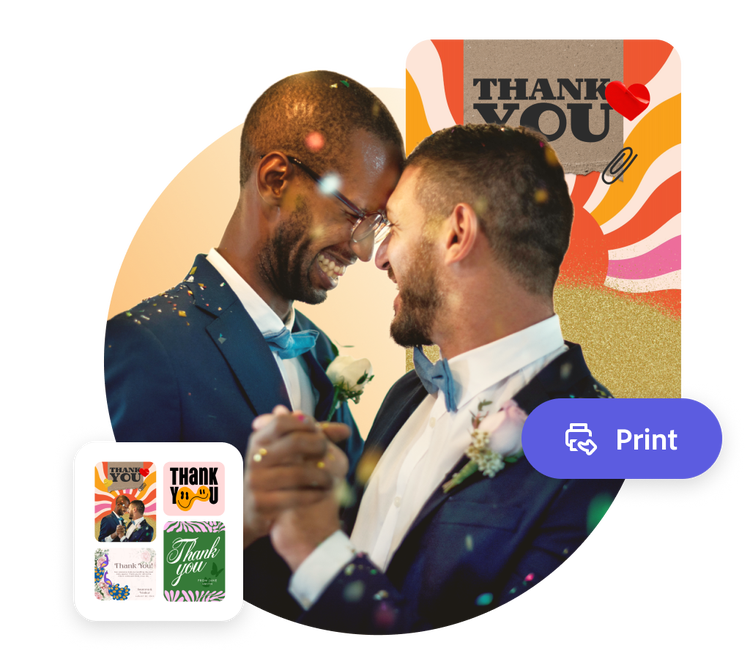
Start making a card by searching for an event
Create custom cards fast with Adobe Express. Easy to use, endlessly customizable, and perfect for any occasion.


 Free to use
Or start with these popular templates


1. Pick a thank you card template.
Browse through thank you card templates in a wide range of styles. From colorful and playful to understated and classic, Adobe Express has a template that perfectly reflects the underlying mood of your gratitude.
2. Customize it.
Click any text box to replace it with your message of thanks. Easily customize the font and color scheme of the card. Then upload photos or access free Adobe Stock images through the full Adobe Express editor.
3. Order your printed cards.
Download your new card as a PDF, JPG, or PNG file to share anywhere. If you’re creating your thank you card on the desktop or mobile version of Adobe Express in the US, UK, Australia, or Canada, you can order high-quality prints that will be delivered right to you.
Make your own thank you card with Adobe Express.
Expressing gratitude is an important daily practice. It’s a great way to show appreciation and make others feel good. Sometimes we don’t always find the time or words to say thanks at a given moment, so sending a personalized thank you card offers something your recipient can hold on to forever. With Adobe Express, you can say thank you any way you’d like.
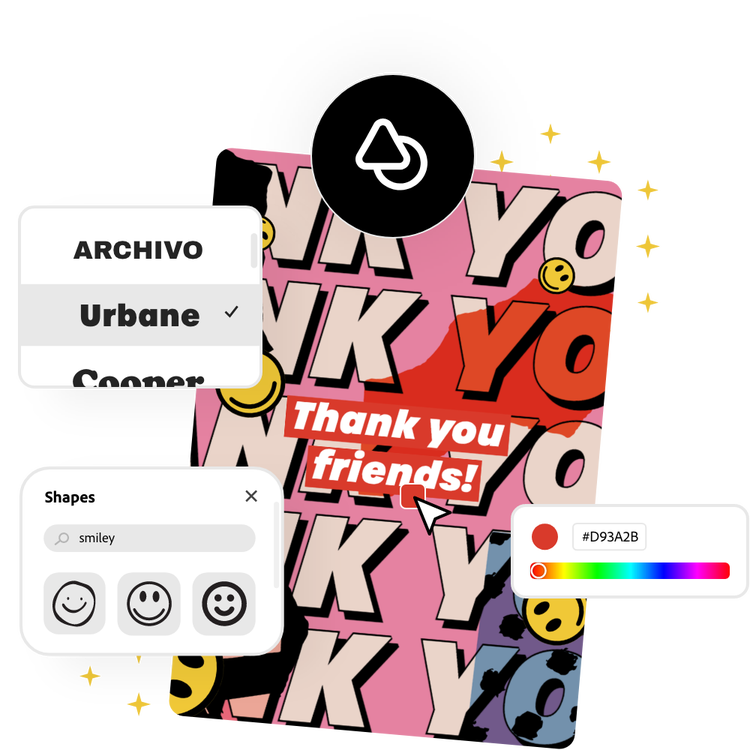
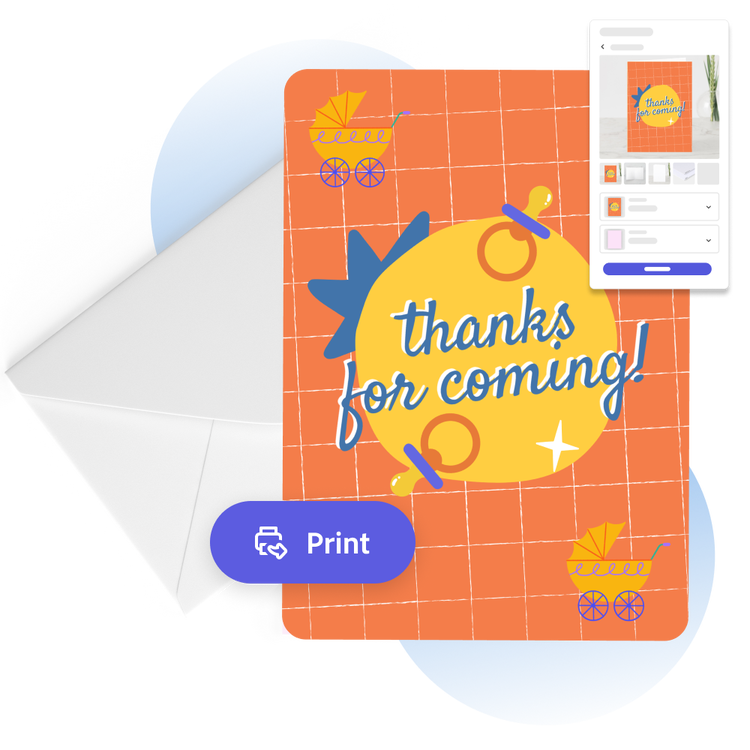
Send off personalized thank you cards in the mail.
Why buy bulk, generic thank you cards when you can add a personal touch easily? Design cards that match the style of your wedding or baby shower seamlessly. When your card design is ready to go, you can print cards for each of your thoughtful guests and have them delivered to you (if you’re a US, UK, Australia, or Canada Adobe Express desktop or mobile user). All that’s left is to sign, address, and slip them in the mail.
Let Adobe Express be your thank you card design expert.
Explore professionally designed templates to get your wheels spinning or create your thank you card from scratch. Establish a theme for your designs using photos, icons, logos, personalized fonts, and other customizable elements to make them feel entirely authentic. With Adobe Express, it’s free and easy to make, save, and share your designs within minutes.
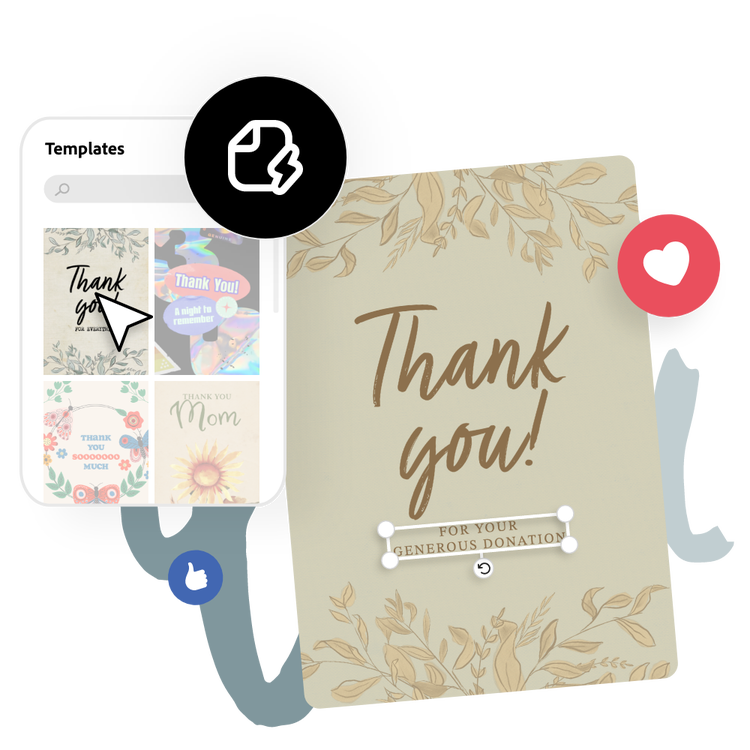
Design personalized thank you cards effortlessly with Adobe Express.
Create a thank you card that reflects the message you’re trying to convey, whether its humble and somber, to jumping for joy gratitude. The Adobe Express thank you card maker is quick and easy to use. Start by selecting a professional template, then customize the font, colors, and images. In the full Adobe Express editor, you can take your edits further by adding a personal voice recording or transforming your creation into an animated e-card with just a few clicks. No experience necessary.
Frequently asked questions.
What is the standard thank you card size?
Most cards are 5 x 7 inches but you can make your thank you card any size you’d like.
How do I design multiple sides to a thank you card?
Some of our card templates are two sided already, so feel free to pick one and begin customizing with ease. You can also add additional sides or pages to your thank you card by opening your design in the full Adobe Express editor, then selecting the + icon in the top navigation bar to add another page.
How can I print my thank you card with colors all the way to the edge of the paper?
To add a bleed to your thank you card, open in the Adobe Express full editor and use the Resize tool to increase your card by the necessary bleed size (a 5” x 7” card would be 5.25” x 7.25” with the bleed).
How do I share my new thank you card as an e-card?
With Adobe Express, it's fast and simple to share your new design as an e-card. Once you've finished your design, download the thank you card and send it via email or post it on your go-to social networks.
Can I get Adobe Express for free? If so, what’s included?
Yes, Adobe Express has a free plan that includes core features like photo editing tools and effects and thousands of free templates. Learn more about our plans and pricing.
illustrator



