Free Friendship Day sticker maker.
Celebrate the bonds that matter most with fun, festive Friendship Day stickers made in Adobe Express – ready to download, print or share online. Start today. No experience required.

Collection ID
(To pull in manually curated templates if needed)
Orientation
(Horizontal/Vertical)
Width
(Full, Std, sixcols)
Limit
(number of templates to load each pagination. Min. 5)
Sort
Most Viewed
Rare & Original
Newest to Oldest
Oldest to Newest
Premium
(true, false, all) true or false will limit to premium only or free only.
Say it with stickers in Adobe Express.
Friendship Day is the perfect time to show your appreciation. Whether you're sharing a throwback memory, sending love on WhatsApp or adding a creative flair to a greeting card – stickers add a personal touch. With Adobe Express, you’ll find a wide range of pre-made designs, animations and festive graphics. Use them as-is, or customise your own set with colours, text and images that reflect your bond – something most free sticker sites don’t let you do.
Collection ID
(To pull in manually curated templates if needed)
Orientation
(Horizontal/Vertical)
Width
(Full, Std, sixcols)
Limit
(number of templates to load each pagination. Min. 5)
Sort
Most Viewed
Rare & Original
Newest to Oldest
Oldest to Newest
Premium
(true, false, all) true or false will limit to premium only or free only.
How to create a Friendship Day sticker.
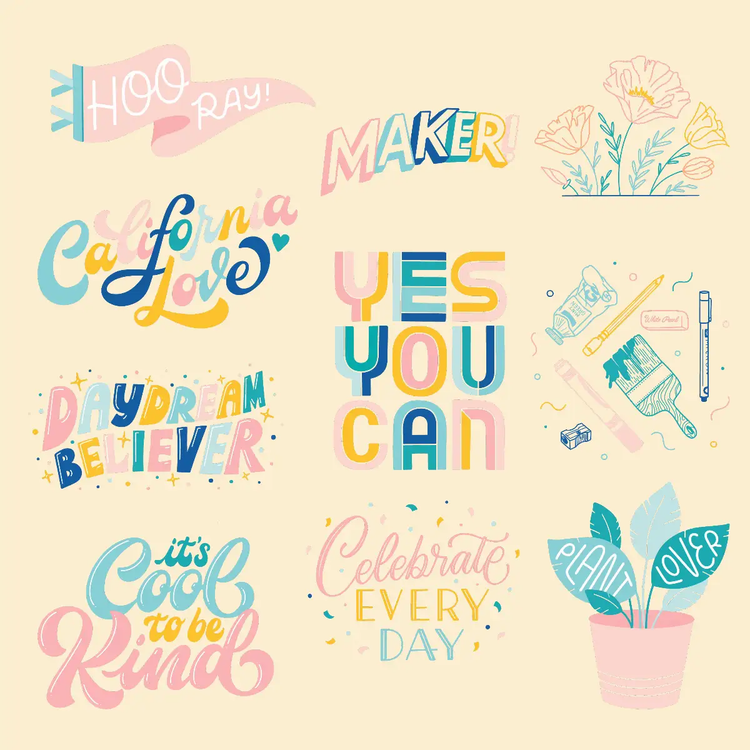
Design Friendship Day stickers for WhatsApp.
Looking to share a quick Happy Friendship Day message with your close circle? Make stickers you can send directly via WhatsApp or add to your Instagram stories. Adobe Express lets you create custom designs using festive illustrations, stylish text or animated icons. Just pick a square or transparent background, add your greeting and save as a PNG or MP4. It’s a thoughtful way to stay connected, even from afar.
Make your own 'Happy Friendship Day' sticker.
Instead of forwarding the same old GIF, design your own sticker this year. Whether it’s your squad’s nickname or a heartfelt thank-you, start with a blank canvas and type out your message in colourful text or recreate a meme. Add heart icons, doodles or even a selfie with your bestie. Choose vibrant colours like pink, orange or yellow to match the festive mood. Save and send – it’s that easy.
Create a sticker set for every kind of friend.
Why stop at one? With Adobe Express, you can make an entire sticker pack. Think: one for your childhood buddy, one for your college gang, one for your colleague-turned-confidante. Mix and match fonts, colours and expressions. Add some inside jokes or emojis your friends will instantly recognise. You can even print them as part of a Friendship Day card set or send them digitally.
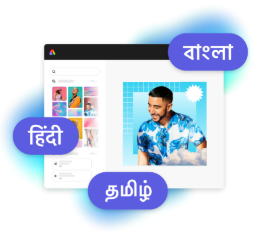
Design in Hindi, Bengali and Tamil.
No more language limitations. Adobe Express is now available in three of India’s most spoken languages, making it even easier to create everything from cards and social posts to flyers and video content. Design with confidence in the language that feels most natural to you.