

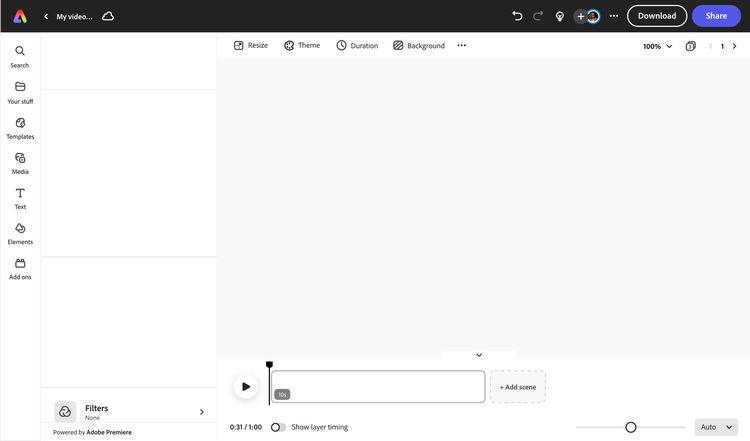
Make show-stopping Reels in Adobe Express.
From launching campaigns to making announcements or supporting your local businesses, you’ll be able to turn your video clips into eye-catching Instagram Reels using Adobe Express. Get started easily with free video templates of all styles, whether it’s something minimal or boasting in color. Make your Reel #onbrand when you upload your brand’s logo and add color schemes to your video. Edit clips, split scenes, add animation, and in minutes, you’ll have a stunning video that reels in followers.


How to make an Instagram Reel.
Download and share anywhere.
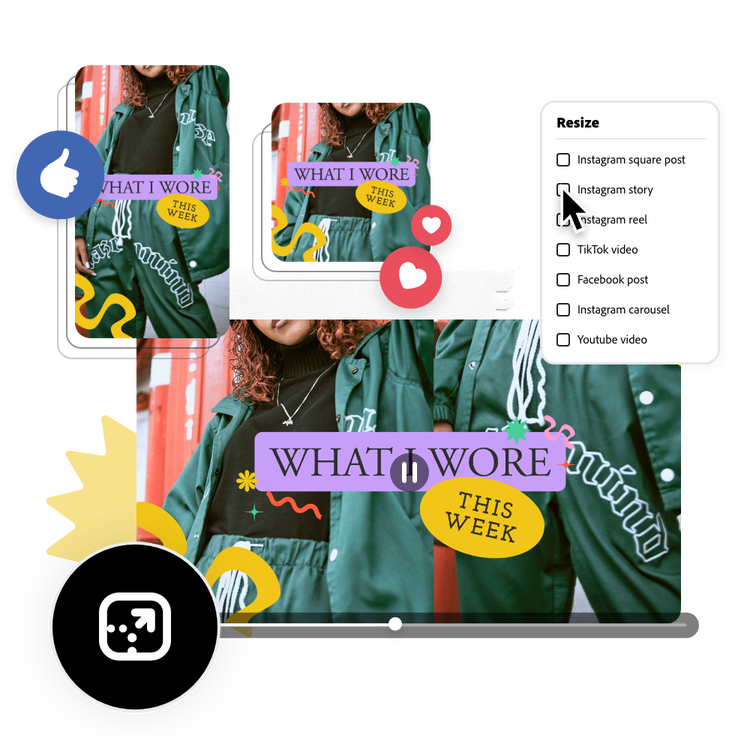
Download your high-quality Reel and post it to your Instagram channel or use the Adobe Express Content Scheduler to publish anytime you’d like. You can also use the Resize tool to adjust video ratios in one tap to share on other social channels.
Add your brand.
Upload your logo, brand colors, and preset fonts to your project. Or play around with the unique Color Themes tool to add color combinations to your video. Invite members of your marketing team with a share link to co-edit your Reel from anywhere in the world, whether they’re a minute or miles away.
Edit your Reel.
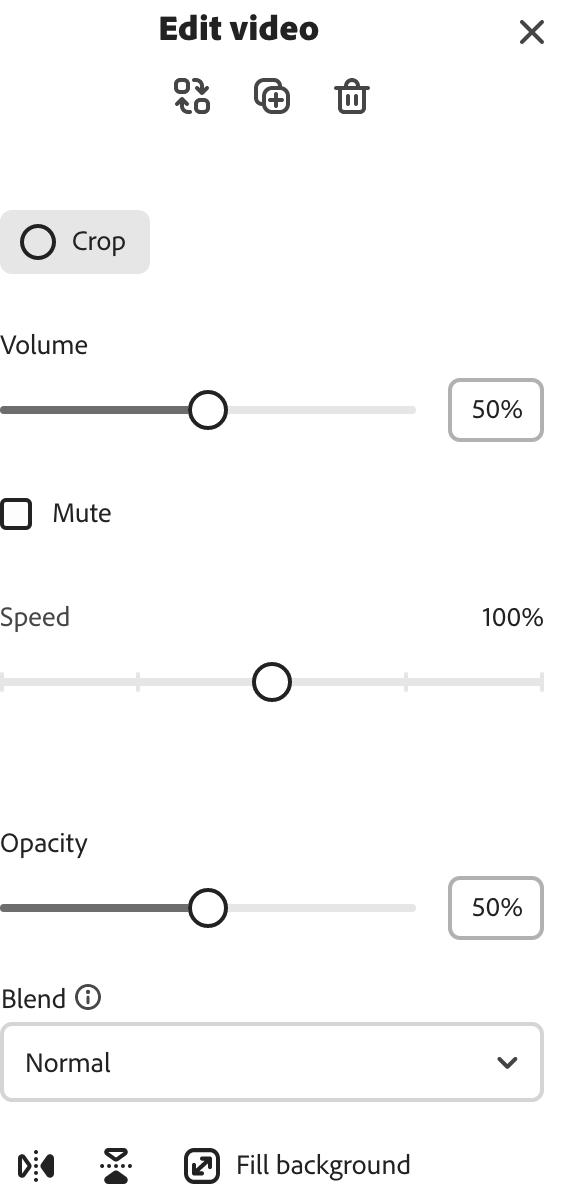
Select your video clips to crop, split, and trim until you’re satisfied. Touch up video contrast and sharpness in the Adjustments menu. Record your own voiceovers in the same project to add to your video. Need more visual assets? Adobe Express has your back with tons of royalty-free stock videos and images to drag and drop onto your Reel.
Explore Instagram templates.
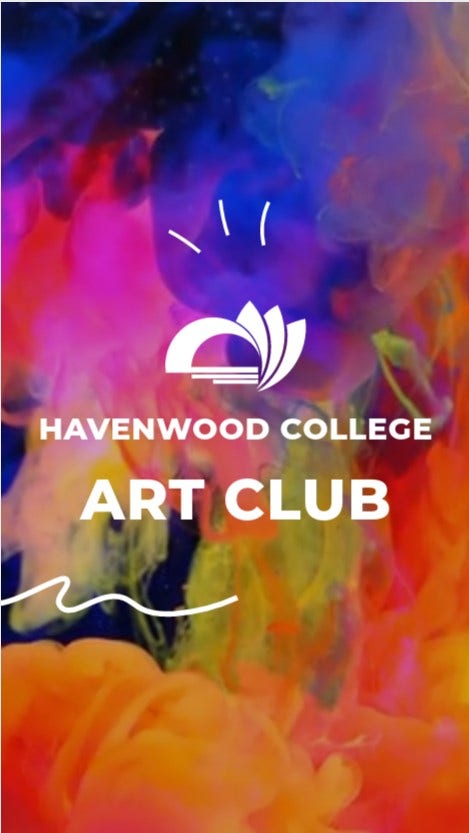
Search up “Instagram” and browse our collection of ready-to-use free video templates for Instagram Reels, Stories, and more. Apply a color scheme, swap text placeholders with your own message, and add graphics or icons.
Open Adobe Express.
Upload your own media or select the kind of video you want to create for Instagram, from Reels to Stories and ads.

Split, trim, & crop videos.
Shorten footage, split videos, and zoom in on scenes in just a few taps.
One-click resize options.
Turn your videos into Reels, Stories, square posts, and more in one click.

Excite with animated effects.
Select any element in your video and add animated effects or transitions for a dynamic look and feel.

Adjust video speed.
Select your footage and speed scenes up or slow them down instantly.
Invite collaborators.
Invite others to view, edit, or comment directly on your project in real-time.
Download, save, & share.
Download your video and upload it to your favorite platform or share it as a link.

Plan, create, & publish.
Plan, create, and publish Instagram content anytime using Adobe Express Content Scheduler.

Enhance videos with filters.
Apply one-click filter enhancements like Duotone or greyscale to videos.
The all-in-one content creation app for your browser.
Make any kind of content for Instagram.
Create Reels, Stories, square videos, social media posts, stories, & more.
Free Adobe Stock images, videos, & soundtracks.
Customize your videos with royalty-free, high-quality stock music, videos, graphics, & animation.
Ready-to-use free video templates.
Free, fully customizable video templates to choose from. Swap in your own content anytime.
Customize photos & videos online to make unforgettable Reels.
Get professional quality image and video edits in minutes without prior editing experience. Use the Adjustments menu to enhance all your media assets in seconds. Drag the adjustment bar to sharpen blurry images or increase video contrast. Or apply a duotone filter in one click. Play around with other visual enhancement options to start developing your own editing style. With Adobe Express on your side, all you need to do is open the app to create unique, standout video content.
Level up your video content creation.
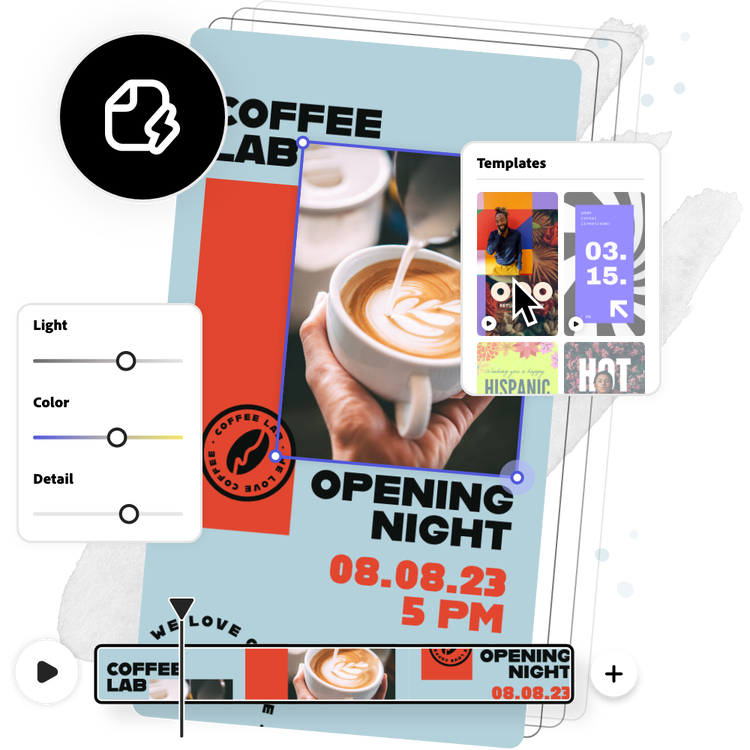
You’ll want to post regularly and experiment with different kinds of video content to boost engagement and grow followers on Instagram. Adobe Express makes it quick and easy for all skill levels to create and edit trendy Reels on a budget. Upload your video clips, crop and trim to your liking, and rearrange clips on your timeline. Play around with filter effects and fonts. Whatever creative vision you have, from product unboxing videos to tutorials, Adobe Express lets you bring it to life with endless video customization options at your side.
Frequently asked questions.
Is it free to make videos for Instagram in Adobe Express?
Yes, it’s free to make Reels for Instagram with Adobe Express. Open the online editor from your browser, choose the video type you want to create, and get started with tons of free video templates. With our drag-and-drop editor, you can quickly create and edit videos, then export them as an MP4 file to your device or use the Content Scheduler to plan and publish your content at any time.
Which browsers does Adobe Express support?
You can run Adobe Express in your favorite web browser. For the best video editing experience on Adobe Express, we recommend keeping your browser updated.
How do I add music to my Reel for Instagram?
To add music to your Reel, select Media at the left of the online editor, then click on the Audio tab. Hit “Upload from device” to upload your own music from your computer or browse our wide collection of royalty-free Adobe Stock soundtracks to add to your video project.
How do I make a Reel with videos?
You can easily turn your long-form videos into a short Reel by uploading your footage into the Adobe Express online editor to trim, cut, crop, and split scenes. Reels are a maximum of 90 seconds (about 1 and a half minutes) long, so make sure to include the highlights of your video within the time limit.
Do I need prior design or video editing experience to use Adobe Express?
All skill levels can easily create videos and other social content on Adobe Express. Our beginner-friendly app is simple to use, so all skill levels can easily make a stunning Instagram Reel and so much more without any editing experience. Drag and drop your favorite icons, text, images, and so much more to your video template of choice – in minutes, you’ll have a standout Reel ready to go.


