

Free online marketing video maker.
Boost brand and business recognition online with a stunning marketing video made in Adobe Express. No experience required.

Easy all-in-one editor

One-click edits from any device

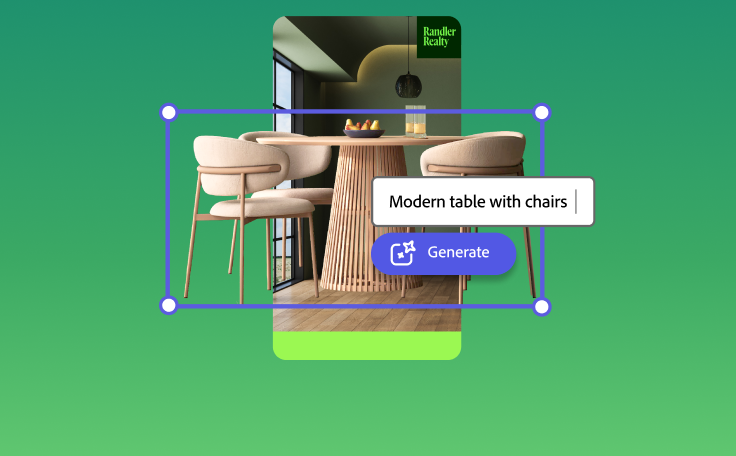
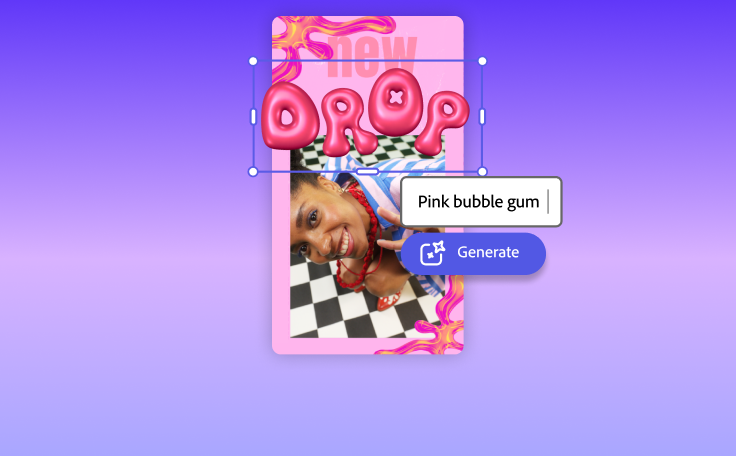
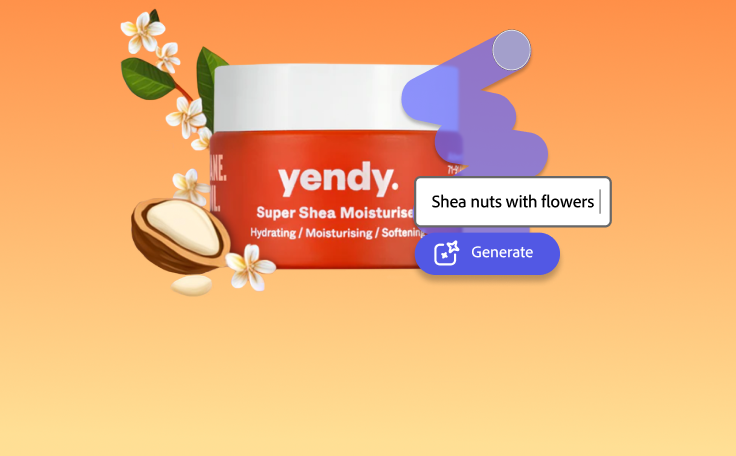
Fast creation with generative AI
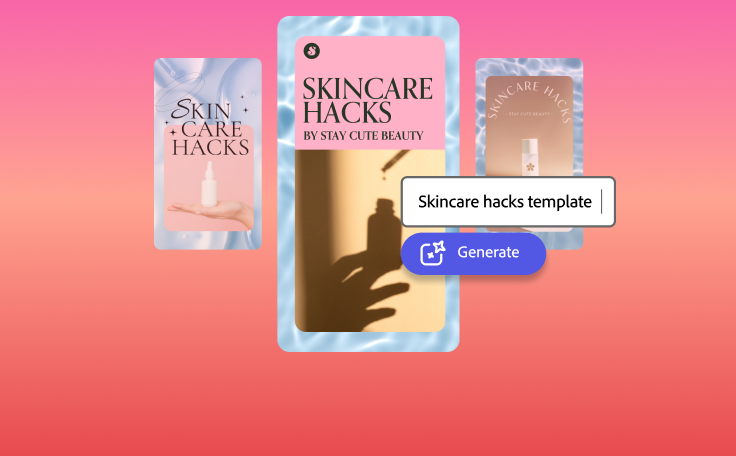
Thousands of professionally-designed templates
Easily get started in Adobe Express.
Create on-brand marketing videos with Adobe Express.
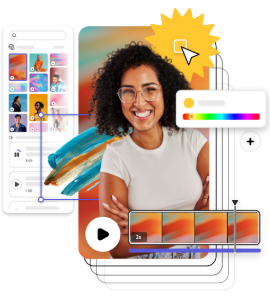
Adobe Express online video editor lets you create marketing videos for ads, promos, product, campaigns, and more with easy video editing tools and free marketing video templates at your side. Upload your footage to the fun and easy drag-and-drop style editor, rearrange scenes, and add a standout Adobe Stock soundtrack. Upload your logo, add brand colors, and favorite fonts to stand out and stay #onbrand. Whether you’re a beginner or seasoned creator, you’ll have a stunning video about your brand or service ready to share with the world in minutes.
 New templates
- Popular
- New templates





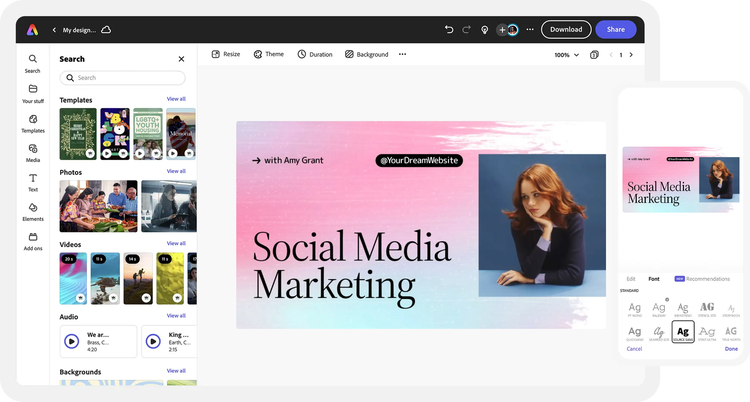
Open Adobe Express.
Upload your own video footage and photos or select the kind of video you want to create in Adobe Express.Customize your video template.
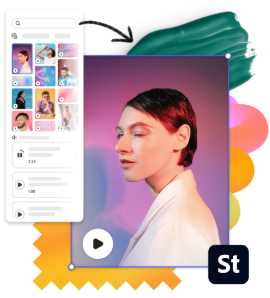
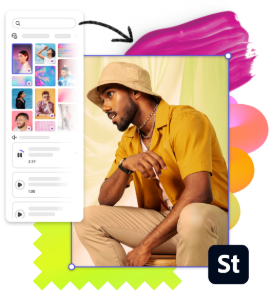
Search “marketing,” “ad,” or “campaign,” to find an array of stunning free marketing video templates you can customize. Pick one that matches the look you’re going for. Cut, trim, crop, or split your footage. Rearrange scenes on your timeline so your audience can follow along easily. Add icons, graphics, and other visual elements. Need more photos or videos? Browse thousands of free Adobe Stock videos and photos you can add to your project, too.Edit your footage and narrative.
As you write your script, consider adding an attention-grabbing hook and be sure to answer the who, what, when, where, and why of your product, brand, or business in your video. You can also record your own voiceover in the same project to add to your video. If you want to add subtitles, choose from over 25,000 Adobe Fonts or select a curate font recommendation for your marketing video.Enhance with animation, music, & brand assets.
Wrap up your video with a royalty-free soundtrack from Adobe Stock. Choose any element in your marketing video to animate or apply one-click filter effects to enhance the look and feel of your project. Lastly, deliver an on-brand message when you add your brand colors, preset fonts, and logo across all your video projects.Resize, download, & share online.
Send out an editable share link to review your marketing video with team members. Then, download it to your computer or share it online. You can also use the Resize tool to adjust video dimensions in one tap to fit any social channel.
Fast and easy video editing online.

Crop, split, and trim.
Remove unnecessary footage with the trimming tool and rearrange scenes with ease.
Resize for any social channel.
Create a marketing video once & resize in a snap to share across your social channels.

Apply animated effects.
Select any element in your video to animate in just a few clicks.

Control video speed.
Slow down or speed up scenes in seconds.
Edit videos with others.
Invite collaborators with a share link to edit, leave comments, and view your project in real-time.
Download and share anywhere.
Download your video as an MP4 & share it to your favorite digital destinations.

Manage content in one place.
Plan and publish marketing videos, posts, & more with the Adobe Express Content Scheduler.

Add stunning filter effects.
Apply gorgeous filter presets like Duotone, greyscale and so much more to your videos.
Make engaging marketing videos from your browser.
An all-in-one content creation app.
Create marketing videos, social media posts and stories, flyers, and more in Adobe Express with animated effects.
Free Adobe Stock design assets at your side.
Customize your videos with rights-cleared, royalty-free stock soundtracks, video, images, and graphics.
Ready-to-use free templates.
Start from scratch or customize free marketing video templates with your own content in the online editor.
See what people are saying about Adobe Express.

Abs Ahlijah
Marketing & Content Coordinator @ Soul Session
"As a marketer who is always on the move. Adobe Express helps me to create fast, high quality content. Absolute endless features to enhance my creativity!"

Liz Mosley
Owner, Liz Mosley Design
"I use Adobe Express to create and schedule a lot of my own content, and by creating templates for my own brand I have saved my self hours marketing my business!”

Penuel Stanley-Zebulon
Student @ Pennsylvania State University
"The remove background image tool in Adobe Express saved me hours of tedious editing, effortlessly removing backgrounds and refining my images with just a few clicks."

Attabeira German de Turowski
Owner, Attabeira Oneline
"I use Express Premium for my social media efforts and Content Scheduler has helped me grow my following through consistent posting."

Mike Nappi
Owner, NappiMusic
"I'm all in on Adobe Express. Premium makes it easy for me to maintain a cohesive look and feel for my brand."
Discover even more features for easy content creation.
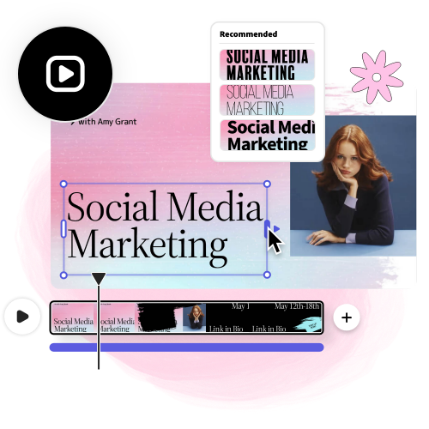
Discover how simple it is to make stunning marketing videos.

Everything you need to make standout marketing videos are right at your fingertips with the Adobe Express online editor. Promote your brand, product, or service in an eye-catching way when you combine static images and videos into a single video to keep your viewers watching. Upload as many clips as you’d like into your project and cut them down to shorten things. You’ll also get stunning font recommendations curated just for your project–so you can deliver your message in style.

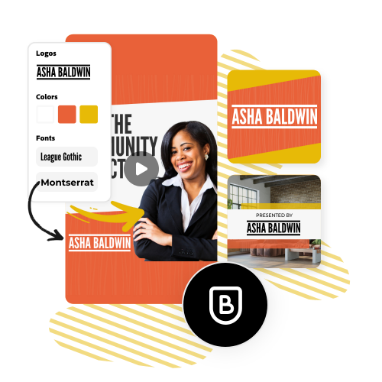
Build a loyal following with consistent branding.
Tell your viewers about your brand instantly with the Adobe Express brand kit. Create and apply your own branded assets to any marketing video project using the online editor. It’s as simple as uploading your logo, selecting a color scheme, and fonts. Expand your reach when you resize your video instantly for use across all your social channels.
The world's leading businesses use Adobe Express.





Discover even more.

Frequently asked questions.
Is making videos in Adobe Express free?

Yes, anyone can use Adobe Express to create videos for free. With our drag-and-drop editor and free templates at your fingertips, it’s easier than ever to create and edit stunning videos in minutes.
Can I resize my marketing video after I finish making edits?

How do I add music to my marketing video?
Can I make more than one marketing video with Adobe Express?
Do I need video editing experience to use the Adobe Express online editor?
Is making videos in Adobe Express free? opened