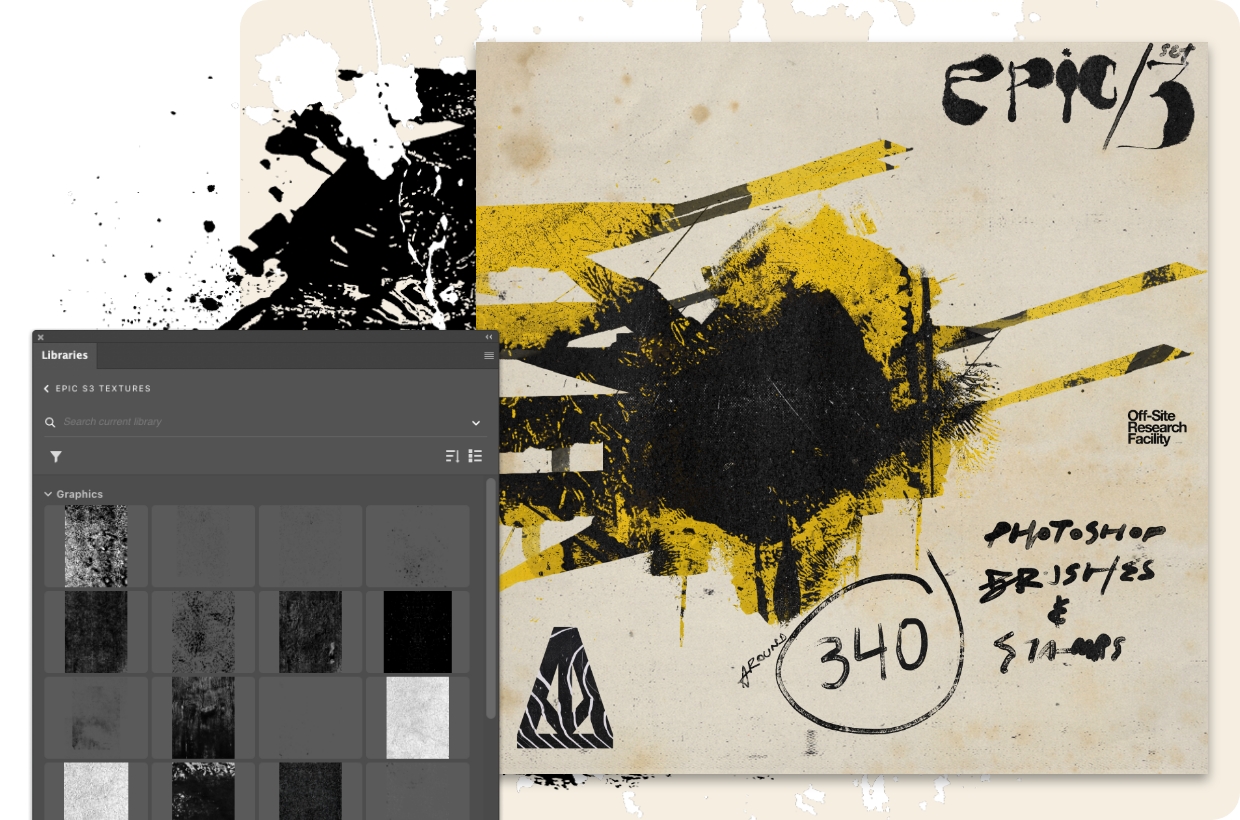
372 pennelli grunge e grintosi gratuiti per Photoshop.
Ottieni l’effetto street art urbano.
Cosa ti serve
Fai pratica nell'app
Crea un bel pasticcio con questo pacchetto grunge di Alejandro Chavetta.
Inizia.
Apri il file in Adobe Photoshop e scopri come Alejandro sovrappone la sua grafica e le texture. Quindi aggiungi le librerie di pennelli e usa i tuoi tag per completare la grafica.
Aggiungi qualche macchia.
“Volevo creare un kit trash/grunge come evoluzione delset di pennelli Epic su cui avevo già lavorato in precedenza”, dice Alejandro. Ora puoi davvero pasticciare il tuo lavoro con 88 scarabocchi e macchie gratuiti.
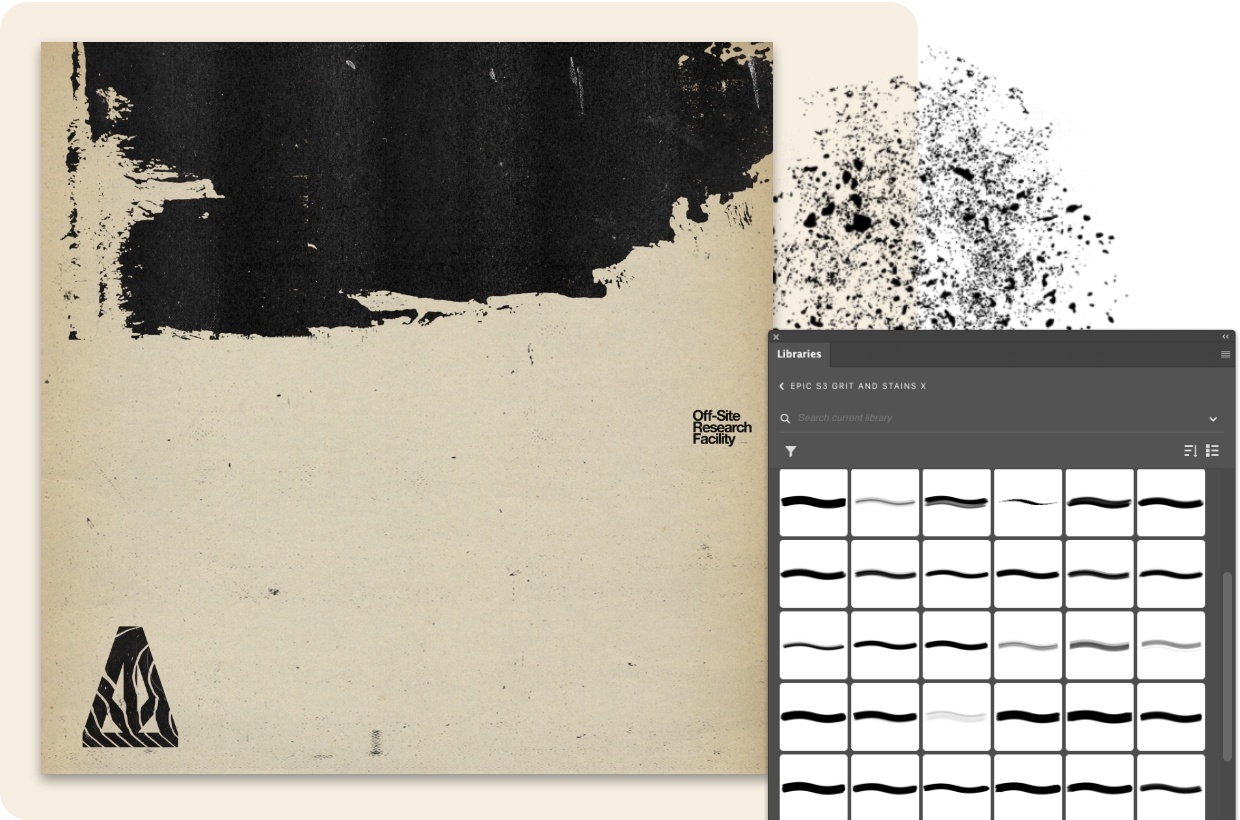
“Ho creato gli schizzi e le macchie di inchiostro analogiche nel mio studio e ho raccolto un sacco di texture nel corso delle mie passeggiate a San Francisco, e poi ho mescolato tutto in Photoshop”, spiega Alejandro. Aggiungi subito 47 texture grintose gratuite.
Crea qualcosa di innovativo con i 34 rulli gratuiti. “Questa raccolta di pennelli, timbri e texture è una risorsa drag-and-drop per quando si vogliono aggiungere rapidamente texture grintose”, afferma.
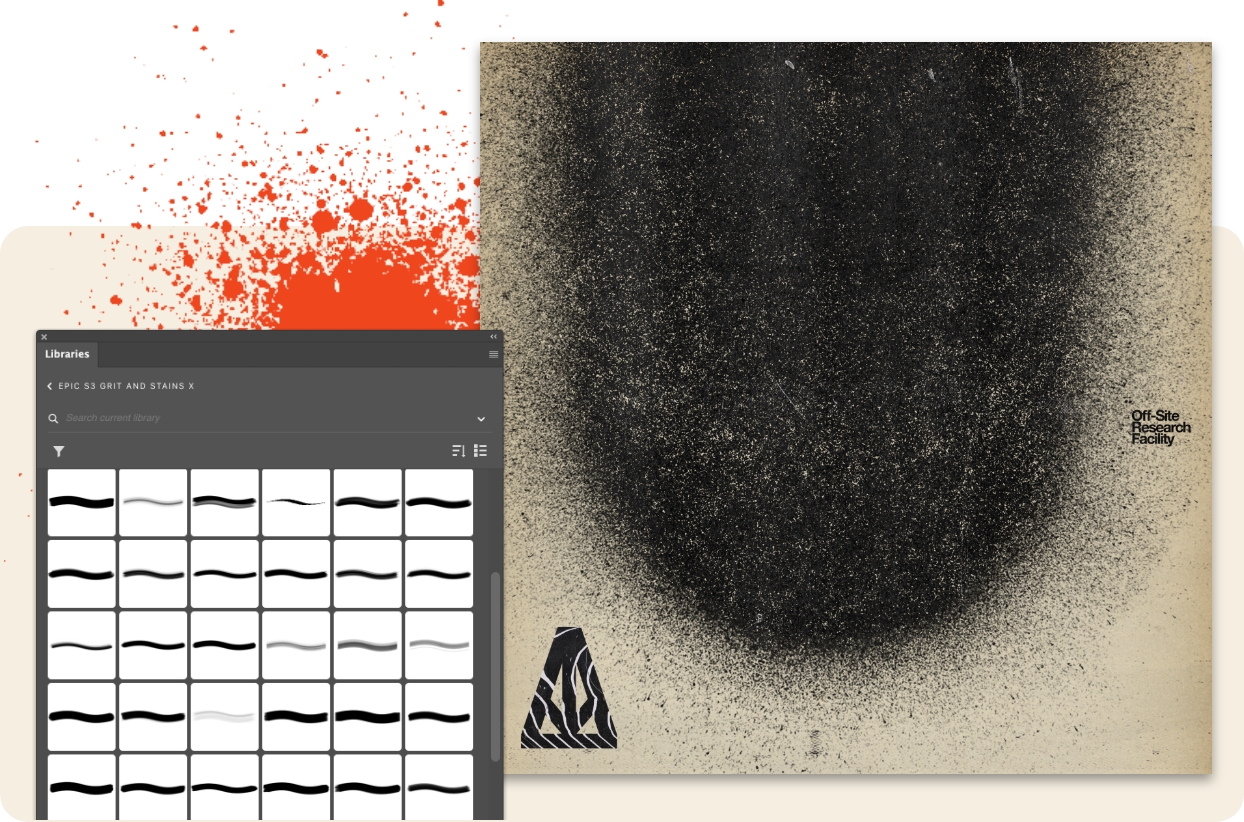
Ottieni 83 pennelli grintosi gratuiti e inizia a lavorare. “Ricorda di giocare con le dimensioni e il flusso e combina le pennellate per dare più carattere al tuo lettering e alla tua composizione tipografica”, spiega Alejandro.
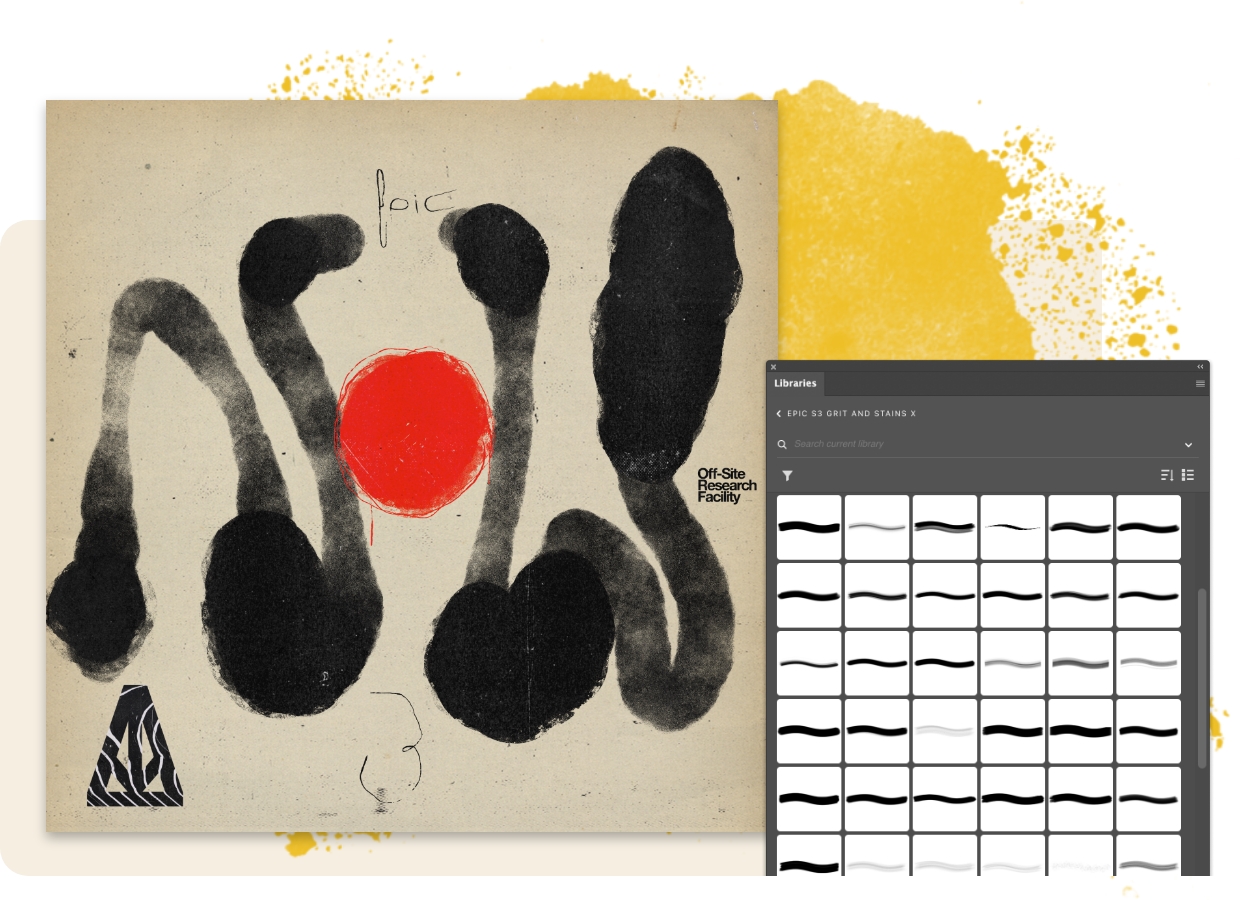
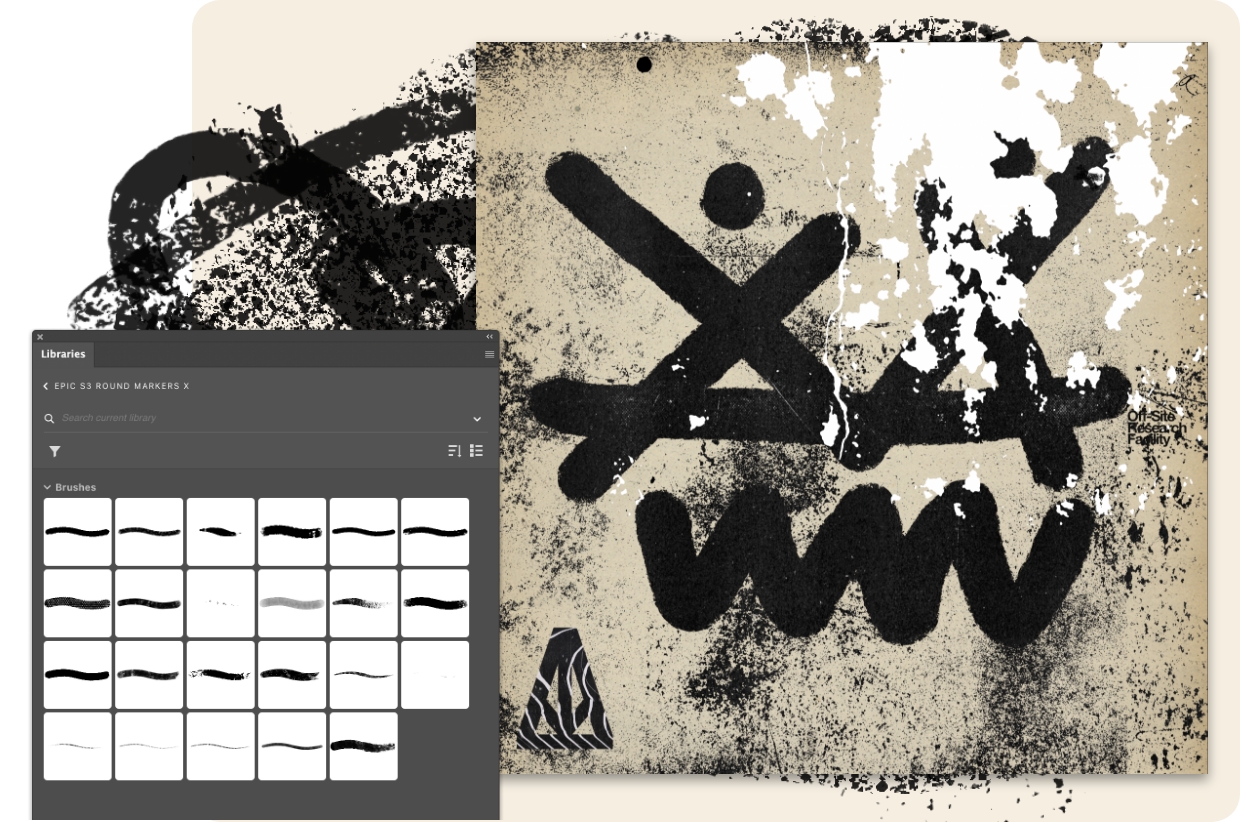
Alejandro ha creato questi 23 esclusivi pennelli con marcatori rotondi. “Questi pennelli sono sensibili alla pressione e devono essere provati in dimensioni diverse”, ha dichiarato. “A volte un pennello ingrandito al massimo fino a 5000 px può fornire risultati texturali inaspettati”.
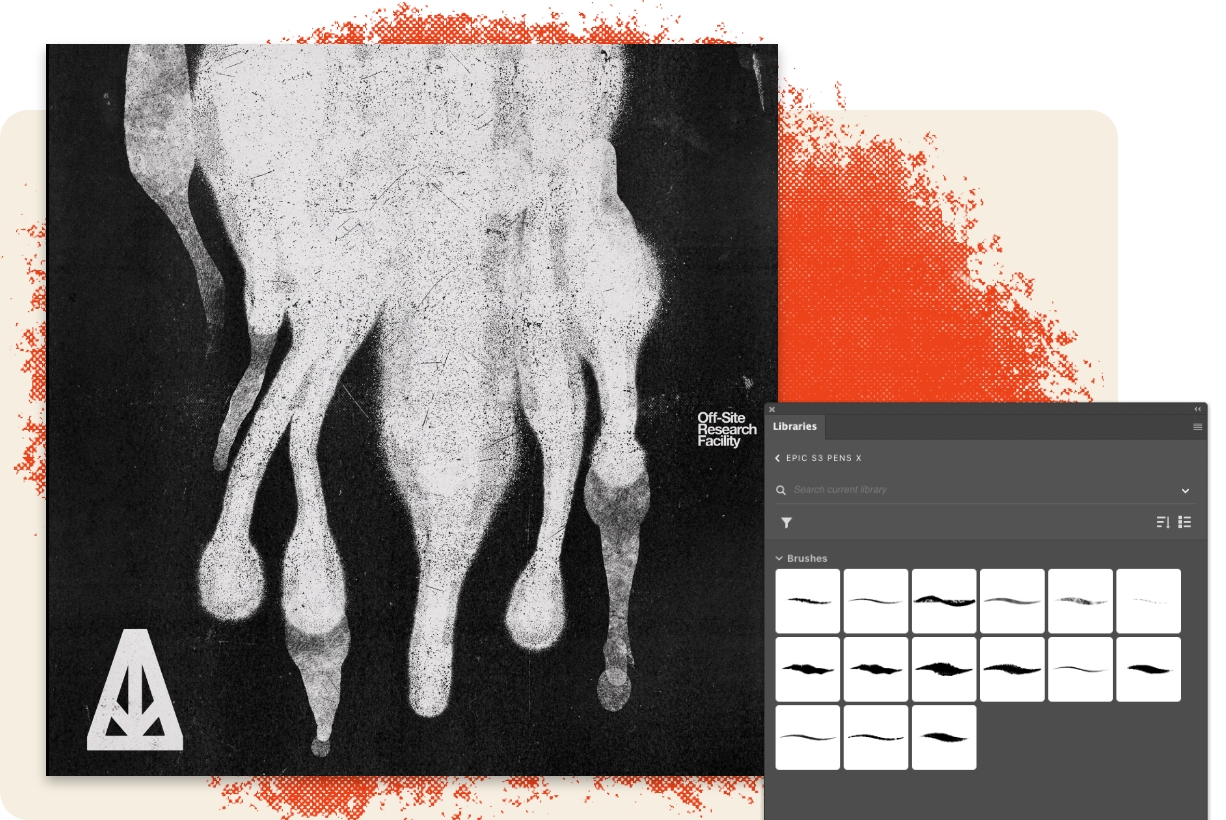
Prova questi 15 pennelli a penna street-style gratuiti. “Danno il meglio in Photoshop, ma molti di loro possono essere utilizzati anche in Fresco”, aggiunge Alejandro.
You can control how Adobe websites use cookies and similar technologies by making choices below. But note that if you disable cookies and similar technologies entirely, Adobe websites may not function properly.
Cookies are small text files stored by your web browser when you use websites. There are also other technologies that can be used for similar purposes like HTML5 Local Storage and local shared objects, web beacons, and embedded scripts. These technologies help us do things like remembering you and your preferences when you return to our sites, measure how you use the website, conduct market research, and gather information about the ads you see and interact with.
You can make choices in the menu below about what cookies and other technologies you want us to use on Adobe sites when you visit them from this browser. You can always change those choices later by clicking on the Cookie Preferences link at the bottom of the page.
If enabled:
We can improve your experience by tailoring the site and the content to things we think might be of interest
We can better keep track of your preferences — like what language you prefer to use
We will better understand your likely interests so we can provide you more relevant Adobe ads and content on non-Adobe websites and in non-Adobe apps
It will help us improve the performance of our website and those of our partners who use the Adobe Experience Cloud
If disabled:
We won’t be able to remember you from session to session so the experience may not be tailored to your interests
You’ll still have access to the content of the site but certain features that depend on cookies may not function
You’ll still see ads, they just may not be as relevant to you
General information
You can control how Adobe websites use cookies and similar technologies by making choices below. But note that if you disable cookies and similar technologies entirely, Adobe websites may not function properly.
Cookies are small text files stored by your web browser when you use websites. There are also other technologies that can be used for similar purposes like HTML5 Local Storage, web beacons, and embedded scripts. These technologies help us do things like remembering you and your preferences when you return to our sites, measure how you use the website, conduct market research, and gather information about the ads you see and interact with.
You can make choices in the menu below about what cookies and other technologies you want us to use on Adobe sites when you visit them from this browser. You can always change those choices later by clicking on the Cookie Preferences link at the bottom of the page.
If enabled:
We can improve your experience by tailoring the site and the content to things we think might be of interest
We can better keep track of your preferences — like what language you prefer to use
We will better understand your likely interests so we can provide you more relevant Adobe ads and content on non-Adobe websites and in non-Adobe apps
It will help us improve the performance of our website and those of our partners who use the Adobe Experience Cloud
If disabled:
We won’t be able to remember you from session to session so the experience may not be tailored to your interests
We’ll still count your use of our site and services
You’ll still have access to the content of the site but certain features that depend on cookies may not function
You’ll still see ads, they just may not be as relevant to you
Operate the site and core servicesOperate site and measure engagement
Always active
These cookies are required, and they are used to enable the site and related services core functionality. Without them the site could not operate, so they cannot be disabled.
These cookies enable the site and related services’ core functionality and collect statistics about user engagement, such as counting active use to help us understand trends. These cookies cannot be disabled.
Measure performance
These cookies are used to analyze site usage to measure and improve performance. Without them Adobe cannot know what content is most valued and how often unique visitors return to the site, making it hard to improve information we offer to you.
These cookies are used to analyze site usage to measure and improve performance. Without them Adobe cannot know what content is most valued, making it hard to improve information we offer to you.
Extend functionality
These cookies are used to enhance the functionality of Adobe sites such as remembering your settings and preferences to deliver a personalized experience; for example, your username, your repeated visits, preferred language, your country, or any other saved preference.
Personalize advertising
These cookies are used to enable Adobe and our partners to serve ads more relevant to your interests. Without them you will still see ads, but they might not be as relevant to you.
Personalize advertising
These cookies are used to enable Adobe and our partners to serve ads more relevant to your interests. Without them you will still see ads, but they might not be as relevant to you.