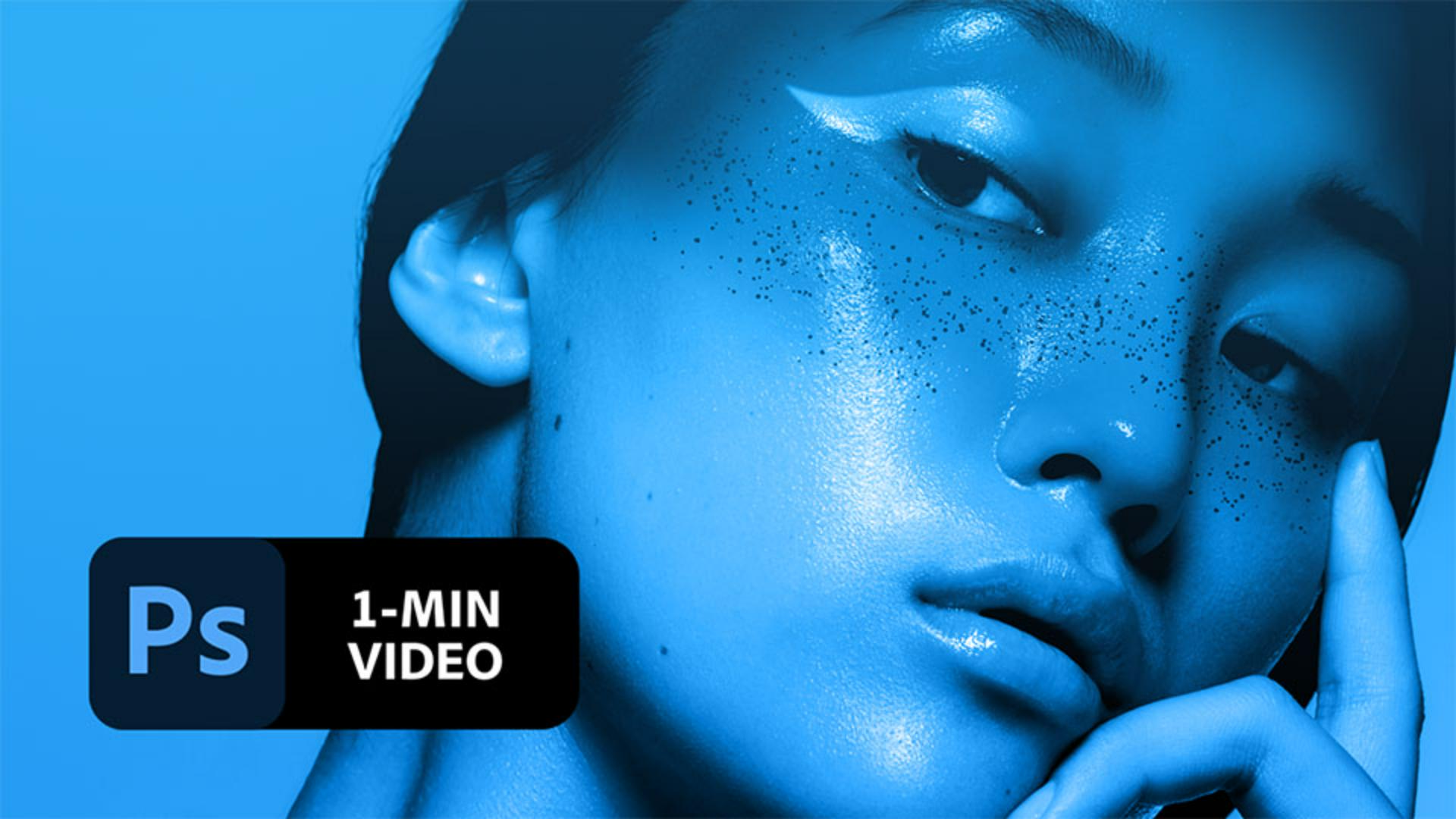
2. Con il livello "Paint" selezionato, scegli lo strumento Pennello (B) e fai clic sulla piccola freccia nella barra superiore per regolarne le impostazioni. Seleziona una punta tonda morbida e imposta la dimensione a 700 px.
3. Scegli un colore rosso (# e7193b) e passa il pennello sugli occhi della modella, poi scegli un viola (# a82dd5) e passa sulle sopracciglia e sulla fronte.
4. Imposta il metodo di fusione del livello su Moltiplica in modo che il colore si “fonda” con la pelle.
5. Ora scegli un colore blu (# 2d55d5), apri il pannello Pennelli andando su Finestra > Pennelli e scegli Kyle's Spatter Brushes - Pressure Control 2 dalla cartella Brushes Special Effects per dipingere un pattern glitterato sulle guance e sul naso della modella.
6. Con il livello "Paint" ancora selezionato, fai clic sull’icona Aggiungi maschera di livello nella parte inferiore del pannello Livelli. Accanto alla miniatura del livello verrà visualizzata anche quella della maschera di livello.
7. Con lo strumento Pennello selezionato, imposta una punta tonda morbida e la dimensione a 80 px, poi verifica che il colore di primo piano sia impostato sul nero. Ora passa il pennello sulla maschera per nascondere le aree colorate degli occhi, dei capelli e delle dita in modo che rimanga visibile solo l'immagine originale. Se necessario, scegli un pennello più piccolo per lavorare in modo più preciso.
Suggerimento: il nero nasconde il livello che contiene la maschera, consentendoti di vedere cosa c'è sotto quel livello. Impostando il colore di primo piano sul bianco, puoi dipingere su una maschera di livello per svelare il contenuto precedentemente nascosto con il nero.
8. Crea un ombretto fantasioso. Per eseguire questa operazione, scegli lo strumento Penna curvatura, impostando la modalità su Tracciato e l’operazione del tracciato su Escludi forme sovrapposte.
9. Fai clic lungo la linea superiore dell’occhio per creare un tracciato curvo, poi fai clic sul punto iniziale per chiuderlo. Per creare un angolo appuntito sul lato sinistro del tracciato, fai doppio clic sul quadratino.
10. Una volta definito il tracciato, vai nella barra superiore e scegli
Crea selezione. Si aprirà la finestra Crea selezione: imposta il Raggio sfumatura a 4 e fai clic su OK.
11. Verifica che la miniatura della maschera sul livello Paint sia ancora selezionata, quindi dipingi con un pennello nero all'interno della selezione, passando in modo più morbido sul lato destro per creare una fusione più omogenea.
Ecco fatto! Ora tocca a te creare un trucco artistico d’alta moda con Photoshop. Scarica le risorse disponibili oppure usa le tue e condividi il risultato finale su Facebook, Twitter e Instagram con l’hashtag
#MadewithPhotoshop per ricevere commenti e restare in contatto con le altre menti creative della nostra community.
Behance:https://www.behance.net/live Segui i nostri streaming dal vivo tenuti da professionisti del settore, su progetti reali in tempo reale e trova l’ispirazione giusta.

23 luglio 2022
Prova questi tutorial con Photoshop
Modifica foto per creare nuove immagini e grafici.
You can control how Adobe websites use cookies and similar technologies by making choices below. But note that if you disable cookies and similar technologies entirely, Adobe websites may not function properly.
Cookies are small text files stored by your web browser when you use websites. There are also other technologies that can be used for similar purposes like HTML5 Local Storage and local shared objects, web beacons, and embedded scripts. These technologies help us do things like remembering you and your preferences when you return to our sites, measure how you use the website, conduct market research, and gather information about the ads you see and interact with.
You can make choices in the menu below about what cookies and other technologies you want us to use on Adobe sites when you visit them from this browser. You can always change those choices later by clicking on the Cookie Preferences link at the bottom of the page.
If enabled:
We can improve your experience by tailoring the site and the content to things we think might be of interest
We can better keep track of your preferences — like what language you prefer to use
We will better understand your likely interests so we can provide you more relevant Adobe ads and content on non-Adobe websites and in non-Adobe apps
It will help us improve the performance of our website and those of our partners who use the Adobe Experience Cloud
If disabled:
We won’t be able to remember you from session to session so the experience may not be tailored to your interests
You’ll still have access to the content of the site but certain features that depend on cookies may not function
You’ll still see ads, they just may not be as relevant to you
General information
You can control how Adobe websites use cookies and similar technologies by making choices below. But note that if you disable cookies and similar technologies entirely, Adobe websites may not function properly.
Cookies are small text files stored by your web browser when you use websites. There are also other technologies that can be used for similar purposes like HTML5 Local Storage, web beacons, and embedded scripts. These technologies help us do things like remembering you and your preferences when you return to our sites, measure how you use the website, conduct market research, and gather information about the ads you see and interact with.
You can make choices in the menu below about what cookies and other technologies you want us to use on Adobe sites when you visit them from this browser. You can always change those choices later by clicking on the Cookie Preferences link at the bottom of the page.
If enabled:
We can improve your experience by tailoring the site and the content to things we think might be of interest
We can better keep track of your preferences — like what language you prefer to use
We will better understand your likely interests so we can provide you more relevant Adobe ads and content on non-Adobe websites and in non-Adobe apps
It will help us improve the performance of our website and those of our partners who use the Adobe Experience Cloud
If disabled:
We won’t be able to remember you from session to session so the experience may not be tailored to your interests
We’ll still count your use of our site and services
You’ll still have access to the content of the site but certain features that depend on cookies may not function
You’ll still see ads, they just may not be as relevant to you
Operate the site and core servicesOperate site and measure engagement
Always active
These cookies are required, and they are used to enable the site and related services core functionality. Without them the site could not operate, so they cannot be disabled.
These cookies enable the site and related services’ core functionality and collect statistics about user engagement, such as counting active use to help us understand trends. These cookies cannot be disabled.
Measure performance
These cookies are used to analyze site usage to measure and improve performance. Without them Adobe cannot know what content is most valued and how often unique visitors return to the site, making it hard to improve information we offer to you.
These cookies are used to analyze site usage to measure and improve performance. Without them Adobe cannot know what content is most valued, making it hard to improve information we offer to you.
Extend functionality
These cookies are used to enhance the functionality of Adobe sites such as remembering your settings and preferences to deliver a personalized experience; for example, your username, your repeated visits, preferred language, your country, or any other saved preference.
Personalize advertising
These cookies are used to enable Adobe and our partners to serve ads more relevant to your interests. Without them you will still see ads, but they might not be as relevant to you.
Personalize advertising
These cookies are used to enable Adobe and our partners to serve ads more relevant to your interests. Without them you will still see ads, but they might not be as relevant to you.