Erschaffe drei Planeten mithilfe verschiedener Verlaufstechniken
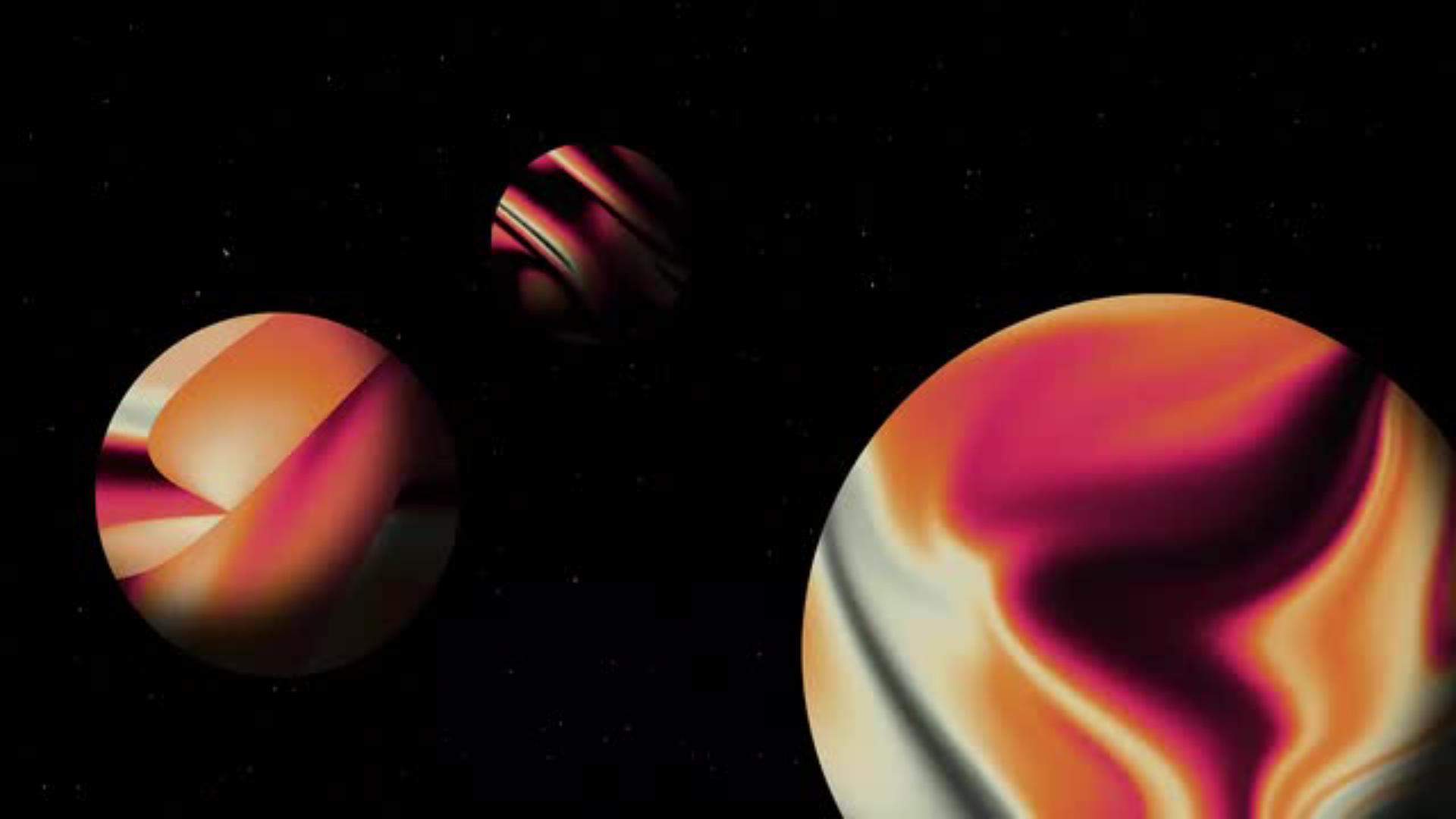
Das Verlaufswerkzeug bietet unendlich kreative Möglichkeiten. Illustrator Adrian Bauer zeigt dir in seinem interaktiven Tutorial, wie du es nutzt, um drei Planeten im körnigen Gradient-Look zu erschaffen: Lerne drei verschiedene Techniken kennen, um in Photoshop spannende Verläufe zu erzeugen.
Benötigte Materialien
In der Anwendung üben
Der Mars lockt uns mit Rätseln: Gab es dort Leben? Könnte er eine zweite Heimat für uns Menschen werden? Seine spektakulären Landschaften wecken nicht nur Neugier und Pioniergeist, sondern sind auch eine tolle Inspiration für kreatives Gestalten in Photoshop: Mit verschiedenen Verlaufstechniken empfindet Illustrator Adrian Bauer die rötliche Farbgebung nach und experimentiert mit dem Verflüssigen-Werkzeug und Texturen, um die einzigartige Erscheinung des Mars künstlerisch umzusetzen. Öffne jetzt das Tutorial in deiner Photoshop-App, um Schritt für Schritt zu erfahren, wie das geht.
Verlauf #1: Spiele mit dem Verflüssigen-Werkzeug
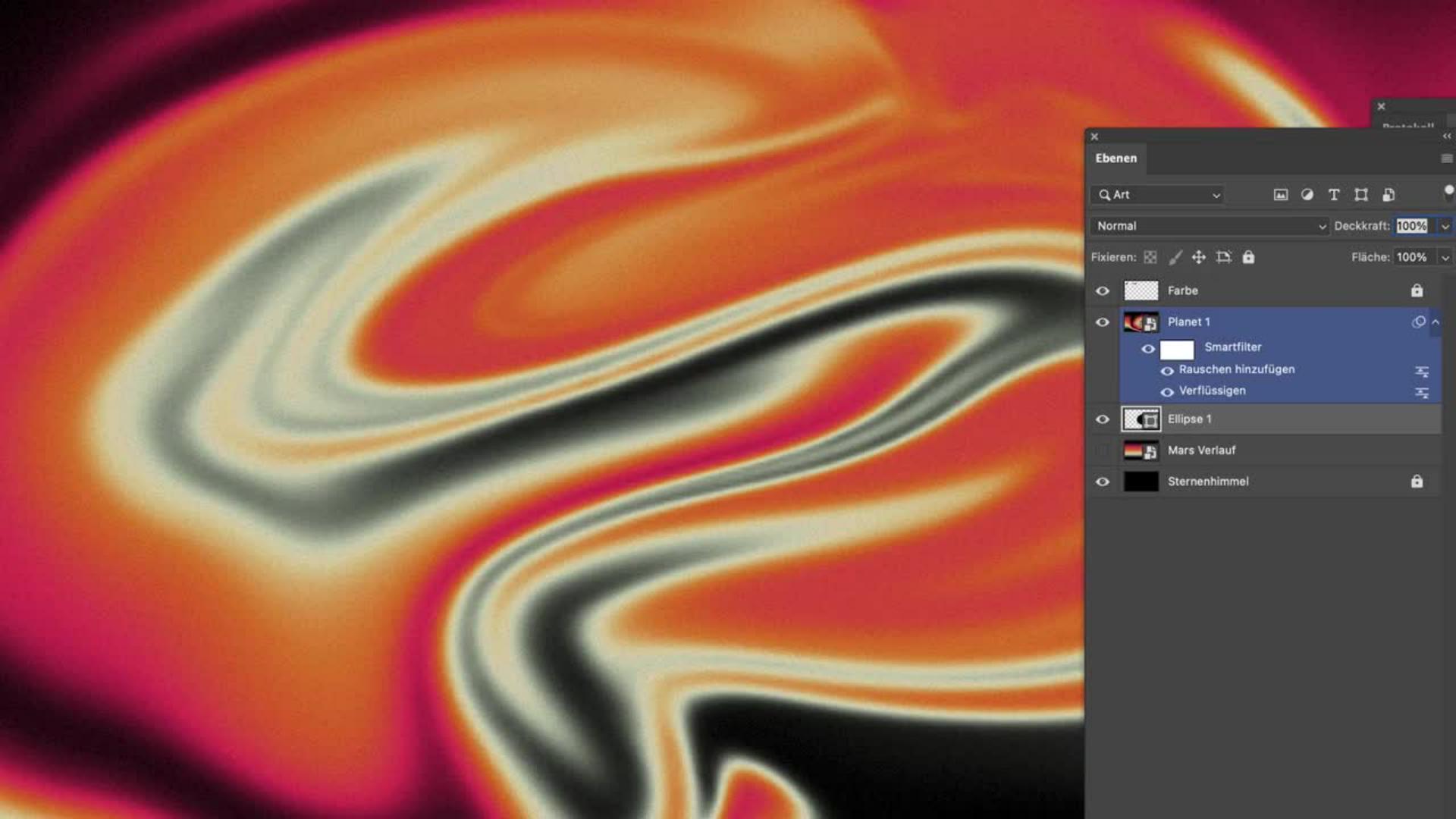
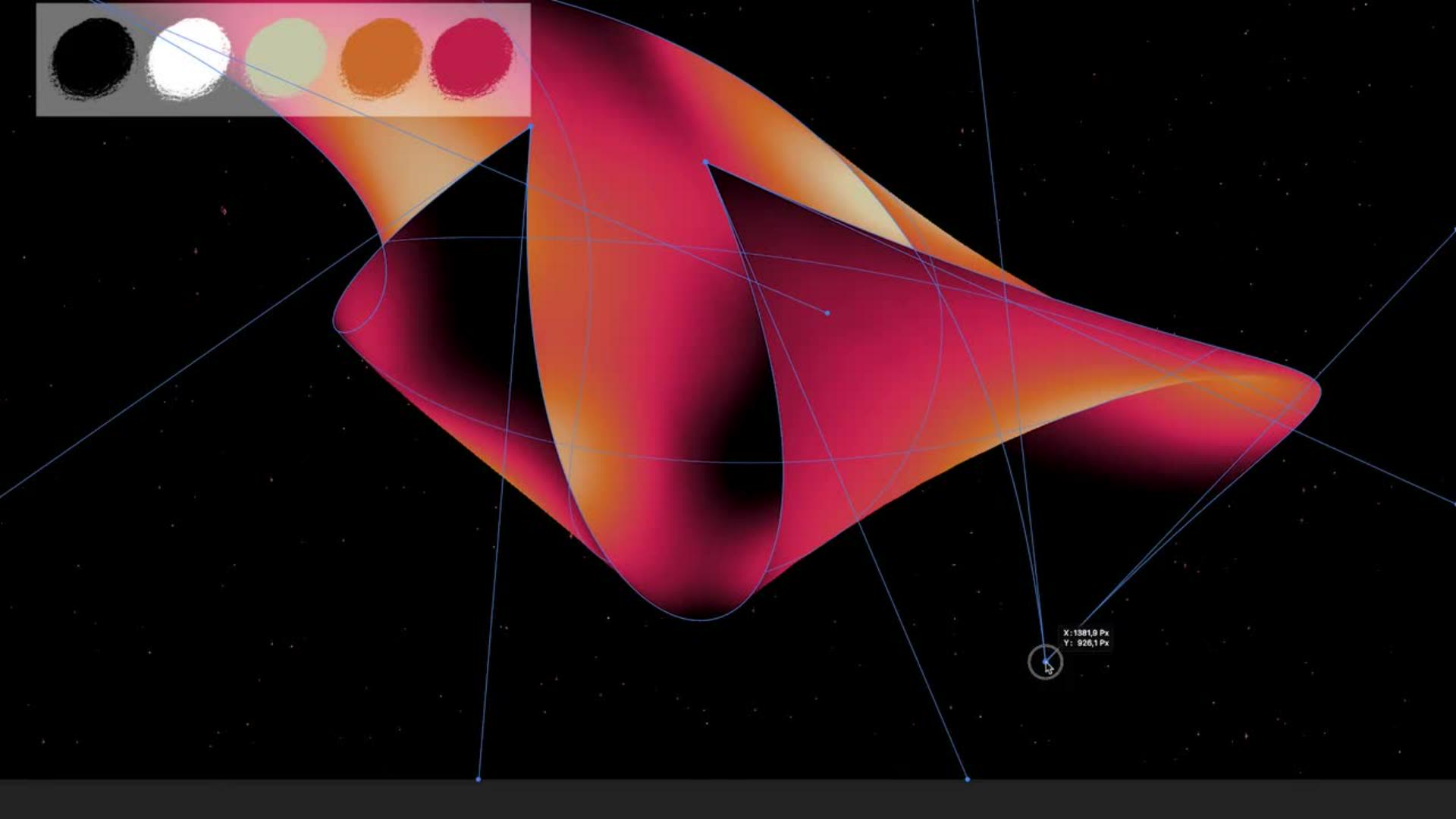
Als Basis für alle Verlaufstechniken zeigt dir Adrian zunächst, wie du einen mehrfarbigen Verlauf erstellst und diesen als Vorlage abspeicherst. Ist das geschafft, kannst du beginnen, damit zu experimentieren– zum Beispiel mit dem Verflüssigen-Filter. Er ermöglicht es dir, den bunten Verlauf beliebig zu bearbeiten. Verwische und verzwirble die Farben, wie es dir gefällt!
Benötigte Materialien
In der Anwendung üben
Verlauf #2: Mit dem Pinsel malen
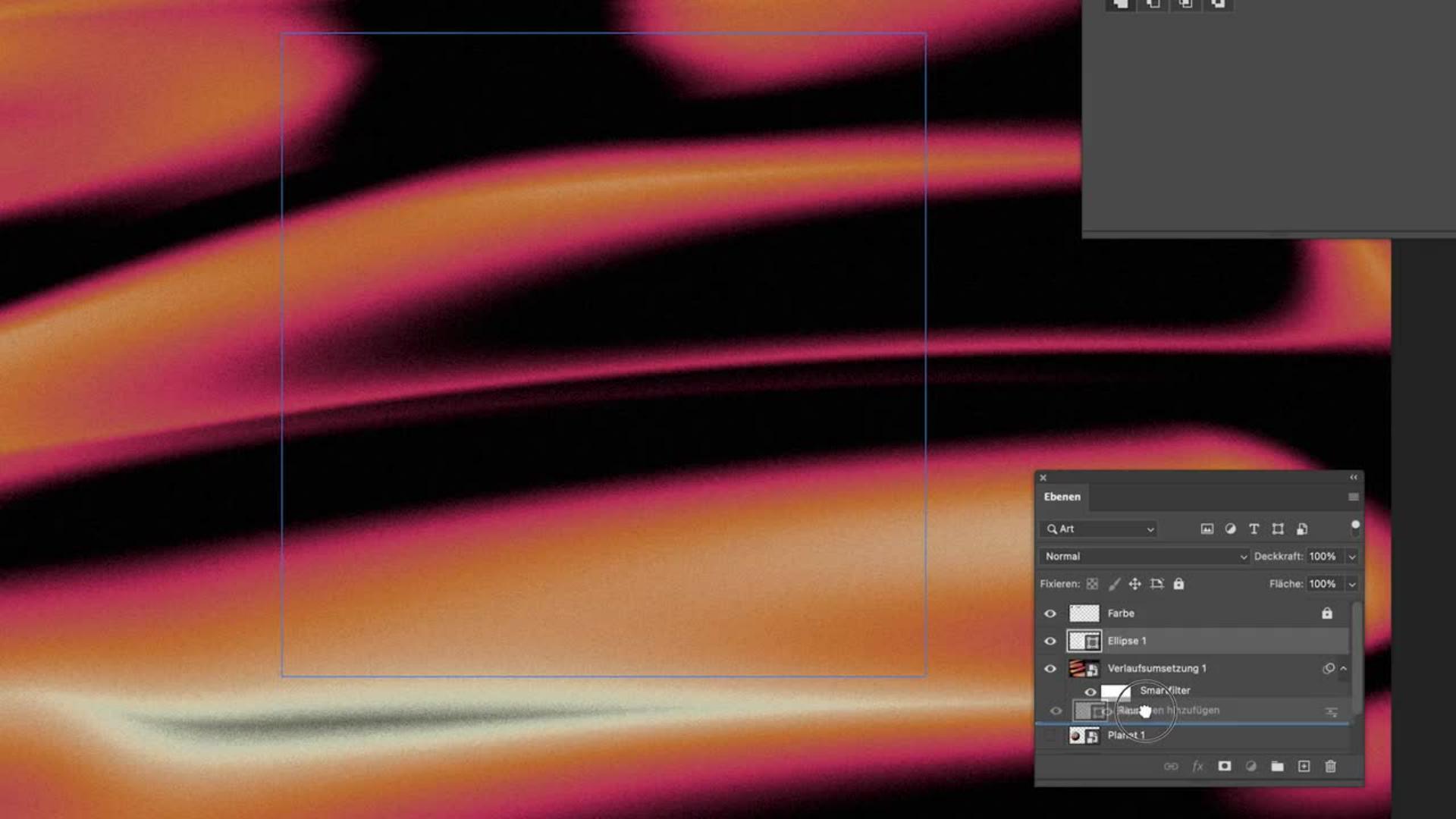
Dein Farbverlauf lässt sich auch auf den Pinsel anwenden. Adrian erklärt dir Schritt für Schritt, wie die rötliche Farbpalette mithilfe eines Mischmodus sichtbar wird, sobald du mit dem Pinsel über die Arbeitsfläche fährst. Welche unerwarteten Effekte sich dadurch ergeben, wird dich sicher überraschen!
Verlauf #3: Noch eine Pinsel-Technik
Verlaufstechnik Nummer Drei macht besonders viel Spaß: Hierbei lernst du mit einem runden, weichen Pinsel auf der Fläche zu malen, und dabei Schritt für Schritt die Verlaufsfarben sichtbar zu machen: Erst wird der Pinselstrich rot, dann orange, dann beige.
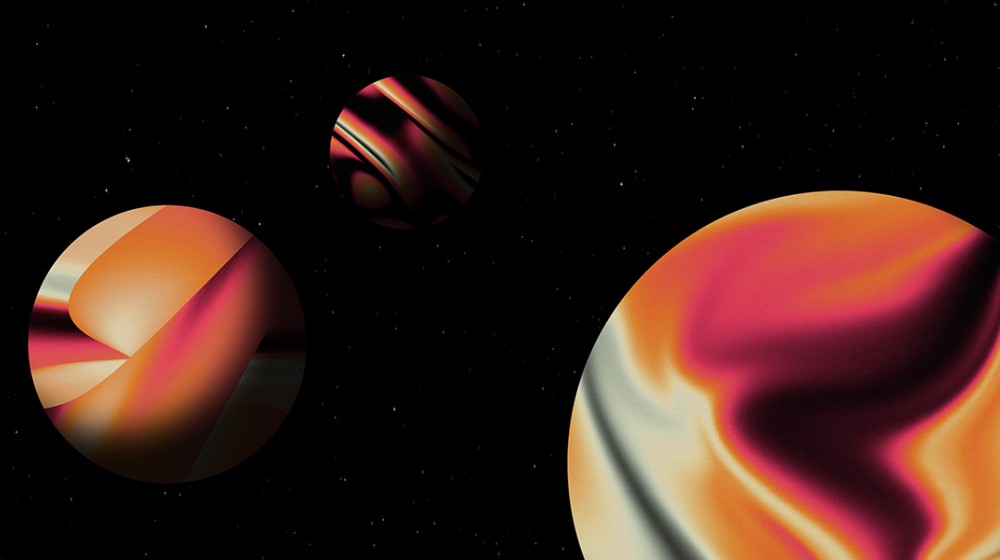
Erschaffe drei Planeten
Damit du mithilfe der erlernten Verlaufstechniken in Photoshop eine schöne Planeten-Illustration erstellen kannst, zeigt dir Adrian Bauer außerdem, wie du mit dem Ellipse-Werkzeug arbeitest und einen körnigen Gradient-Look erzeugst – Techniken, die der Künstler für viele seiner tollen Artworks nutzt.
Benötigte Materialien
In der Anwendung üben
Über den Künstler
Adrian Bauer lebt in der Metropolregion Berlin. Mit seinen farbenfrohen, minimalistischen Illustrationen übersetzt er komplexe Sachverhalte in klar verständlichen Bilder. Das macht ihn zum gefragten Illustrator für internationale Agenturen, Verlagshäuser und Unternehmen in den Bereichen Editorial Illustration, Infografik und Corporate Branding.
Als Mentor in der Illustratoren Organisation Deutschland teilt er gerne Einblicke in seine Kreativarbeit und zeigt Creative Cloud Abonnent:innen mit seinen Adobe-Praxis-Tutorials Schritt für Schritt, wie seine Artworks in Photoshop und Illustrator entstehen.
You can control how Adobe websites use cookies and similar technologies by making choices below. But note that if you disable cookies and similar technologies entirely, Adobe websites may not function properly.
Cookies are small text files stored by your web browser when you use websites. There are also other technologies that can be used for similar purposes like HTML5 Local Storage and local shared objects, web beacons, and embedded scripts. These technologies help us do things like remembering you and your preferences when you return to our sites, measure how you use the website, conduct market research, and gather information about the ads you see and interact with.
You can make choices in the menu below about what cookies and other technologies you want us to use on Adobe sites when you visit them from this browser. You can always change those choices later by clicking on the Cookie Preferences link at the bottom of the page.
If enabled:
We can improve your experience by tailoring the site and the content to things we think might be of interest
We can better keep track of your preferences — like what language you prefer to use
We will better understand your likely interests so we can provide you more relevant Adobe ads and content on non-Adobe websites and in non-Adobe apps
It will help us improve the performance of our website and those of our partners who use the Adobe Experience Cloud
If disabled:
We won’t be able to remember you from session to session so the experience may not be tailored to your interests
You’ll still have access to the content of the site but certain features that depend on cookies may not function
You’ll still see ads, they just may not be as relevant to you
General information
You can control how Adobe websites use cookies and similar technologies by making choices below. But note that if you disable cookies and similar technologies entirely, Adobe websites may not function properly.
Cookies are small text files stored by your web browser when you use websites. There are also other technologies that can be used for similar purposes like HTML5 Local Storage, web beacons, and embedded scripts. These technologies help us do things like remembering you and your preferences when you return to our sites, measure how you use the website, conduct market research, and gather information about the ads you see and interact with.
You can make choices in the menu below about what cookies and other technologies you want us to use on Adobe sites when you visit them from this browser. You can always change those choices later by clicking on the Cookie Preferences link at the bottom of the page.
If enabled:
We can improve your experience by tailoring the site and the content to things we think might be of interest
We can better keep track of your preferences — like what language you prefer to use
We will better understand your likely interests so we can provide you more relevant Adobe ads and content on non-Adobe websites and in non-Adobe apps
It will help us improve the performance of our website and those of our partners who use the Adobe Experience Cloud
If disabled:
We won’t be able to remember you from session to session so the experience may not be tailored to your interests
We’ll still count your use of our site and services
You’ll still have access to the content of the site but certain features that depend on cookies may not function
You’ll still see ads, they just may not be as relevant to you
Operate the site and core servicesOperate site and measure engagement
Always active
These cookies are required, and they are used to enable the site and related services core functionality. Without them the site could not operate, so they cannot be disabled.
These cookies enable the site and related services’ core functionality and collect statistics about user engagement, such as counting active use to help us understand trends. These cookies cannot be disabled.
Measure performance
These cookies are used to analyze site usage to measure and improve performance. Without them Adobe cannot know what content is most valued and how often unique visitors return to the site, making it hard to improve information we offer to you.
These cookies are used to analyze site usage to measure and improve performance. Without them Adobe cannot know what content is most valued, making it hard to improve information we offer to you.
Extend functionality
These cookies are used to enhance the functionality of Adobe sites such as remembering your settings and preferences to deliver a personalized experience; for example, your username, your repeated visits, preferred language, your country, or any other saved preference.
Personalize advertising
These cookies are used to enable Adobe and our partners to serve ads more relevant to your interests. Without them you will still see ads, but they might not be as relevant to you.
Personalize advertising
These cookies are used to enable Adobe and our partners to serve ads more relevant to your interests. Without them you will still see ads, but they might not be as relevant to you.