Rellenar y firmar un PDF o solicitar una firma electrónica
Completa y firma un documento sin formato y solicita firmas electrónicas a otras personas.
Introducción
Adobe Acrobat ofrece una opción increíblemente útil para firmar PDF electrónicamente, además de permitirte solicitar firmas cuando envíeis archivos a otras personas.
Soy Sarah y voy a enseñarte a usar Rellenar y firmar de Acrobat.
Añade una firma o sus iniciales
Con el documento abierto, la herramienta Firmar electrónicamente está en la barra superior.
También está disponible en la barra lateral Todas las herramientas en Rellenar y firmar.
Para firmar un documento, haz clic en Añadir firma.
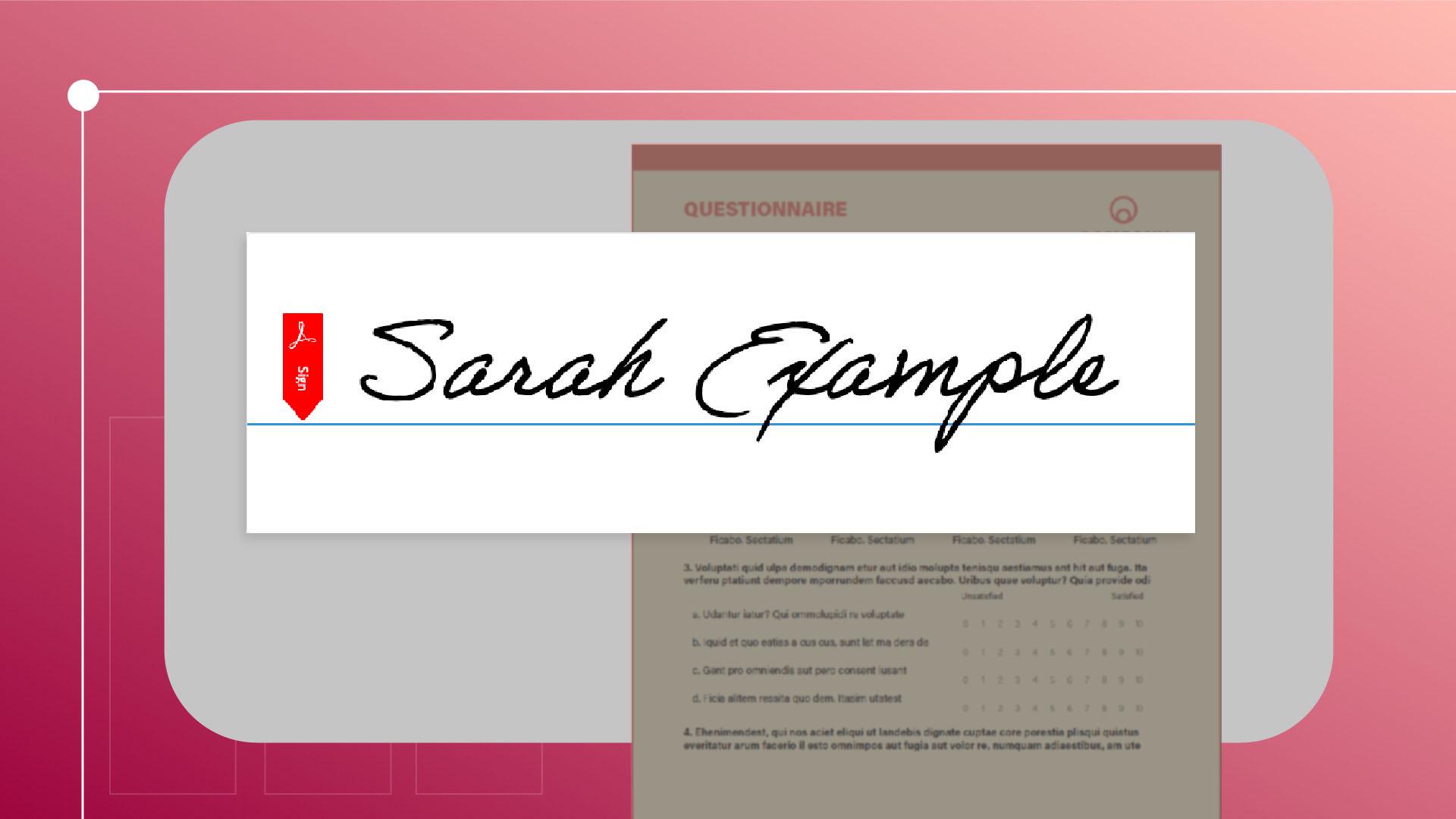
En esta ventana emergente, podemos escribir nuestro nombre y cambiar el estilo de la fuente por uno que nos guste.
También tenemos la opción de escribir nuestra propia firma puede ser con el ratón o subiendo una imagen.
Cuando estemos satisfechos, haremos clic en Aplicar.
Si necesitamos firmar algo utilizando solo nuestras iniciales, podemos seguir el mismo proceso en Añadir iniciales.
Ahora podemos hacer clic en la firma que acabamos de añadir y colocarla en el documento.
Si tenemos que ajustar el tamaño, podemos hacerlo con los botones Tamaño de fuente, o podemos ajustarlo de forma manual.
Y para eliminarlo, utilizad el icono de la papelera.
Rellena formularios con marcas adicionales
Si estamos rellenando un formulario que necesita más marcas además de solo una firma, tenemos la opción de añadir cosas como una marca de cruz, de verificación, un punto relleno, una marca para rodear o para tachar algo.
Y si queremos insertar texto, podemos utilizar la herramienta Texto.
Una vez rellenado todo, podemos hacer clic en este botón para guardar una copia de solo lectura del documento.
Eso incluirá la certificación de Adobe Acrobat Sign.
Solicita firmas de otras personas
Si necesitamos solicitar una firma a otra persona, Utilizaremos el botón Solicitar firmas electrónicas.
En la ventana emergente, introducid las direcciones de los destinatarios, y, después, marcad dónde deben firmar.
Haced clic en cualquier parte del documento para insertar el campo.
Mediante las opciones del menú, indicamos qué tipo de campo debe ser.
Cuando terminemos, hacemos clic en Enviar.
Cuando los destinatarios lo abran, podrán usar las mismas herramientas de Rellenar y firmar para completar la solicitud.
Estas herramientas facilitan enormemente la firma electrónica, llevando documentos importantes a donde hacen falta más rápido que nunca.
Puedes escribir tu nombre, dibujar tu firma o subir una imagen. Una vez aplicada, puedes ponerla en cualquier lugar de la página y cambiar su tamaño o eliminarla según sea necesario.
Rellenar formularios con marcas adicionales
Puedes añadir marcas de verificación, marcas de cruz, círculos, puntos de relleno y texto para completar los formularios.
Solicita firmas de otras personas
Utiliza Solicitar firmas electrónicas para enviar el PDF a otras personas firmantes y especificar dónde deben firmar. Quienes reciban el documento pueden completarlo con las mismas herramientas de Rellenar y firmar.
You can control how Adobe websites use cookies and similar technologies by making choices below. But note that if you disable cookies and similar technologies entirely, Adobe websites may not function properly.
Cookies are small text files stored by your web browser when you use websites. There are also other technologies that can be used for similar purposes like HTML5 Local Storage and local shared objects, web beacons, and embedded scripts. These technologies help us do things like remembering you and your preferences when you return to our sites, measure how you use the website, conduct market research, and gather information about the ads you see and interact with.
You can make choices in the menu below about what cookies and other technologies you want us to use on Adobe sites when you visit them from this browser. You can always change those choices later by clicking on the Cookie Preferences link at the bottom of the page.
If enabled:
We can improve your experience by tailoring the site and the content to things we think might be of interest
We can better keep track of your preferences — like what language you prefer to use
We will better understand your likely interests so we can provide you more relevant Adobe ads and content on non-Adobe websites and in non-Adobe apps
It will help us improve the performance of our website and those of our partners who use the Adobe Experience Cloud
If disabled:
We won’t be able to remember you from session to session so the experience may not be tailored to your interests
You’ll still have access to the content of the site but certain features that depend on cookies may not function
You’ll still see ads, they just may not be as relevant to you
General information
You can control how Adobe websites use cookies and similar technologies by making choices below. But note that if you disable cookies and similar technologies entirely, Adobe websites may not function properly.
Cookies are small text files stored by your web browser when you use websites. There are also other technologies that can be used for similar purposes like HTML5 Local Storage, web beacons, and embedded scripts. These technologies help us do things like remembering you and your preferences when you return to our sites, measure how you use the website, conduct market research, and gather information about the ads you see and interact with.
You can make choices in the menu below about what cookies and other technologies you want us to use on Adobe sites when you visit them from this browser. You can always change those choices later by clicking on the Cookie Preferences link at the bottom of the page.
If enabled:
We can improve your experience by tailoring the site and the content to things we think might be of interest
We can better keep track of your preferences — like what language you prefer to use
We will better understand your likely interests so we can provide you more relevant Adobe ads and content on non-Adobe websites and in non-Adobe apps
It will help us improve the performance of our website and those of our partners who use the Adobe Experience Cloud
If disabled:
We won’t be able to remember you from session to session so the experience may not be tailored to your interests
We’ll still count your use of our site and services
You’ll still have access to the content of the site but certain features that depend on cookies may not function
You’ll still see ads, they just may not be as relevant to you
Operate the site and core servicesOperate site and measure engagement
Always active
These cookies are required, and they are used to enable the site and related services core functionality. Without them the site could not operate, so they cannot be disabled.
These cookies enable the site and related services’ core functionality and collect statistics about user engagement, such as counting active use to help us understand trends. These cookies cannot be disabled.
Measure performance
These cookies are used to analyze site usage to measure and improve performance. Without them Adobe cannot know what content is most valued and how often unique visitors return to the site, making it hard to improve information we offer to you.
These cookies are used to analyze site usage to measure and improve performance. Without them Adobe cannot know what content is most valued, making it hard to improve information we offer to you.
Extend functionality
These cookies are used to enhance the functionality of Adobe sites such as remembering your settings and preferences to deliver a personalized experience; for example, your username, your repeated visits, preferred language, your country, or any other saved preference.
Personalize advertising
These cookies are used to enable Adobe and our partners to serve ads more relevant to your interests. Without them you will still see ads, but they might not be as relevant to you.
Personalize advertising
These cookies are used to enable Adobe and our partners to serve ads more relevant to your interests. Without them you will still see ads, but they might not be as relevant to you.