



{{nbsp}}
Use the free Firefly text-to-speech maker for any project.
Generate AI voices for podcasts, video and audio ads, course videos, YouTube scripts, audiobooks, phone systems, sales scripts, and more.
https://main--da-cc--adobecom.aem.page/cc-shared/fragments/products/firefly/features/tts-voices
Use a text-to-speech maker that fits your project.
The text-to-speech maker in Adobe Firefly gives you 40+ voices in 10+ languages, with controls for pitch, speed, and emotion, so narration for a podcast, a tutorial, or an ad sounds the way you intended, all for free.
Choose a voice that fits your audience.
Preview voices by language and accent with your own script in the text-to-speech maker. Firefly includes voices from its own Speech model and from partner models like ElevenLabs, so you can match the sound to the listener.

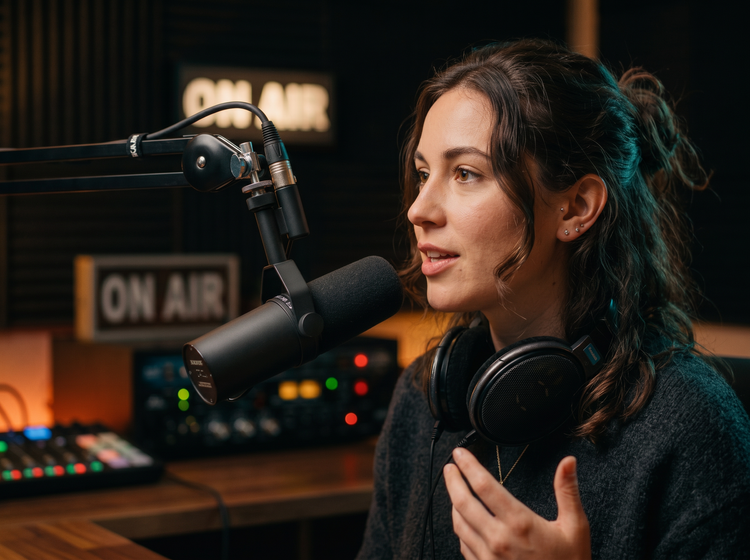
Adjust pitch, pace, and emotion.
Change pitch and speed, apply a tone tag to a phrase, and correct how names or product terms are pronounced, so each line is read the way you hear it.
Add narration to your next video.
Pair your voiceover with clips from the AI video generator, then trim and polish the full project in the AI video editor.

How to turn text to speech online with Adobe Firefly.
Step 1
Open Adobe Firefly and select Generate Speech.
Step 2
Enter your script.
Step 3
Choose a voice.
Step 4
Add tone and fix pronunciation.
Step 5
Generate and download.
Steps to make text to speech with the Adobe Firefly text to speech maker.
PT4M
firefly

A voice for every project
More than 60 voices across 20+ languages and accents cover calm narration, energetic ad reads, and everything in between.

Top AI models, all in one place
Choose voices and languages from the Firefly Speech model or ElevenLabs. Generate visuals for your voiceover with Firefly or partner models like Gemini (with Nano Banana), FLUX, and more.
Your complete creative studio
Go from script to voiceover to finished clip in one studio. Draft the text, choose a voice, and add visuals or video as your project grows.

Built for creators
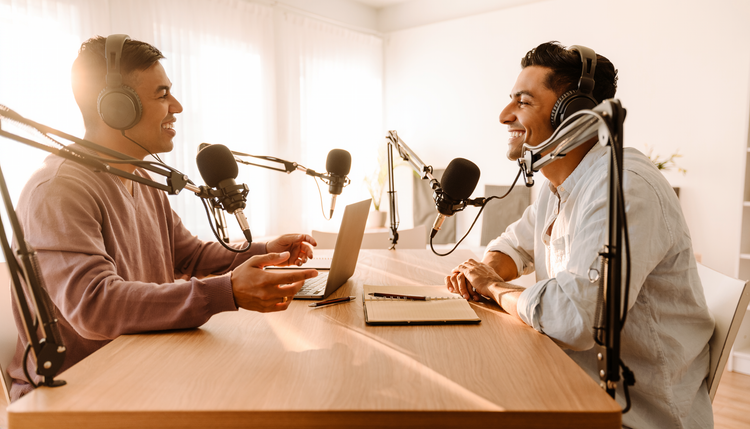
Podcasters record intros, teachers narrate lessons, and marketers voice ads and social clips, all with the same text-to-speech maker.