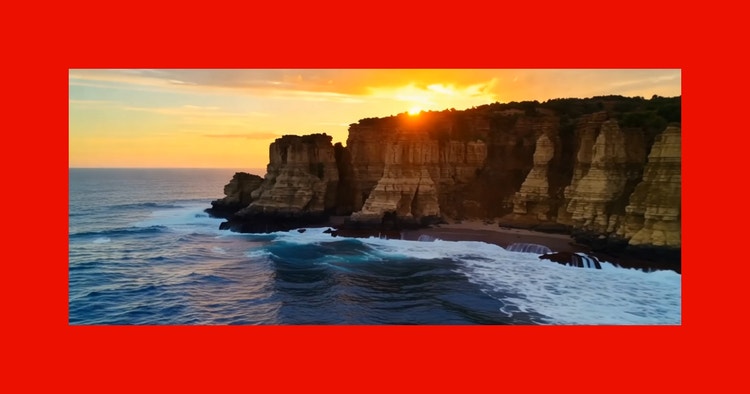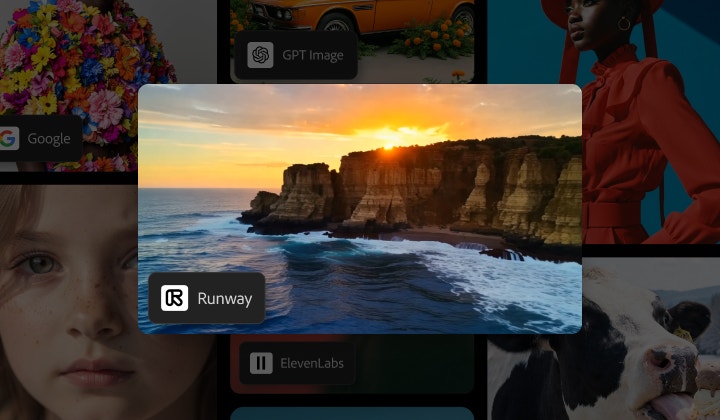

Runway AI video generator, now in Firefly.
Create state-of-the-art videos with Runway Gen-4.5 in Firefly Generate Video, Image to Video, and Firefly Boards, and edit videos with Runway Aleph 2.0.

https://main--cc--adobecom.aem.live/cc-shared/assets/img/product-icons/svg/firefly-80.svg
Adobe Firefly
https://main--cc--adobecom.aem.live/cc-shared/assets/img/product-icons/svg/firefly-80.svg
Adobe Firefly
The next evolution of creative AI is here for all your ideas, with image, video, audio, and vector tools.
Generate stunningly realistic videos.
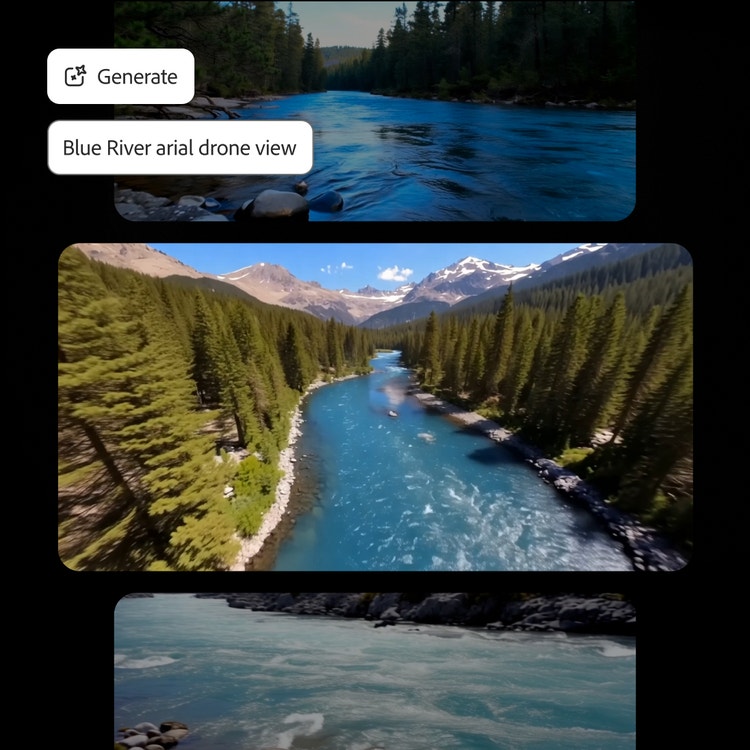
Powered by Runway Gen-4.5, the Runway AI video generator handles a wide range of aesthetics, from photorealistic and cinematic to stylized animation, while maintaining a coherent visual language throughout generations. Runway also delivers precise prompt adherence. Objects move with realistic weight, momentum, and force. Liquids flow with proper dynamics. Surface details render at great fidelity, and fine details like hair strands remain coherent across motion and time.
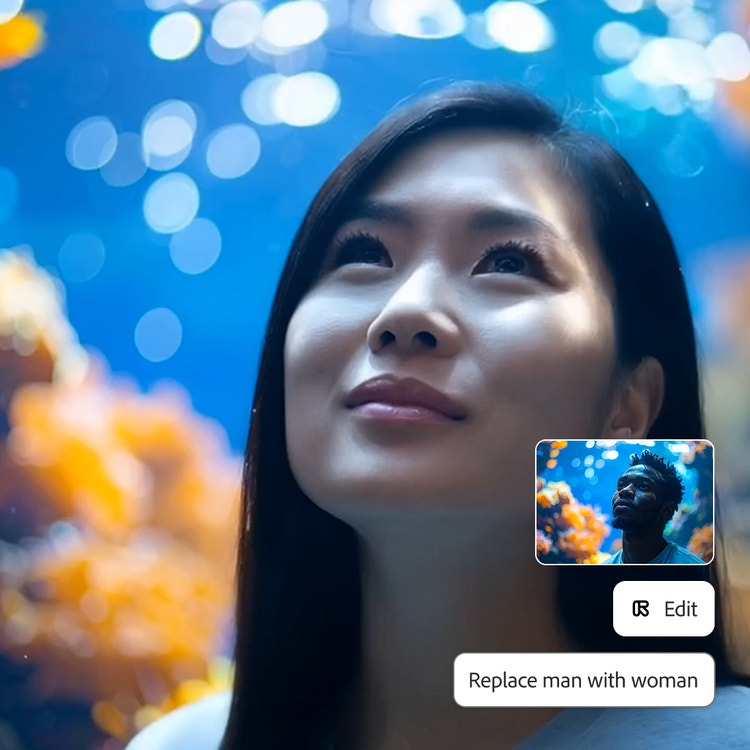
Edit a keyframe and apply changes throughout your video.
Update existing video content by editing a single keyframe to replace an object or character, change the style, or adjust the camera angle, and let it propagate throughout the video. With Runway Aleph 2.0, edits are easy and you can generate multiple variations from a single video.
Create whatever you can imagine with Runway in Firefly Boards.
Whether you’re a marketing professional, filmmaker, or content creator, the Runway AI video generator in Firefly delivers the quality and control your projects demand. Runway Gen-4.5 and Aleph 2.0 excel across diverse creative applications:
- High-end marketing and advertising: Create product launches and promotional campaigns where realism and aesthetics are crucial. With realistic lighting and motion, like fabric draping and liquid pouring, you can generate dynamic product demos and edit the background or camera angle.
- Entertainment and creative storytelling: Produce music videos and short films where dynamic camera choreography and atmospheric control are essential for visual impact.
- Social media and influencer content: Edit your clips with a quick object swap, change the color or style of your clothes, or switch your background — all optimized for TikTok, Instagram, and YouTube formats.
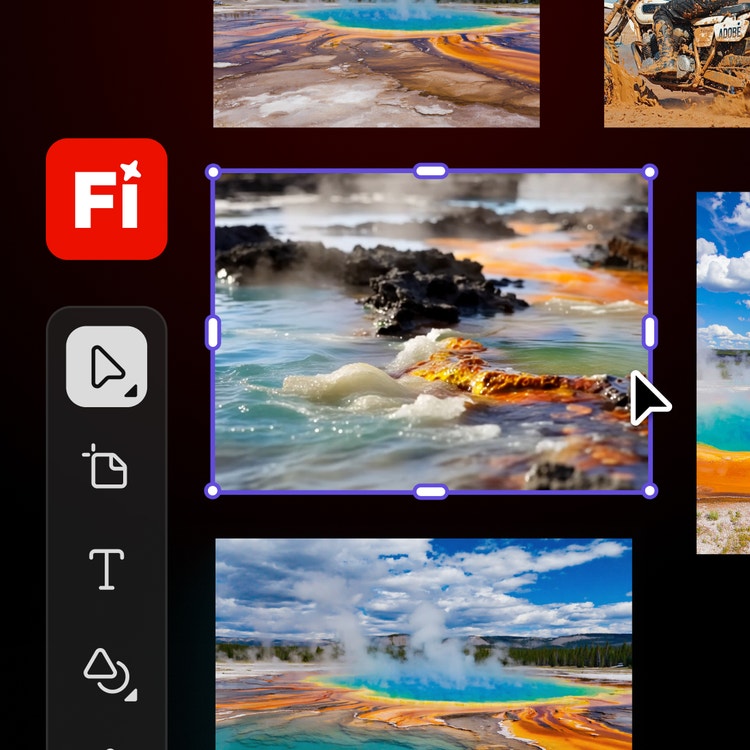
Create with multiple top AI models, all in one place, in Firefly.
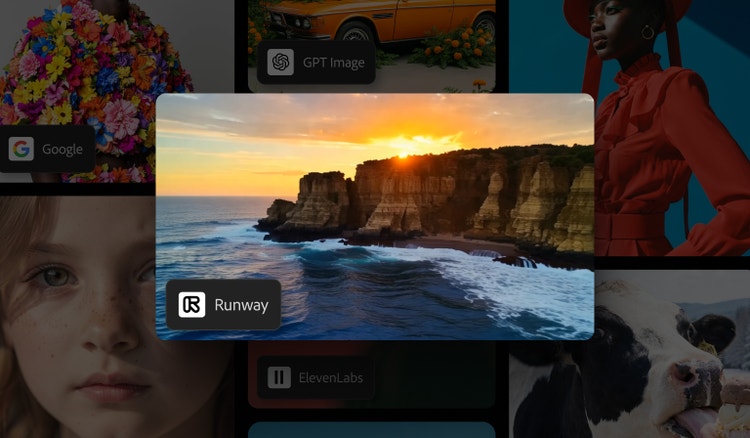
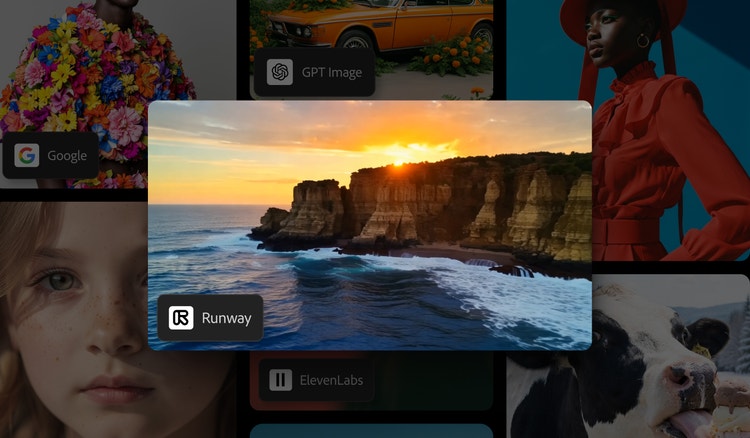
Choose top AI models from Adobe, Google, OpenAI, Runway, and more to create your best content ever.
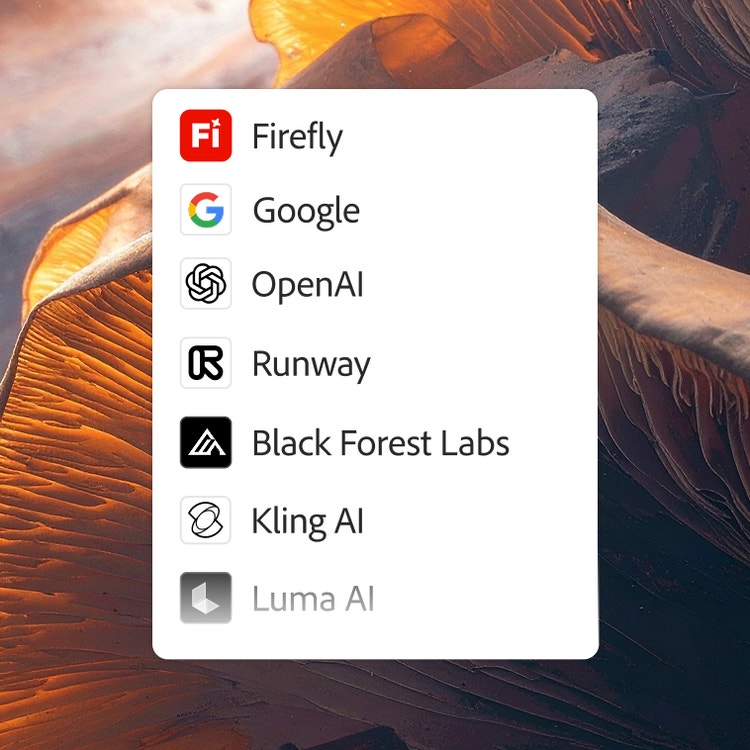
One login. Multiple top AI models.
Mix and layer outputs to best suit your vision. More models means more creative range, and you get them all with one login.
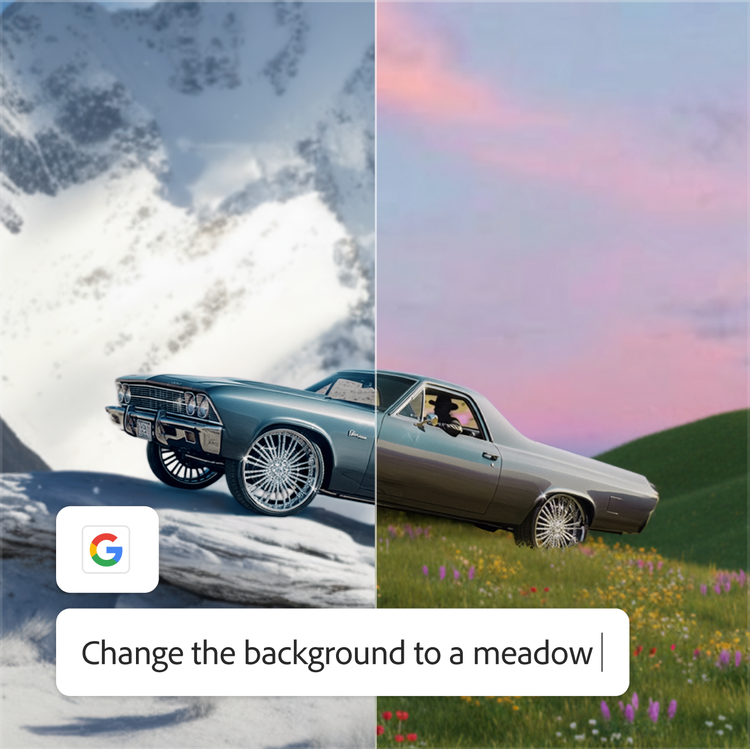
The AI you need. When you need it.
Whether you’re doing full-on generative AI work, or just getting a fast workflow assist, you always have the right model for the job.
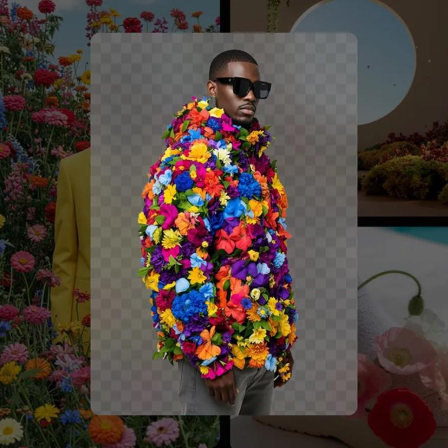
Astounding power. Abundant controls.
Make the most of these advanced AI capabilities with the creative control you expect from Adobe. It’s all included.
How to use the Runway video generator in Firefly.
Follow these quick steps to create and refine videos in Firefly with Runway AI video models.
- Open Adobe Firefly.
Select Generate Video or Image to Video to get started, or open Firefly Boards to ideate quickly and map out a new idea. - Choose your preferred Runway AI video model.
In the Model dropdown menu, select Runway Gen-4.5. - Write a simple prompt.
Describe the video you would like to create and see your vision come to life. - Generate your video.
Preview the generation. Click Generate Sound Effects to add audio to your clip. - Edit your video.
Navigate to the Edit tab to update your generated or existing videos. - Download.
Download your clip to your device.
Discover even more features.
AI video editor Generate video Generate image Image to video Partner models
Questions? We have answers.
How does Firefly integrate with Runway 4.5 and Aleph 2.0?
How do I access Runway in Firefly?
What are the benefits of using Runway in Firefly?