|
Applying the repeat region
After creating the table cell in UltraDev, apply the Repeat Region server behavior to it.
To apply the repeat region:
| 1 |
Select the region you want to repeat horizontally. |
|
If the region is a table cell, click inside the cell, then click the <td> icon in the tag chooser (on the bottom left of the screen) to select it. |
| 2 |
Open the Server Behaviors panel (Window > Server Behaviors), click the Plus (+) button, and choose Repeat Region. |
|
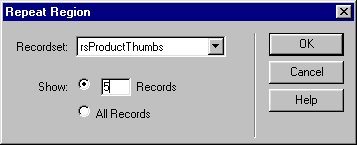
The Repeat Region dialog box appears. |
| 3 |
Specify the recordset containing the data you want displayed. |
| 4 |
Specify the number of records you want displayed horizontally per page. |
|
Here's the completed dialog box for the Andes page:
|
| 5 |
Click OK. |
 |
|
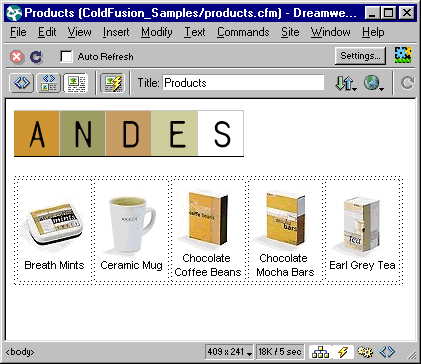
With Live Data turned on (View > Live Data), the Andes table now looks as follows in UltraDev:
You press the F12 key to preview the page in a browser:
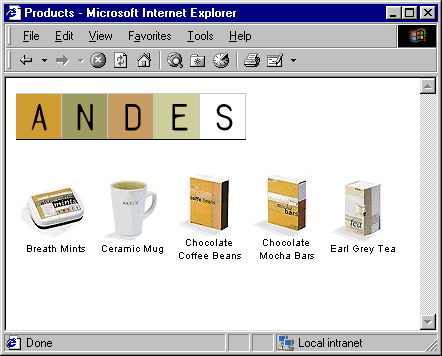
Your task is done: you successfully used a repeat region to display content horizontally.
|



