
使用 Photoshop 嘗試這些教學課程
編輯相片以建立全新影像和圖形。
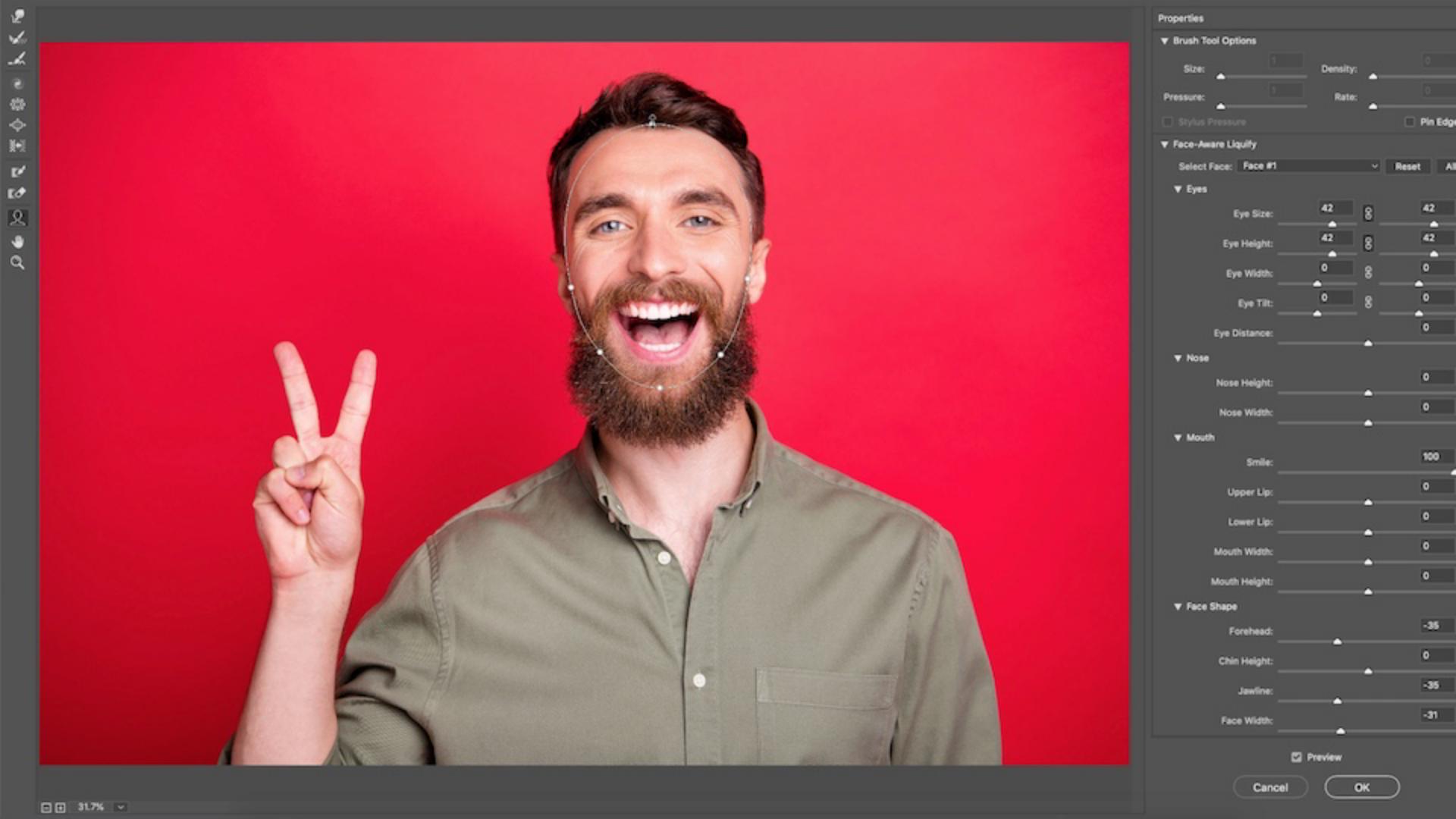
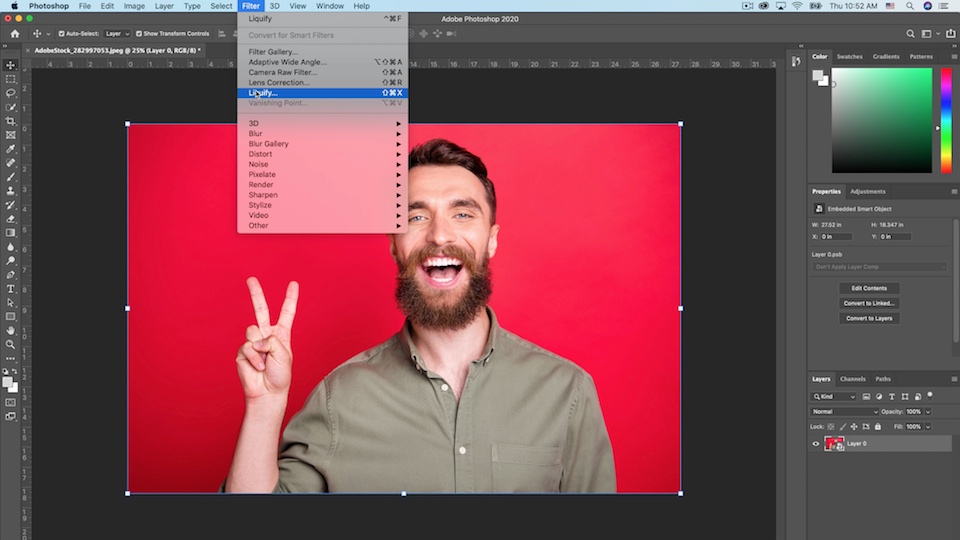
Face-Aware Liquify in Photoshop automatically detects facial features, so you can adjust and enhance facial expressions.
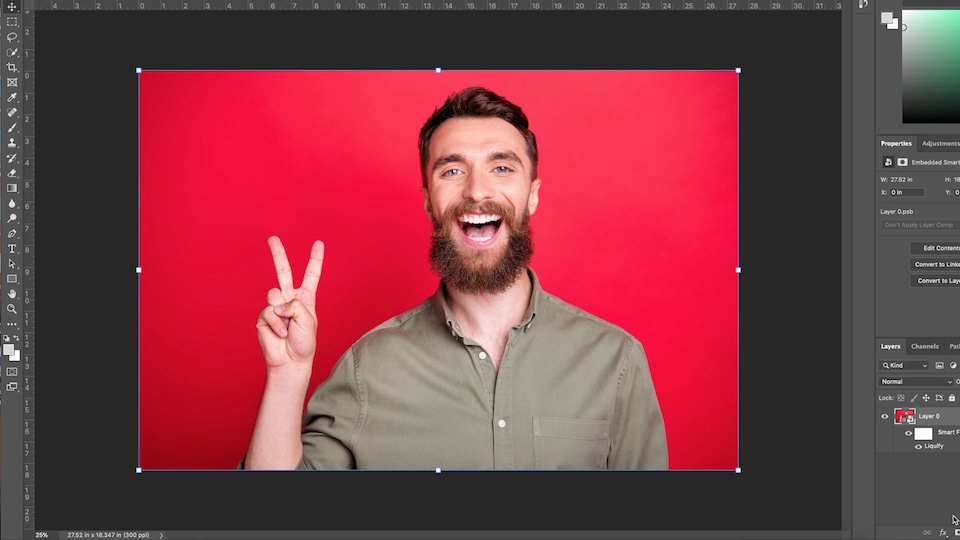
If you want to make further adjustments in Liquify later on, first right-click or control-click and choose Convert to Smart Object.
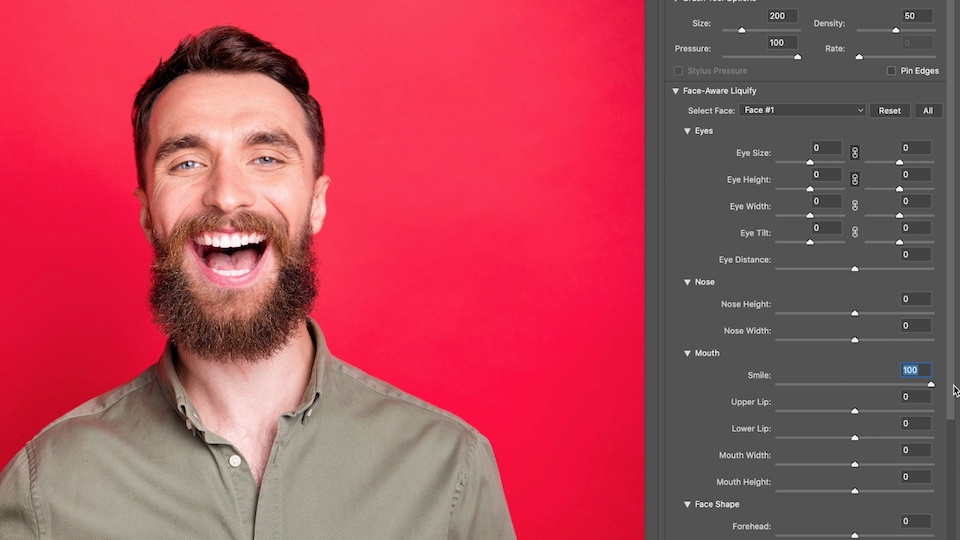
The sliders can be used to adjust various aspects of the Eyes, Nose, Mouth, and Face Shape.
You can also make adjustments by clicking and dragging directly on facial features. To do so, select the Face Tool in the Toolbar to the left of the Liquify window. Hover your cursor over a facial feature until it changes to a double-pointed diagonal arrow, then drag it for desired adjustments.

That’s it! You now have the perfect facial expression for your ad.