
Adobe Acrobat

Quiz maker

Create quizzes and practice tests quickly with Student Spaces for free. No sign-up or credit card required.

Or drag and drop your class materials here to create a quiz.

You can upload PDF, DOC, XLS, PPT, TXT, and more, up to 100MB each file

#F0F0F0

AI quiz maker

https://main--da-dc--adobecom.aem.page/dc-shared/assets/videos/acrobat/student-spaces/media_1c653a5fa53297b7f769420f85644132f645ab5fd.mp4#_autoplay1|Resources for a calculus course are dropped into a practice quiz maker. Without pause, the tool creates a quiz on topics related to the course materials. Cover page fans out to reveal a question.

How to use the Adobe Acrobat AI quiz maker.

With Acrobat’s quiz maker, there’s no setup and no learning curve – simply upload your files and start revising smarter.

The free quiz maker for UK students.

Whether you’re preparing for GCSEs, A‑levels, university exams or professional qualifications, the Adobe free online quiz maker helps you revise faster and more effectively. It’s a flexible test maker designed to support real‑world study habits.

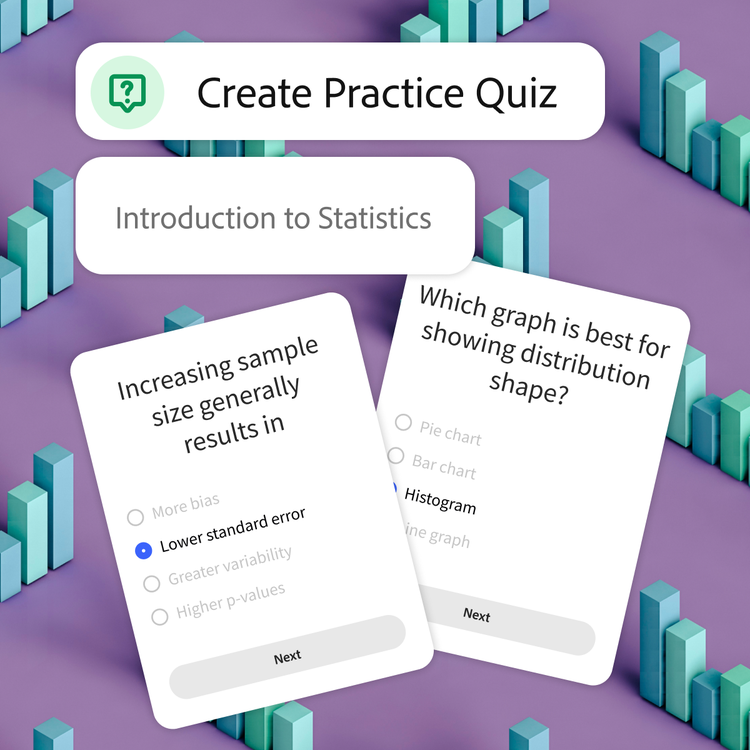
Tool is prompted to create a practice quiz for an introduction to statistics course. Blue bar graphs scattered on a purple background represent the topic of the sample questions on top.

Master your material.

When you create quizzes from your own notes, it can help you actively re-engage with the content. Using a practice test maker improves recall and understanding, making it ideal for exam revision, coursework preparation and end‑of‑term assessments.

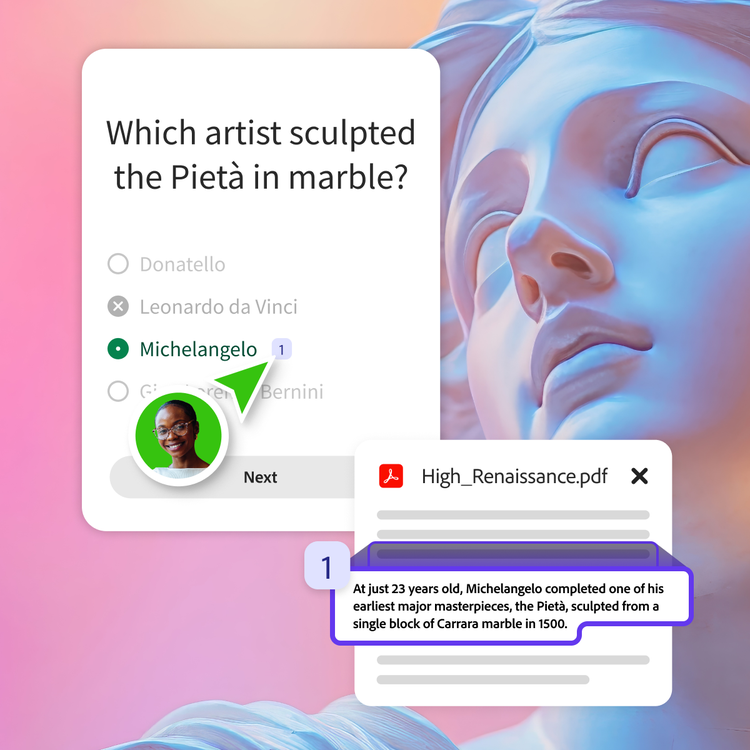
User in a green bubble selects the citation next to the correct answer of their quiz question. The answer is substantiated by a fact on a relevant resource pdf.

Study smarter.

Acrobat’s free quiz maker highlights key themes and summarises your documents, ensuring every question reflects what you’re actually learning. That means less time guessing and more confidence when it matters.

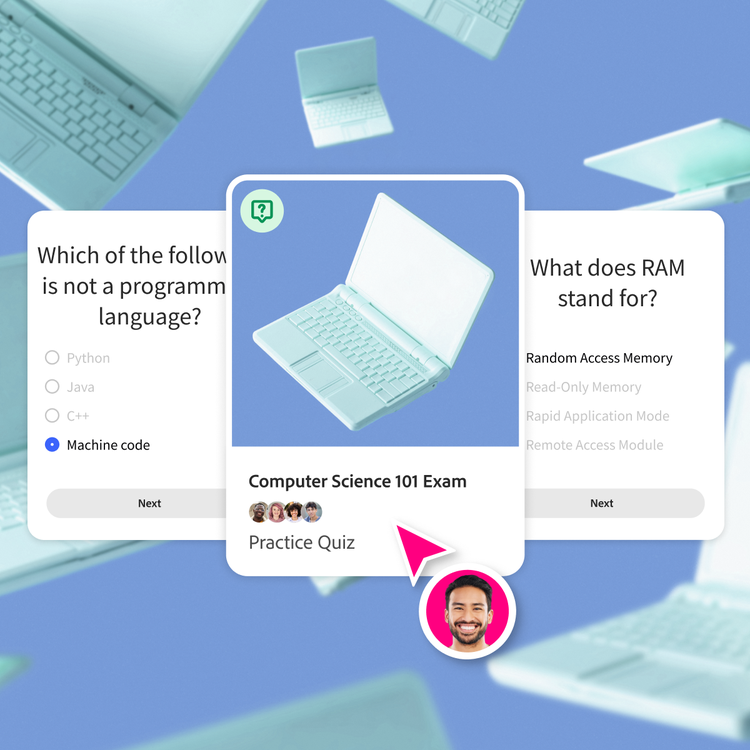
Laptop illustration on a blue background is framed on the cover of a practice quiz. Question cards on the subject appear to its left and right.

Instant results and feedback.

Take your quiz and see your results straight away. Identify gaps in your knowledge, revisit tricky topics and keep practising until it sticks. Make the most of having a personal AI test tool available whenever you need it.

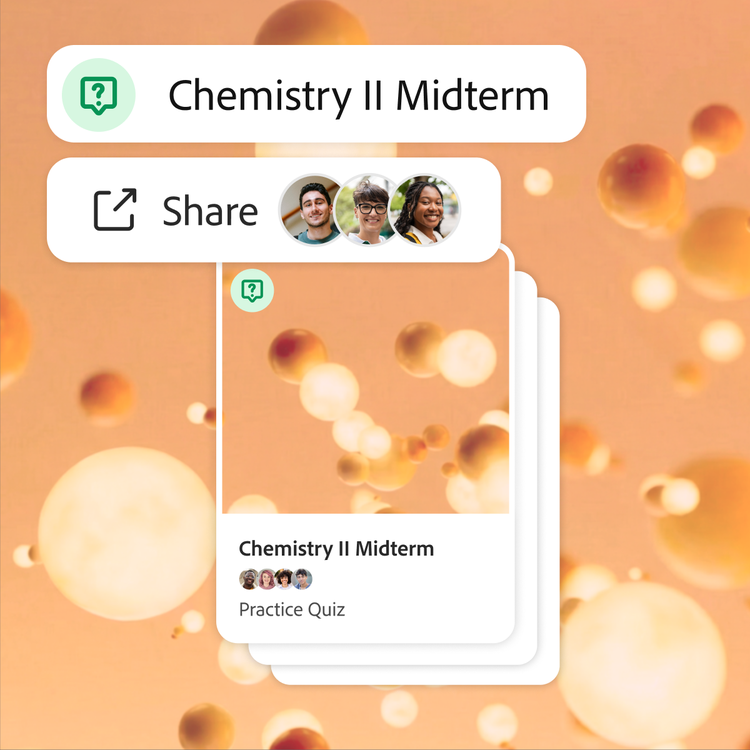
Quiz for a chemistry midterm is shared with three collaborators. Orange 3D molecules float around the frame, both as the backdrop and cover of the deck of flashcards.

Share quizzes with your study group.

Send quizzes to friends or classmates and revise together. Build a shared library of questions for group revision sessions, or mid‑term and end-of-year exams using the online quiz maker.

Share online quizzes with study partners.

Studying alone works – but collaborating can take it a step further. With shared quizzes, you can combine notes, compare understanding and improve question quality together using a collaborative quiz creator.

Create shared quizzes together.

Upload everyone’s materials into one space and let the AI quiz generator pull from all sources. This makes it easy to create an online quiz that reflects the full scope of your course and keeps everyone aligned.

Everything organised in one place.

Store quizzes, notes, flashcards and summaries in a single hub. From group projects to end-of-year examinations, Student Spaces helps keep revision structured, searchable and accessible for everyone.

#f8f8f8

What can I create with Student Spaces?

Student Spaces goes beyond a simple quiz maker tool. It’s a complete study environment designed to support different learning styles.

Quiz maker FAQs

What is a quiz maker and how does it work?
A quiz maker is a tool that helps you create a quiz from your own study materials. With Acrobat, you upload notes or PDFs and the AI quiz maker analyses the content, identifies key concepts, and turns them into questions you can use for revision and practice.
Is this a free online quiz maker?
Yes. Student Spaces includes a free quiz maker that lets you upload a file and instantly generate a quiz. You can use it as an online quiz generator, then sign in if you’d like to save, edit or share your quizzes later.
How accurate are AI-generated quizzes?

The AI quiz generator creates questions directly from your uploaded content and provides source references where possible. While accuracy is a priority, it’s always best to review outputs before relying on them for exams.

Read more about Adobe Generative AI User Guidelines.

Can I share quizzes with other people?
Yes. You can share a link or send quizzes directly to classmates, making this an ideal online quiz maker for students. It’s perfect for group revision, peer testing and collaborative exam preparation.
Can I upload multiple files?
Absolutely. Upload several documents at once and create online quizzes for different subjects, modules or chapters. This makes it easy to manage revision across multiple classes using one quiz generator.
Can I focus on specific topics or pages?
Yes. You can guide the AI quiz maker to focus on particular pages, chapters or themes. This is especially useful when you want to make a test for a specific exam topic or revision area.
What happens to my files after upload?
Your files are securely processed on Adobe servers. If you don’t sign in, they’re deleted after use. Signing in allows you to save quizzes and materials for later access within Student Spaces.
Can I use this as an AI test generator from PDFs?
Yes. Acrobat works as an AI quiz maker from PDF files, allowing you to upload lecture slides or textbooks and generate quiz questions automatically. It’s ideal if you want to create test questions without manually rewriting your notes.
How does AI help with test automation?
Acrobat uses AI in test automation to reduce manual work when building quizzes. By analysing content and generating questions automatically, it supports test automation and helps to speed up revision methods for students. From here, the learning journey is yours alone.
What is the best AI quiz tool for studying?

The best AI quiz tools for studying depends on what you need them for and how you want to use them. For students revising from PDFs and notes, Acrobat combines document expertise with artificial intelligence quizzes to help you study more efficiently and with confidence.

Always remember to check the accuracy of your quiz questions and answers against your sources.