https://www.adobe.com/cc-shared/assets/img/product-icons/svg/firefly-appicon-64-new.svg {{ADOBE FIREFLY}}

Explore AI dubbing for video localisation.
Looking to share your videos with a global audience without hiring a translator? Use AI to quickly dub your videos into multiple languages with Translate Video in the Adobe Firefly web app. We’ll explore the ways you can dub with AI.
What is AI dubbing?
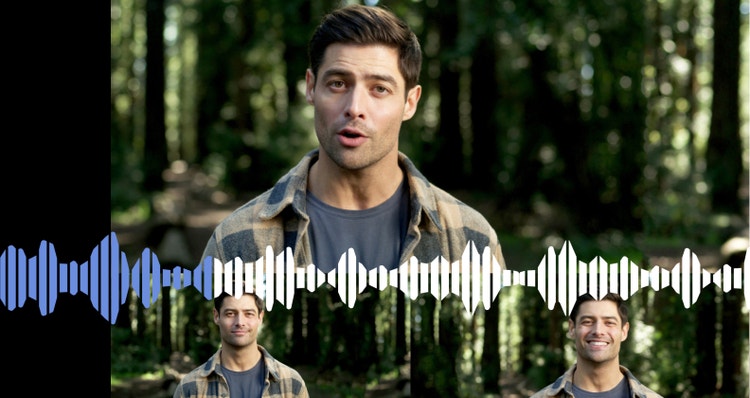
AI dubbing is the translation of video or audio dialogue using artificial intelligence. With Translate Video, Adobe Firefly recognises speech and translates it into a different language while matching the original speaker’s voice. This makes it easier for you to connect with a wider global audience.
Break language barriers with easy AI dubbing.
With speech-to-text translation and generative AI, you can communicate in more than 15 languages while maintaining your original voice. Learn how dubbing AI can help you connect with people from around the world.

AI dubbing for content creators.
Share your tutorials with Hindi-speaking audiences. Test how your product reviews resonate in Mandarin. Discover whether your vlog could gain traction in Japan.
AI video dubbing makes it simple to translate and recreate your message in multiple languages, opening the door to global growth while keeping your original voice and intonation intact.
AI dubbing for businesses.
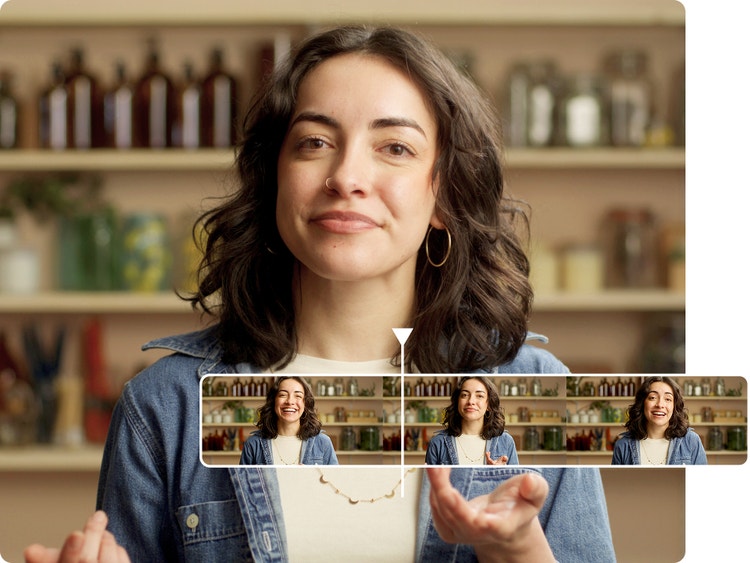
Whether you’re producing promotional videos, educational content or explainer videos, you can expand the market for your business by speaking to more potential customers in their preferred languages. With Firefly for enterprise, you can lip sync as well as translate your videos, so you both look and sound like a native speaker.
AI audio dubbing.
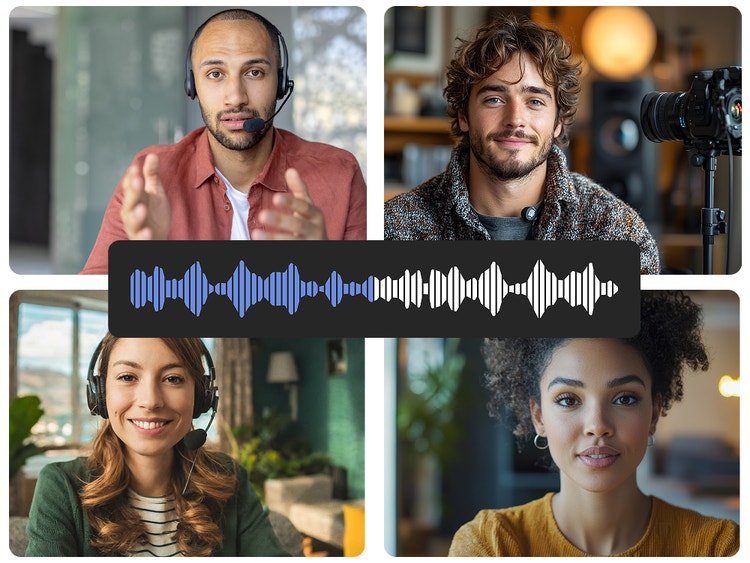
Dub an audio recording the same way you would a video. For maximum reach, translate everything from radio spots to slideshow voiceovers to narration for animated video.
Naturalistic AI dubbing
With Adobe Firefly, you can keep the same tone, cadence and acoustics as the original video. You can even keep the same voice to ensure nothing is lost in the AI dubbing.

Share your newly dubbed video how you want
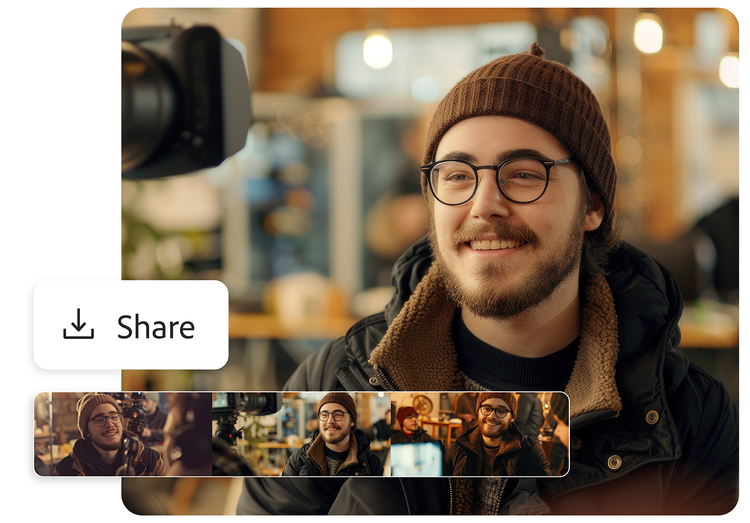
Once your video is dubbed it’s easy to download and share. Whether you upload it to your site, YouTube or send it via email, it’s easy to stay in control of your files with Adobe Firefly.
How to use AI dubbing with Firefly.
To begin AI dubbing, upload your video or audio file to the platform and choose the target languages. The tool analyses the speech, translates the dialogue, and generates a new voice track that aligns with the original timing. Once reviewed, you can finalise and export your dubbed content in minutes. Follow this simple step-by-step process if you’re using Adobe Firefly:
- Log in to Adobe Firefly.
Go the Video section of the web app and select Translate Video. - Upload your file.
Select Browse Files or drag and drop to upload the video or audio file you want to translate. The recording must be in one of the available languages, contain at least five consecutive seconds of speech by a single speaker and be no longer than five minutes. - Choose new languages.
Once your file has finished uploading, you can select languages for translation. - Translate the audio.
Click Generate to begin translating your files. A progress bar will show the status of the dubbing process. If you close the page and return later, you can download the new files from the Your Media section. - Download and share.
When the translations are finished, your new files will appear in your queue, where you can download and share them.
What do users say about AI dubbing with Firefly?
See how creators rate AI dubbing with Firefly, from ease of use to smooth translations that keep the tone and delivery intact.
Different ways to leverage and use AI dubbing for your videos.
AI dubbing isn’t limited to one type of project. From casual videos to polished productions, it can support a wide range of needs. Explore these AI dubbing use cases to see how you can apply the technology effectively in your own content.
Reach out to friends and family.
Want to share a video with grandma, but she doesn’t speak the language? If you have family across the world, it can sometimes be tricky translating between locations but with AI dubbing you can record messages and send them out in multiple languages.
Adapt your content to different cultures with AI dubbing.
AI dubbing does more than just translate your words—it helps make your message culturally relevant. Even when two countries share a language, the way people speak and understand certain phrases can differ. For example, a reference that makes sense in Scotland might not land the same way in Australia. AI dubbing can help you adjust not just the language, but also the context, so your content resonates with different audiences.
Keep your viewers eyes on screen.
Subtitles, while small, can take your viewers eyes away from the action. If you’re showing your videos to audiences that require translation but don’t want viewers to look away, then AI dubbing may work for you.
Create global content with AI dubbing tools for social media and YouTube.
It’s easier to reach international audiences than ever before with social media. If you find you’re attracting viewers from around the globe, then being able to tailor your videos will increase your engagement as a content creator. AI dubbing means that you don’t need to learn a new language, instead you can translate directly in Firefly.
Remix content from the community.
Dive into community-created Firefly prompts and use them as a starting point for your own projects. Remix existing ideas, adapt them to suit your content, and test new creative directions. When you’re ready, share your finished videos in the gallery to showcase your work.
AI dubbing generator FAQs
How does AI dubbing software work?
How is AI dubbing different from traditional dubbing?
Can AI dubbing match lip movement?
What are the best AI dubbing software options available?
What features should I look for in AI dubbing software?
Which AI dubbing tool is best for beginners?
Can AI dubbing services handle multiple languages?
Can I keep the original speaker’s voice in other languages?
Discover even more features.
AI image generator AI video generator Translate video Translate audio AI animation generator Image to video Firefly Boards