PHOTOSHOP FEATURES
How to create a displacement map in Adobe Photoshop.
Learn how to make a displacement map and add graphics, text or logos that match the texture and contours of your image.


PHOTOSHOP FEATURES
Learn how to make a displacement map and add graphics, text or logos that match the texture and contours of your image.
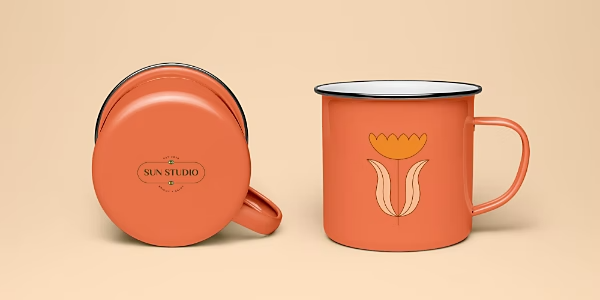
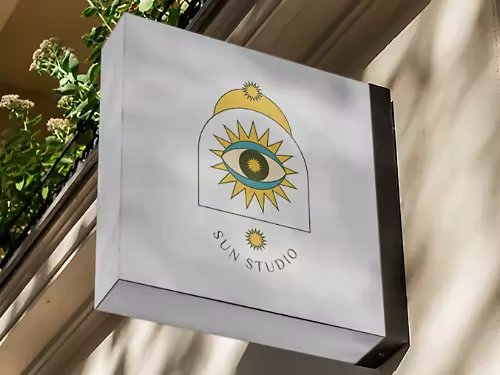
Elevate a logo or create an artful composite by realistically mapping text or images onto textured surfaces.
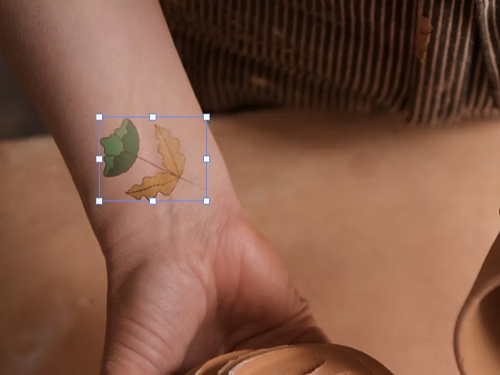
Get a sense of how a tattoo will look in real life before you make the final decision. Experiment with different locations, sizes and orientations so you get it right.

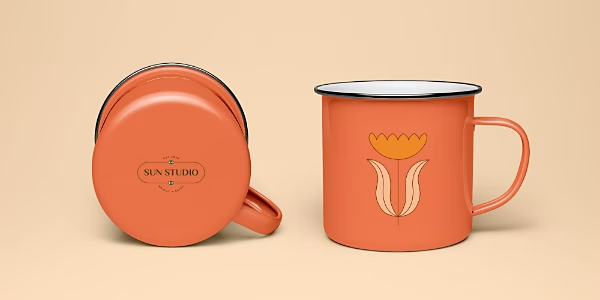
Find out how a logo design will look by mocking up product photos. Check out how your branding will look on t-shirts, mugs and tote bags before you commit to printing.
Practice creating a displacement map by following this step-by-step tutorial for mapping an image or text onto a t-shirt.
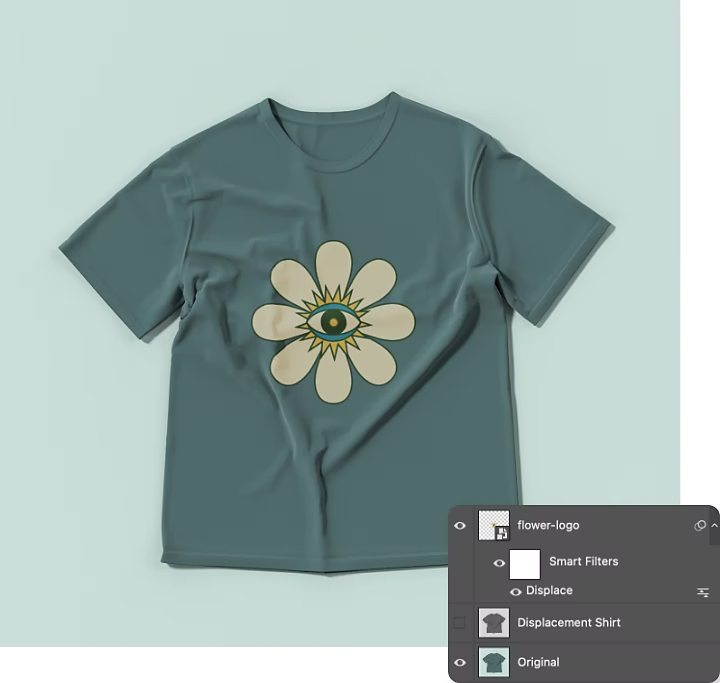
Every image is unique, so keep experimenting with different combinations of distortion, blend mode, opacity and blur until you find the formula that works best for your particular photo.
Dive deeper into image compositing and learn how to use new tools as you turn your photos into works of art.
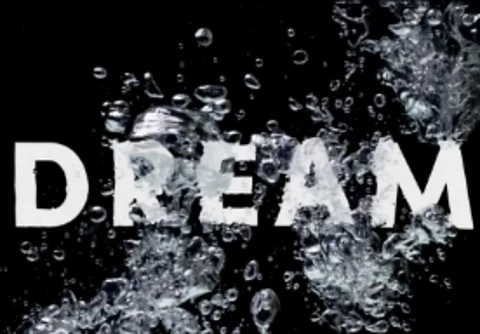
Learn how to use a displacement map to write text that looks like it’s floating in water.
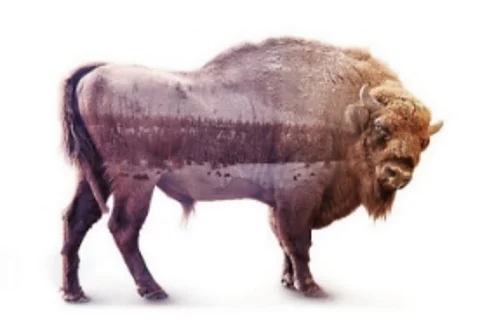
Bring two photos together to create a fantastic composite.

Learn to make fantastic photo art with retouching, photomontage and other techniques.
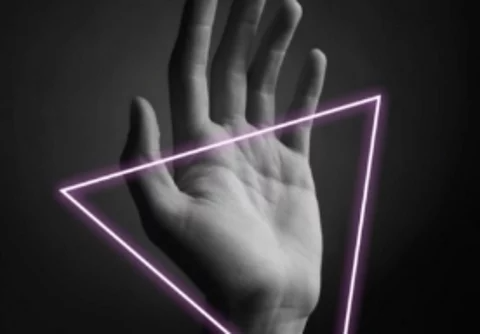
Draw a shape in your image and make it glow with this quick video tutorial.
Annual, billed monthly
£21.98/moincl. VAT
Get Photoshop on desktop and iPad as part of Creative Cloud.
Get 20+ Creative Cloud apps, including Photoshop on desktop and iPad.
Annual, billed monthly
£16.24/moincl. VAT
Save over
Industry-leading creative apps with simple licence management.
Based on your location, we think you may prefer the United States website, where you'll get regional content, offerings, and pricing.



