https://main--da-cc--adobecom.aem.page/cc-shared/fragments/merch/products/premiere/sticky-banner/default-capcut

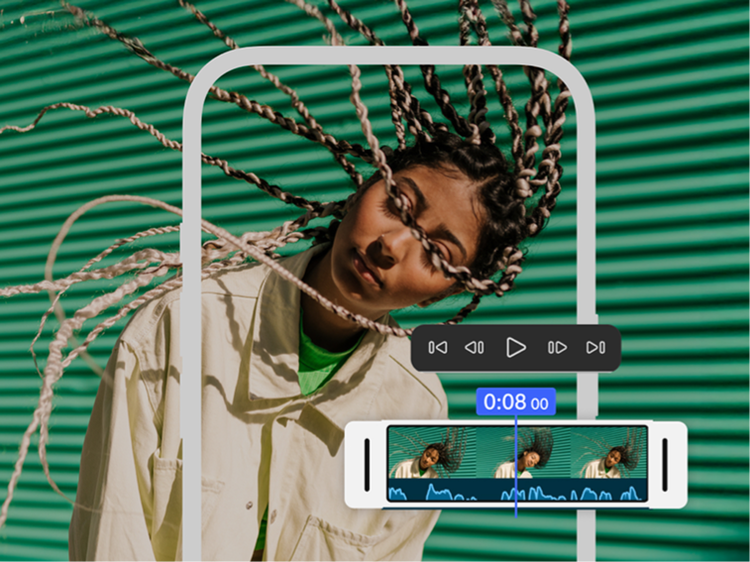
Get the free mobile video editing app that offers incredible speed on a precise, multi-track timeline.

Use Adobe Premiere on mobile, the CapCut alternative, to turn any idea into attention-grabbing content with powerful yet simple video editing tools.

Edit without distractions.

No watermarks, upsell pop-up ads or clutter. The only time you pay is when you want to use generative AI credits. Enjoy a seamless editing experience that lets you stay focused on your content. (Gen AI credits are iOS only.)
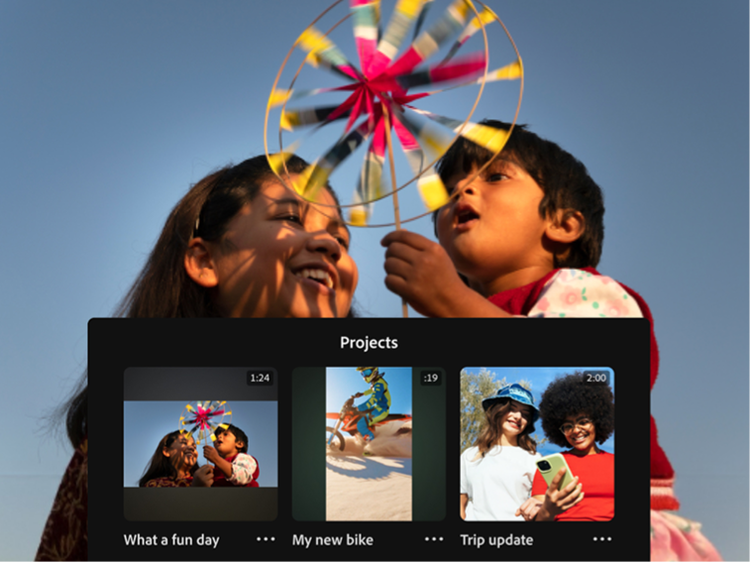
Create with confidence.

Adobe doesn’t claim any ownership of your content and we only train Adobe Firefly generative AI models on content where we have permission to do so.

Sound so good in seconds.

Easily smooth out dialogue and clean up background noise with Enhance Audio. Find trending tracks right inside the app and use your own voice to create perfectly-timed sound effects.

#000

Get more with {{adobe-premiere}} on mobile, the CapCut alternative.

Check this out CapCut vs. Premiere comparison to find the best mobile video editor for your content.

https://main--cc--adobecom.aem.live/cc-shared/fragments/products/premiere/app/why-premiere/compare-chart-desktop

#000

Why Adobe Premiere on mobile?

  • Video editing for everyone — The video editing app made for content creators, Premiere on mobile is powerful enough for any idea yet simple enough for anyone to use, making it the perfect choice to create studio-quality social videos on the go.
  • Straightforward pricing — You only pay if you choose to use generative AI credits.
  • Decades of creative leadership — The brand behind industry-standard apps like Premiere and Photoshop, Adobe is trusted by millions of creators worldwide.

ADOBE PREMIERE — OFFICIAL PARTNER OF YOUTUBE SHORTS

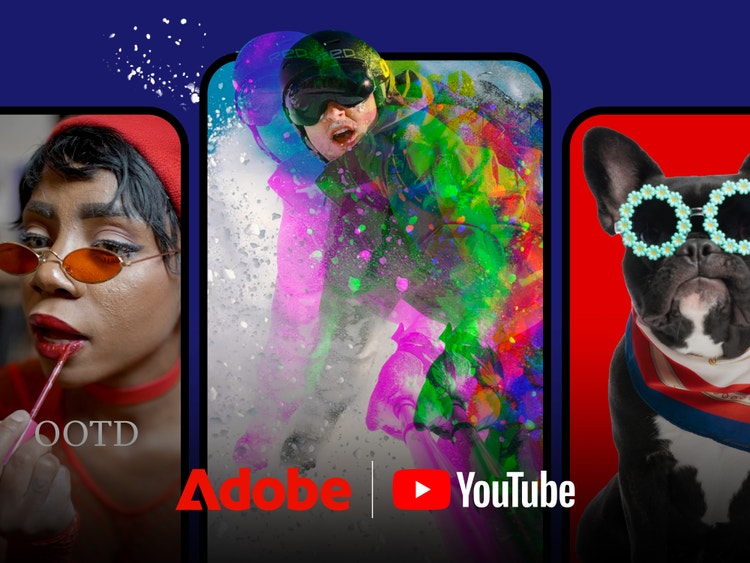
An easy new way to create YouTube Shorts.

Adobe Premiere on mobile offers a dedicated space for editing YouTube Shorts with exclusive templates, effects, transitions and title presets. Remix templates from other creators and publish content directly to YouTube.

Frequently asked questions

Which app gives me frame-accurate editing and drag-and-drop overlays?

Adobe Premiere on mobile offers multi-track editing with frame-accurate controls and drag-and-drop overlays. The resizable timeline lays out tracks visually without collapsing them to give you a complete view of your project.

CapCut vs. Adobe Premiere on mobile: Are auto-captions free in both apps?

In Adobe Premiere, auto-captions are free and unlimited. CapCut limits auto-caption generations on its free tier, with additional styling available through its paid subscription.

Does Adobe Premiere on mobile add watermarks to exported videos?

No. Exports from Adobe Premiere are watermark-free, making it a great CapCut alternative. CapCut automatically adds a watermark to exported videos for users with free subscriptions. You’ll need to manually remove the watermarks or upgrade to a paid CapCut Pro subscription to get watermark-free output.

Which app lets me export projects for use in Premiere on desktop, CapCut vs. Premiere?

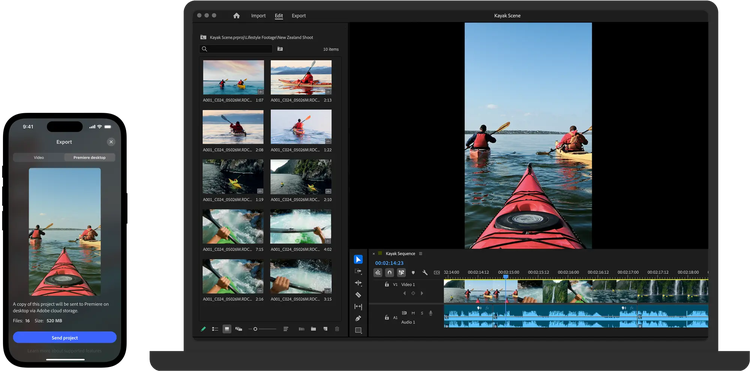
Adobe Premiere on mobile lets you export projects to Premiere on desktop to refine them using industry-standard video editing tools, making it a strong CapCut alternative.

Will Adobe use my content to train its AI tools?

Adobe only trains Firefly generative AI models on content where we have permission to do so.

Can I use content I generate with Firefly in my commercial projects?

Firefly output is safe for commercial use. Adobe Firefly generative AI models are trained on licensed content, such as Adobe Stock and public domain content where copyright has expired.

Is Adobe Premiere on mobile really free to use? What about CapCut vs. Premiere?

With Premiere on mobile you only pay if you choose to use generative AI credits. When looking at CapCut vs. Premiere, it’s important to note that CapCut charges for many features like premium AI tools, auto-captioning, background removal and watermark-free output. Gen AI credits are currently for iOS only.

So, which app should creators choose when it comes to CapCut vs. Premiere on mobile?

Premiere on mobile is backed by Adobe’s decades-long reputation and consistent platform stability. It’s the clear choice if you want:

  • An app that’s free to download and use — you only pay if you need additional generative credits (Gen AI credits are currently for iOS only.)
  • Frame-accurate editing
  • Clean, watermark‑free exports
  • Commercially safe AI output
  • Peace of mind knowing that Adobe only trains Firefly generative AI models on content where we have permission to do so

Where is Adobe Premiere on mobile available?

Adobe Premiere on mobile is available for both iOS and Android. Some features may vary between platforms. Visit the Adobe Help Center to learn more.

https://main--da-cc--adobecom.aem.page/cc-shared/fragments/products/premiere/app/premiere-seamless-movement