Explore Adobe Premiere plans.
Browse plans for businesses or students and teachers.

Learn all about the tools and techniques you can use to edit videos, animate titles, add effects, mix sound, and more.
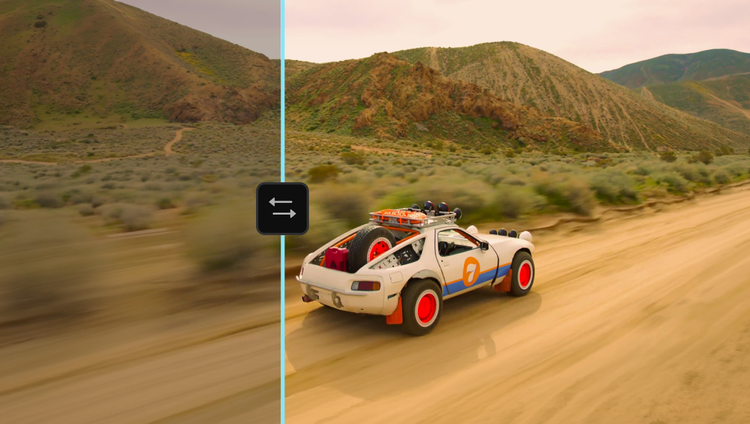
Experience a first-of-its-kind color grading system — purpose-built for editors — in Premiere (beta). Shape, explore, and push your look like never before. Learn more
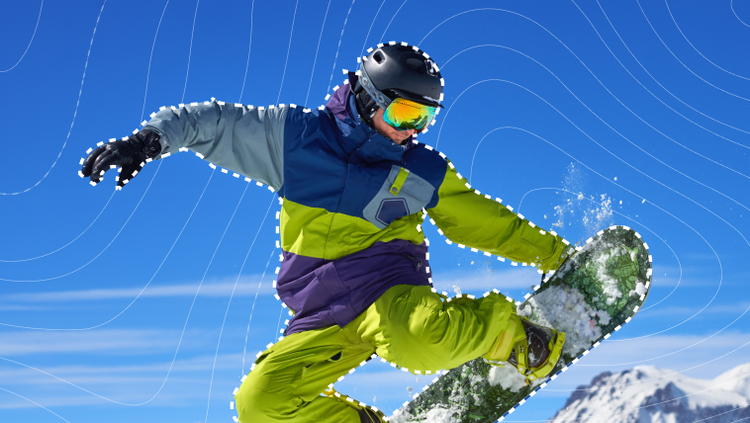
Say hello to Object Mask and goodbye to hours of painful rotoscoping. Just hover over your subject, click, and watch as AI accurately masks and tracks it.

Redesigned shape masks now track motion faster across frames with pinpoint accuracy. Perfect for tackling precise color and effects work with ease.

Elevate your edit with all-new transitions, effects, and animations — they're cinematic and GPU-accelerated for real-time playback.

Search footage in seconds by describing sound effects, like barking dogs or rain — or by keying in specific dialogue. Quickly locate alt takes and visually similar clips. And censor any unwanted words with a click.

Generate video in Adobe Firefly Boards or on the web app, then send your project-ready clip directly to Premiere on desktop. Generate eye-grabbing visual effects, beautiful b-roll to fill timeline gaps, or anything you can imagine.

Meet Media Intelligence, powering your new Search panel in Premiere. Just describe any clip you need to find — using everyday language — and find it fast.

Import media with the Frame.io panel, browse and license assets from the Adobe Stock panel — and send generated video from Adobe Firefly Boards or the web app right to Premiere on desktop.

Ripple, roll, slip, and slide your edits intuitively.

Use AI to automatically transcribe your video on import, and then create a rough cut fast simply by copying and pasting text.

Extend clips, add frames, generate missing ambient sound — experience the power of Adobe Firefly generative AI in Premiere. Explore Generative Extend now.

Group and play clips from different cameras at the same time and cut it live during playback with multicam support.
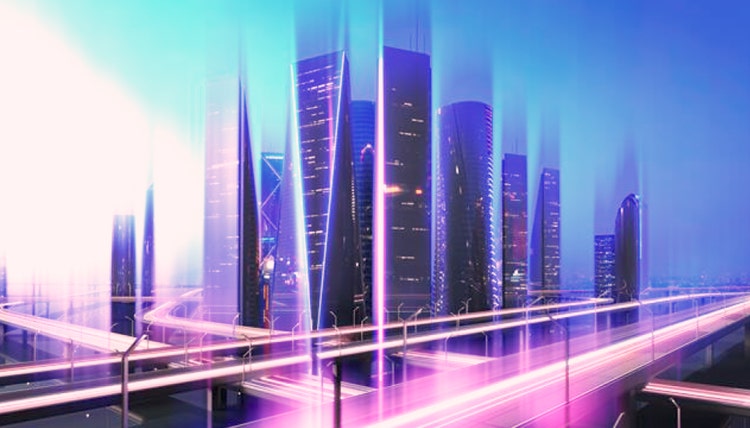
From zooms to wipes to light leaks, keep your story flowing with fresh, fully customizable transitions.
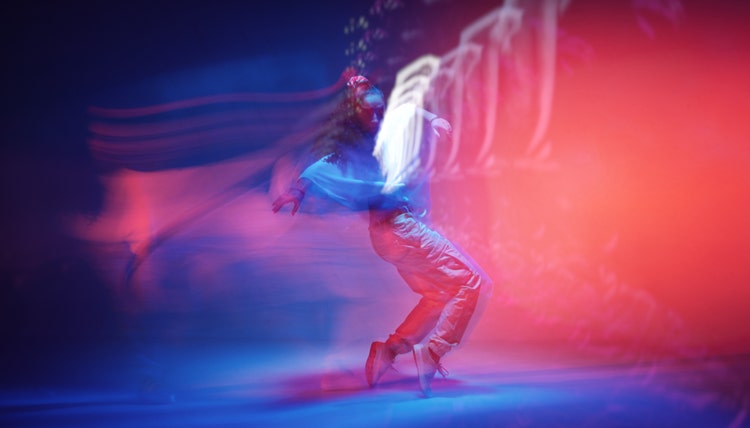
Add flair. Up the attitude. Or make it atmospheric. Premiere is packed with modern, cinematic effects you can easily tweak and tailor to fit your creative vision.
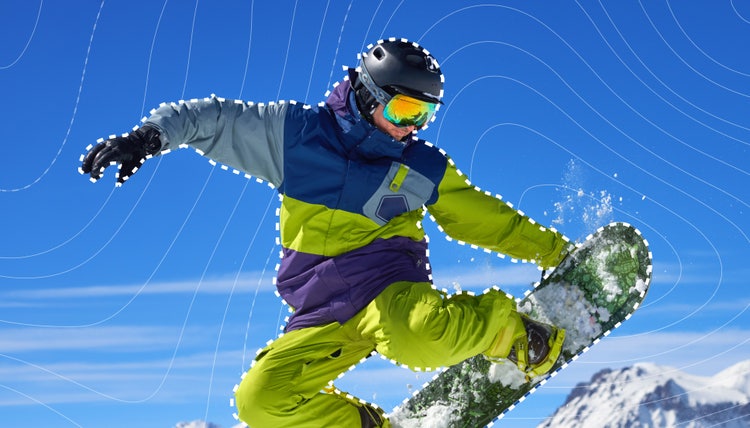
Create complex masks, composite text and graphics, and easily tackle precise effects with new AI Object Mask and redesigned shape masks.
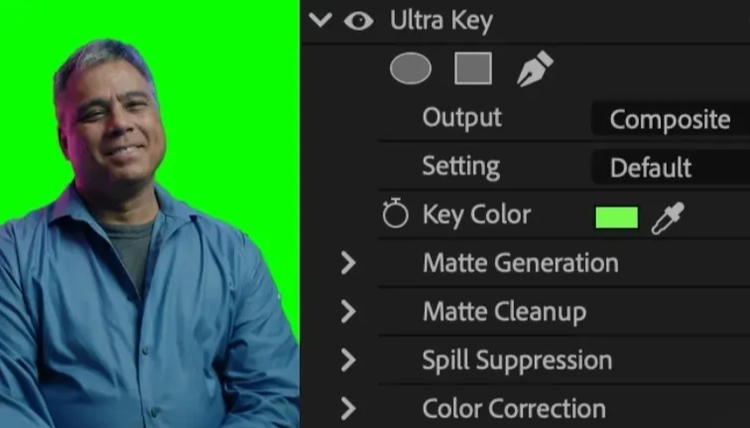
Use industry-standard tools to swap out the background of footage shot on a greenscreen.
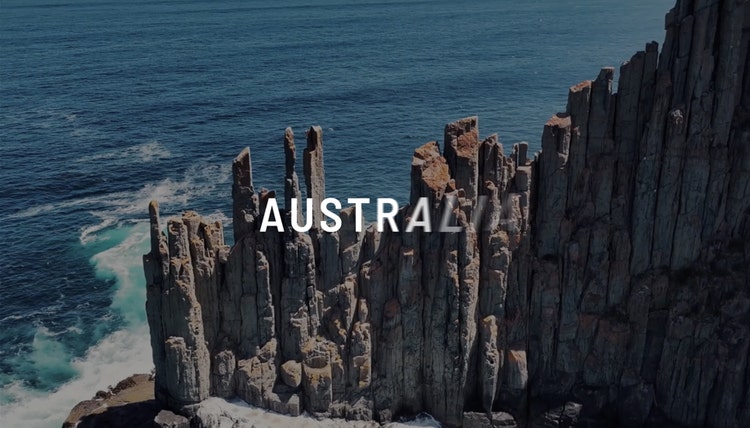
Bring your text and graphics to life. Now, animating elements is as easy as dragging and dropping a transition or effect.
Save time by sharing assets directly between After Effects and Premiere with Dynamic Link — no rendering or exporting required.
https://main--cc--adobecom.aem.live/cc-shared/fragments/products/premiere/features/titles
https://main--cc--adobecom.aem.live/cc-shared/fragments/products/premiere/features/color
https://main--cc--adobecom.aem.live/cc-shared/fragments/products/premiere/features/audio
https://main--cc--adobecom.aem.live/cc-shared/fragments/products/premiere/features/exporting
https://main--cc--adobecom.aem.live/cc-shared/fragments/products/premiere/features/download-beta-app