NEW | Generate creative title art.
Describe a look, from road signs to frosting to snow-capped cliffs, and AI turns your title into custom art ready to layer over your video.*


Trim and resize or transform with visual effects. Learn fast with Guided Edits. Organize effortlessly. And so much more.


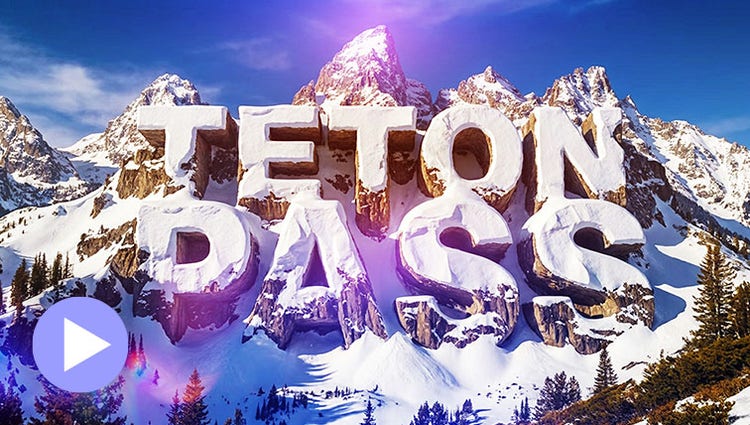
Describe a look, from road signs to frosting to snow-capped cliffs, and AI turns your title into custom art ready to layer over your video.*
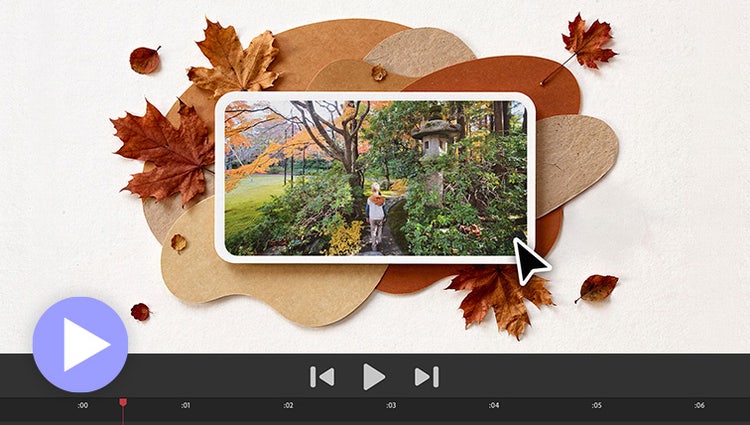
Need to fill a visual gap in your story or create a unique overlay? Just type a description to generate a custom image and then drop it right into your video.*
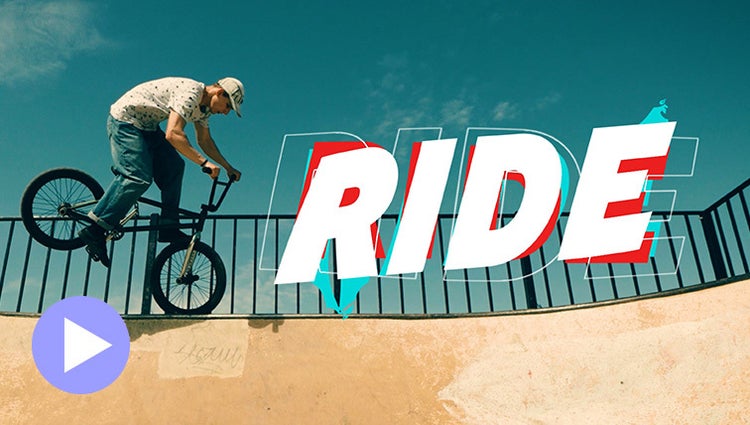
Easily add stylish text, graphics, and animations.
Ensure that clouds and snow look truly white with the White Balance tool, and make precise color and brightness adjustments using color correction Curves.
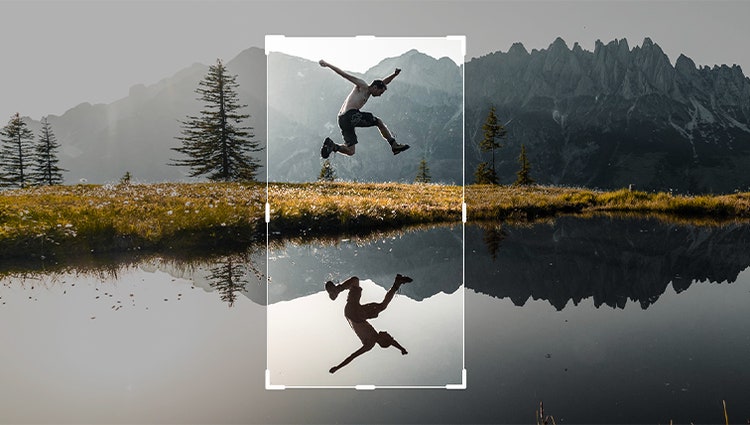
Just drag crop handles to resize your videos.

Style your text to match your story with controls for alignment, size, direction, color, spacing, and more. And create consistent looks fast using style templates and a style browser.
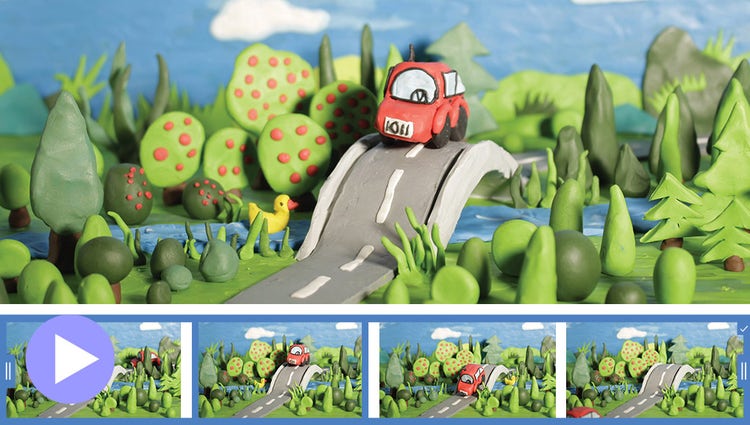
Turn a series of photos or videos into a fun stop-motion movie that speeds up the action.
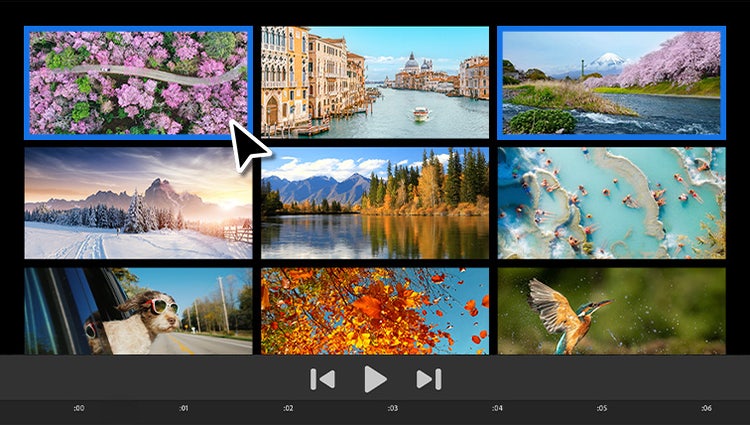
Built-in photos and videos let you start editing and learning right away.
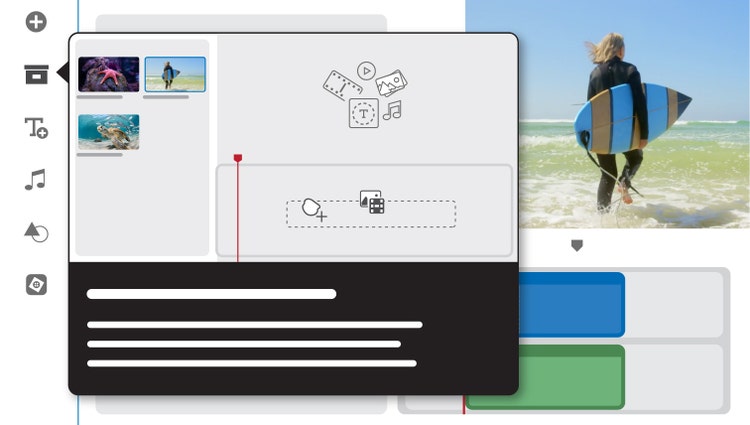
Built-in hints and animations help you get up to speed fast.
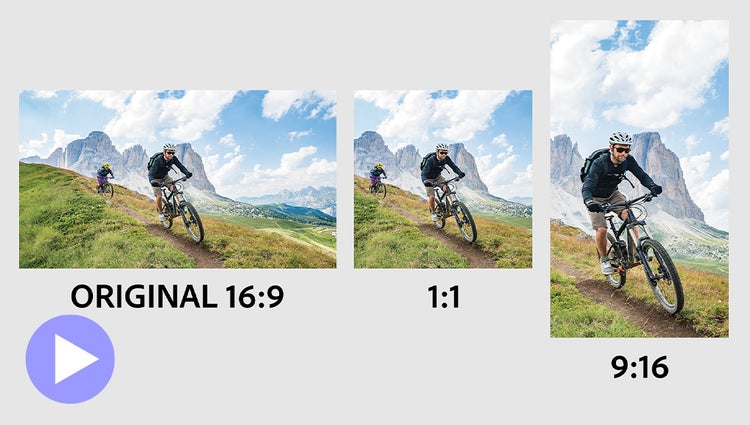
Easily resize for social media and more while keeping the most important part of the action in the frame.
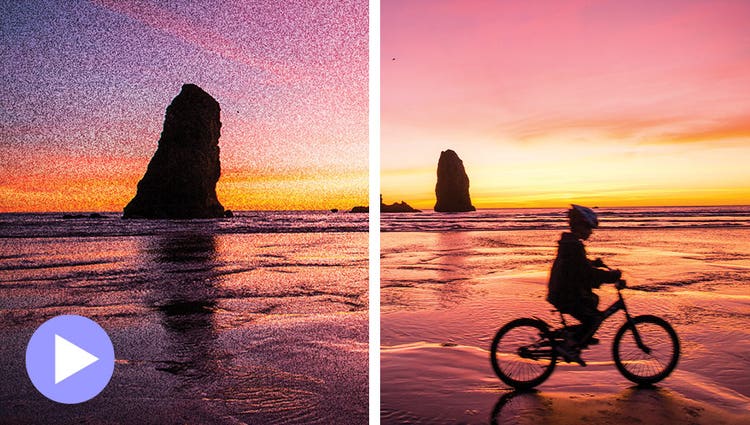
Shot your video in low light? Make it look crisper with a simple drag and drop of the Reduce Noise effect.
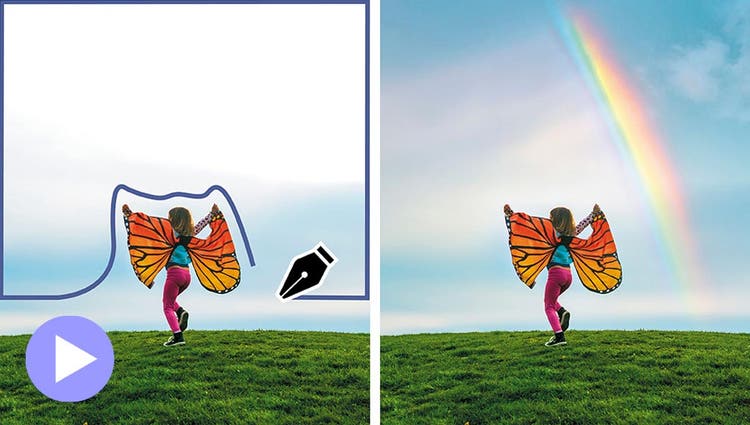
Select a specific object — or area — of your video and easily apply an effect that tracks throughout the video, like brightening the subject or blurring the background.
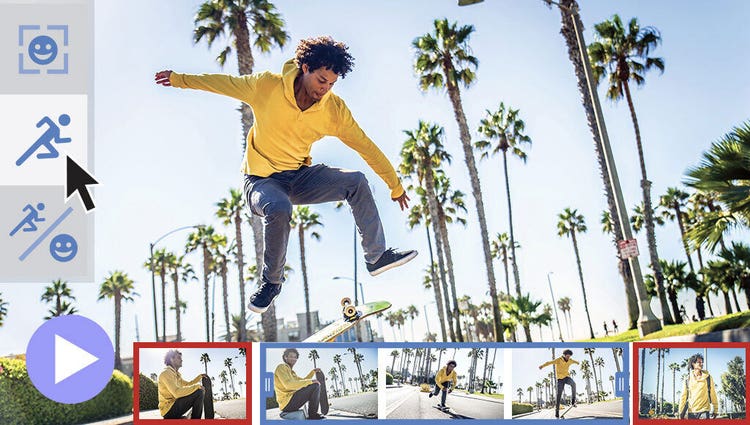
Smart Trim finds and brings together the best scenes based on the style of your video.
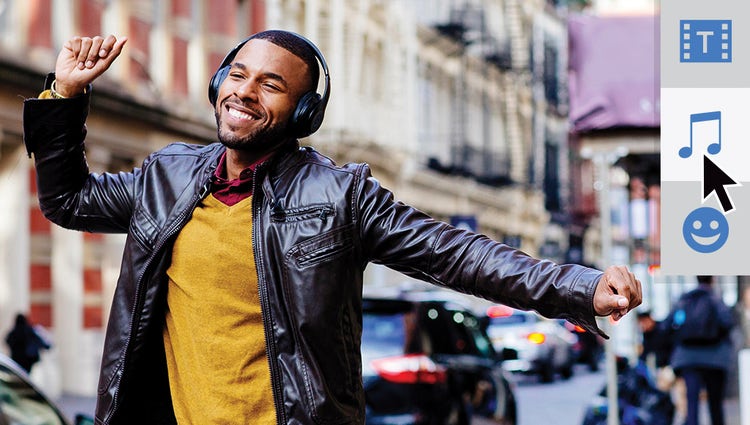
The perfect video needs the perfect soundtrack. Create just the feel you want with fresh audio tracks.
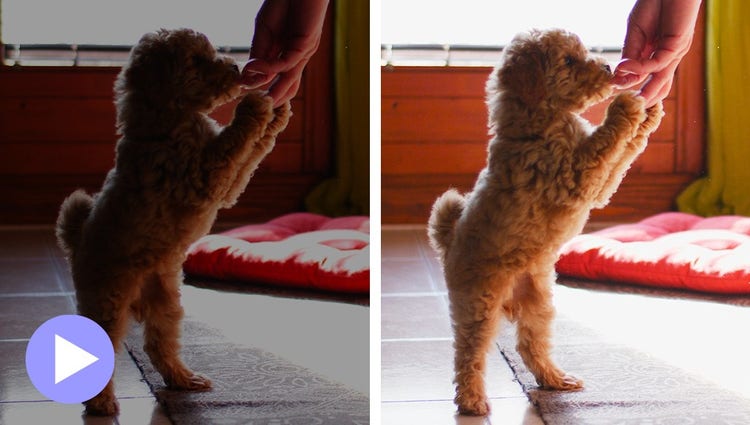
Easily reveal hidden details in the darkest or brightest areas of your videos so there’s more to see in every scene.
Need to fill a visual gap in your story or create a unique overlay? Just type a description to generate a custom image and then drop it right into your video.*
Describe a look, from road signs to frosting to snow-capped cliffs, and AI turns your title into custom art ready to layer over your video.*
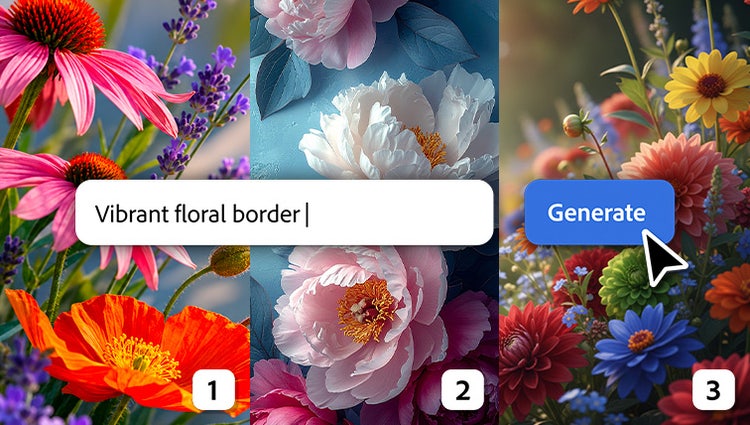
Along with Adobe Firefly models, you can now choose from a curated set of partner models to generate content that fits your needs.*
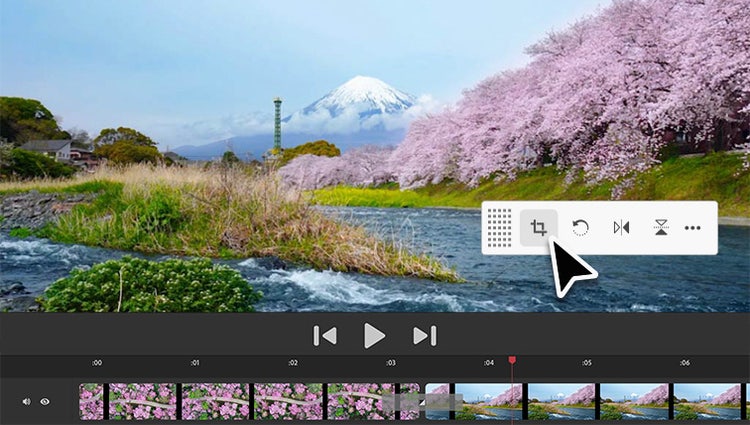
Contextual toolbars put the best editing tools for the task right at your fingertips so you can stay in your creative flow.
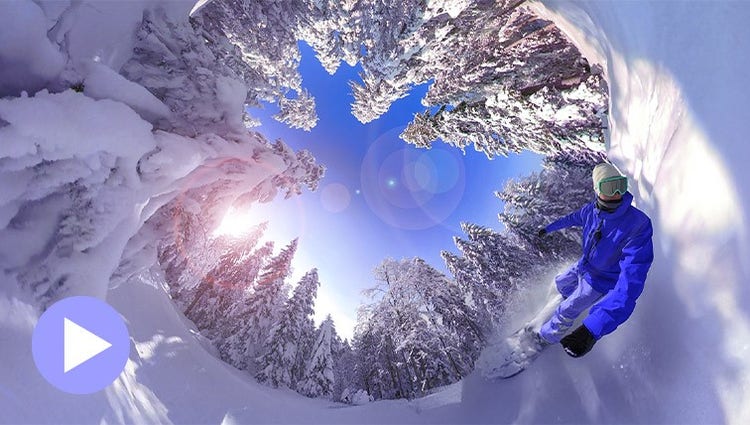
Position your footage and add effects, transitions, text, and graphics. Export in VR or standard formats for easy social sharing.
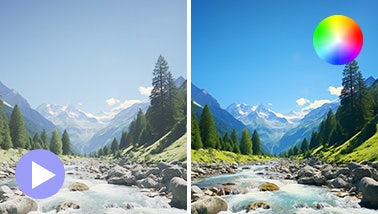
Ensure that clouds and snow look truly white with the White Balance tool, and make precise color and brightness adjustments using color correction Curves.
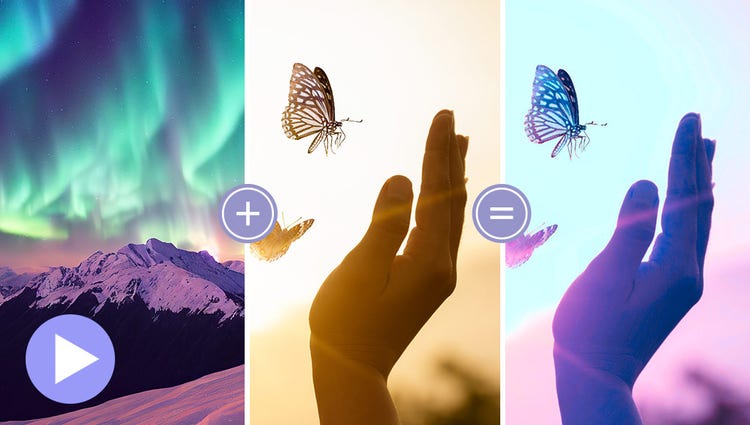
Choose a video or photo with colors you love, click once, and then fine-tune hue, saturation, and brightness with sliders.
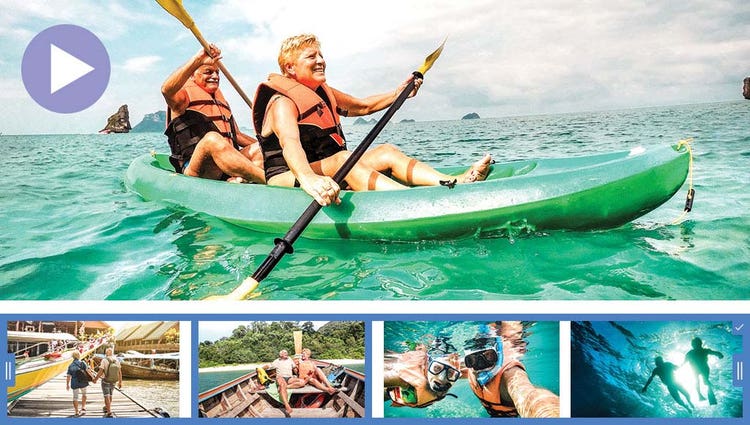
AI and automation quickly turn your clips into videos that draw people in by focusing on motion, close-ups, and your highest-quality footage.
Try effects like Reverb, Vocal Enhancer, and DeHummer to improve your listening experience.
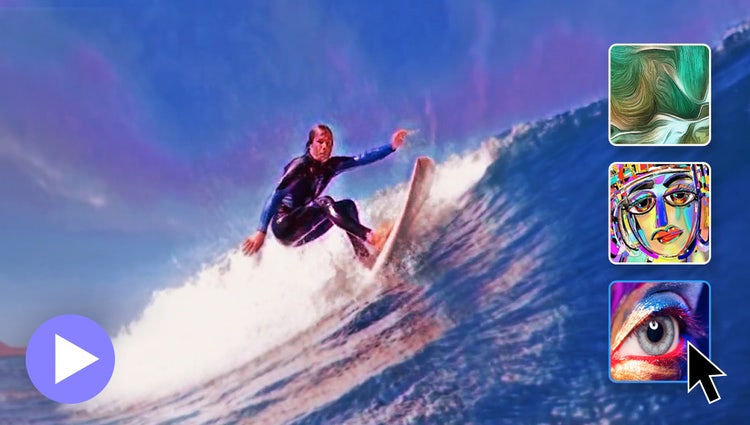
In one click, transform your clips with effects inspired by famous works or art or popular art styles.
Easily resize your videos for social media and more while keeping the most important part of the action in the frame.
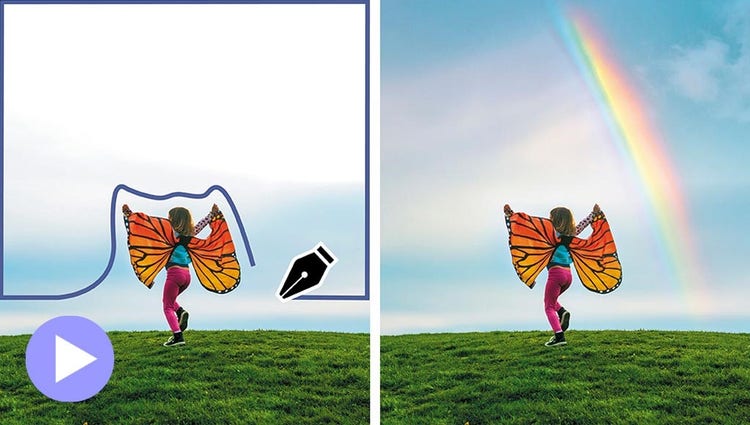
Select a specific object — or area — of your video and easily apply an effect that tracks throughout the video.
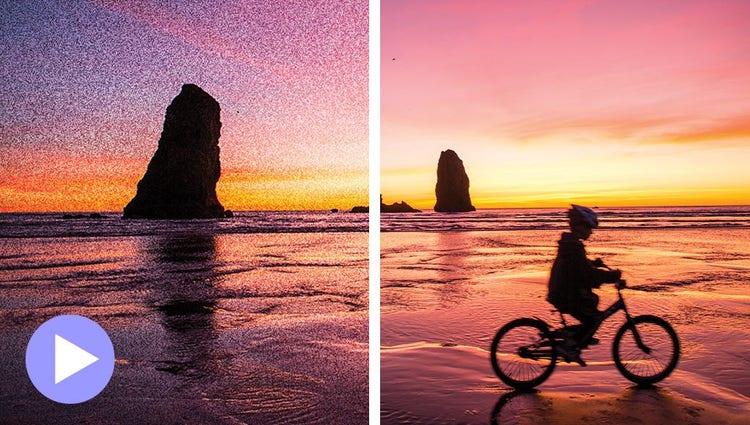
Shot your video in low light? Make it look crisper with a simple drag and drop of the Reduce Noise effect.
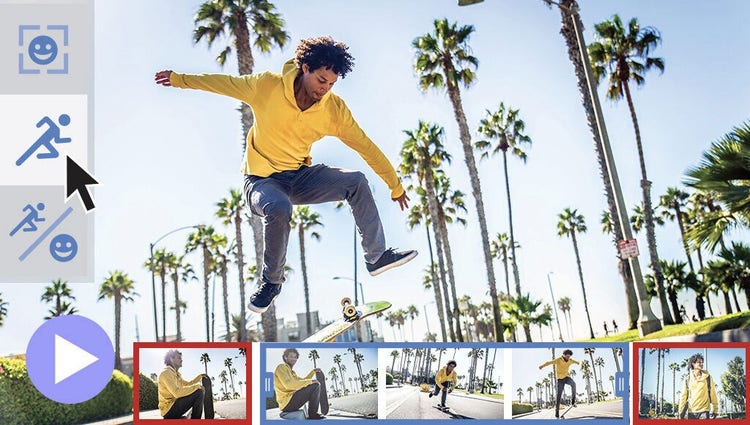
Smart Trim finds and brings together the best scenes based on the style of your video.

Emphasize key moments or just add some eye-candy with modern graphics.
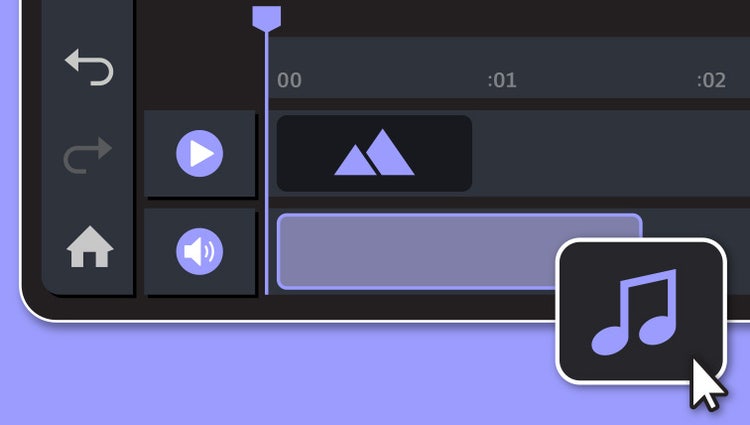
Underscore the mood or punch up the action in your video by adding music and adjusting the length and intensity.
Discover how to record high-quality voiceover narration and apply it to a clip to add context or enhance storytelling.
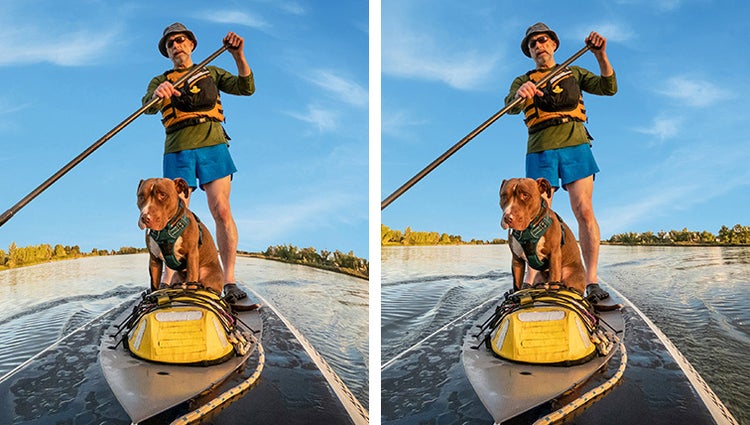
Get a little guidance to expertly trim, fix lens distortions, and correct color in your action cam footage so it looks its best.

Jazz up any video with flitting butterflies, encircling hearts, and other beautiful and whimsical animations. Create a whole new look in a few quick steps.
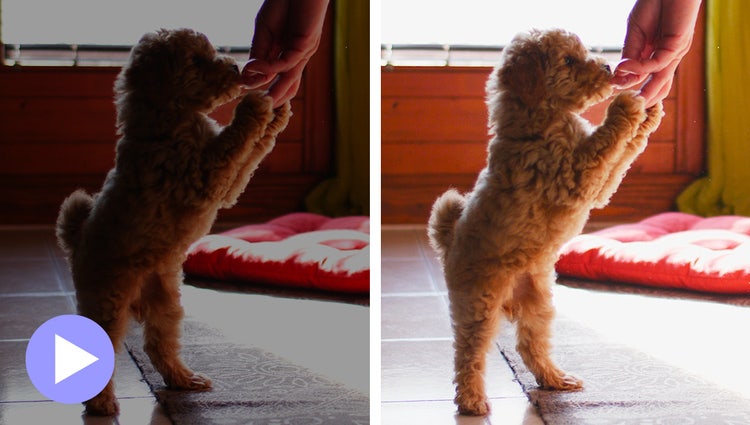
Easily reveal hidden details in the darkest or brightest areas of your videos so there’s more to see in every scene.
Turn a series of photos or videos into a fun stop-motion movie that speeds up the action.
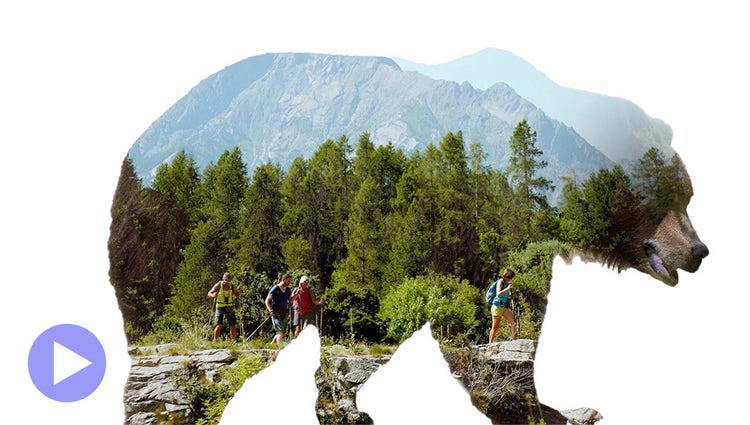
Make a little movie magic with double exposures. Just follow the simple steps to play a video within a photo and get the best of both worlds.
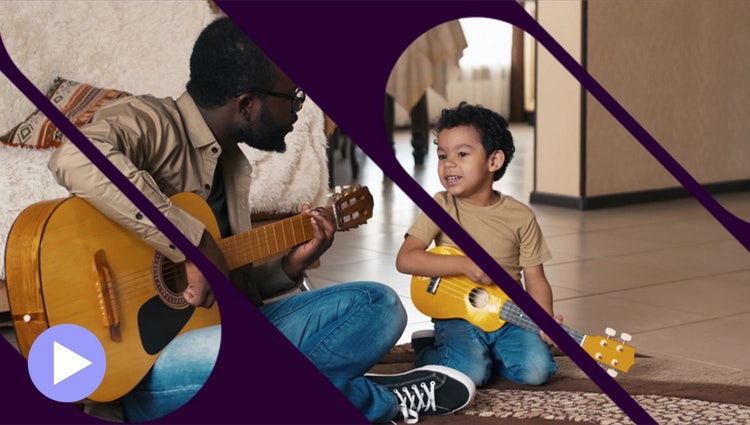
Get artistic by revealing your video with animated matte overlays. Apply different shapes and animation styles to full videos, select scenes, or as transitions.
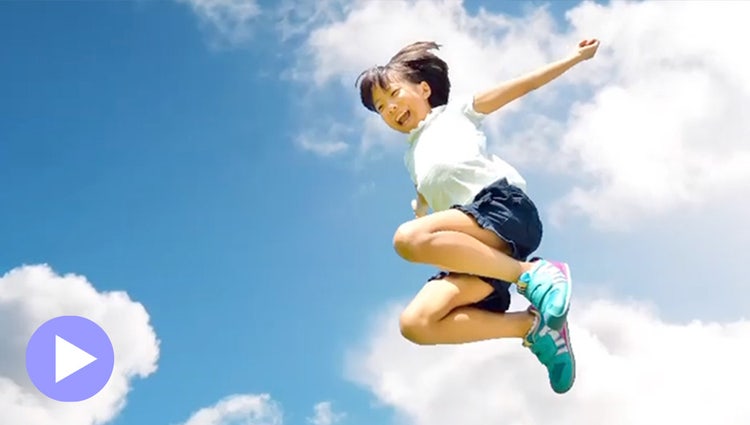
Add movement to static skies to create a captivating effect.
Built-in photos and videos let you start editing and learning right away.
Style your text to match your story with controls for alignment, size, direction, color, spacing, and more. And create consistent looks fast using style templates and a style browser.
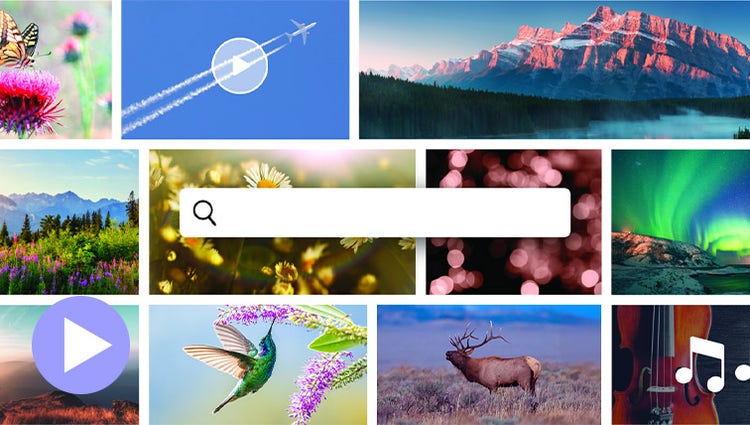
Discover high-quality photos, videos, audio clips, and sound effects right inside Premiere Elements.
Easily add stylish text, graphics, and animations.

Grab attention with more vibrant and expressive titles and text.
AI and automation quickly turn your clips into videos that draw people in by focusing on motion, close-ups, and your highest-quality footage.
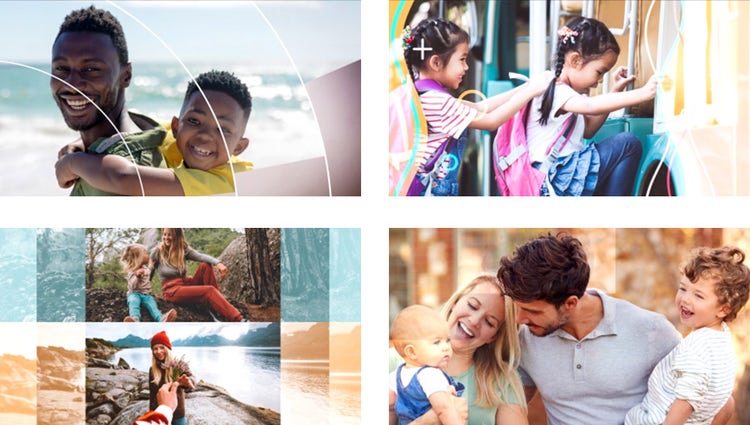
Share your photos and videos in animated slideshows that feature a range of modern looks and themes.
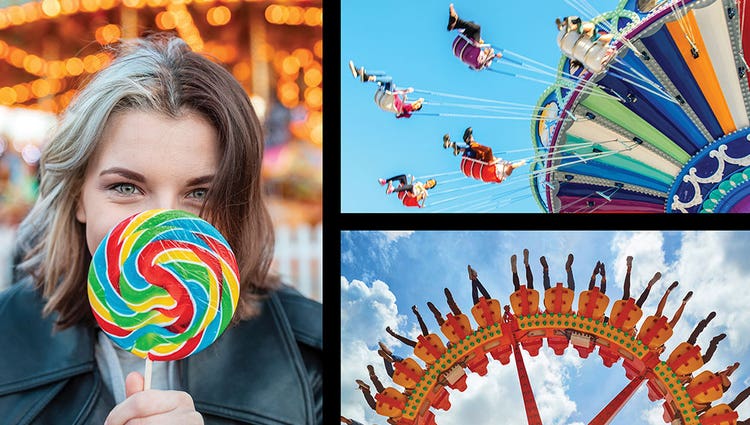
Create dynamic collages with photos and videos that bring some of your favorite memories into one creation.
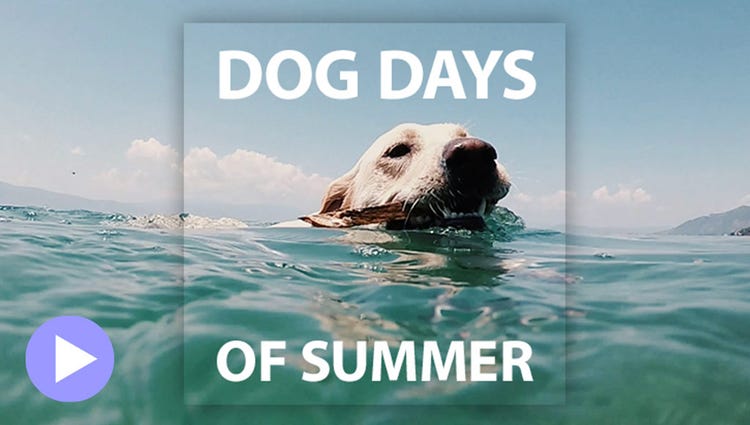
Create a freeze frame of the action, and then add an eye-catching motion title.
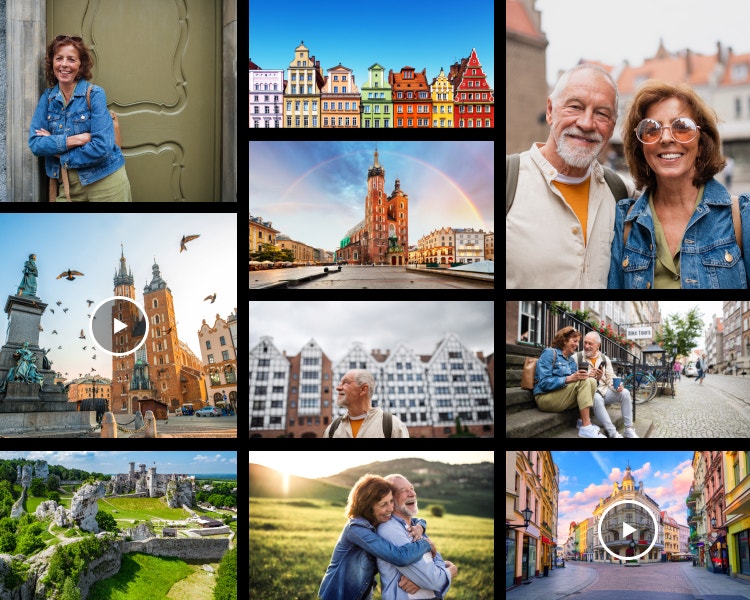
Semantic search understands what you mean, not just what you type. Describe what you’re looking for and the Elements Organizer finds it, even if the exact words don’t match any of your tags. (English-only beta)
ENHANCED | Remove duplicates with confidence.
Updated duplicate detection finds copies more accurately and gives you the context to decide what to keep, making decluttering fast and easy.
Smart Tags are added based on subjects like sunsets and birthdays, and people recognition makes tagging and finding people easy. Plus, photos are auto-curated based on quality, faces, and more, so you don’t have to search for the standouts.
Quickly import from cloud services like Google Drive and OneDrive, and get easier access to full-screen mode and zoom controls.
Go from hundreds of mystery folders to a visual view of your photos and videos automatically sorted by date, subject, people, places, and events. Catalogs are automatically backed up for easy recovery.
Launch it from your taskbar, Start menu, or app search, and import media directly from the Open With menu.
Premiere Elements 2027 is video editing software designed to help you quickly cut to the good stuff in your footage — no experience needed. Whether you want to resize a video for social or use color tools and effects to enhance your storytelling, it has everything you need with:

Make every video incredible. 3-year term license. Learn more.
US$99.99

Save big on the photo and video editing bundle. 3-year term license. Learn more.
US$149.99