con-block-row-lockup (s-lockup)
https://main--dc--adobecom.aem.live/dc-shared/assets/images/product-icons/svg/acrobat-pro-40.svg Adobe Acrobat

How to paraphrase your text using AI.

Paraphrase your text whether you want to rephrase a sentence, paragraph, or your entire document.

Start free trial

https://main--da-dc--adobecom.aem.page/dc-shared/assets/videos/acrobat/how-to/media_1e97f9a94ca3e195ce4b67d262681fd205706ff55.mp4#_autoplay1 | How to paraphrase with Acrobat AI Assistant.

https://main--dc--adobecom.aem.live/dc-shared/fragments/acrobat/how-to/sticky-banner

Paraphrasing with AI helps you rewrite ideas clearly while keeping the original meaning. By analyzing context and sentence structure, AI tools generate alternative wording that improves readability or changes the tone. To get the best results, provide clear text and review the output to ensure it matches the intent of your original content.

Paraphrase by section.

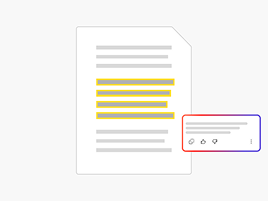
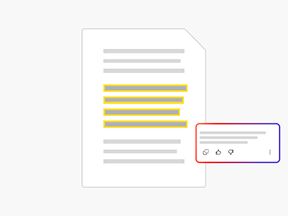
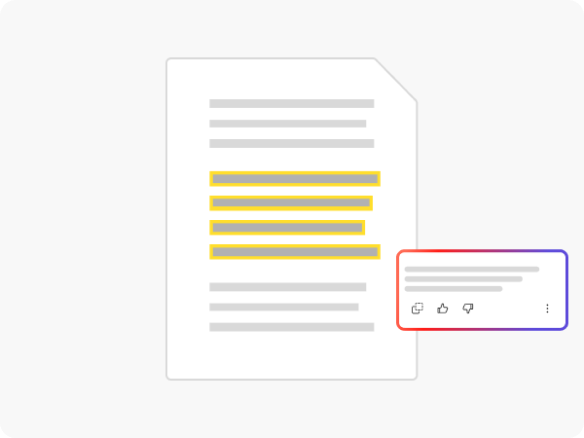
Upload your PDF and ask the rewording tool to paraphrase text from a specific sentence, paragraph, or the entire document.

Find a specific tone.

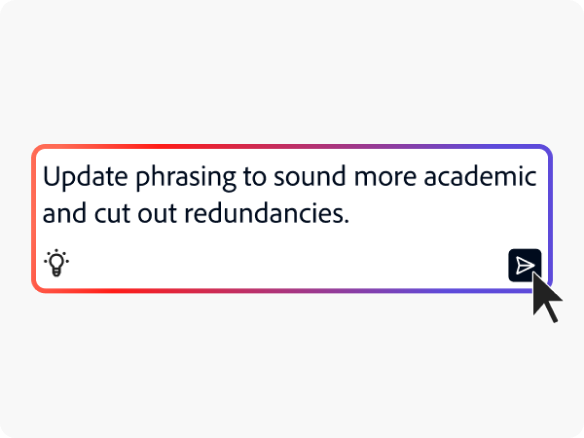
You can ask the rephrasing tool to update your word choice to sound more formal, academic, creative, or more. You can also shorten or lengthen your text.

AI-Powered PDF interaction.

Quickly rewrite content while retaining readability and original meaning. Use prompts to refine the tone of your rewrite, or refine it further using your own words. Simplify your workflow with real-time document responses.

Rewrite content.

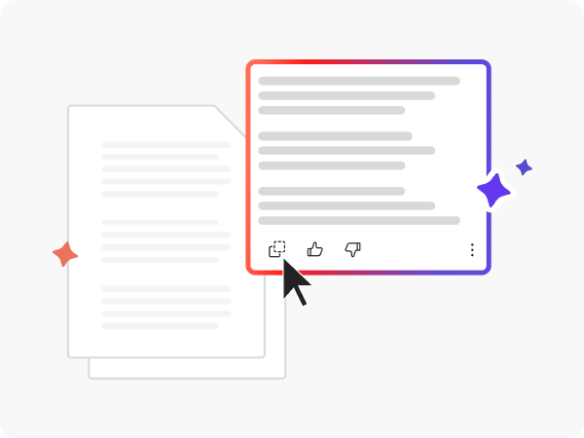
You can use the online paraphrase generator powered by Acrobat AI to update the sentence structure of your original content.

How to Use the AI Paraphrasing Tool

Follow these steps to paraphrase your original content using Acrobat online:

  1. Navigate to the PDF chat tool.
  2. Upload your PDF or document by clicking the “Select files” button or dragging and dropping it into the designated area.
  3. Enter a prompt asking to paraphrase a particular sentence, paragraph, or the entire document.
  4. You can continue to refine your rewording for your specific needs.

FAQs about paraphrasing

What is an AI paraphrasing tool?

An AI paraphrasing tool uses artificial intelligence to understand the meaning of text and then reword or rephrase it. You can use a high-quality paraphrasing tool to rewrite text using a different tone or just to differentiate your writing from a separate piece of text.

How does an AI paraphrasing tool work?

Our AI uses machine learning and natural language processing to understand the meaning of your original content and rewrite it with different wording and structure. For example, specific words may be replaced with a synonym or the order and syntax may change, all while retaining your original meaning.

What is the difference between paraphrasing and summarizing?

Paraphrasing typically rewrites content with the same length and information included, while summarizing condenses content in order to highlight key points.

What kind of paraphrasing modes can I use?

You can use the chat function to request a specific writing style, or mode, for your paraphrase. For example, students may be looking to elevate academic writing to sound more formal, and a marketer may be looking to make a phrase sound conversational and approachable. Whatever the mode, the AI tool can help you rewrite your text into unique content.

Choose the Acrobat plan that works for you.

https://main--dc--adobecom.aem.live/dc-shared/fragments/shared-fragments/pricing-pods/standard-pro-know