Questions? We have answers.
How much does Adobe Premiere cost?
The cost of Premiere depends on the plan you choose. The Premiere Single App plan starts at A$35.99/moincl. GST per month on an Annual, billed monthly. First year only. New subscribers only. See terms. Premiere is also available as part of the Creative Cloud Pro plan, which includes 20+ additional creative apps such as Photoshop and After Effects. You can begin with a seven-day free trial of Premiere or explore plans and pricing. Adobe Stock and Adobe Firefly content may require additional costs.
Is there a free version of Premiere?
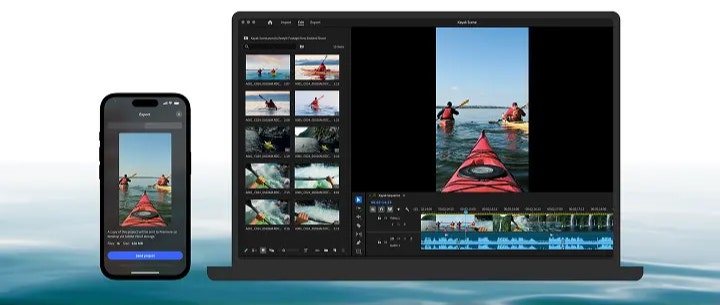
Adobe Premiere on mobile is available as a free, stand-alone social video editing app. Generative AI features powered by Adobe Firefly use generative credits which can be purchased with a subscription or are included as part of existing Adobe Creative Cloud plans. To download and install the iPhone app, visit the Apple App Store on your device. For Android, download the app in the Google Play Store.
Adobe Premiere supports a wide range of file formats including H.264, H.265 (HEVC), Apple ProRes, MPEG-2, MPEG-4, AVCHD and native camera formats like Canon and Sony RAW, as well as a wide variety of codecs in a QuickTime (MOV) or MXF container. See all supported formats.
Can I buy Premiere as a perpetual licence?
No. Adobe Premiere is available only as a membership, with options for a monthly or an annual commitment.
Does Premiere have free transitions?
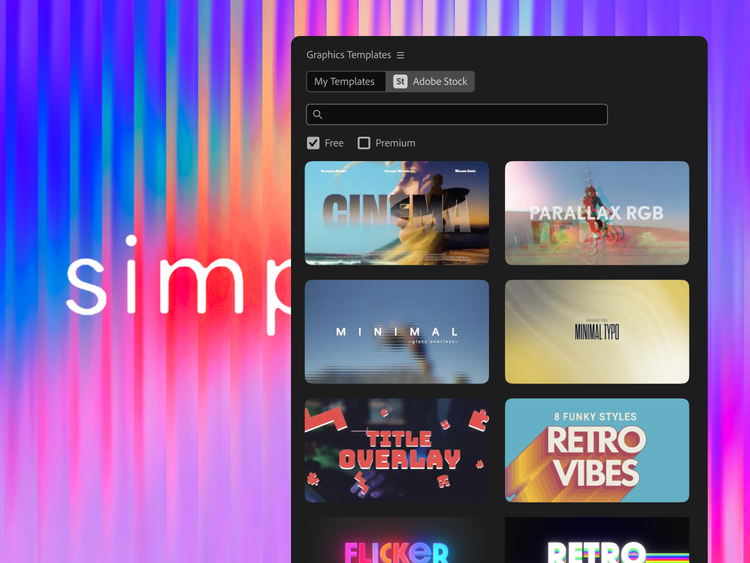
Yes, Adobe Premiere includes free transitions, templates and animated titles to level up your content.
How much does Premiere cost for students and teachers?
Students and teachers can get the Annual, billed monthly Adobe Creative Cloud Pro plan, including Adobe Premiere, for Alternatively at A$23.99/moincl. GST (A$287.88/yr) for the first year and A$63.99/moincl. GST (A$767.88/yr) after that. Learn more.
How can I learn Adobe Premiere?
Adobe provides free training guides to help you master every feature in Adobe Premiere through our Premiere Training Portal or directly within the app. For more in-depth training with a certified instructor, you can also access our Video Training Courses.
Why is Adobe Premiere Pro now called Adobe Premiere?
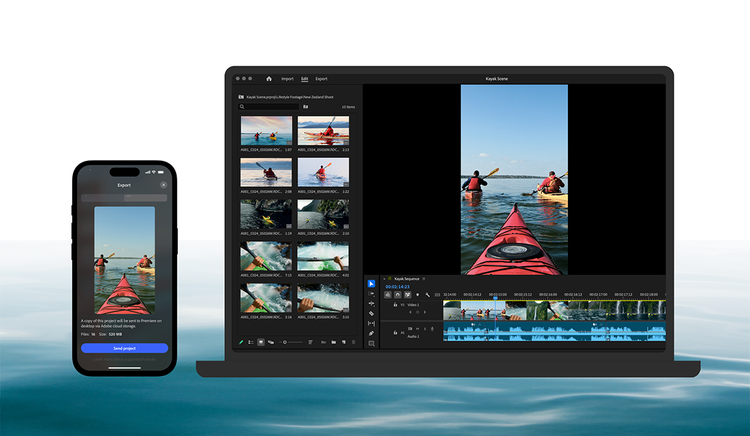
Adobe Premiere Pro is now simply called Adobe Premiere to represent the family of apps, spanning desktop and mobile. The desktop app still offers the same cutting-edge tools and pro-grade workflows. And with the Adobe Premiere on mobile app, you can edit videos anywhere without missing a beat.