KI-Bildgenerierung: Generative Formfüllung in Illustrator
Du möchtest die Möglichkeiten der KI-Bildgenerierung nutzen, aber gleichzeitig sicherstellen, dass deine Illustrationen weiterhin deinen persönlichen Stil widerspiegeln? Illustratorin Rosa Kammermeier zeigt dir, wie das gelingt.
Benötigte Materialien
In der Anwendung üben
KI generierte Bilder und individueller Ausdruck
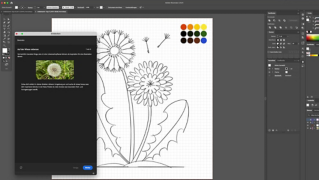
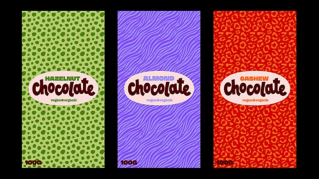
Mit der Funktion „Generative Formfüllung“ in Adobe Illustrator, kannst du als Nutzerin oder Nutzer deine Entwurfsarbeit deutlich vereinfachen. Du kombinierst dabei Vorteile aus zwei Welten: die Schnelligkeit und Vielfalt von KI-Tools und die Individualität und Erfahrung deines kreativen Schaffens. So kannst du zeitsparend Illustrationen und Grafiken erstellen, die trotzdem unverwechselbar deine Handschrift tragen.
Skizziere die Umrisse deiner Illustration
Die Bedeutung einer klaren Vision
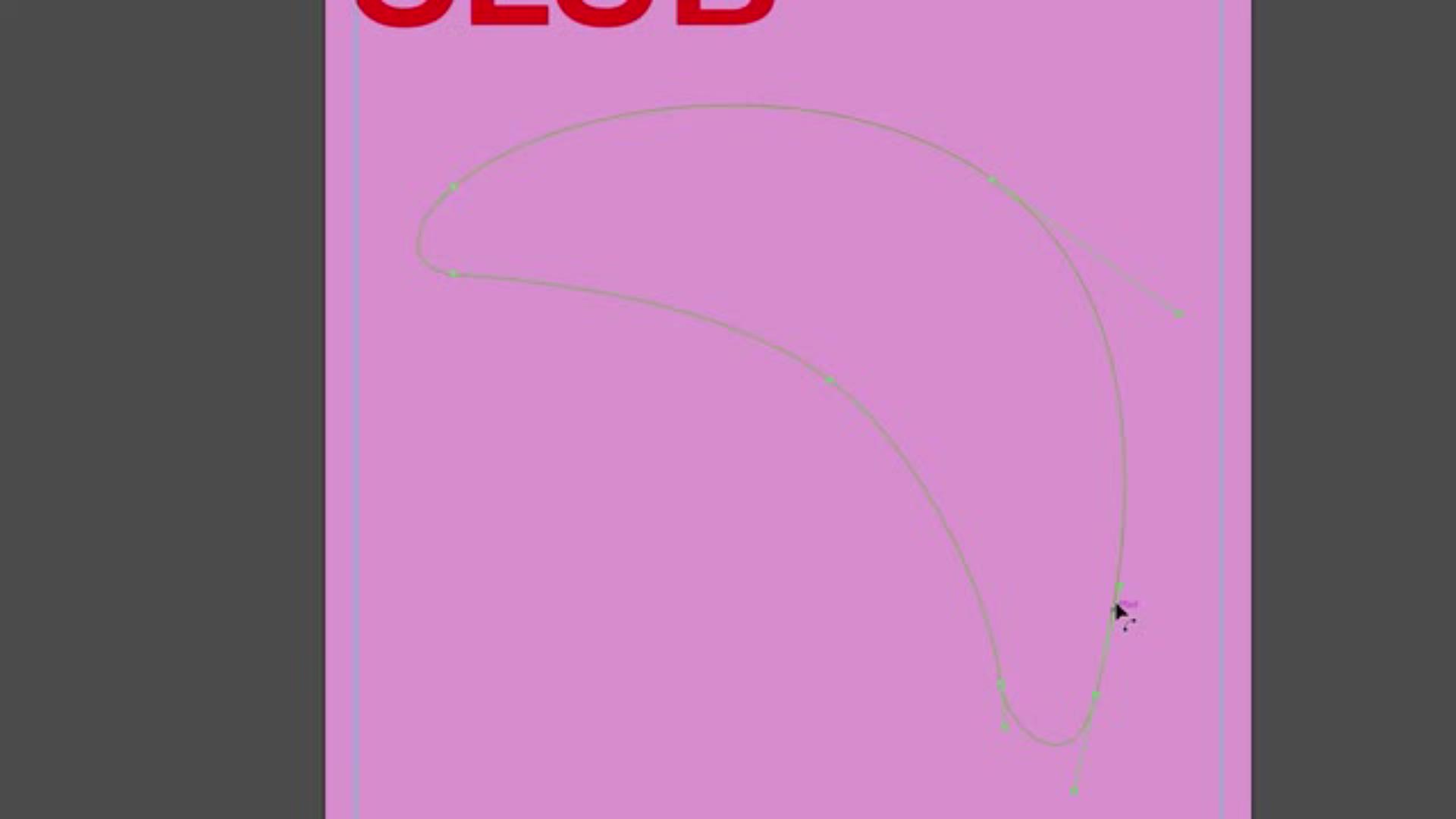
Am Anfang jeder Illustration steht eine Idee. Vor dem Einsatz der generativen Formfüllung ist es wichtig, eine klare Form zu entwickeln. Die Auswahl der Linien und Konturen legt den Rahmen fest und bestimmt, wie sich die Illustration später entfalten kann.
Konturen als Rahmen für die KI-Bilderstellung
Die von dir gezeichneten Umrisse dienen später als Spielfeld für die KI. Innerhalb dieser Formen platziert die generative Formfüllung anschließend illustrative Inhalte. So entsteht eine Verbindung zwischen deinen Vorgaben und den kreativen Vorschlägen der KI. Das erleichtert die Entwurfsarbeit im Vergleich zu herkömmlichen Vorgehensweisen deutlich.
Inspiration durch konkrete Beispiele
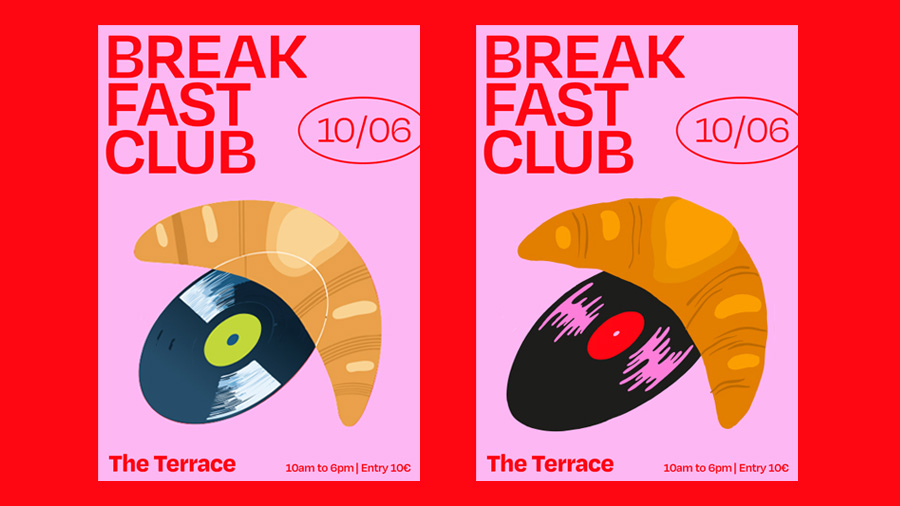
Rosa stellt dir eine ihrer spannenden Design-Ideen zur Verfügung, die die Themen Frühstück und Musik miteinander verbindet. Folge ihr Schritt für Schritt von der ersten Kontur bis hin zur Erstellung der fertigen Illustration und beobachte, wie die generative Formfüllung deine Skizzen lebendig werden lässt.
Erstelle eine Vorlage mit generativer Formfüllung
Text zu Bild: Die Kraft der Prompts
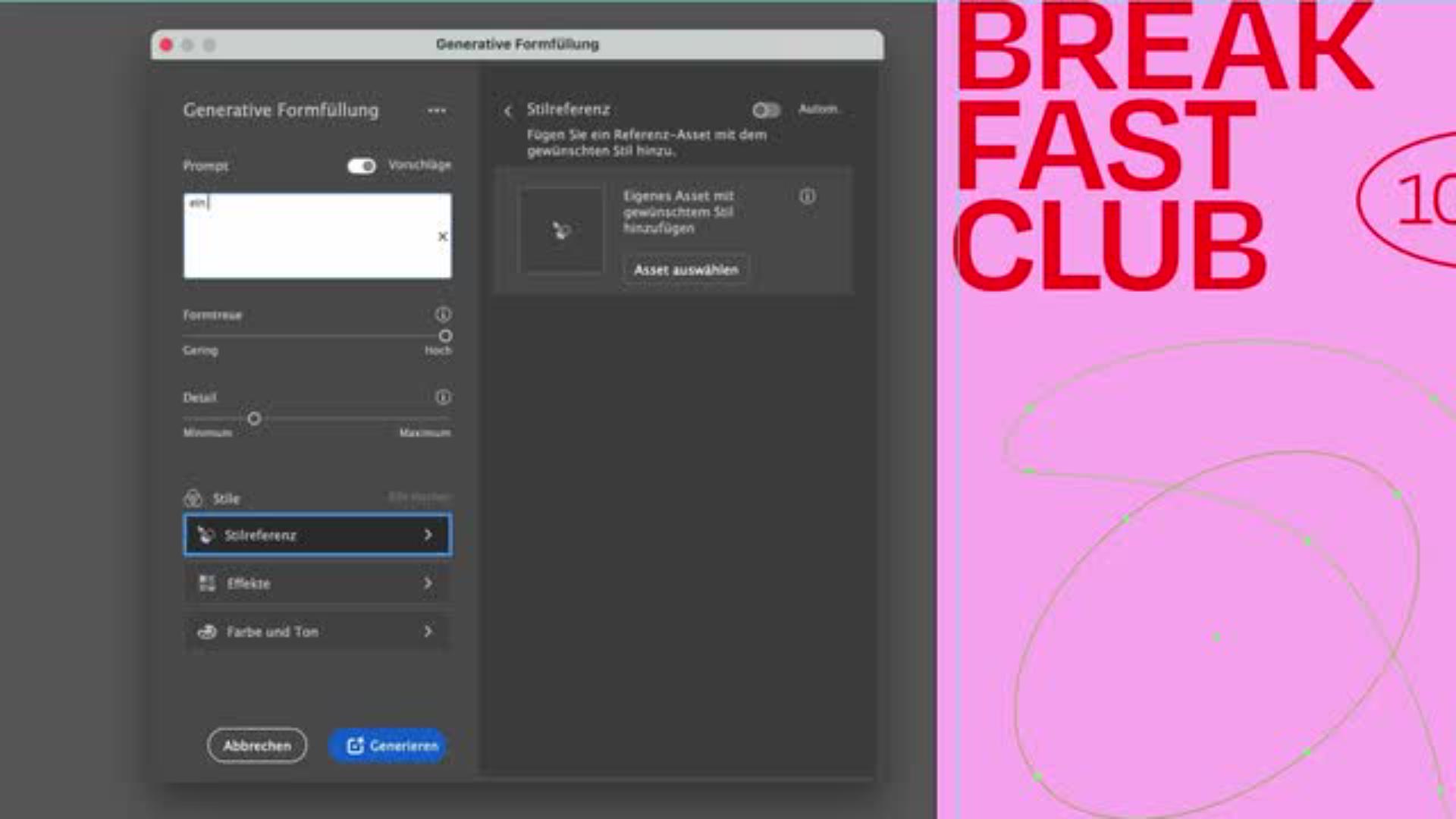
Sobald die Basis steht, kommt die generative Formfüllung zum Einsatz. Mit klar formulierten Prompts kannst du die KI gezielt steuern und festlegen, wie deine Formen gefüllt werden sollen. Je präziser und detaillierter deine Anweisungen sind, desto treffsicherer fallen die Ergebnisse schon beim ersten Klick aus.
Bildverbesserung durch gezielte Anpassungen
Aber nicht immer entspricht das erste Resultat genau deiner Vorstellung. Rosa zeigt dir, wie du deine Prompts bis ins Detail verfeinern und Ergebnisse anpassen kannst, bis die Qualität genau deinen Erwartungen entspricht. Durch diesen Prozess der Bildbearbeitung kannst du die Vorschläge der KI präzise auf dein Konzept abstimmen und gleichzeitig unterschiedliche Varianten ausprobieren, um die besten Ideen herauszufiltern.
Bilder erstellen mit und ohne Vorlagen
Du entscheidest selbst, wie stark die KI Einfluss nehmen darf. Du kannst ihr eine Vorlage geben, an der sie sich orientiert, um den Stil oder die Komposition deiner Skizze zu übernehmen. Alternativ lässt du die KI frei arbeiten und überraschst dich selbst mit neuen Varianten. Beide Wege eröffnen spannende Möglichkeiten der KI-Bildgenerierung.
KI trifft Kreativität: Dein Entwurf, dein Stil!
Inspiration und Herausforderung statt Endprodukt
Die Illustrationen, die die KI erzeugt, sind keine fertigen Werke, sondern kreative Ideengeber. Sie liefern dir als Designer eine Grundlage, auf der du aufbauen kannst und geben dir gleichzeitig neue Impulse für Formen, Farben und Kompositionen.
Zeit sparen und Effizienz steigern
Durch den Einsatz der generativen Formfüllung sparst du wertvolle Zeit im Entwurfsprozess. Anstatt bei Null zu beginnen, startest du mit einer strukturierten Basis, die bereits klare Formen und Ansätze liefert. So kannst du dich auf die kreative Weiterentwicklung konzentrieren und gleichzeitig produktiver arbeiten.
Dein Stil bleibt unverkennbar
Trotz der Unterstützung durch die KI, behältst du als Mensch immer die Kontrolle über deine Illustration. Rosa ermutigt dich, die generierten Vorschläge in deinen eigenen Stil zu übertragen. So schaffst du ein Ergebnis, das ganz eindeutig deine Handschrift trägt. Die KI als Werkzeug liefert Inspiration und Struktur, aber das fertige Werk bleibt immer ein persönliches Original.
Über die Künstlerin
Rosa Kammermeier ist Illustratorin, Grafikdesignerin und Schriftkünstlerin und lebt in Berlin. Sie arbeitet für Print- und Webprojekte, analoge und digitale Projekte, große Wandbilder und kleine Kalligrafien. Neben ihrer Arbeit als Designerin begeistert sie sich sehr für Musik und liebt es, diese Leidenschaften zu verbinden.
You can control how Adobe websites use cookies and similar technologies by making choices below. But note that if you disable cookies and similar technologies entirely, Adobe websites may not function properly.
Cookies are small text files stored by your web browser when you use websites. There are also other technologies that can be used for similar purposes like HTML5 Local Storage and local shared objects, web beacons, and embedded scripts. These technologies help us do things like remembering you and your preferences when you return to our sites, measure how you use the website, conduct market research, and gather information about the ads you see and interact with.
You can make choices in the menu below about what cookies and other technologies you want us to use on Adobe sites when you visit them from this browser. You can always change those choices later by clicking on the Cookie Preferences link at the bottom of the page.
If enabled:
We can improve your experience by tailoring the site and the content to things we think might be of interest
We can better keep track of your preferences — like what language you prefer to use
We will better understand your likely interests so we can provide you more relevant Adobe ads and content on non-Adobe websites and in non-Adobe apps
It will help us improve the performance of our website and those of our partners who use the Adobe Experience Cloud
If disabled:
We won’t be able to remember you from session to session so the experience may not be tailored to your interests
You’ll still have access to the content of the site but certain features that depend on cookies may not function
You’ll still see ads, they just may not be as relevant to you
General information
You can control how Adobe websites use cookies and similar technologies by making choices below. But note that if you disable cookies and similar technologies entirely, Adobe websites may not function properly.
Cookies are small text files stored by your web browser when you use websites. There are also other technologies that can be used for similar purposes like HTML5 Local Storage, web beacons, and embedded scripts. These technologies help us do things like remembering you and your preferences when you return to our sites, measure how you use the website, conduct market research, and gather information about the ads you see and interact with.
You can make choices in the menu below about what cookies and other technologies you want us to use on Adobe sites when you visit them from this browser. You can always change those choices later by clicking on the Cookie Preferences link at the bottom of the page.
If enabled:
We can improve your experience by tailoring the site and the content to things we think might be of interest
We can better keep track of your preferences — like what language you prefer to use
We will better understand your likely interests so we can provide you more relevant Adobe ads and content on non-Adobe websites and in non-Adobe apps
It will help us improve the performance of our website and those of our partners who use the Adobe Experience Cloud
If disabled:
We won’t be able to remember you from session to session so the experience may not be tailored to your interests
We’ll still count your use of our site and services
You’ll still have access to the content of the site but certain features that depend on cookies may not function
You’ll still see ads, they just may not be as relevant to you
Operate the site and core servicesOperate site and measure engagement
Always active
These cookies are required, and they are used to enable the site and related services core functionality. Without them the site could not operate, so they cannot be disabled.
These cookies enable the site and related services’ core functionality and collect statistics about user engagement, such as counting active use to help us understand trends. These cookies cannot be disabled.
Measure performance
These cookies are used to analyze site usage to measure and improve performance. Without them Adobe cannot know what content is most valued and how often unique visitors return to the site, making it hard to improve information we offer to you.
These cookies are used to analyze site usage to measure and improve performance. Without them Adobe cannot know what content is most valued, making it hard to improve information we offer to you.
Extend functionality
These cookies are used to enhance the functionality of Adobe sites such as remembering your settings and preferences to deliver a personalized experience; for example, your username, your repeated visits, preferred language, your country, or any other saved preference.
Personalize advertising
These cookies are used to enable Adobe and our partners to serve ads more relevant to your interests. Without them you will still see ads, but they might not be as relevant to you.
Personalize advertising
These cookies are used to enable Adobe and our partners to serve ads more relevant to your interests. Without them you will still see ads, but they might not be as relevant to you.