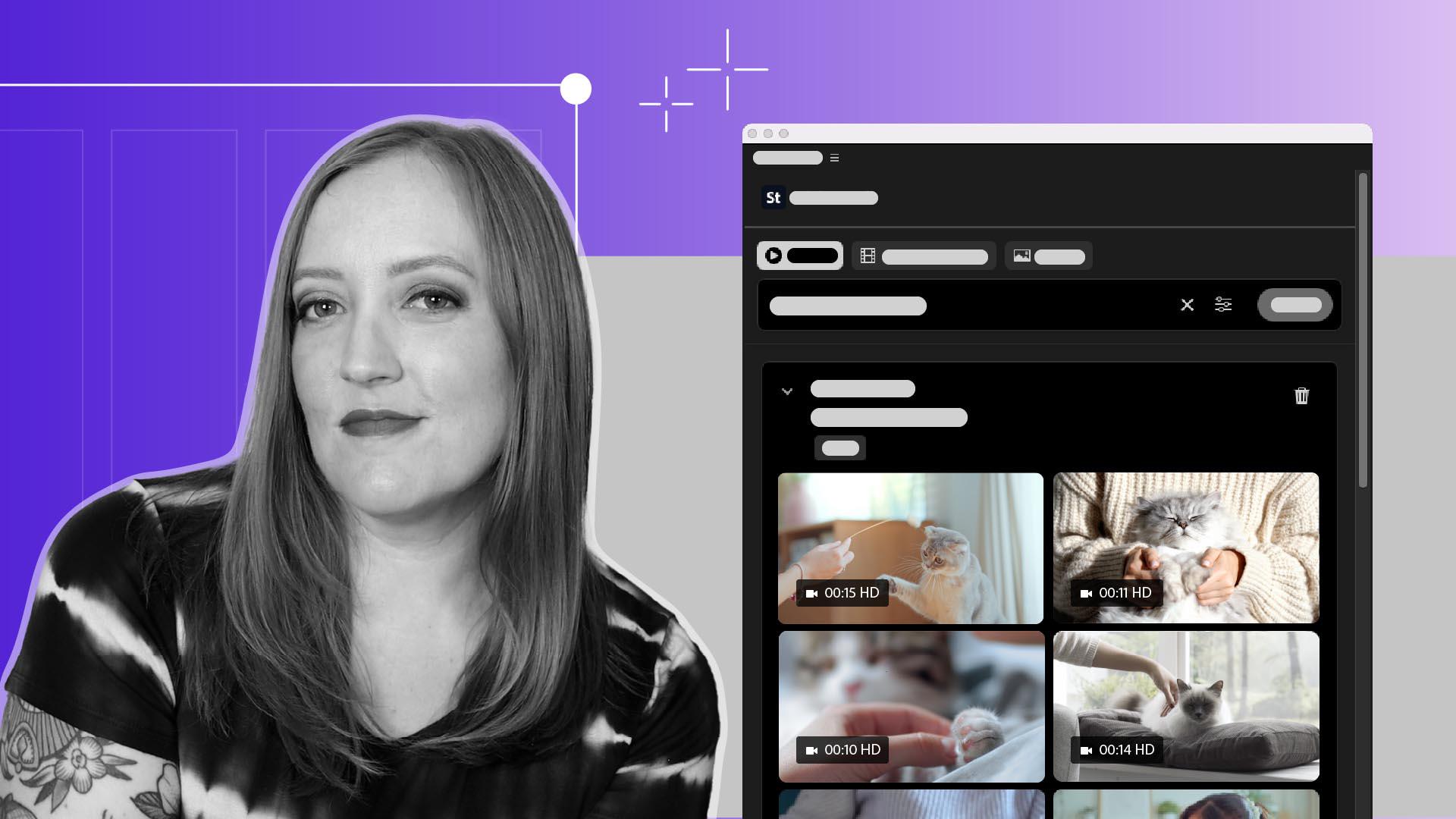
Adicionar mídia do Adobe Stock usando o painel do Stock
Pesquise, visualize e licencie vídeos do Adobe Stock diretamente no Premiere.
Introdução
[Sarah John]: Um problema comum entre criadores de vídeo é como deixar alguém mais agradável falando para a câmera.
O Premiere agora integra a Biblioteca do Adobe Stock direto no fluxo.
No painel Stock, pesquisamos entre milhões de vídeos, imagens e modelos, incluindo mais de 92 mil disponíveis grátis.
Depois, lidamos com a licença e importamos o vídeo para o projeto, sem sair do Premiere.
Sou Sarah.
Vou mostrar como isso funciona.
Acessar milhões de ativos
Por padrão, o painel Adobe Stock aparece como uma guia ao lado dos arquivos do projeto.
A visualização fica ainda melhor usando a área de trabalho Bibliotecas.
Temos vários filtros de busca disponíveis: imagens, vídeos e modelos de vídeo.
É possível ser mais específico analisando as configurações de filtros.
Digamos que eu queira pegar este meu vídeo falando e intercalar com uma pessoa acariciando um gato, já que meu próprio gato está ocupado demais para eu gravar um vídeo dele.
Digito “mulher acariciando gato” na pesquisa, seleciono os filtros para refinar as opções e tenho miniaturas de várias opções para escolher.
Visualizar e testar clipes instantaneamente
Vejo uma prévia passando o mouse sobre cada uma.
Olha só esses astros de cinema!
Este parece um pouco com meu gato.
Ao passar o mouse sobre a imagem, vejo algumas opções.
Posso selecionar Baixar pré-visualização para adicionar ao projeto e testar uma versão de prévia.
Ao decidir qual usar, o botão Baixar fica aqui.
Licenciar e importar sem sair do Premiere
Quando escolher o vídeo, clique em Baixar.
Aqui temos a opção de licenciar o vídeo para o uso que precisamos.
O melhor é que todo o processo de licença e pagamento acontece direto no painel.
Depois de preencher e enviar tudo, dá para baixar o vídeo e adicioná-lo ao projeto.
Agora você sabe usar o painel Adobe Stock.
Encontre e licencie os vídeos de gatos felizes que quiser.
Divirta-se.
O que você aprenderá
Acessar milhões de ativos
Utilize o painel do Adobe Stock para encontrar vídeos, imagens e modelos de animações, incluindo mais de 92 mil ativos grátis disponíveis diretamente no Premiere. Aplique os filtros disponíveis para refinar sua busca e encontrar o clipe ideal.
Visualizar e testar clipes instantaneamente
Passe o mouse sobre qualquer miniatura para ver a filmagem antes de baixar ou adicione um clipe de pré-visualização à sequência para testar como ele se encaixa na edição antes da compra.
Licenciar e importar sem sair do Premiere
Quando estiver tudo pronto, licencie e baixe o clipe escolhido diretamente pelo painel.
You can control how Adobe websites use cookies and similar technologies by making choices below. But note that if you disable cookies and similar technologies entirely, Adobe websites may not function properly.
Cookies are small text files stored by your web browser when you use websites. There are also other technologies that can be used for similar purposes like HTML5 Local Storage and local shared objects, web beacons, and embedded scripts. These technologies help us do things like remembering you and your preferences when you return to our sites, measure how you use the website, conduct market research, and gather information about the ads you see and interact with.
You can make choices in the menu below about what cookies and other technologies you want us to use on Adobe sites when you visit them from this browser. You can always change those choices later by clicking on the Cookie Preferences link at the bottom of the page.
If enabled:
We can improve your experience by tailoring the site and the content to things we think might be of interest
We can better keep track of your preferences — like what language you prefer to use
We will better understand your likely interests so we can provide you more relevant Adobe ads and content on non-Adobe websites and in non-Adobe apps
It will help us improve the performance of our website and those of our partners who use the Adobe Experience Cloud
If disabled:
We won’t be able to remember you from session to session so the experience may not be tailored to your interests
You’ll still have access to the content of the site but certain features that depend on cookies may not function
You’ll still see ads, they just may not be as relevant to you
General information
You can control how Adobe websites use cookies and similar technologies by making choices below. But note that if you disable cookies and similar technologies entirely, Adobe websites may not function properly.
Cookies are small text files stored by your web browser when you use websites. There are also other technologies that can be used for similar purposes like HTML5 Local Storage, web beacons, and embedded scripts. These technologies help us do things like remembering you and your preferences when you return to our sites, measure how you use the website, conduct market research, and gather information about the ads you see and interact with.
You can make choices in the menu below about what cookies and other technologies you want us to use on Adobe sites when you visit them from this browser. You can always change those choices later by clicking on the Cookie Preferences link at the bottom of the page.
If enabled:
We can improve your experience by tailoring the site and the content to things we think might be of interest
We can better keep track of your preferences — like what language you prefer to use
We will better understand your likely interests so we can provide you more relevant Adobe ads and content on non-Adobe websites and in non-Adobe apps
It will help us improve the performance of our website and those of our partners who use the Adobe Experience Cloud
If disabled:
We won’t be able to remember you from session to session so the experience may not be tailored to your interests
We’ll still count your use of our site and services
You’ll still have access to the content of the site but certain features that depend on cookies may not function
You’ll still see ads, they just may not be as relevant to you
Operate the site and core servicesOperate site and measure engagement
Always active
These cookies are required, and they are used to enable the site and related services core functionality. Without them the site could not operate, so they cannot be disabled.
These cookies enable the site and related services’ core functionality and collect statistics about user engagement, such as counting active use to help us understand trends. These cookies cannot be disabled.
Measure performance
These cookies are used to analyze site usage to measure and improve performance. Without them Adobe cannot know what content is most valued and how often unique visitors return to the site, making it hard to improve information we offer to you.
These cookies are used to analyze site usage to measure and improve performance. Without them Adobe cannot know what content is most valued, making it hard to improve information we offer to you.
Extend functionality
These cookies are used to enhance the functionality of Adobe sites such as remembering your settings and preferences to deliver a personalized experience; for example, your username, your repeated visits, preferred language, your country, or any other saved preference.
Personalize advertising
These cookies are used to enable Adobe and our partners to serve ads more relevant to your interests. Without them you will still see ads, but they might not be as relevant to you.
Personalize advertising
These cookies are used to enable Adobe and our partners to serve ads more relevant to your interests. Without them you will still see ads, but they might not be as relevant to you.