



Create Facebook ads for free.
Make scroll-stopping Facebook ads in minutes, with the Adobe Express Ad Maker. Begin with a professionally crafted template, then customize it with your text, brand colors, and more. No prior experience required.
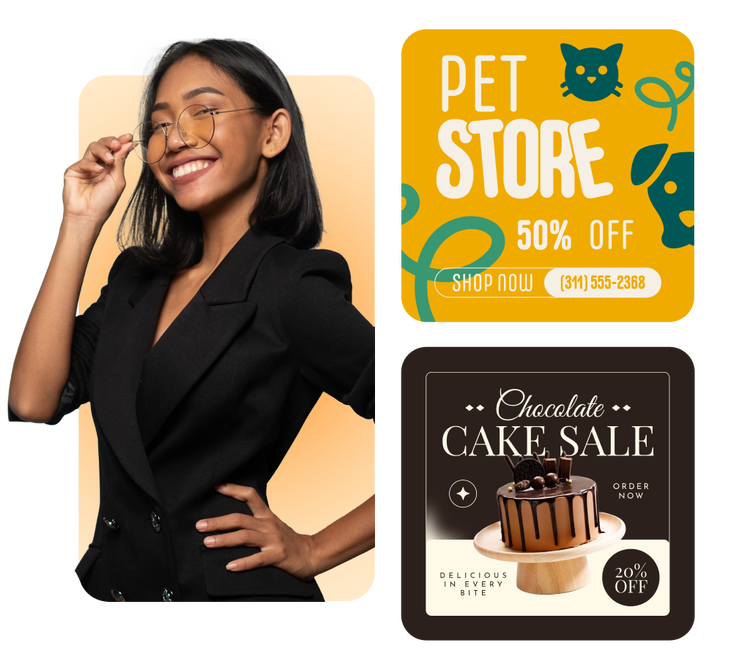
1. Pick a Facebook ad template.
Browse Facebook ad templates in diverse styles, from sleek and minimal to contemporary and corporate, tailored to your taste. Whether you’re advertising a back-to-school planner, a meal delivery service, or special holiday event, there’s a wide selection to choose from.
2. Customize it.
Replace any text box with your message and customize fonts. Upload photos to your design for a personalized look and feel.
3. Download and share.
Download your new Facebook ad to share to your Facebook Ads Manager or directly onto your feed. To share elsewhere, open the full Adobe Express editor to resize for other social media platforms with one click.
Design eye-catching graphics with the Facebook ads maker.
Creating a Facebook ad that stands out on your audience’s news feed is as easy as customizing an editable template. Start by finding a template using helpful filters or by typing in exactly what you’re looking for in a Facebook ad. Then easily swap out text, images, and color schemes to match your message. Whether you’re advertising a new exhibit at your museum or pets up for adoption at your rescue, creating a Facebook ad has never been easier.
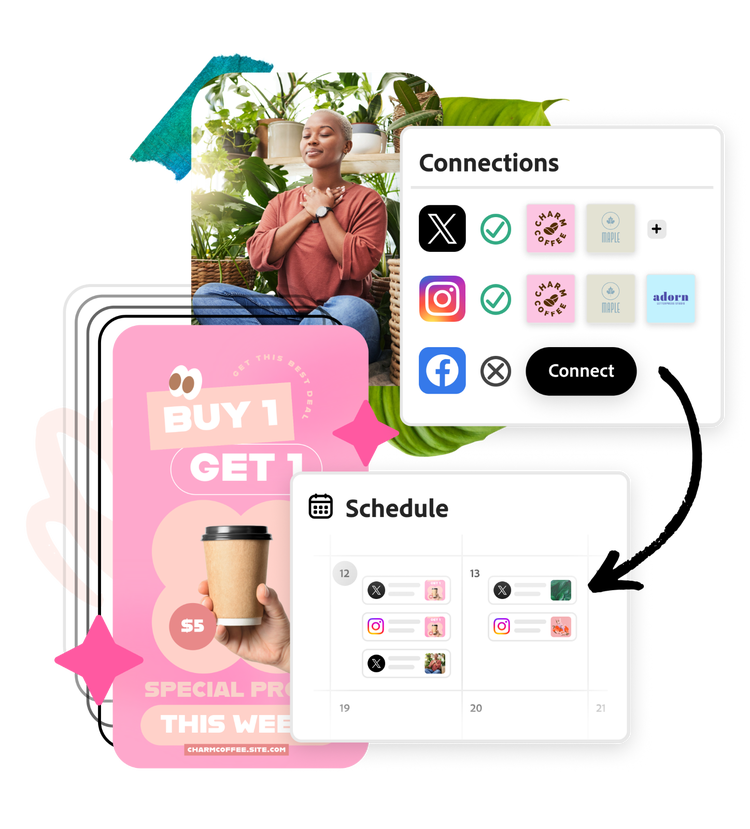
Facebook ads from start to finish.
Once you’ve finished designing your ad, use the Adobe Express built-in Content scheduler to plan and publish it across other social channels, helping you grow your brand from one convenient platform.
Stay effortlessly on brand.
Adobe Express Ad Maker simplifies the design process. Plus, staying on brand is a walk in the park. Easily add your brand logo, color schemes, fonts, and so much more to ensure your campaigns are always on point. To add extras like animations, charts, or audio to your Facebook ad, go to the full Adobe Express editor.
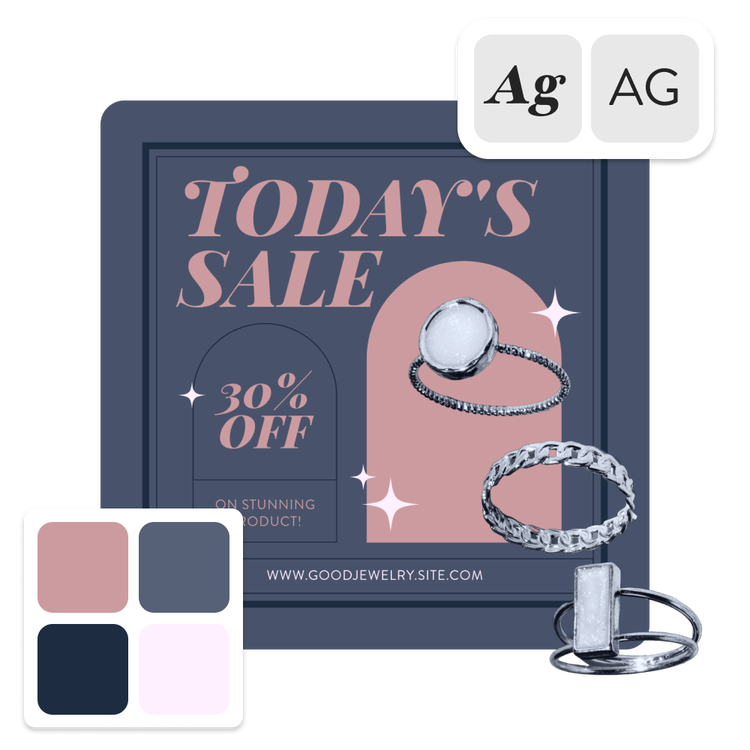
Create your next ad for Facebook with Adobe Express.
Facebook ads tell your followers exactly what your business has to offer. Whether you’re advertising a service, a product, or an event, the Adobe Express Ad Maker can help your brand put its best foot forward. Using the Ad Maker is easy; just pick a Facebook ad template that reflects your style best, then swap out images, logos, and your message.


Frequently asked questions.
What’s the best way to design an ad for Facebook?
Consider the impression you want to make on your audience. Are you promoting a new product or person? Maybe go with an image-based ad. If you’re making an ad for a service, tool, or program, consider an infographic-style design that supports the text of the ad with fun graphics. The good news is, with Adobe Express, you can easily search templates for all your ad needs.
Can I include text in my advertisement?
Absolutely. Facebook no longer has a specific requirement for how much text you can feature on your ad, but it still prefers ads to have as minimal text as possible. Say a lot with a small word count by using powerful phrasing, bold fonts, and a clear call to action. Any text that doesn’t make it in your ad can always go in the ad’s caption.
What is the recommended size for Facebook ads?
Facebook ads are generally standard horizontal in-feed posts (aspect ratios of 9:16 or 1.9:1), or square shaped (1:1 aspect ratio). Just make sure your ad is no bigger than 1080px tall or 1080px wide and is less than 30MB in size.
What editing options are available to me in Ad Maker?
Our Ad Maker is equipped with all the tools you need to create an engaging Facebook ad. You can edit text layout and flow as well as font style and color. For images, you can play around with the opacity, crop, and use handy AI tools like Remove object, Insert object, and Remove background. To access all of the Adobe Express editor tools, click Open in Adobe Express.
Can I get Adobe Express for free? If so, what’s included?
Yes, we have a free plan available for anyone. Enjoy everything you need to stand out, including thousands of templates, hundreds of Adobe Stock images, photo editing and effects, and much more. Visit our plans and pricing for details.
illustrator



