



Free daily planner maker.
Choose from stunning daily planner templates to design your own daily planner in minutes.



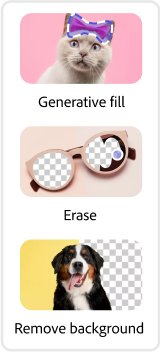
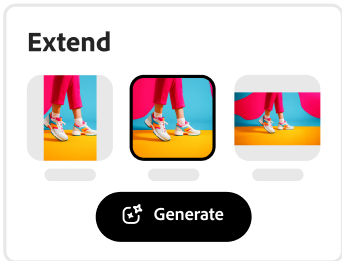


Easy all-in-one editor

One-click edits from any device

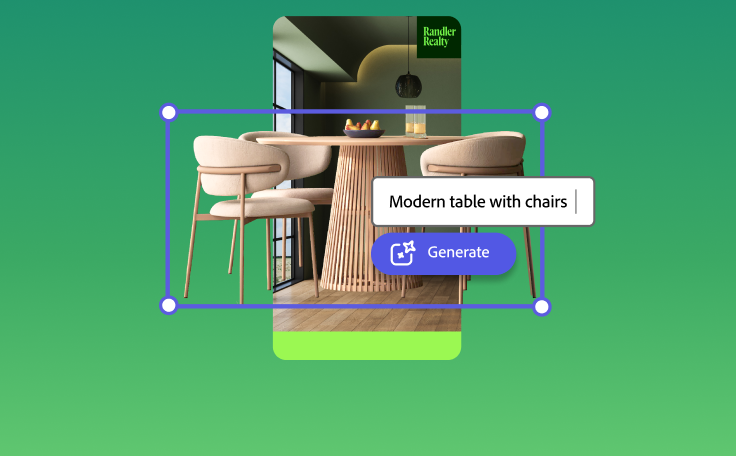
Fast creation with generative AI
Thousands of professionally-designed templates
Easily get started in Adobe Express.
Make custom daily planners with Adobe Express.
A daily planner can help you keep track of your day-to-day duties. Adobe Express provides you with a library of eye-catching planner templates to get you started or create a custom design. Personalize your daily planner with your favorite colors, fonts, and images to stay motivated. It's as easy as choosing a template, customizing, and sharing.
 New templates
- Popular
- New templates






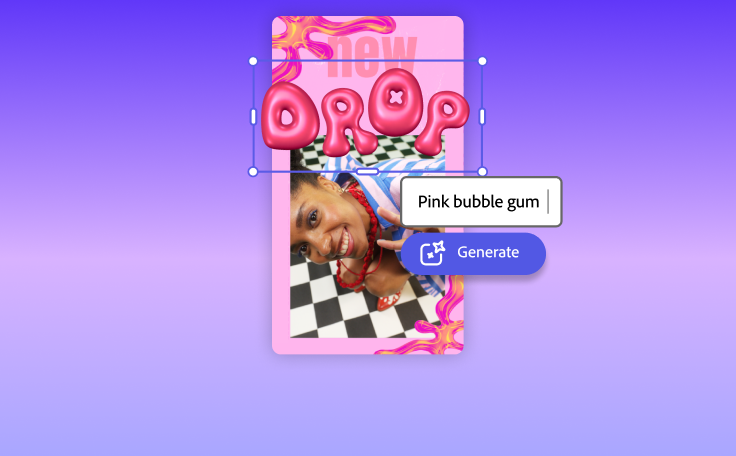

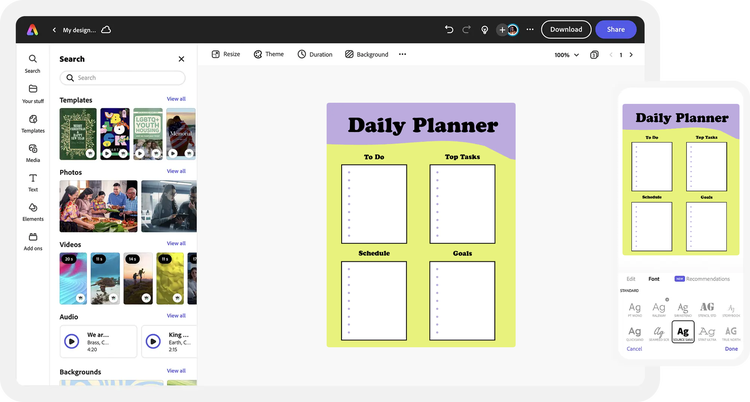
Start your project.
Launch Adobe Express on a desktop or mobile device to make a new planner for free.Save time with templates.
Get started with thousands of beautiful templates to help bring your creative vision to life.Add images and designs.
Customize your planner with handpicked imagery, icons, and design assets. Upload your own or browse the stock libraries for the perfect visuals.Enter in your text.
Add your verbiage to your planner, then explore dozens of text tools at your fingertips – including text templates, effects, and thousands of licensed fonts from Adobe Fonts.Share your planner with others.
Save your finished planner to your device. Choose your desired file format based on your digital or printed destination.
See what people are saying about Adobe Express.

Abs Ahlijah
Marketing & Content Coordinator @ Soul Session
"As a marketer who is always on the move. Adobe Express helps me to create fast, high quality content. Absolute endless features to enhance my creativity!"

Liz Mosley
Owner, Liz Mosley Design
"I use Adobe Express to create and schedule a lot of my own content, and by creating templates for my own brand I have saved my self hours marketing my business!”

Penuel Stanley-Zebulon
Student @ Pennsylvania State University
"The remove background image tool in Adobe Express saved me hours of tedious editing, effortlessly removing backgrounds and refining my images with just a few clicks."

Attabeira German de Turowski
Owner, Attabeira Oneline
"I use Express Premium for my social media efforts and Content Scheduler has helped me grow my following through consistent posting."

Mike Nappi
Owner, NappiMusic
"I'm all in on Adobe Express. Premium makes it easy for me to maintain a cohesive look and feel for my brand."
Discover even more features for easy content creation.
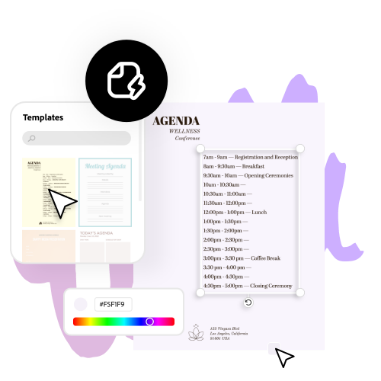
Daily planner design made easy.

Plan out your day with the Adobe Express free planner design tool. Choose from templates to personalize based on your needs, or design your own planner from the ground up. Set up your planner in rows, columns, blocks, or whatever way works best for your needs. Adobe Express is available on web and mobile, so you can update your daily planner anytime, anywhere.

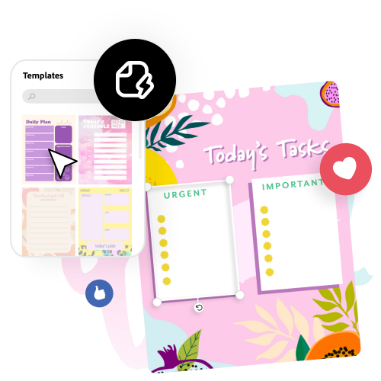
Let Adobe Express be your daily planner design expert.
Explore professionally designed templates to get your wheels spinning or create your daily planner from scratch. Establish a theme for your designs using photos, icons, logos, personalized fonts, and other customizable elements to make them feel entirely authentic. With Adobe Express, it's free and easy to make, save, and share your designs within minutes.
The world's leading businesses use Adobe Express.





Discover even more.

Frequently asked questions.
Can I upload my own logo or photo to make the daily planner?

Of course. Upload your logo, photos, or branded imagery right from your device and add to your daily planner. With a premium plan, you apply your branding, logo, colors, and fonts in one tap.
How do I organize my daily planner?

Where can I find ideas and inspiration for my daily planner design?
Can I create my own daily planner template?
Can I get Adobe Express for free? If so, what’s included?
Can I upload my own logo or photo to make the daily planner? opened
illustrator

