Make YouTube thumbnails for free in minutes.
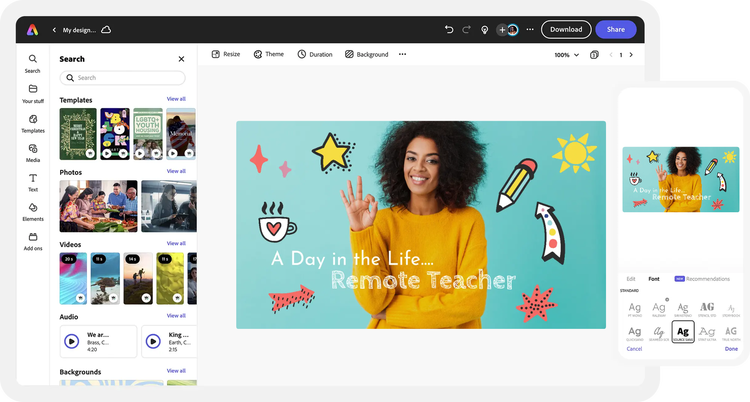
Your thumbnail is the first thing a viewer sees. Create attention-grabbing YouTube thumbnails for your channel in just a few taps. Get started with free templates you can customize to make a click-worthy thumbnail in Adobe Express.

Make YouTube thumbnails for free in minutes.
Your thumbnail is the first thing a viewer sees. Create attention-grabbing YouTube thumbnails for your channel in just a few taps. Get started with free templates you can customize to make a click-worthy thumbnail in Adobe Express.

Easy all-in-one editor

One-click edits from any device

Fast creation with generative AI

Thousands of professionally-designed templates
Easily get started in Adobe Express.
- Templates
- Upload Content
- Stock Content
- AI
Upload or import your content.
Add your own photos or videos and start your creation from there. You can also import your PSD or Ai files and Adobe Express will recognize all of your layers.
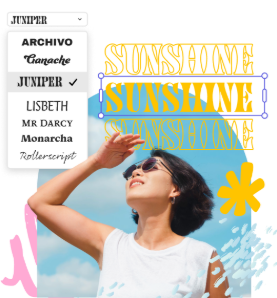
Upload your photos or videos
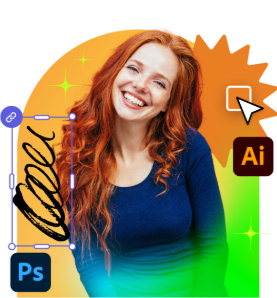
Upload your PSD or Ai files
Upload or import your content.
Add your own photos or videos and start your creation from there.
Upload your photos or videos
Start from our collection of stock photos, videos, and audio.
You can start your project from the Adobe Stock royalty-free photo, video, or audio collection.
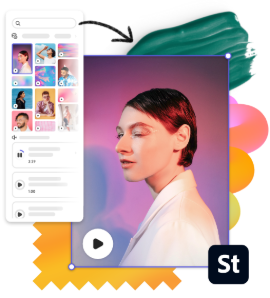
Start with video
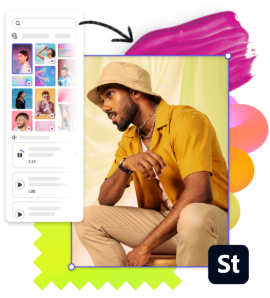
Start with photo
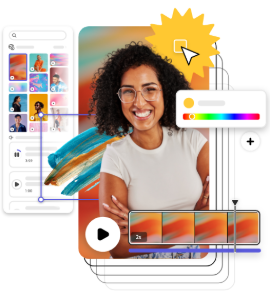
Start with audio
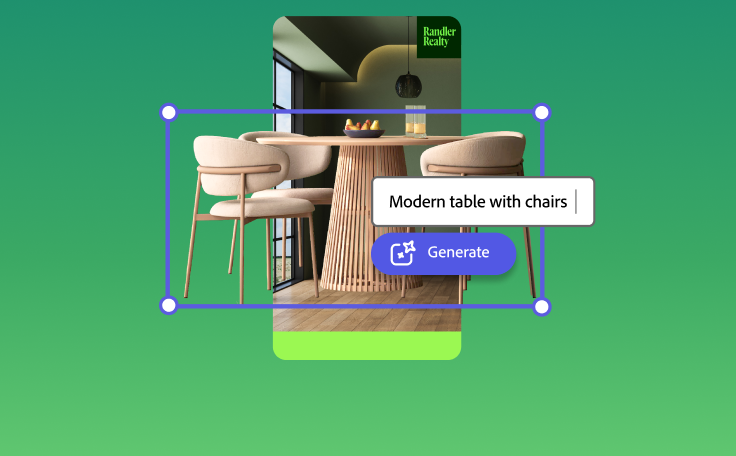
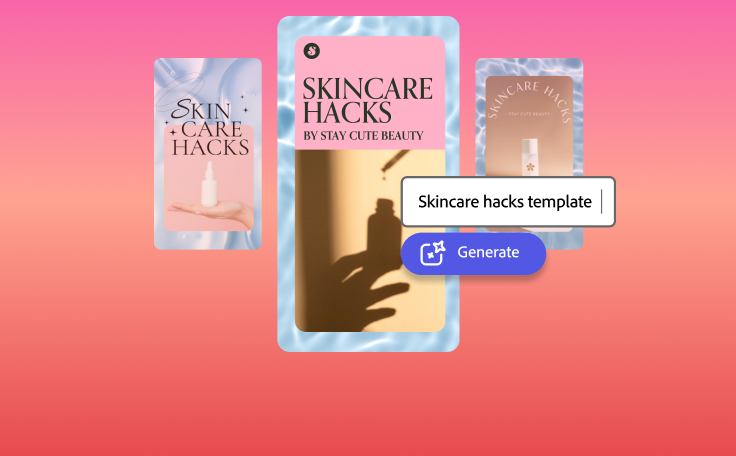
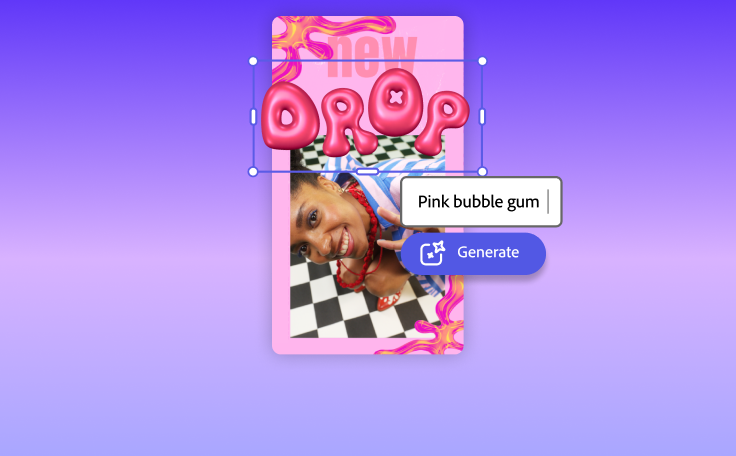
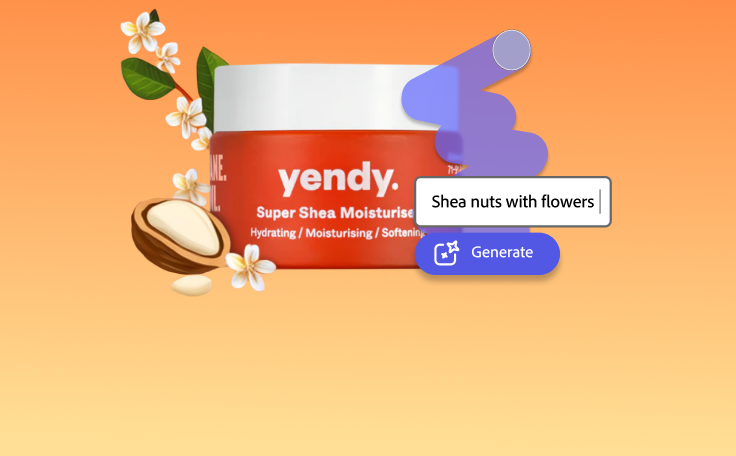
Imagine and create from a text prompt.
Your imagination is your only limitation. You type it. Adobe Express generates it.
How to make YouTube thumbnails.
See what people are saying about Adobe Express.
Abs Ahlijah
Marketing & Content Coordinator @ Soul Session

Liz Mosley
Owner, Liz Mosley Design
Penuel Stanley-Zebulon
Student @ Pennsylvania State University
Attabeira German de Turowski
Owner, Attabeira Oneline
Mike Nappi
Owner, NappiMusic
Discover even more features for easy content creation.

Customize your YouTube thumbnail design.
Thumbnails display as small as 168x94px on mobile, so you can keep text to 3–5 words, use high-contrast colors, and avoid the bottom-left corner where YouTube's duration badge appears. Adobe Express sets your canvas to 1280x720px by default, the right size from the start.

Build your audience with our thumbnail creator.
With Adobe Express, you don’t need an idea in place before beginning the design process. Even if you don’t know exactly how you want your YouTube thumbnail to look, you’ll have tons of free templates to choose from to get you inspired. Search by topic, niche, or aesthetic to see what other designers have created. Or you can start from a blank canvas and drag and drop icons, graphics, text, and so much more to your project until you have your desired YouTube thumbnail design.