132 18th birthday captions to celebrate your big milestone.
You only turn 18 once, so why not make it a moment you’ll remember forever? Turn your favorite moments into scroll-stopping content with these 18th birthday captions and Adobe Express.
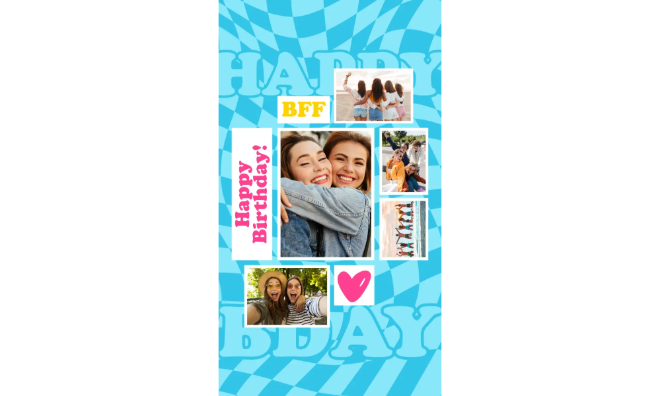




Creative 18th birthday captions that will make your post pop.
Welcome to the rollercoaster ride that is adulthood. From glow-ups and cake-cutting fails to emotional throwbacks, your birthday deserves captions that match the moment.
Adobe Express gives you everything you need to level up your posts. Go beyond the basic and craft something unforgettable, whether it’s a mini digital photobook or an animated Instagram carousel. Turn your favorite 18th birthday captions and photos into a birthday reel or remix ready-made templates to create a caption-stacked zine. The best part? You can do all that and more with no design experience needed.
Whether you’re memorializing your teen years or just making your friends laugh-cry, Adobe Express makes it easy to turn your 18th birthday captions into creative keepsakes you’ll actually want to save.
18th birthday captions that capture your favorite memories.
Turning 18 marks the start of your story’s next big chapter, and these 18th birthday captions help you capture that energy, excitement, and individuality.
Whether you’re sharing a photo dump or that perfect party selfie, Adobe Express can help bring these moments to life. Try the photo collage maker to highlight your top 18 memories or design a digital photobook that documents your journey. Layer in textures, animated fonts, and bold overlays to highlight your biggest milestones in full color.
Turn your favorite 18th birthday captions into an animated birthday invite. Add GIFs, animated confetti or sparkles, audio, and even video clips. Launch the flyer maker to start designing your party invitations.
recipe
Funny 18th birthday captions.
Let’s be real here for a sec: turning 18 doesn’t mean you suddenly have life figured out. If anything, it’s becoming more chaotic—and maybe even funny.
These funny 18th birthday captions bring out the humor in growing up (but not too fast). Use Adobe Express to turn your best fails and LOL-worthy photos into playful flyers, cards, or meme-style posters you can print or share online.
Take your creative projects a step further by adding some quirky fonts, inside jokes, or original doodles to keep things lighthearted and personal.
Laugh your way into adulthood with these birthday captions and creative ideas.
Take these funny 18th birthday captions to the next level by pairing them with hilarious illustrations. It’s a quick and easy way to make the celebrant laugh while making something they’ll definitely love.
18th birthday captions for a girl.
From sparkly shoes to grown-up goals, turning 18 is a whole new vibe. These 18th birthday captions for a girl celebrate confidence, creativity, and everything in between.
With Adobe Express, you can design a dainty floral-themed birthday card with soft textures and script fonts, or build a caption-driven carousel featuring 18 different photos that help tell her story. These birthday captions are perfect for besties planning a surprise post or siblings putting together a heartwarming tribute. Knock it out of the park with animations or gold foil accents to give your posts that extra wow factor.
Here’s a sweet tribute that the celebrant will treasure: a letter series. Use the letter templates to write letters focusing on 18 things. For example, you can share 18 of your favorite memories with the celebrant or include 18 photos with a short caption for each.
18th birthday captions for a boy.
Just turned eighteen and ready to take on the world? Let’s go. These 18th birthday captions for boys are built for big energy, bold vibes, and showing off confidence.
Use Adobe Express to design scroll-stopping social posts and creative projects. Craft a digital photobook with gritty textures and layered graphics, or design an aesthetic mood board using the poster maker. Add these 18th birthday captions and throw in visuals that match the celebrant’s style.
Aesthetic 18th birthday captions to elevate your feed.
If your birthday vibe is all dramatic lighting, soft gradients, and dreamy edits, then these aesthetic 18th birthday captions are made for your feed. Think: muted palettes, minimalist text, and artsy captions.
Keep the vibe going with Adobe Express. Use the poster maker to design a captivating quote card or design a whimsical digital collage with looping text and vibrant filters like Vivid and Color punch. Add translucent overlays and subtle animation effects to complete the look.
If you’ve always wanted to put a fresh spin on your social media videos, this tutorial from Claudio Zavala Jr. shows you how to overlay videos using Adobe Express. This technique is great if you’re planning to make video content like tutorials or behind-the-scenes clips.
How to create scroll-stopping 18th birthday captions.
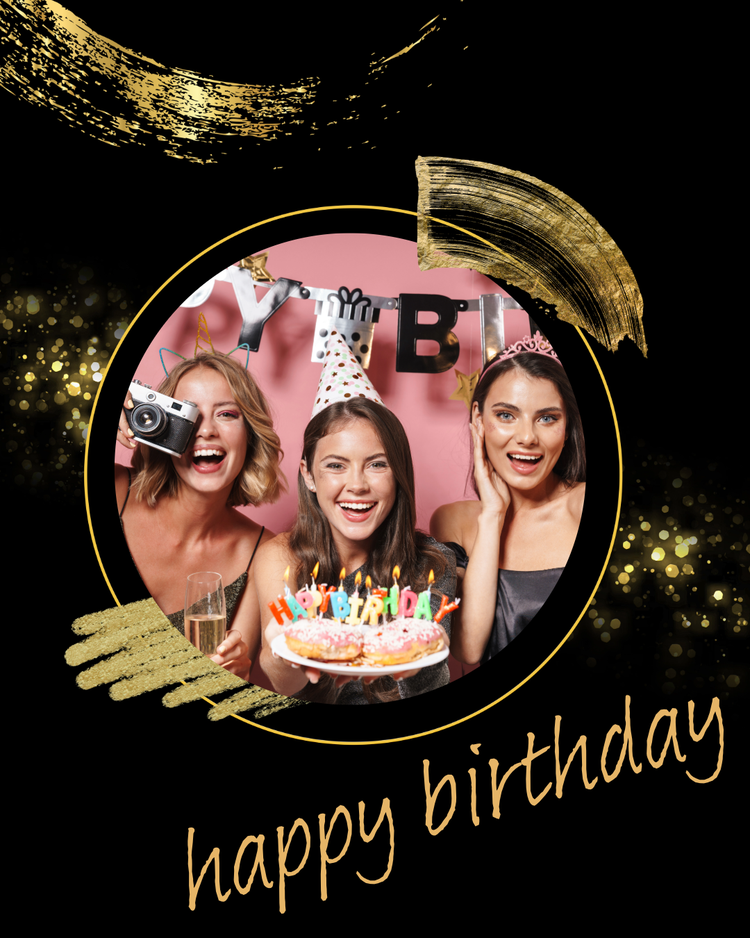
Short captions for an 18th birthday that will make any post stand out.
When your photo already speaks volumes, all you need is a caption that delivers maximum impact. These short captions for an 18th birthday are punchy and perfect for letting your visuals shine.
Want a fun way to showcase them? Use Adobe Express to create a striking quote reel with animated text, or design a cool flyer using minimalist fonts and a pop of color. In minutes, you can design scroll-stopping visuals ready to share with your audience or loved ones. Create and edit designs regardless of skill level.
recipe
Cute 18th birthday captions.
If your birthday post is full of confetti, smiles, and maybe a cupcake selfie or two, you’re in the right place. These cute 18th birthday captions bring sweetness and charm—and with Adobe Express, you can turn those adorable vibes into showstopping, share-worthy designs.
Try making a pastel-themed card with a punny message using the free card maker, or design a photo grid collage filled with your cutest growing-up pics. Add stickers, hearts, and bubbly fonts to match the mood.
Go all in with the cuteness and design an adorable card. Add an original illustration. Bonus points if it’s something the celebrant loves, like cute animals or cute versions of their favorite anime character. Pair that with pastel colors or charming fonts.
Here’s an equally cute alternative: make a collage-style card with the celebrant’s childhood photos. Add doodles or crayon scribbles. Don’t forget to add charming sticker icons to make your design pop.
Simple 18th birthday captions that still make an impact.
No frills. Just you, turning 18, and keeping it classic. These simple 18th birthday captions get straight to the point, because sometimes, that’s all you really need.
Want to make something special without overthinking it? Use Adobe Express to design a clean, modern poster or flyer using favorite photo and one of these no-fuss captions. Add a soft background and date stamp for that elevated but effortless birthday celebration vibe.
While we’re on the subject of memories, why not design a milestone poster for the celebrant? Use the poster maker to make a “roadmap” showcasing their highlights or best moments for each year. Add these simple 18th birthday captions along with photos or other digital “mementos” like clips or audio from their loved ones to make your tribute extra special and meaningful.
Good captions for an 18th birthday.
Not sure what to say but still want your post to pop? These good captions for an 18th birthday are easy wins. They’re relatable, confident, and full of positive energy.
Pair them with a polished creative project designed in Adobe Express. Create a high-impact banner for your socials or surprise your guests with a fun flyer for your birthday bash. Upload your photo to Adobe Express (select Media on the left navigation pane, then click Upload from device), pick a font and color pairing, and you’re good to go.
You can even add design assets, icons, video clips, and even audio to transform your post.
Use the banner maker to design a digital birthday banner that matches the celebrant’s personality. For example, if they like sparkly things, add sparkle-themed photos or clips paired with a glittery font.
Select Text on the left navigation menu and click the Add your text button. Write your caption and choose a font style that complements your design. Can’t find the perfect font? Select your text, then choose Effects (under the Text tab).
Under Generate text effects, click on the pencil icon and write your prompt. Customize the style and tint, and preview your options. If you need some design inspo, check out the Inspirations section for ideas.
18th birthday captions for myself.
This one’s for you, the main character of the day. These 18th birthday captions help you own the moment with confidence, humor, or a little of both.
Design a carousel with animated captions that evolve with each photo. You can also add your favorite birthday captions and make your own letter templates to share online. To make a template in Adobe Express, click the Share button and select Make a template. Add a name for your template, choose the save destination, and click Create template link.
18th birthday captions for friends.
Got a bestie who’s turning 18? These captions are made to help you celebrate them in style. From inside jokes to heartfelt messages, show them some love with these 18th birthday captions for friends and a little creative flair.
Adobe Express lets you design cute greeting cards, fun birthday collages, or even surprise party flyers to print or post. Add sparkly fonts, fun party icons, and their most iconic pics to create something they’ll never forget.
Use Adobe Express to make something special for your friend’s birthday. Use their favorite things as design inspiration. For example, use a folk botanical style if they love flowers and whimsical design. Place your caption in the middle to serve as a focal point, then add dainty watercolor floral borders.
recipe
How to write unforgettable 18th birthday captions.
Need help crafting standout 18th birthday captions? We’ve got you covered with these tips.
- Add a hook. Grab your audience’s attention with a strong hook at the beginning of your birthday caption. Pique their interest with a question, a bold statement, or something unexpected, and make your caption stand out.
- Keep it short. When writing short birthday captions, try to make it meaningful as well. For example, share a quick anecdote, fun facts, or your favorite memory with the celebrant. You can even add a short joke if they have a great sense of humor.
- Throw in a fun, unexpected twist. For example, start writing a serious caption and then end it with something unexpected like a joke or pun.
- Include visual cues. These encourage your audience to engage with your post while guiding them at the same time. For example, something like “Swipe to see all my hilarious photos” or “Click on the photos to read my story” is a great way to start.
Birthday captions made even better with Adobe Express.
Your 18th birthday is a huge milestone—so ditch the basic birthday captions.
Adobe Express makes it ridiculously fun and easy to turn your favorite captions into animated invites, scroll-stopping social media posts, and more. Use beginner-friendly tools and features like remixable templates, thousands of fonts and design assets, photo filters, and animation effects to bring these captions to life with a few clicks.
Go ahead and start designing something that’s totally you.