Convert a WebP image to GIF for free.
Turn the internet into your playground by turning WebP files into animated GIFs in Adobe Express. Just upload your images to transform them into a 5-second GIF seamlessly.
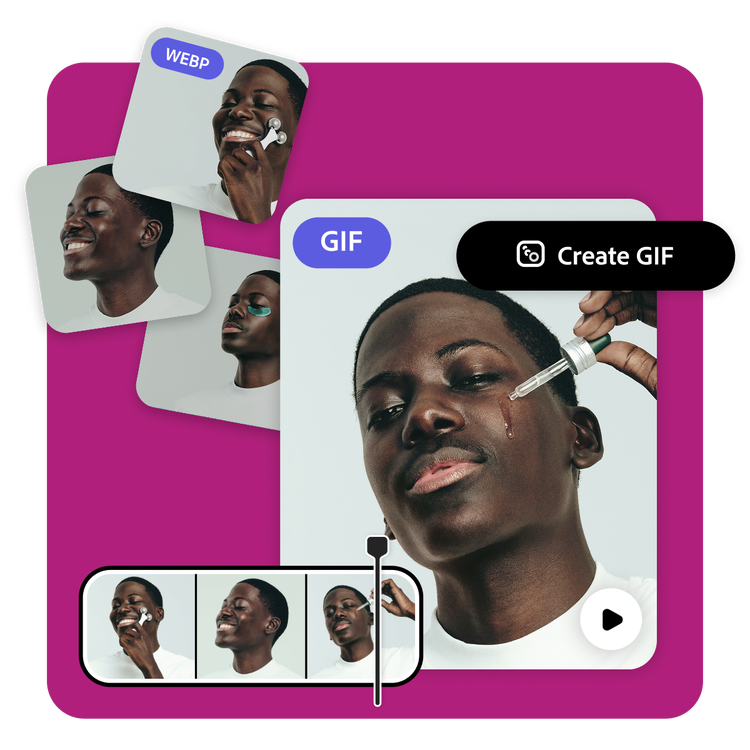
How to convert a WebP image to GIF.
1. Upload.
Drag and drop your images to the WebP to GIF converter. Watch as your WebP images are converted in seconds.

2. Customize.
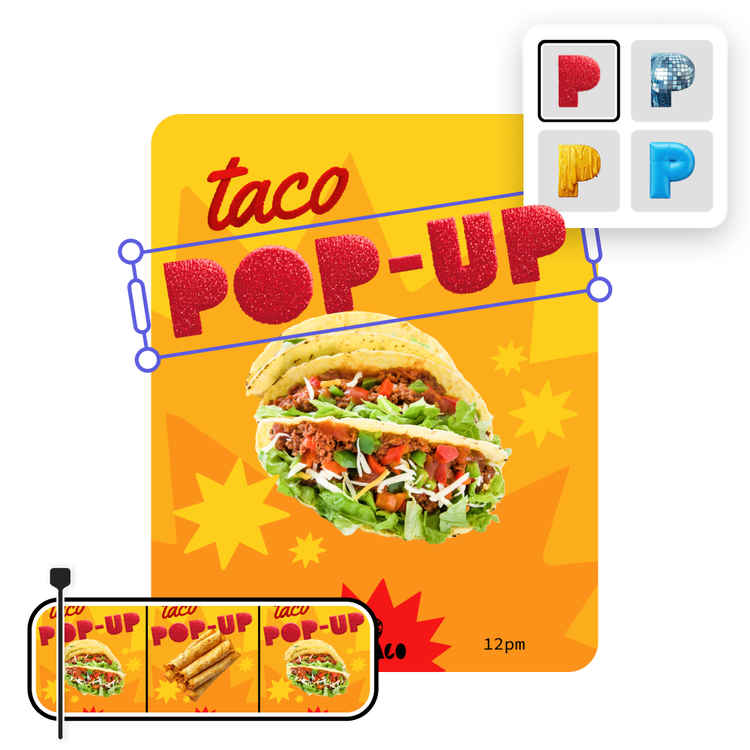
Use the timeline to make adjustments to the duration of your GIF. Split, cut, or trim for the perfect length. Add text, graphics, or filters for further personalization.

3. Download and share.
Download your new animated GIF or keep editing within Adobe Express. Add text and design elements to transform your GIF into an engaging social post, meme, and more.
Make your web content more engaging.
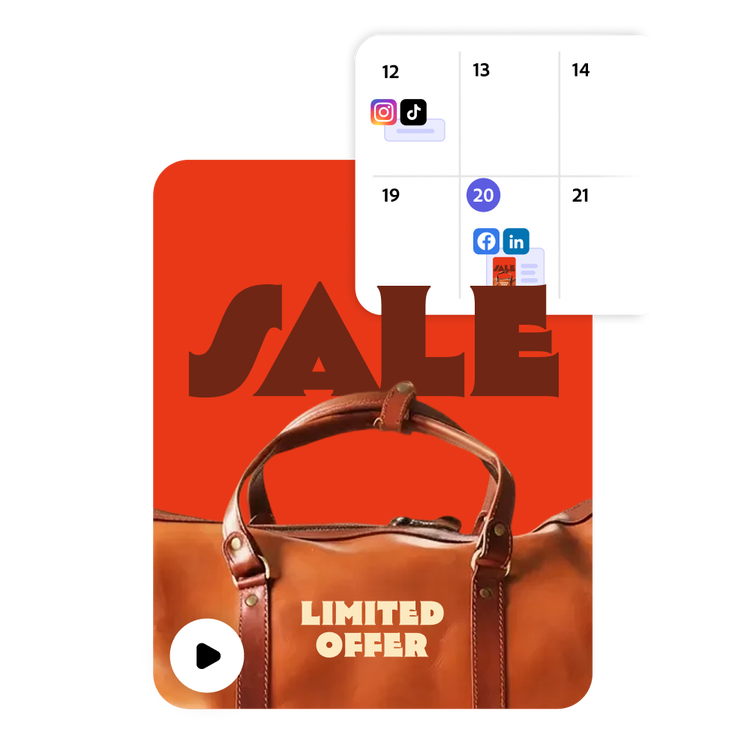
Turn WebP images from your website (like portfolio or product shots) into a showstopping GIF. Highlight what you can offer using existing images. Just download the image from your site and upload it directly to the WebP to GIF converter. When you’re finished, use the built-in Content Scheduler to plan and publish your social posts to your favorite channels.
Create perfectly timed animated GIFs.
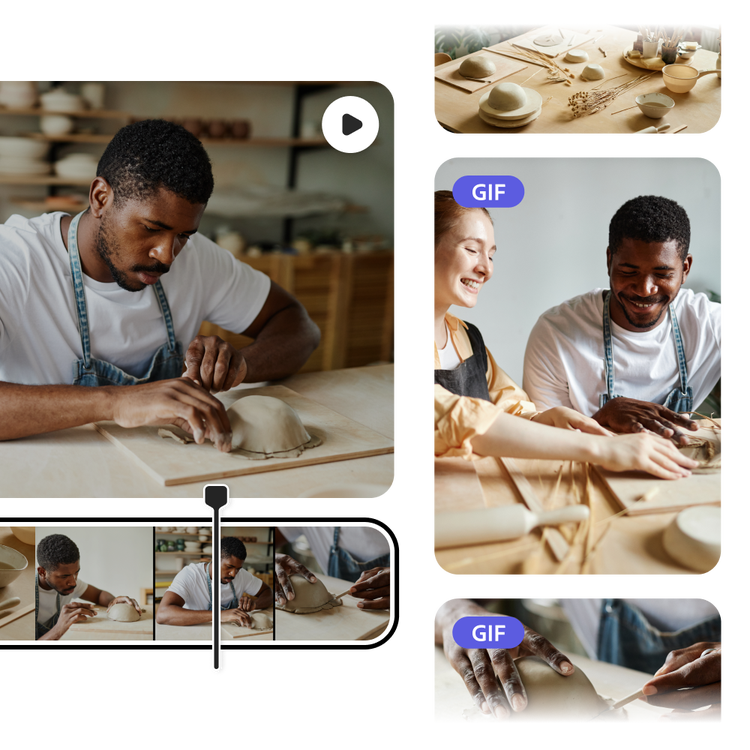
You can make adjustments to the duration of your GIF with the timeline. Split, cut, or trim for the perfect length. Use the WebP to GIF converter to demonstrate your new game, highlight a joke from your comedy show, or promote a workshop. Anything you can imagine can be turned into a GIF.
Go beyond static images.
Elevate your business promotions when you edit your GIF in Adobe Express. Enhance your WebP images with filters, Text Effects, and so much more. Once perfected, effortlessly transform these images into eye-catching animated GIFs that draw attention and generate excitement among your audience.

Hundreds of thousands of templates and assets to start customizing today.
Get inspired and save time with expertly designed templates to get you started. Adobe Express has an ever-growing collection of portrait, landscape, square, and vertical templates to create designs that stand out on any channel, any device.