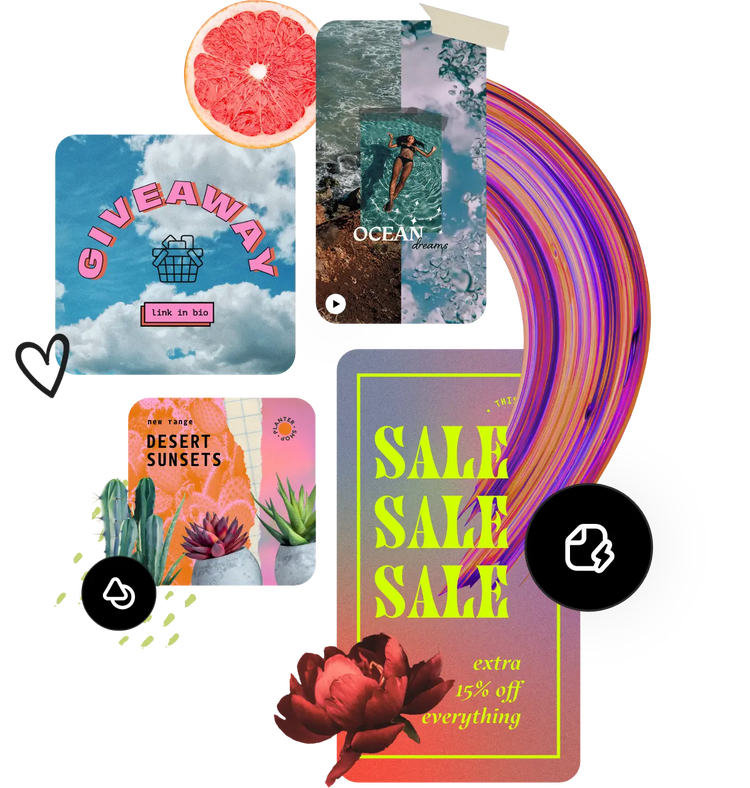
Free online image editor.
Easily edit images using the online photo editor in Adobe Express, the quick and easy create-anything app. Turn your images into social posts, flyers, and more to stand out.
Free online image editor.
Easily edit images using the online photo editor in Adobe Express, the quick and easy create-anything app. Turn your images into social posts, flyers, and more to stand out.
Free online image editor.
Easily edit images using the online photo editor in Adobe Express, the quick and easy create-anything app. Turn your images into social posts, flyers, and more to stand out.
Drag and drop an image
or browse to upload.
File must be JPEG, JPG, PNG or WebP and less than 40MB
By uploading your image or video, you agree to the Adobe Terms of use and Privacy Policy

Collection ID
(To pull in manually curated templates if needed)
Orientation
(Horizontal/Vertical)
Width
(Full, Std, sixcols)
Limit
(number of templates to load each pagination. Min. 5)
Sort
Most Viewed
Rare & Original
Newest to Oldest
Oldest to Newest
Premium
(true, false, all) true or false will limit to premium only or free only.
Animate your images online with Adobe Express.
Transform any image into an animated design with the animation design tool from Adobe Express. Select from a library of animation effects to add life to the photo in your design. Use this tool to capture the attention of your audiences across your digital platforms.
Collection ID
(To pull in manually curated templates if needed)
Orientation
(Horizontal/Vertical)
Width
(Full, Std, sixcols)
Limit
(number of templates to load each pagination. Min. 5)
Sort
Most Viewed
Rare & Original
Newest to Oldest
Oldest to Newest
Premium
(true, false, all) true or false will limit to premium only or free only.
Make photo collages in seconds.
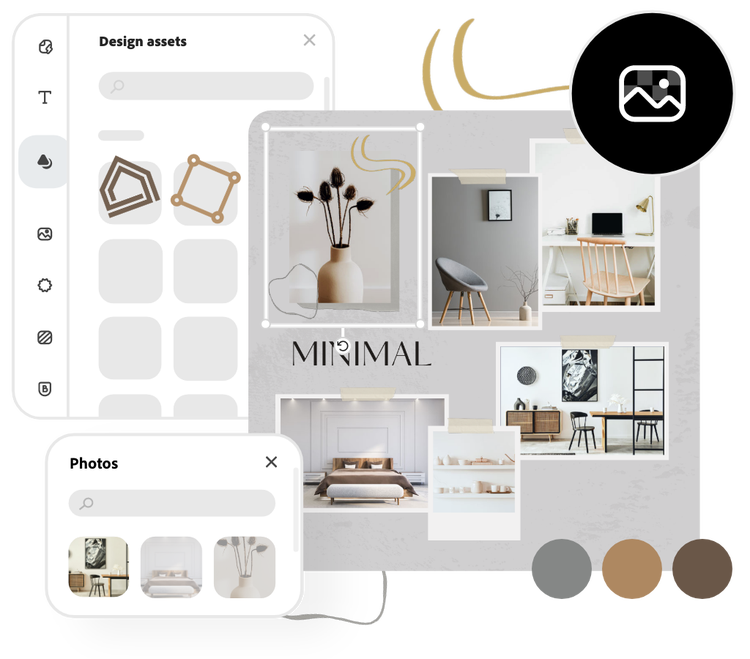
Bring multiple images together to create a stunning photo collage. Organize your pictures by hand, start with a template, or use the preset layout options for collaging. Add text, graphics, and icons as the cherry on top of your photo collage design.
Collection ID
(To pull in manually curated templates if needed)
Orientation
(Horizontal/Vertical)
Width
(Full, Std, sixcols)
Limit
(number of templates to load each pagination. Min. 5)
Sort
Most Viewed
Rare & Original
Newest to Oldest
Oldest to Newest
Premium
(true, false, all) true or false will limit to premium only or free only.
Remove background.
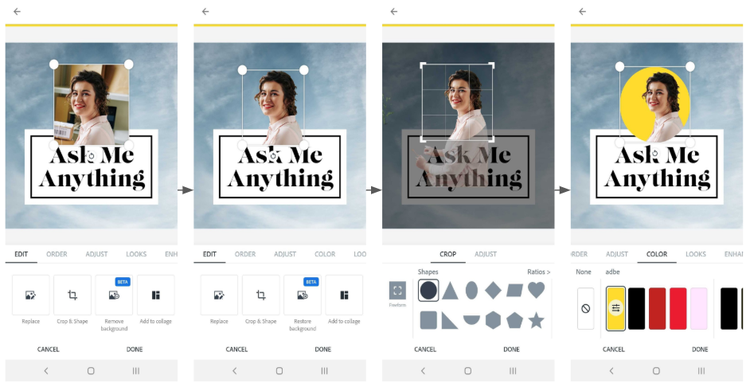
Use the remove background tool to highlight the subject of any photo. Select your image, select the Remove Background option, and watch as Adobe Express works its magic. Add a shape crop to your newly edited image to make it stand out even more.
How to edit photos using Adobe Express.
Start editing your photos in seconds.
Adobe Express features built-in photo editing functions to make it the ideal tool for perfecting pictures. The easy-to-use free photo editor offers scaling, sizing, filters, enhancements, and excellent text overlay options for professional quality results right at your fingertips.
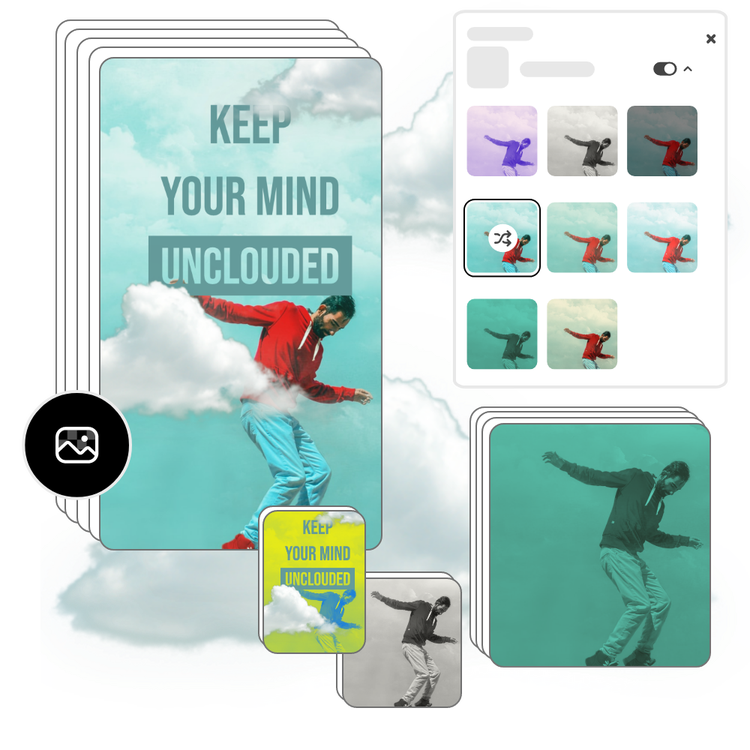
Edit with filters and enhancements.
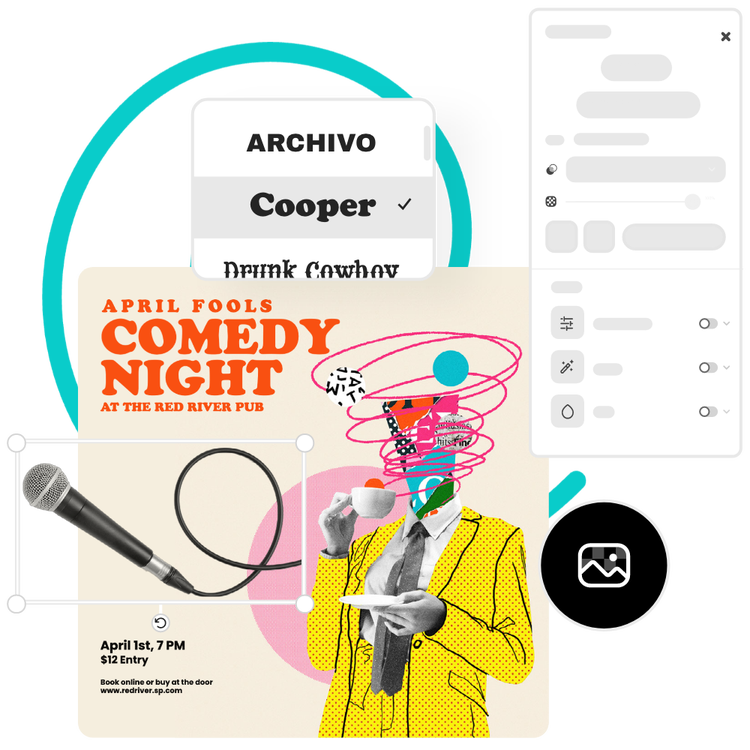
Select your photo to access the editing menu options. Browse through preset filters to add depth and style. Use the Enhancements menu to make detailed edits with sliders for contrast, brightness, saturation, warmth, or sharpening. Play with the Blur effect for transforming your image, and pair it with the Remove Background tool to create perspective.
Resize and crop your photo.
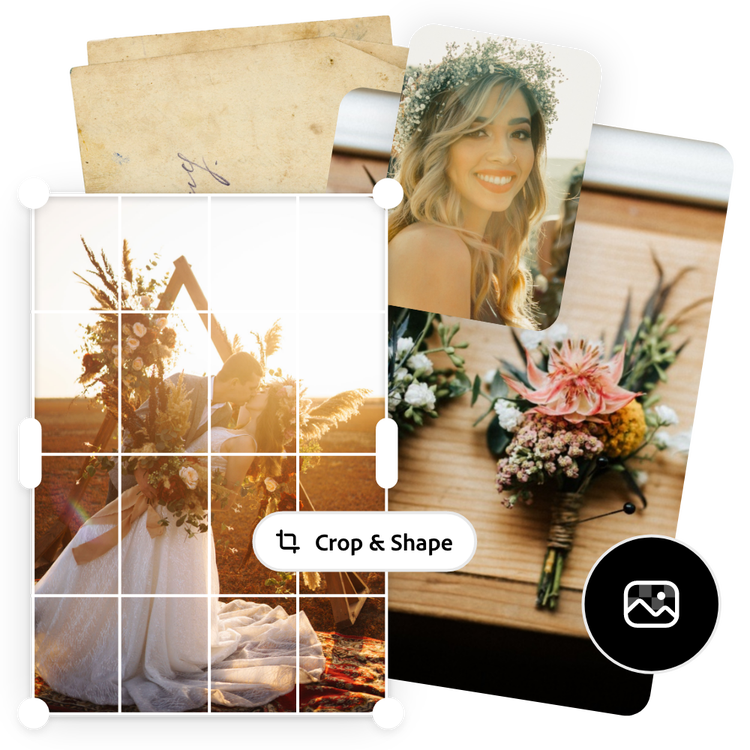
Once you’ve reached the perfect edit for your photo or design, choose the Resize tool and a world of photo formatting options is at your fingertips. Select from social post sizes, social media profile photo sizes, print options, and more. Play around with crop sizing formats like heart, star, and circle shapes to place your images in. Under the Edit menu, you can also explore with Crop & Shape to rotate, scale, nudge, or flip your photo until the perfect composition is achieved.
Stand out with Adobe Express.
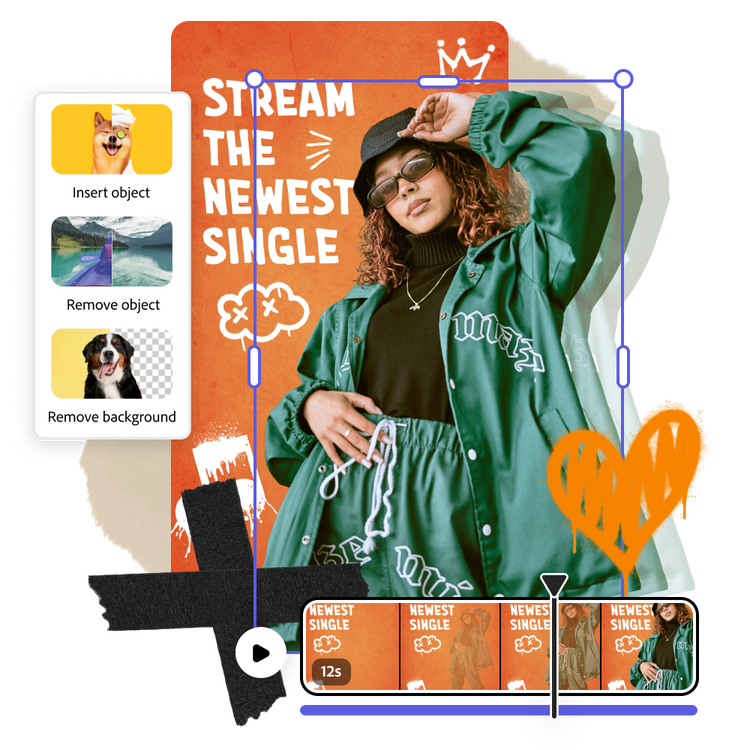
Create captivating content with powerful generative AI at your fingertips using Adobe Express, the quick and easy create-anything app. Make impactful social posts, flyers, posters, documents, presentations, and so much more quickly and easily, all in one place. No experience required.
Tons of free templates, video, and audio assets to start from.
Turn your newly edited image into a stunning flyer, social post, album cover, profile photo, and unlimited other designs. Explore our template library to get started in the picture editor. Then, add other pre-loaded design assets, fonts, icons, or GIFs to personalize your image. There are endless creative opportunities to elevate your designs.