Free QR code generator: create custom, branded QR codes.
Generate a free QR code for any URL in seconds. Customize colors, add your logo, and download as PNG, JPEG, or PDF. QR codes created with Adobe Express never expire, making them ideal for business cards, menus, event flyers, classroom materials, and marketing campaigns.
Enter your URL
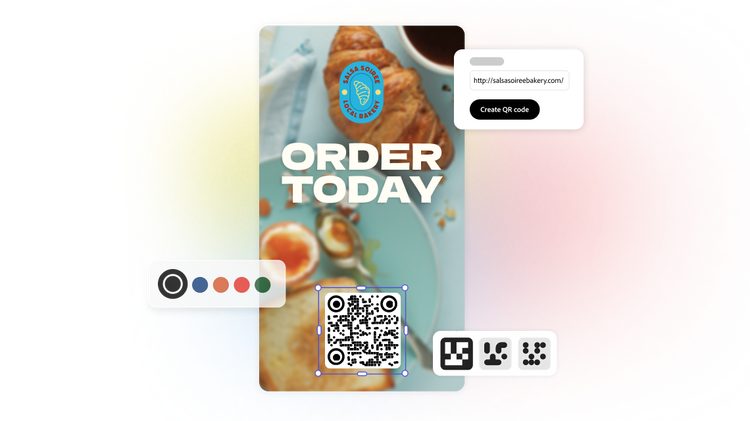
How to create a QR code.
1. Generate.
Open the QR code generator, enter a URL, and tap the Download button. The image instantly changes to show your new QR code.
2. Personalize.
Customize the style and color of your free generated QR code to match your branding.

3. Continue editing.
Download the QR code image in your preferred file type. Or, upload it to any Adobe Express project to keep editing.
Get started on your QR code in seconds.
Generate a custom QR code directly in your browser - no special software of app download is required. Enter your URL, customize the colors and style to match your brand, and download in your preferred format. Drop your finished QR code into any free Adobe Express template to use it straight away.

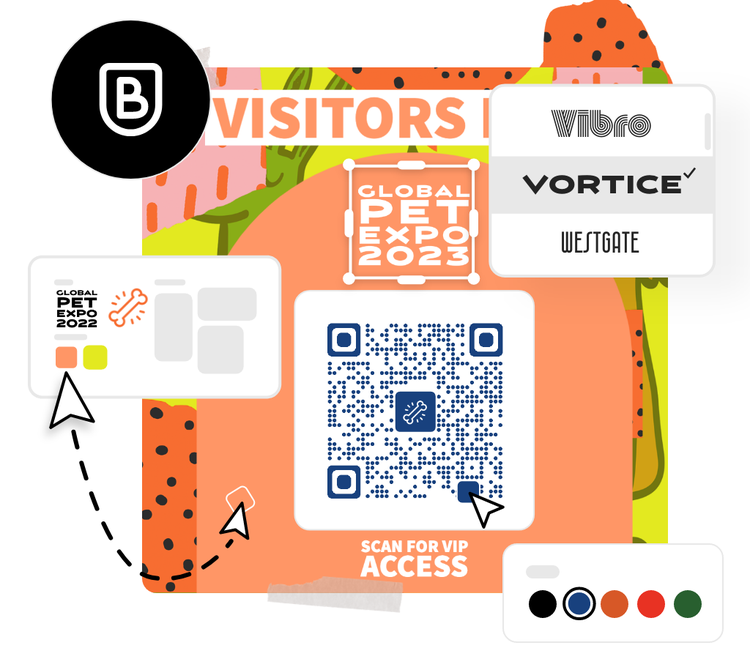
Make a QR code that stands out.
Every QR code you create in Adobe Express is fully customizable. Change the colors or adjust the style to make your code instantly recognizable. Download as PNG, JPEG, or PDF and use it across print and digital materials with ease.
Do more with your QR code.
QR codes are one of the most versatile tools in your marketing toolkit. Use them on business cards, menus, event signage, product packaging, and brochures to drive traffic, collect feedback, or share contact details. Make it easy for customers to find your support phone number or address so they can message you or connect in person.
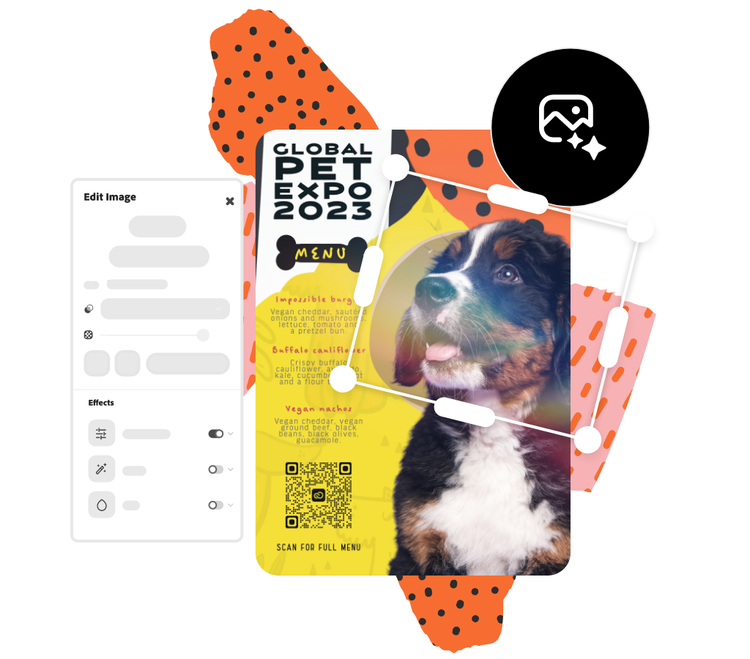

Stand out with Adobe Express.
Adobe Express is a free all-in-one tool for creating social posts, flyers, presentations, videos, and more. With thousands of customizable templates, Adobe Stock assets, and generative AI, you can produce professional content in minutes. No previous design experience is required.
Choose from thousands of templates.
Add your QR code to any expertly designed Adobe Express template and put it to work immediately. Link directly to videos, campaign landing pages, brochures, feedback forms, and more. You can even embed a QR code in a PDF version of your flyer or business card, giving anyone instant access to your content with a single scan. Available on any device. Adobe Express templates help you stand out on any channel and every device.
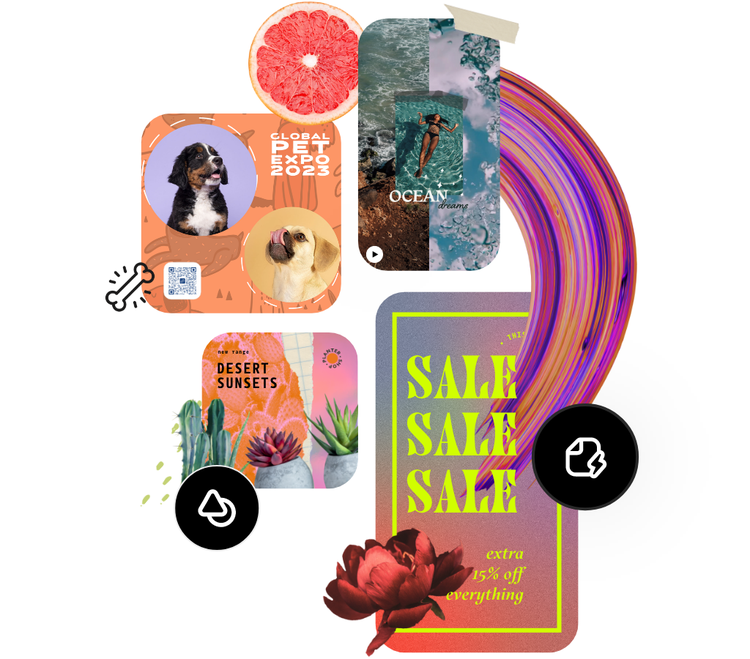
Easily create custom QR codes for different content.
Adobe Express makes it simple to generate a QR code for almost anything. Link to a website, landing page, social media profile, product listing, or business card. Enter your URL or content, customize the design to match your brand, and download in seconds.
No experience required. The best part? Your QR codes never expire. Unlike other free tools that put a time limit on generated codes, QR codes created with Adobe Express stay active for as long as you need them. Download in PNG, JPEG, or PDF and use them across print materials, digital campaigns, packaging, and more.
Customize free QR codes from any device.
Adobe Express works on smartphone, tablet, and desktop with nothing to download and no compatibility issues. Start from scratch or choose from a library of professionally designed QR code templates. Either way, you have full control over the look and feel of your code.
Use the online editor to build a color palette that matches your brand, add a custom frame, or upload your logo directly into the center of your QR code using the drag-and-drop editor. Whether you are a small business owner, marketer, educator, or freelancer, creating a branded QR code takes just a few clicks. Download your finished code in PNG, JPEG, or PDF and it is ready to use wherever you need it.