

Convert your videos into slow motion for free.
Transform your video with the free slow motion video maker. Choose your preferred slow speed and download instantly.
1. Select.
Upload a video from your device. Choose any video up to 1 hour long.
2. Change speed.
Choose from different speeds to slow down your video.

3. Continue editing.
Instantly download your new video or keep editing.

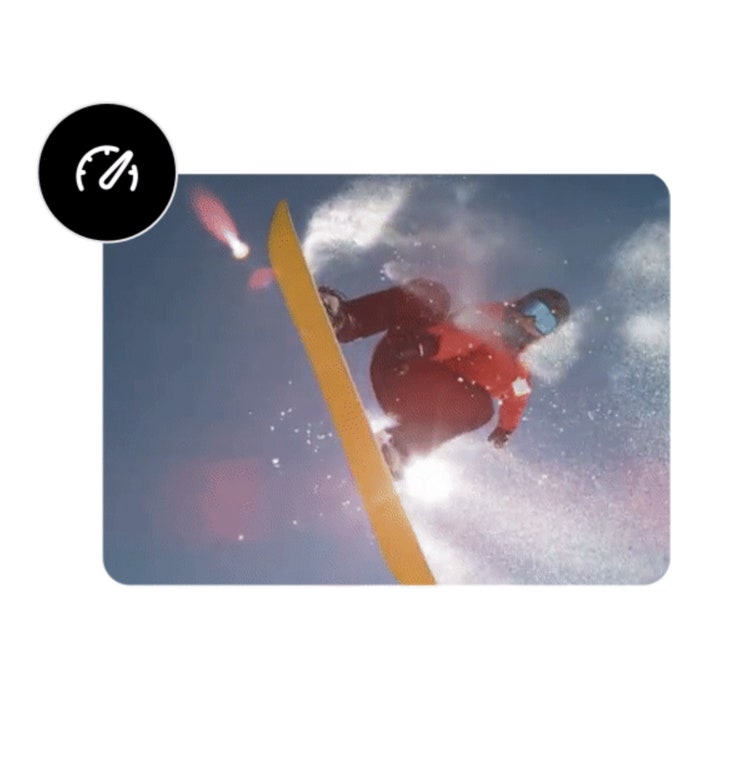
Create a slow motion effect by slowing down your video clip.
Choose from different speed options to slow down your video to just the right pace. Preview your changes as you go and continue to adjust as needed.
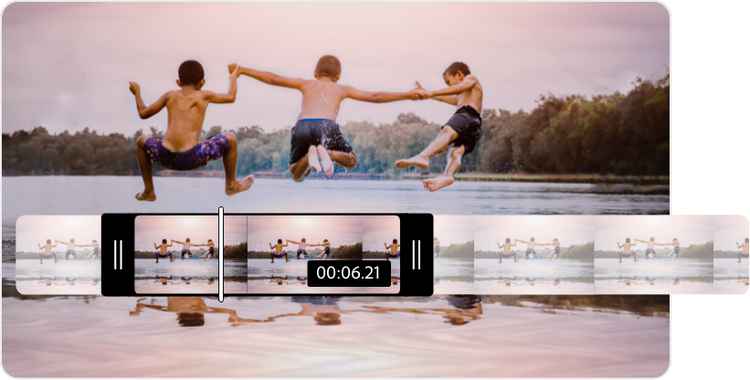
Trim your video to just the right length.
Slowing down videos can make them into much longer clips, so get right to the good stuff with the video trimming tool. Use the handlebars to set your parameters so you can trim to exactly the moment you want to focus on.

Mute the audio in your video clip.
Slowing down videos can affect the audio in your clip, so select the Mute option if you wish to remove the audio from your newly edited video.
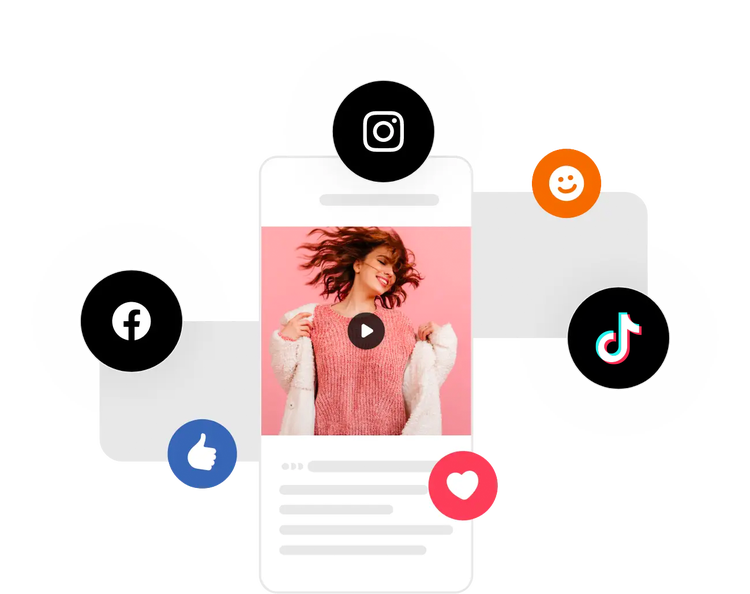
Share your edited video clip with your audience.
Once you’re happy with your edits using our slow motion app, you can instantly download your video to publish directly to any of your digital platforms.
Do more with your videos on the go.
Adobe Express lets you make professional quality edits to your videos for free in seconds. Shoot, edit, and share videos from your device to share across all your channels. Confidently create with the power of Adobe at your fingertips.
Frequently asked questions.
How do I slow down a video for free?
Upload your video to the Adobe Express slow motion video app. Then, choose your preferred new video speed. Select the Mute option if you want to remove the audio, or keep it on to see how it changes in your edits. Instantly download your newly edited video to your device.
Can I make a video into slow motion on my phone?
Absolutely – our free slow motion video tool works the same on both desktop and mobile. Simply launch the change video speed tool, choose your video to upload, and edit to perfection.
Can I make a slow-motion video back to normal speed?
Our change video speed tool can get you pretty close. Upload your slow-motion video, then change the speed to fast or super-fast, depending on your preference.
Can I make a video slow motion for Instagram?
Yes, Adobe Express makes it easy to make slow motion videos to share to your Instagram story. Edit your videos with our change video speed tool in minutes. You can also pair this tool with our free video resizer if you need to crop your video to fit on Instagram.
Can I get Adobe Express for free? If so, what’s included?
Yes, we have a free plan available for anyone. Enjoy everything you need to stand out, including thousands of templates, hundreds of Adobe Stock images, photo editing and effects, and much more. Visit our plans and pricing for details.

